



Overview
Background tasks are available in Passwork 5.1.0 and above
Background tasks are tasks performed by Passwork in the background according to a specific schedule. For example, LDAP synchronization, favicon downloading, and other tasks that require time and resources to process.
To view the list of scheduled tasks and check settings, go to the Background Tasks section:
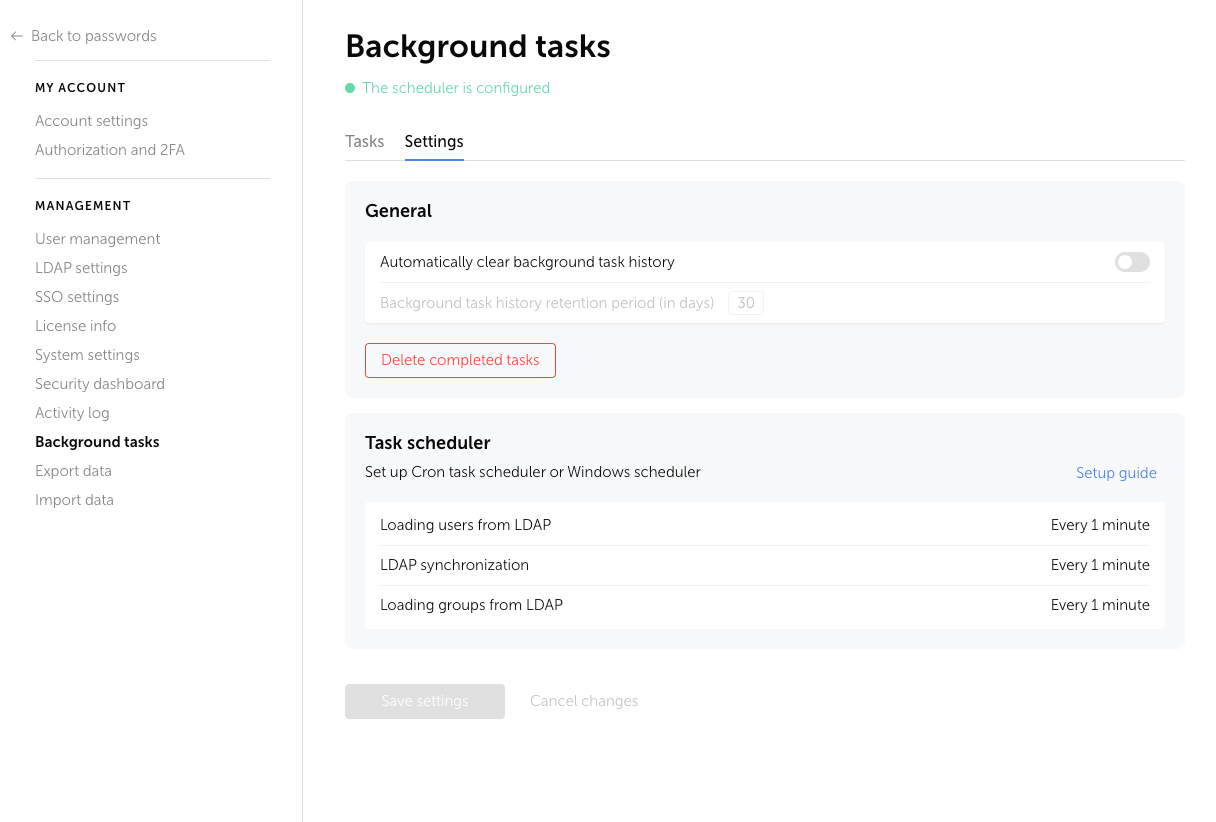
To manage background tasks, you need to configure the operating system scheduler Cron (for Linux) or Task Scheduler (for Windows Server).
Configuration must be performed directly on the server where Passwork is installed
The script will analyze which tasks need to be run and create a separate thread for each task. During execution, each task writes a log to the folder ./files/logs/tasks/ in files named like ./task-*.log.
After the task is completed, you can view and download the log from the Background Tasks → Task History page.
System logs of the Passwork task scheduler (with errors) are located in ./files/logs/tasks/