



Initial data migration
Before starting the process, you need to create a backup of the MongoDB databases. Without a backup, data recovery in case of incorrect process completion will be impossible, and Passwork technical support will not be able to assist.
Basic information
Initial migration is necessary to prepare for the main data migration and use in Passwork version 7.
Before performing the Initial Migration, you can configure the display of a warning banner at the top of the Passwork screen in the web interface:
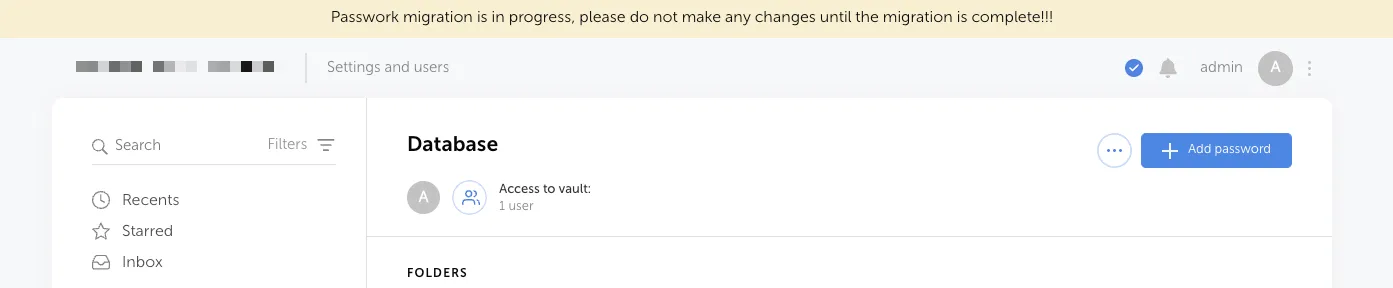
To enable and display the text, you need to:
- Go to Settings and Users → System Settings → Global → section System Banner:
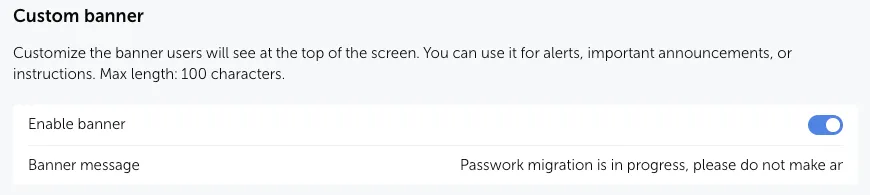
- Enable the system banner;
- Specify the warning text that will be displayed to all users in Passwork.
To start the Initial Migration, open — Settings and Users → Migration to Passwork 7:
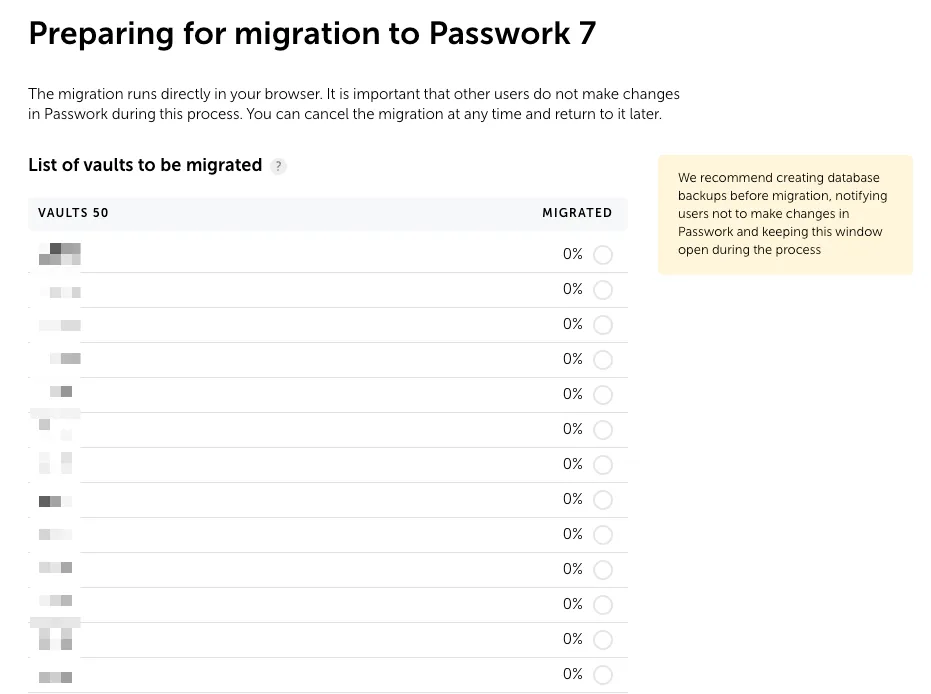
Launch the migration in the Passwork web interface and wait for it to complete:
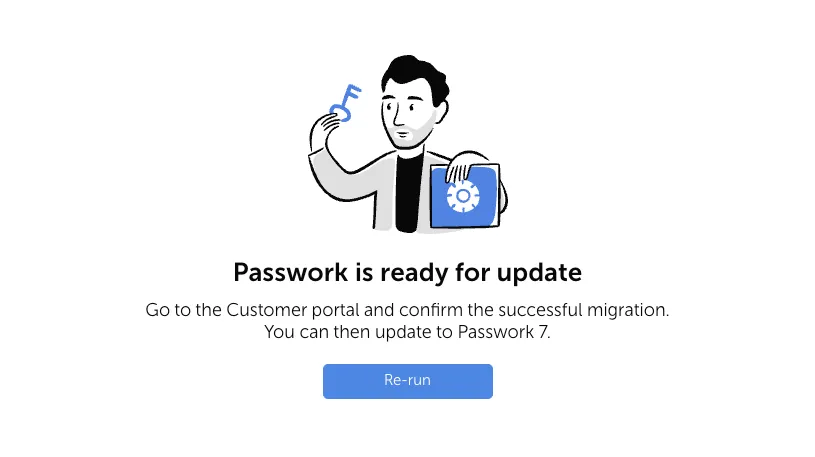
Default Encryption:
The initial migration will write configuration parameters and license key information into the Passwork database.
Client-side encryption:
The initial migration will write configuration parameters, license key information, and master keys of vaults encrypted for each user, to which they have access, into the Passwork database.