


Interface overview
Main screen
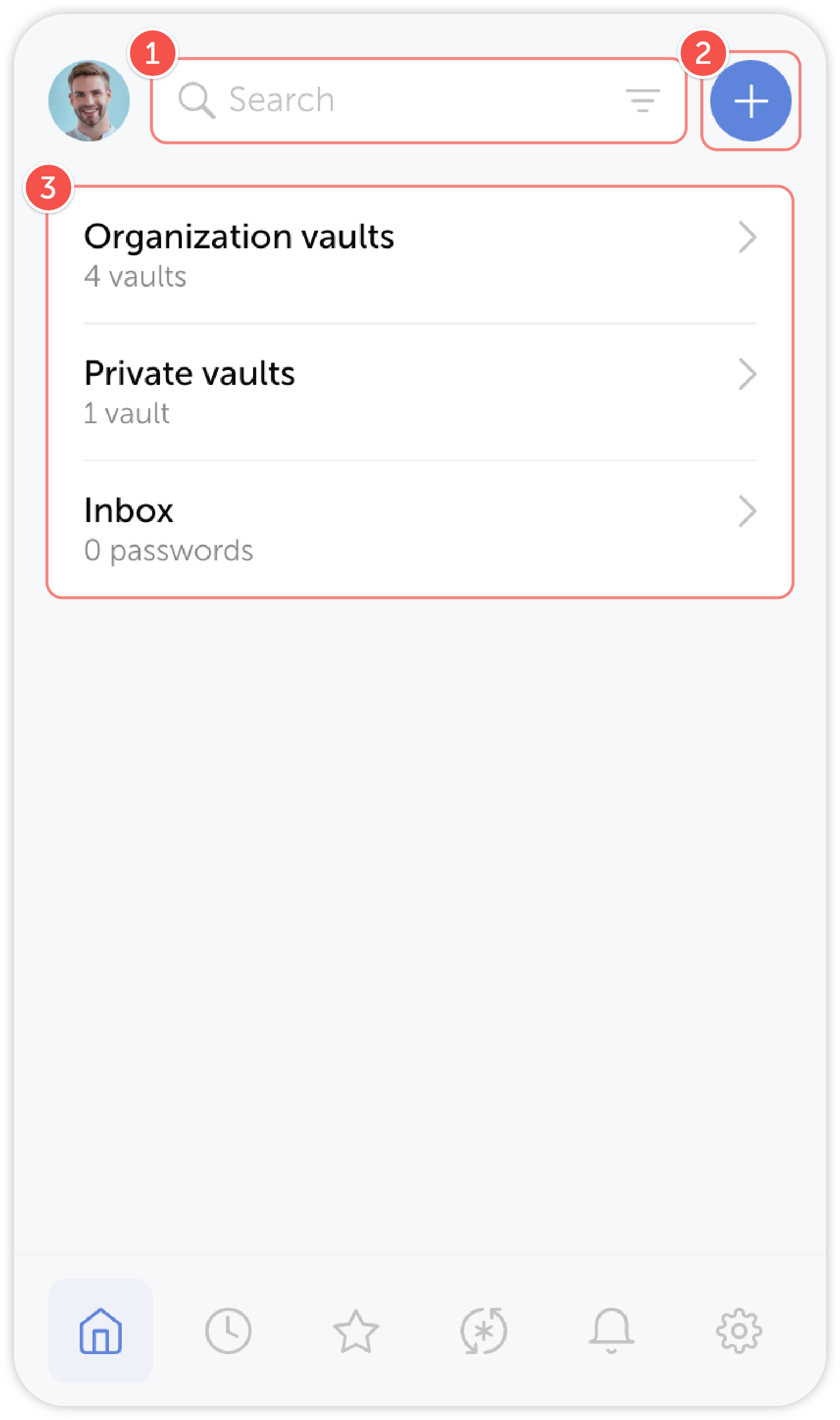
After launching the extension, you will see its main screen.
Here you can view your vaults and their contents, create passwords and search through them.
tip
- Search through passwords
- Add a password
- View your vaults, their contents and the Inbox
Action panel
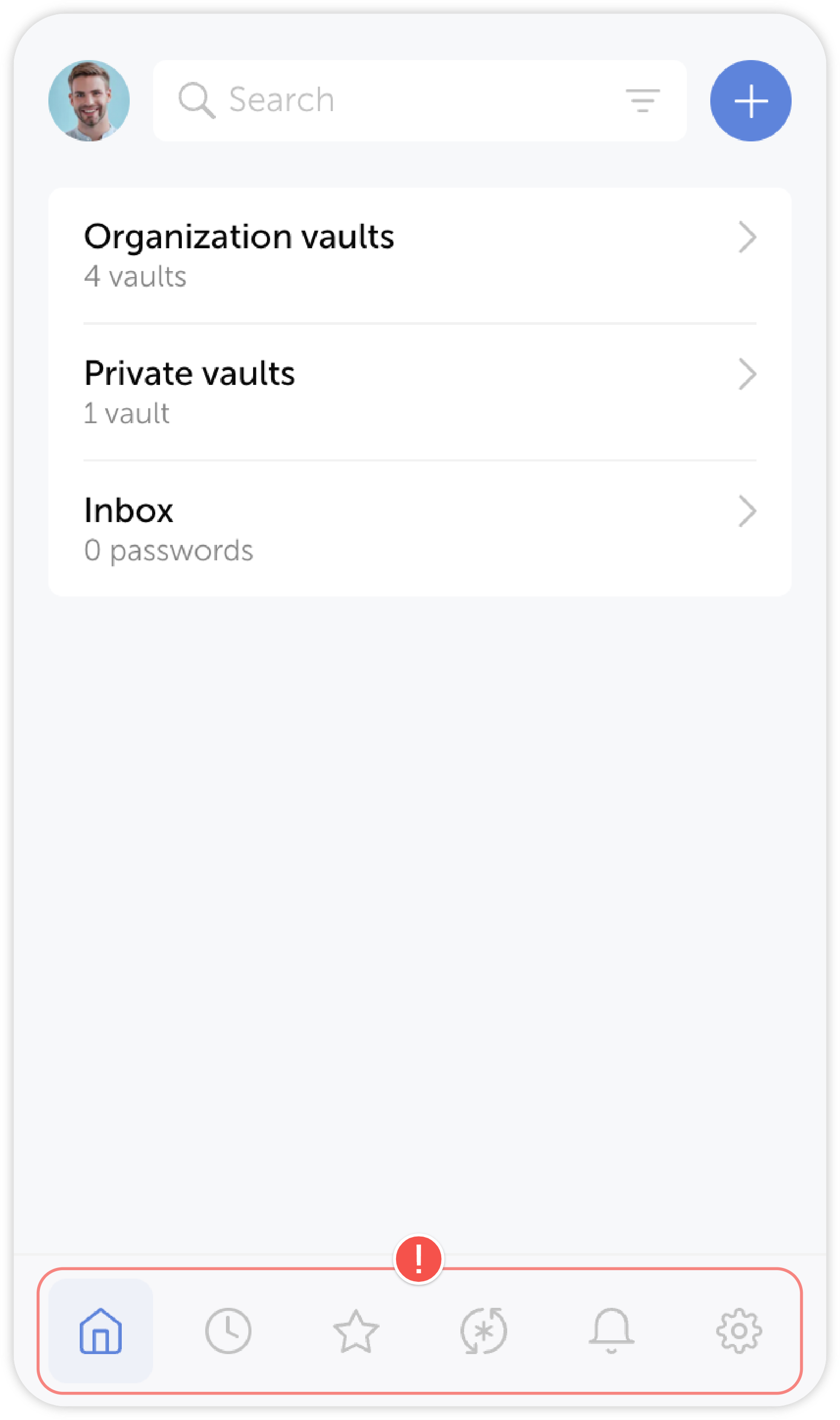
Action panel can be found at the bottom of the extension. It is accessible from any screen and includes Recent and Starred passwords, Password generator, Notifications and Settings:
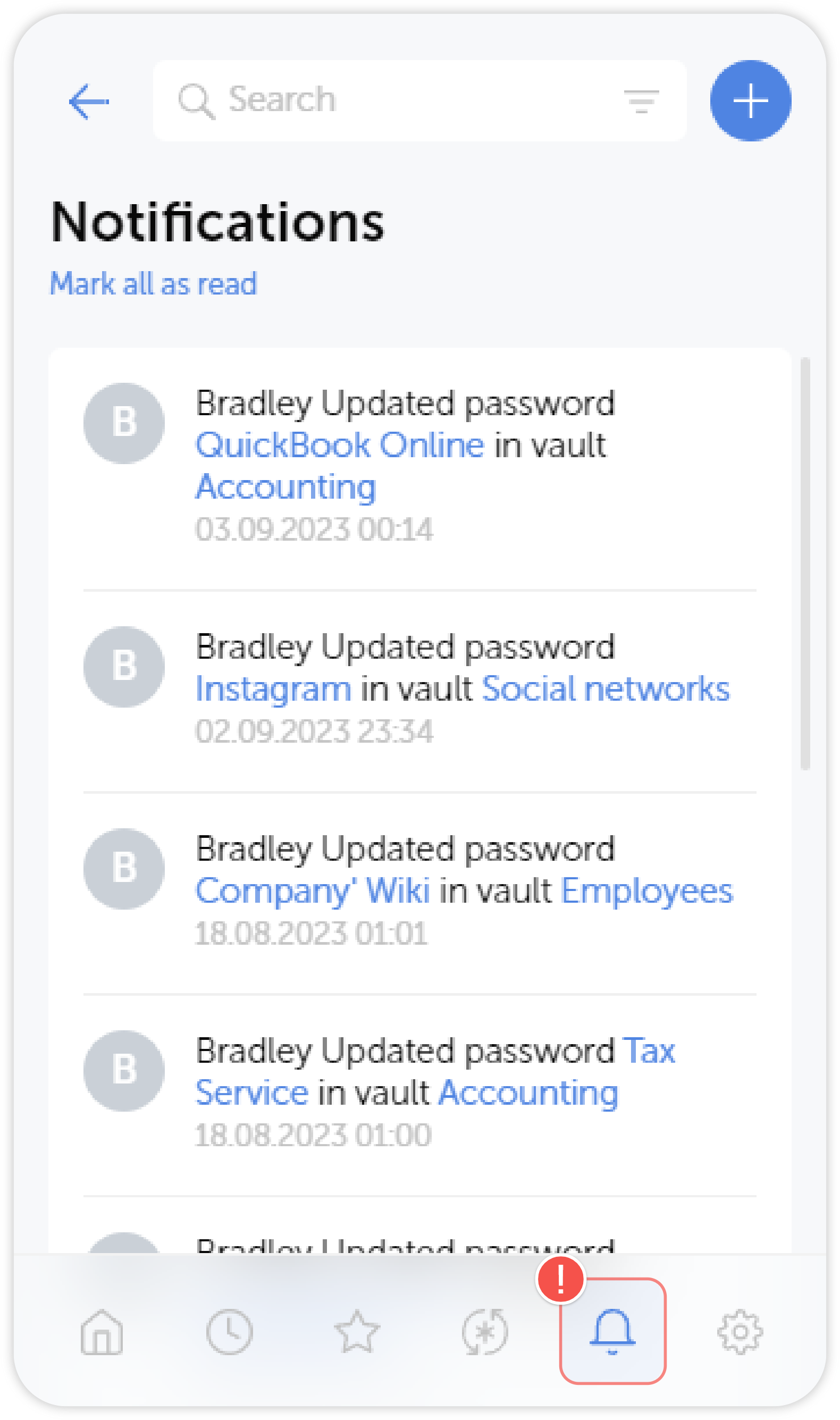
Notifications
Click on the bell icon in the action panel to open Notifications. Whenever passwords get changed or someone sends you a password, you will see it in the notification list: