



Vaults and folders
Vaults
In the Passwork extension you can create new vaults and manage existing ones by creating new folders, renaming vaults and deleting them.
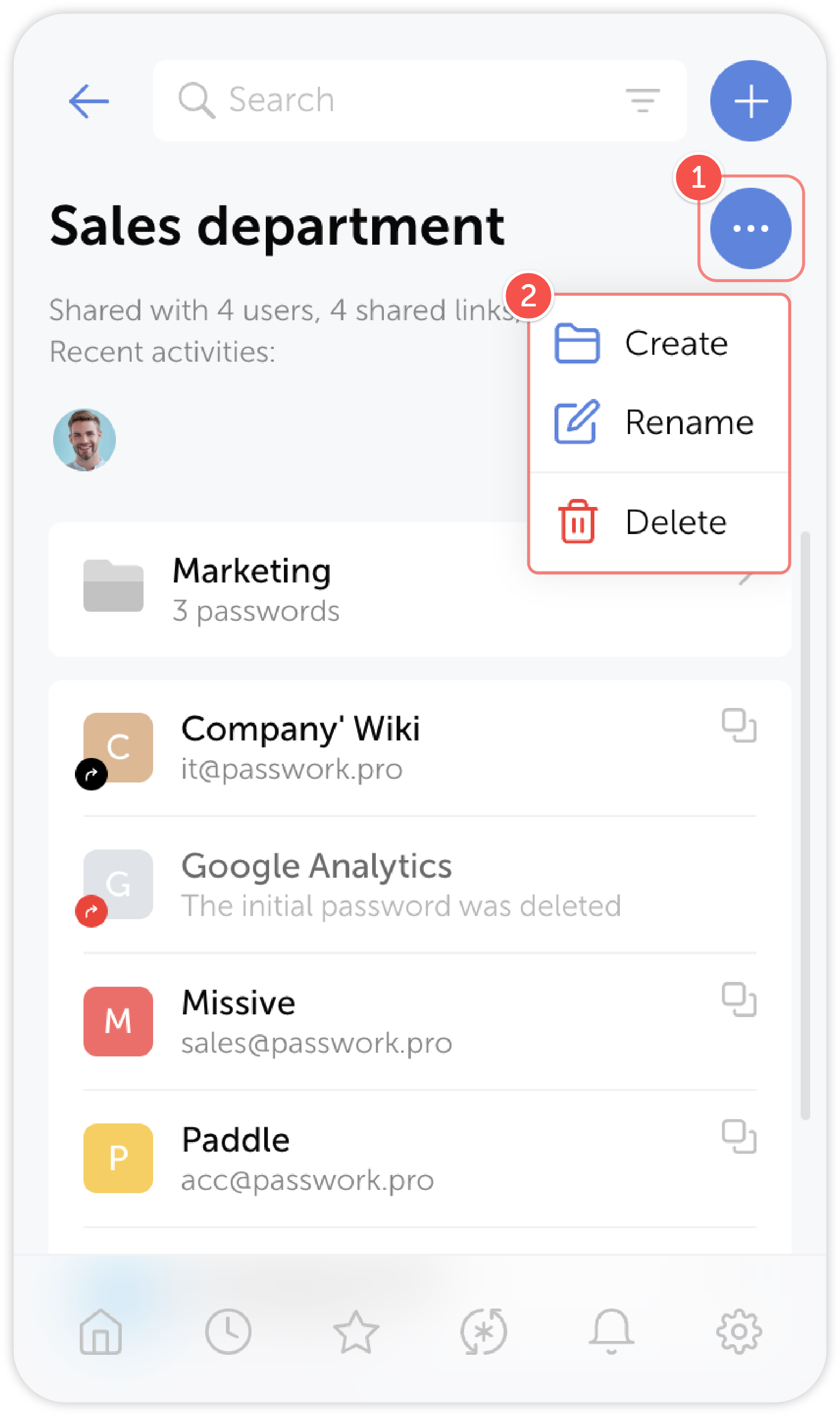
tip
- Select a vault and go to the Vault actions menu
- Select an action
Folders
Likewise, you can create new folders and manage existing ones by renaming, moving, copying and deleting them.
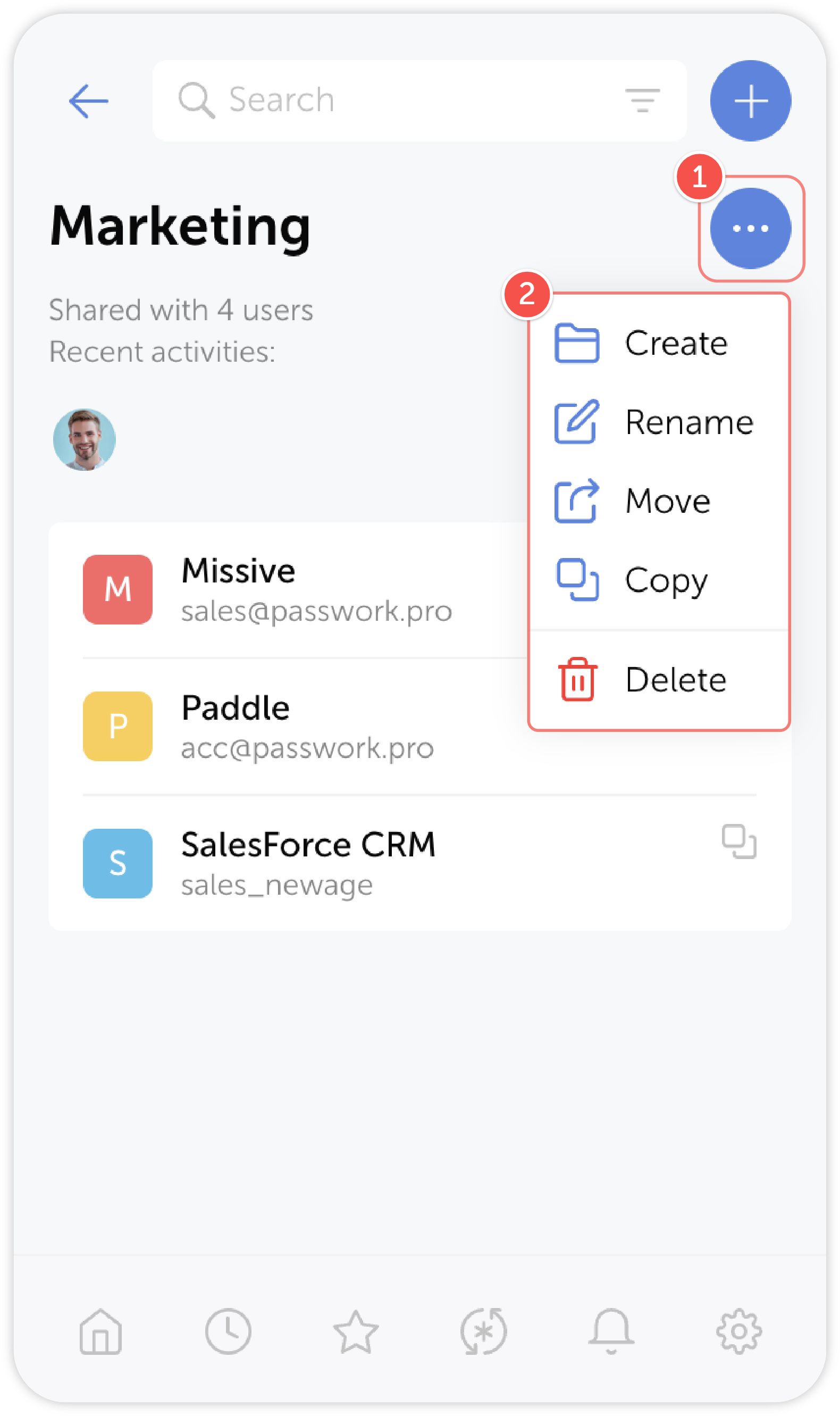
tip
- Select a folder and go to the Folder actions menu
- Select an action