



Starred
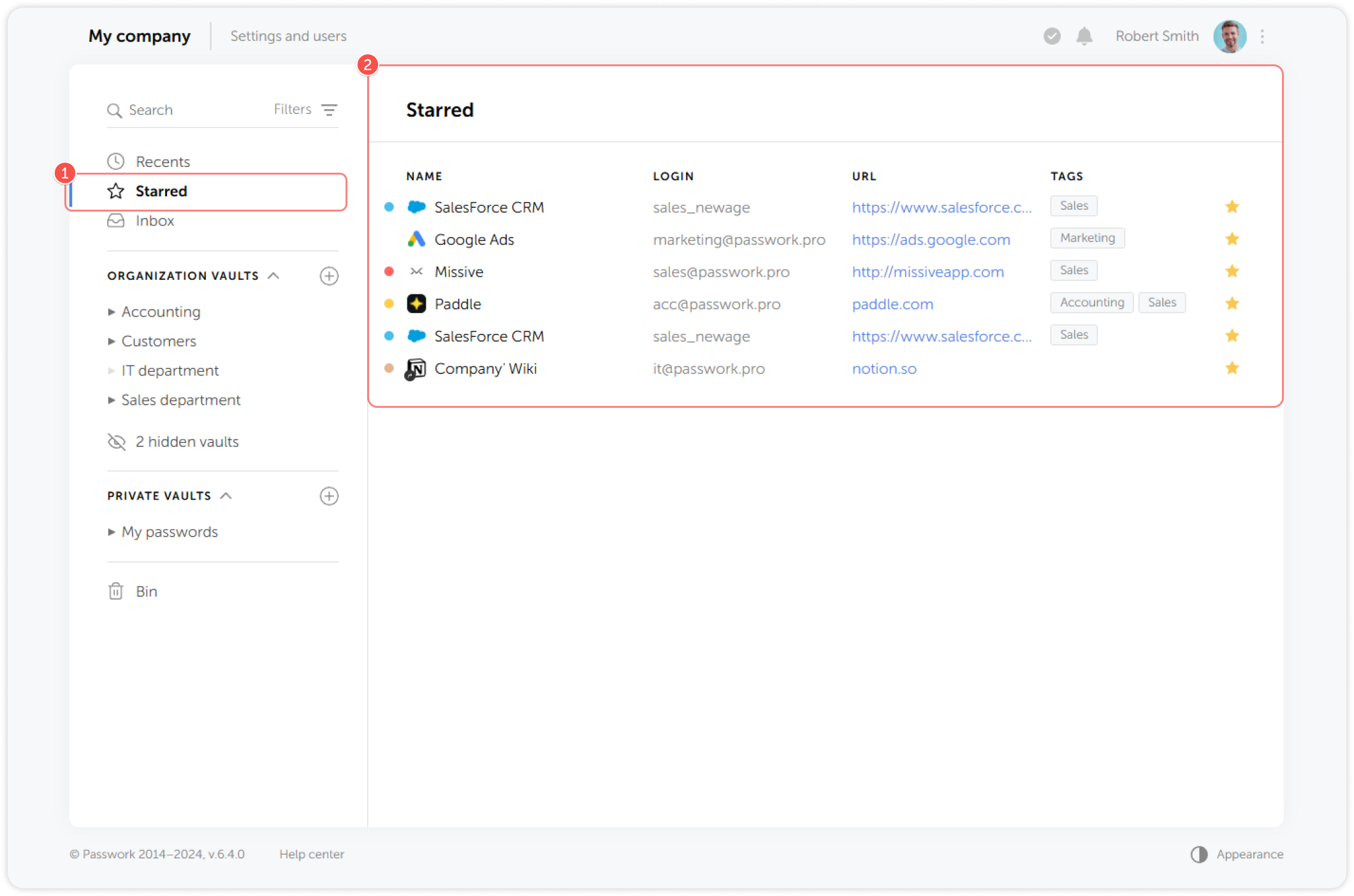
Starred is a list of favorite passwords marked with a star label for quick access. Each Passwork user has their own list of starred passwords.
tip
- On the Navigation pane, select Starred
- The list of starred passwords will be displayed on the right
You can add or remove passwords from your personal Starred list by clicking the Star icon in the Password card.
tip
- Click the Star icon to add a password to Starred
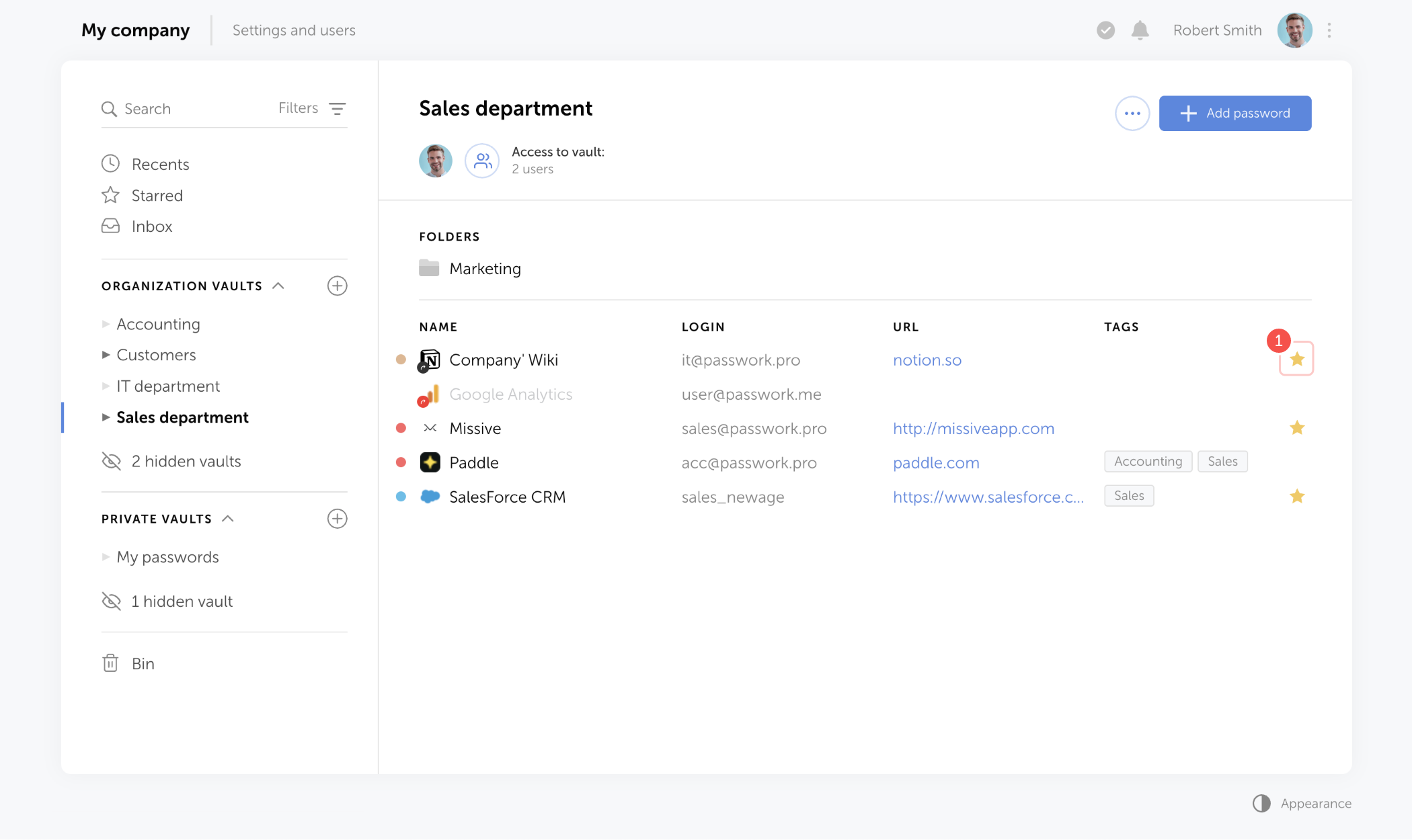
Additionally, you can add passwords to Starred by clicking the Star icon while browsing through vaults and folders.
tip
- On the Content pane, click the Star icon to add a password to Starred