



App settings
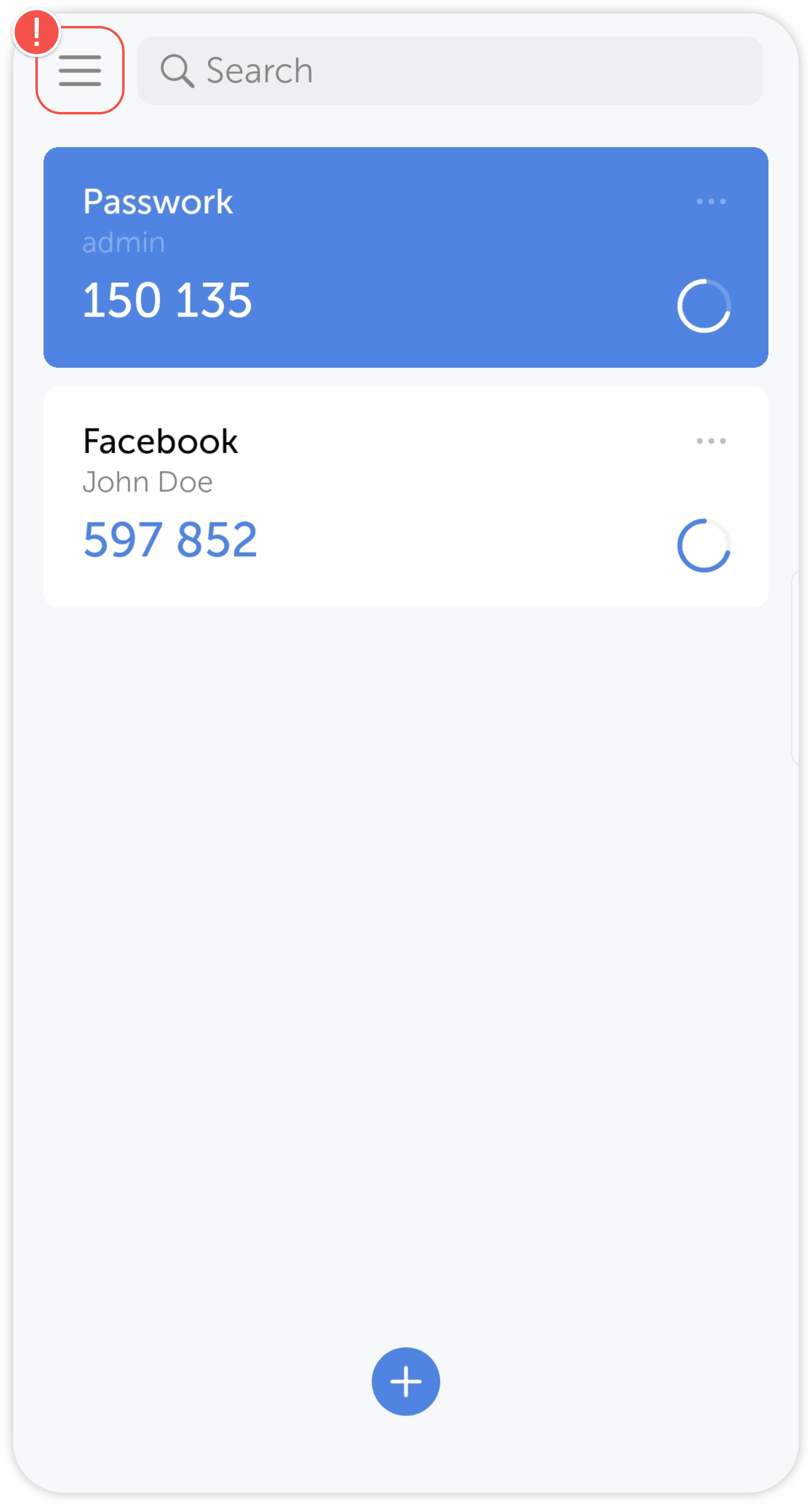
Tap on the hamburger menu in the top-left corner of the main screen to open the app settings:
In Passwork 2FA settings you can:
- Enable biometrics to secure your profile with biometric data stored on your device.
- Change the language of the app. Passwork 2FA is currently available in English, German and Russian.
- Change the appearance for an optimal experience. You can choose between system (changes depending on the phone settings), light and dark themes.
- Import and export application data. Using this option you can quickly transfer saved account data from one device to another in the form of a QR code.