



Getting started
Passwork 2FA is a mobile app that allows you to confirm your Passwork sign-in in one tap and also use it for two-factor authentication in third-party services.
With Passwork 2FA you can:
- Quickly log into Passwork accounts without using one-time codes.
- Automatically set up two-step authentication with QR codes.
- Use two-factor authentication even without an Internet connection.
- Confirm logins to third-party services and applications.
Download the app
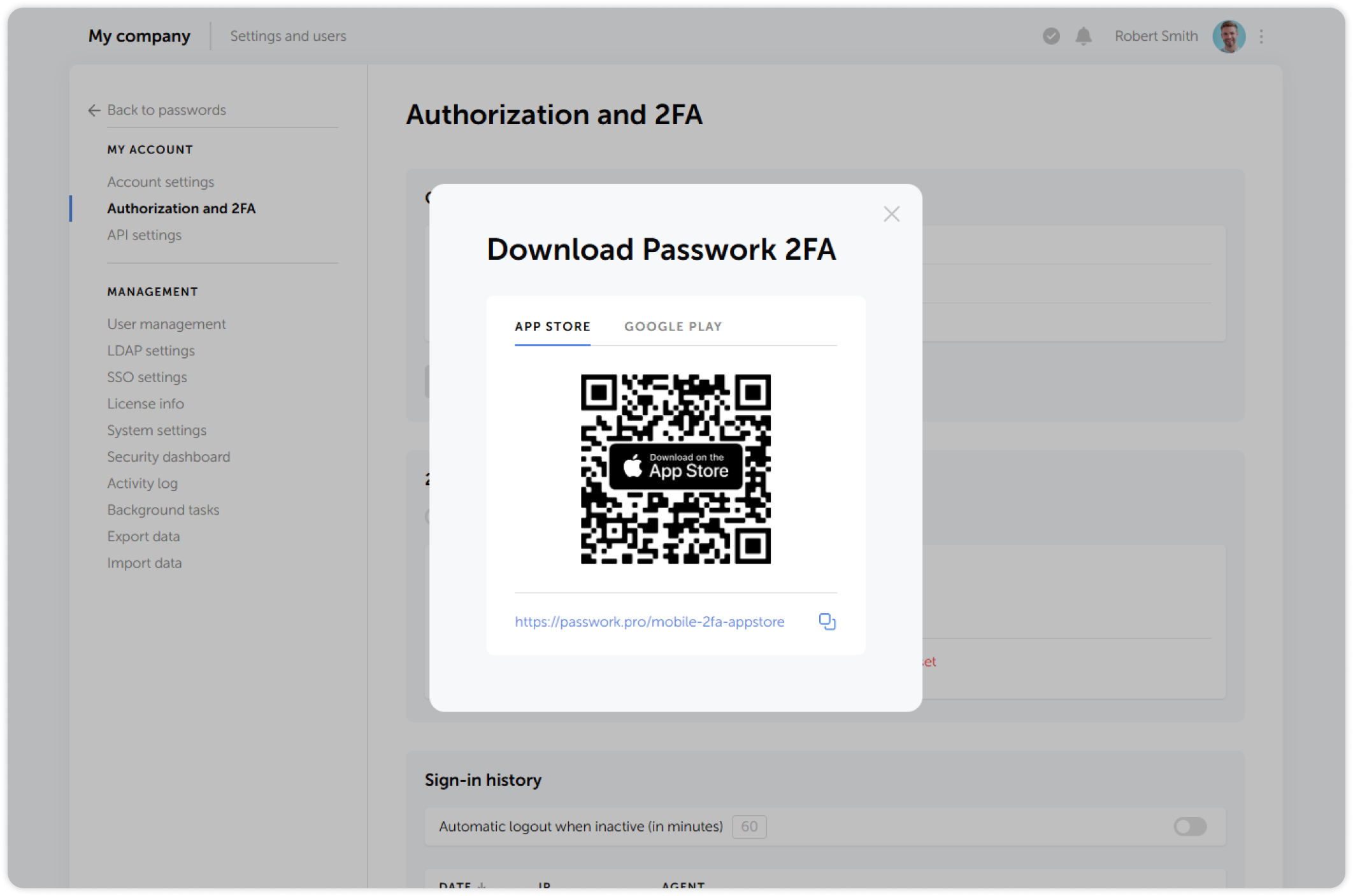
Passwork 2FA is available on App Store and Google Play. You can also scan a QR-code or go through a direct link located in the 2FA method selection window on the Authorization and 2FA page:

Connect to Passwork
warning
Connecting mobile apps is available in Passwork 4.7.0 or higher
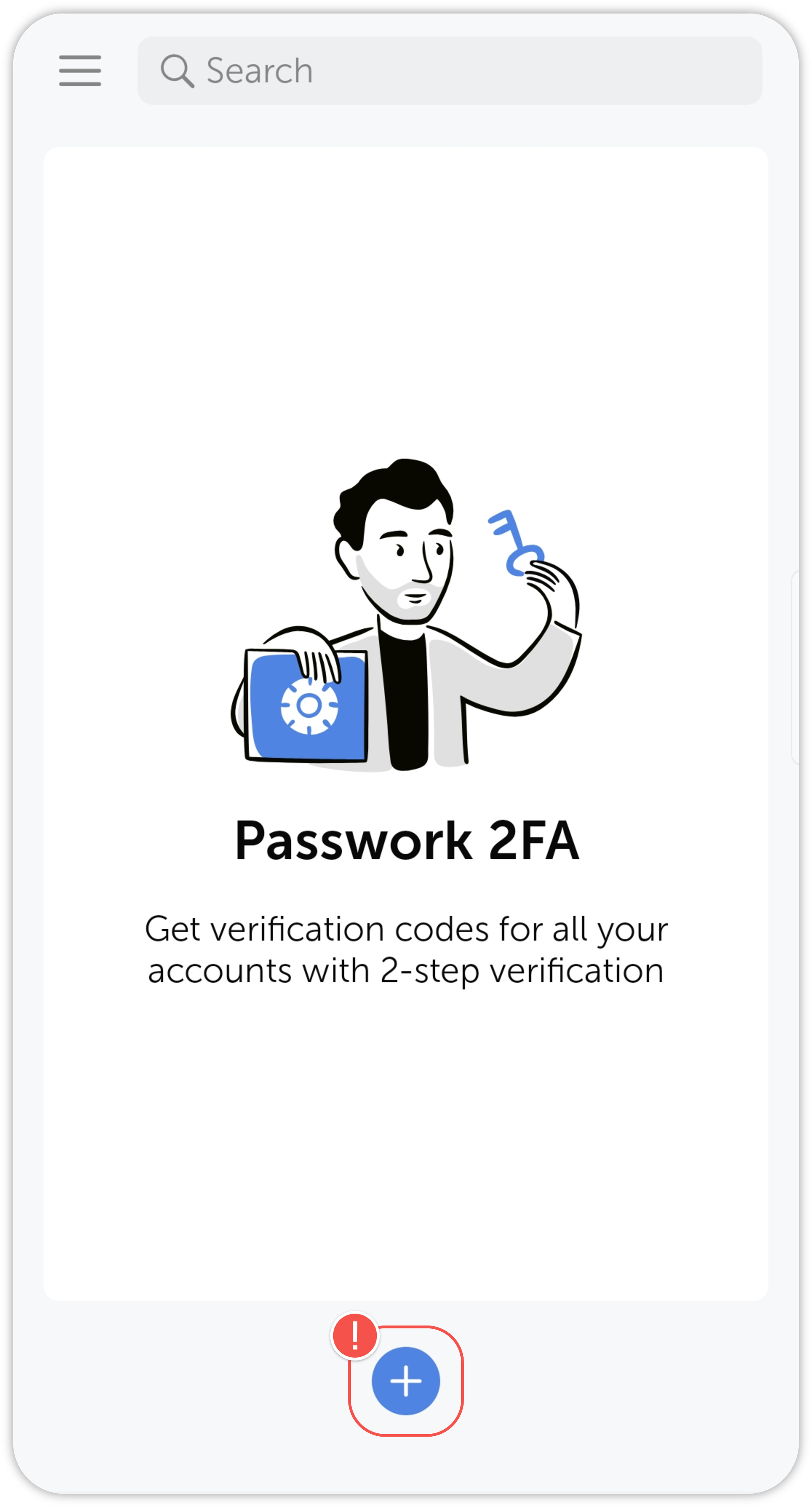
After installing the app, open Passwork 2FA and tap on the plus icon at the bottom:
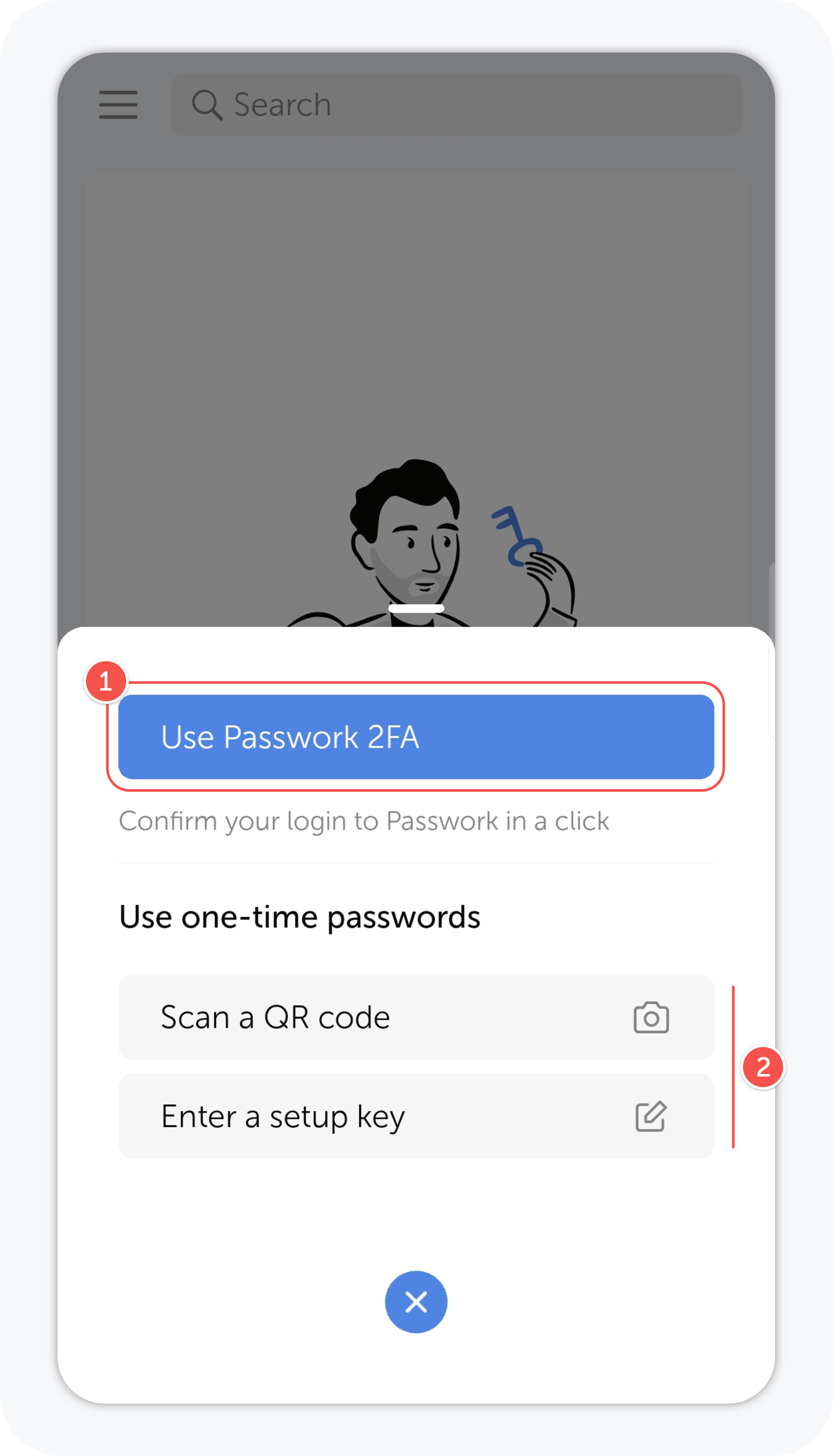
Then, choose the appropriate method, depending on how you use Passwork:
- If your Passwork is connected to the Internet, tap the Use Passwork 2FA button.
- If your Passwork is hosted on a closed network, use the offline mode by scanning a QR code or entering a setup key.
tip
- If your Passwork is connected to the Internet
- If your Passwork is on a closed network, or you want to add a third-party service