



Activity log
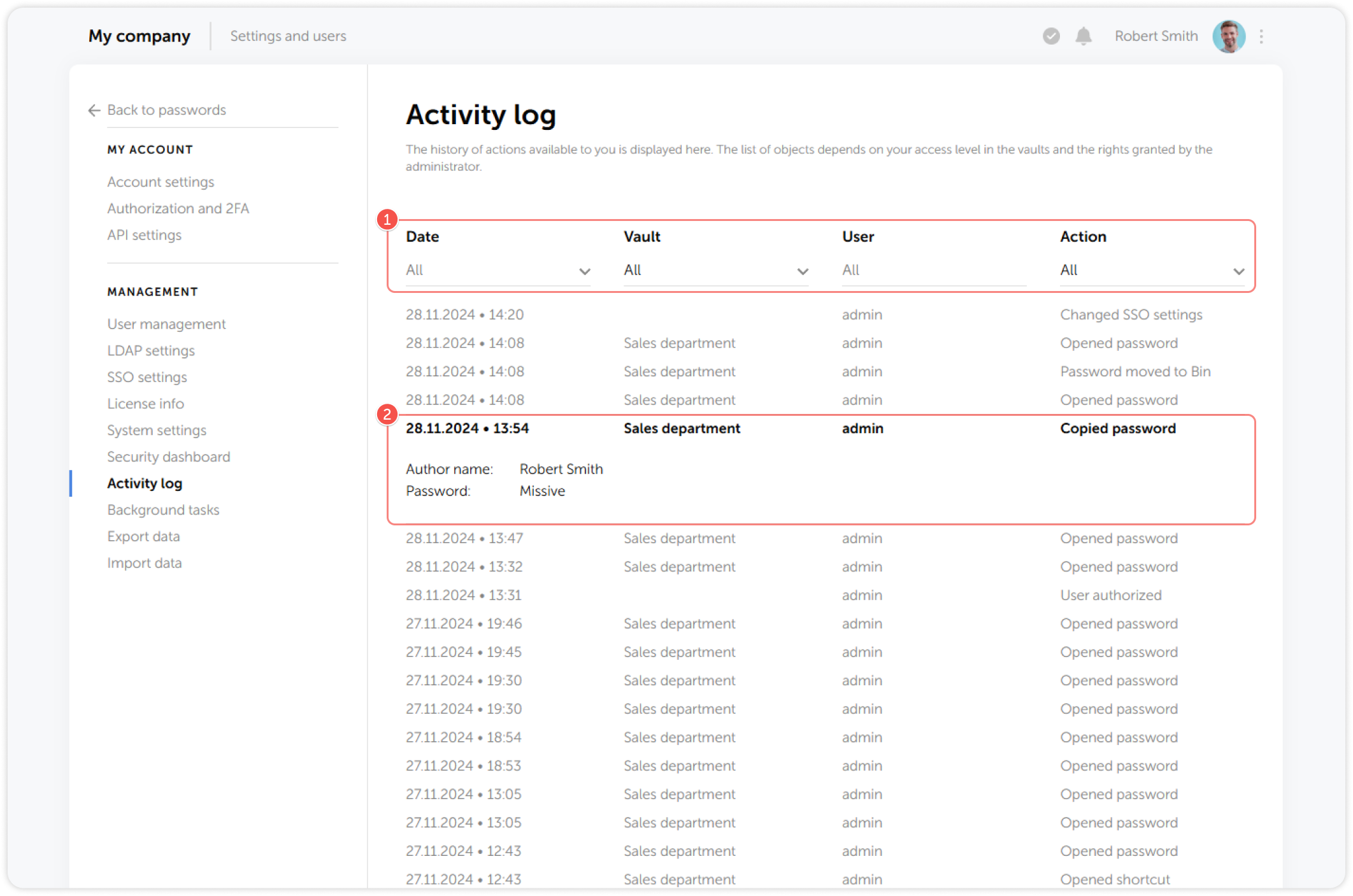
Administrators and users with additional administrative rights can view all user actions in the Activity log. The actions displayed in the Activity log depend on your access level.
tip
- Filter the Activity log by date, vaults, users and actions
- View detailed information about the selected action
Passwork can pass more detailed event information to Security Information and Event Management systems (SIEM). To do this, you must enable the Write activity logs to syslog or Windows event log option on the N
