Security dashboard
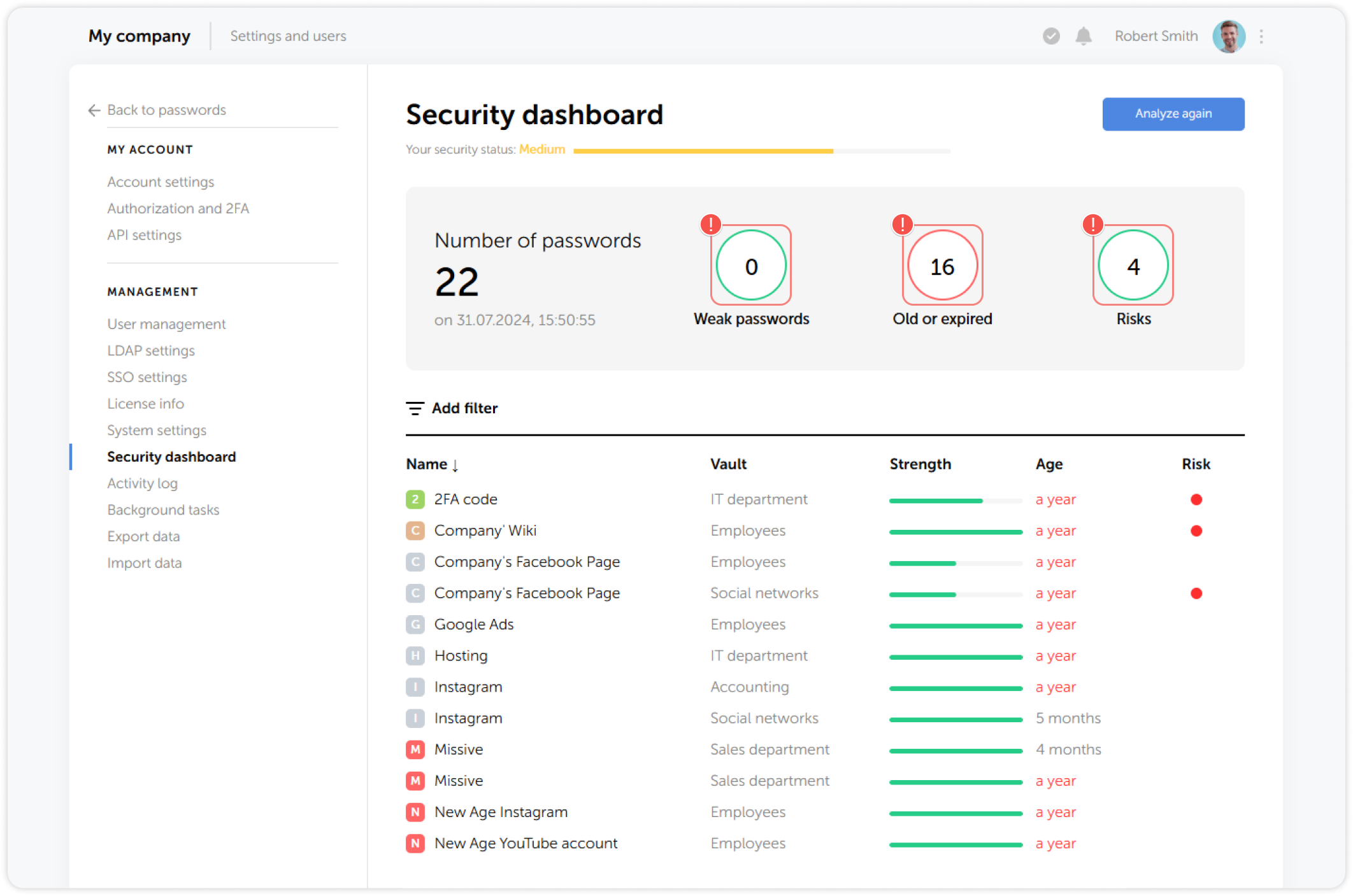
Security dashboard helps you keep all your passwords up-to-date. The tool analyzes all passwords that are stored in Passwork and breaks them down by strength, age, and potential risk of compromise.
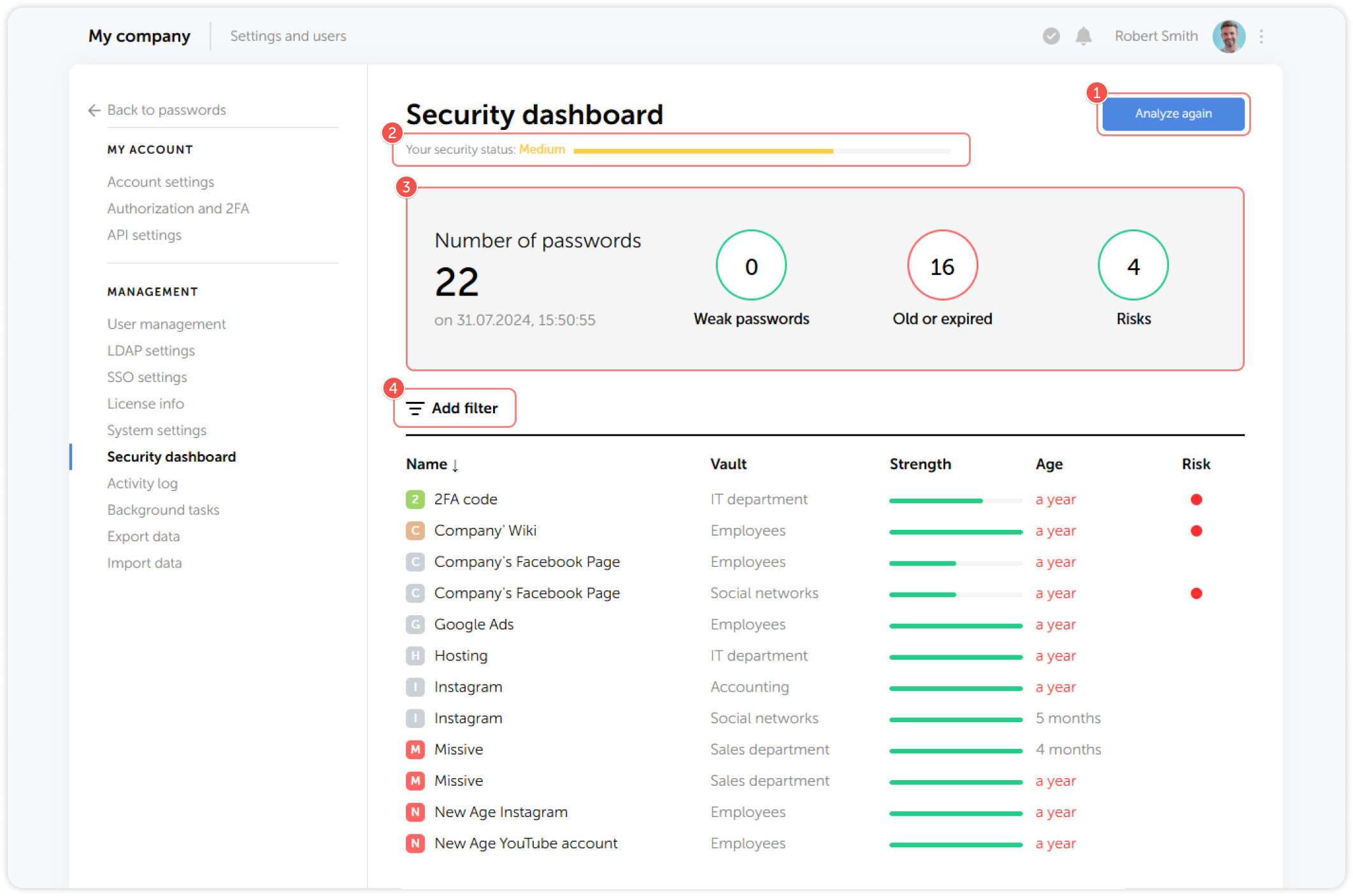
- Click Analyze again to analyze all passwords available to you
- Overall Security status indicator
- Number of passwords and their metrics
- Filters for analyzed passwords
Security metrics
The strength of a password is calculated by an internal algorithm, based on its length and the characters used.
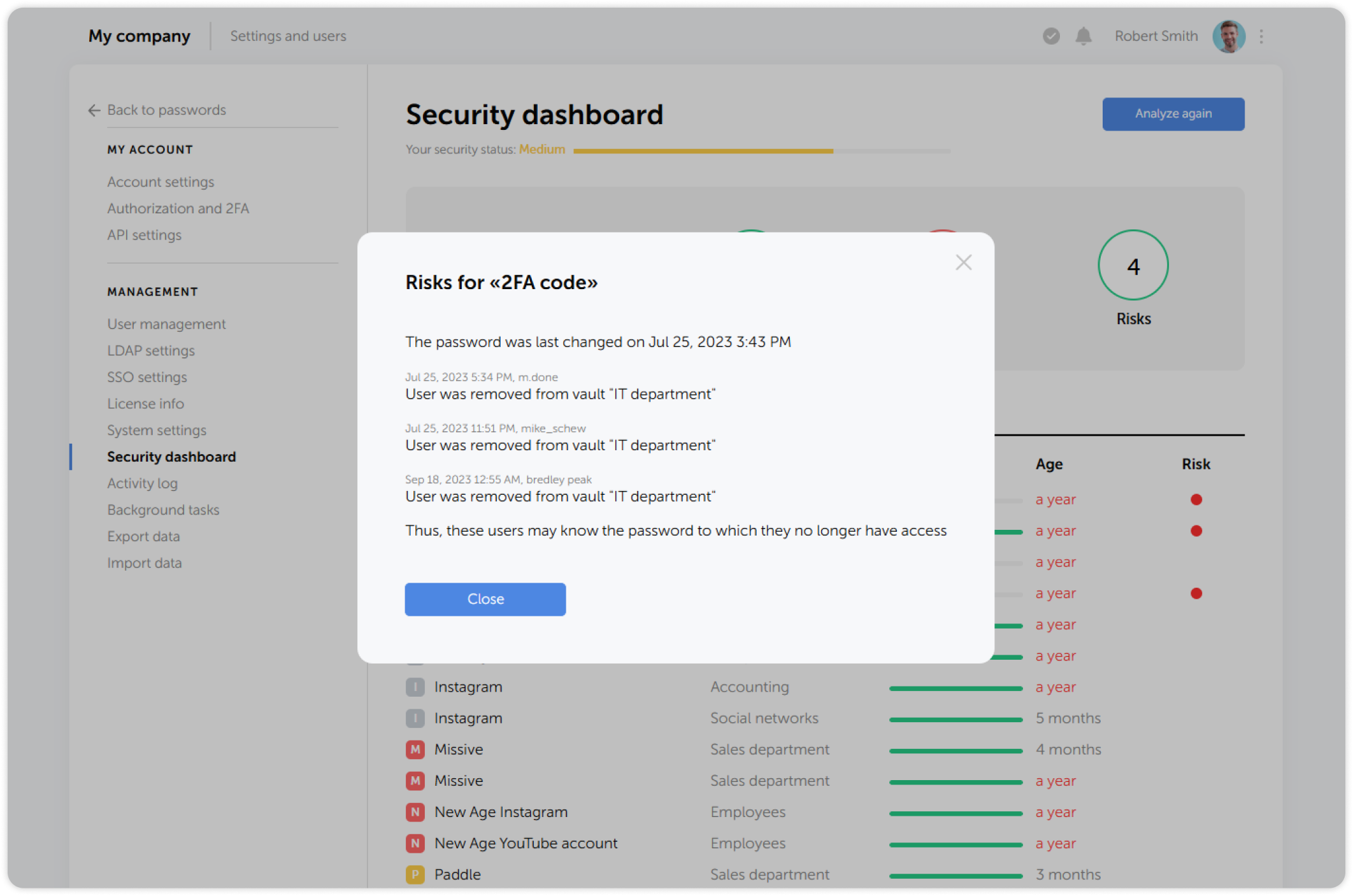
A password is considered to be compromised when it has not been updated, making it possible for users with revoked access rights to still use the password.
Click on a red circle in the Risk column to view all the risks associated with a particular password:
Security analysis is conducted only for the vaults you have administrative access to
Filters
You can quickly filter the analysis results using the dashboard's filters:
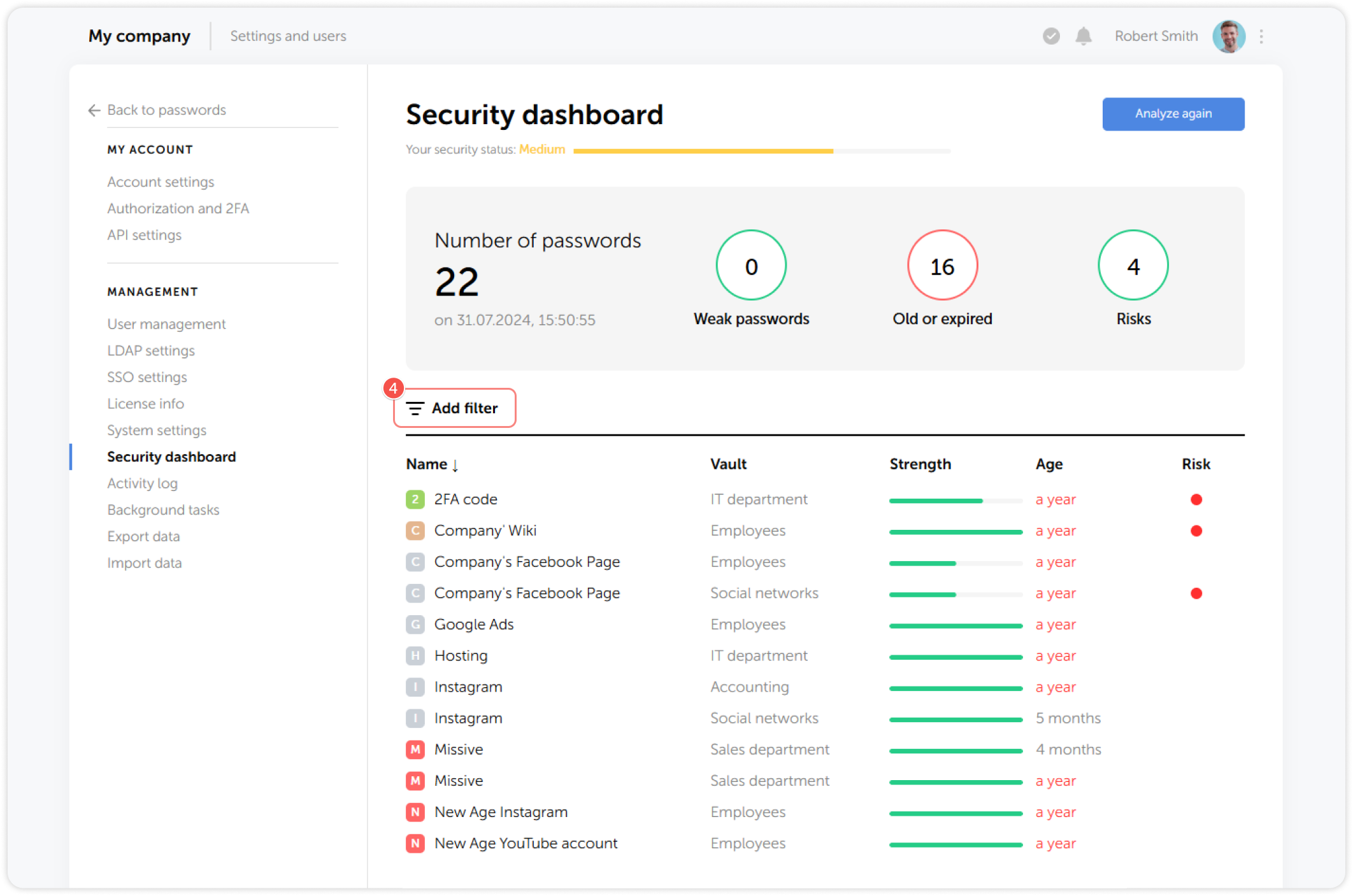
The following filters are available:
- Users: Only passwords for the selected users.
- Vaults: Only passwords from the selected vaults.
- Weak passwords: Only passwords deemed weak.
- Old or expired: Passwords that have expired or are close to expiring.
- Risk of compromise: Passwords that might have been compromised.
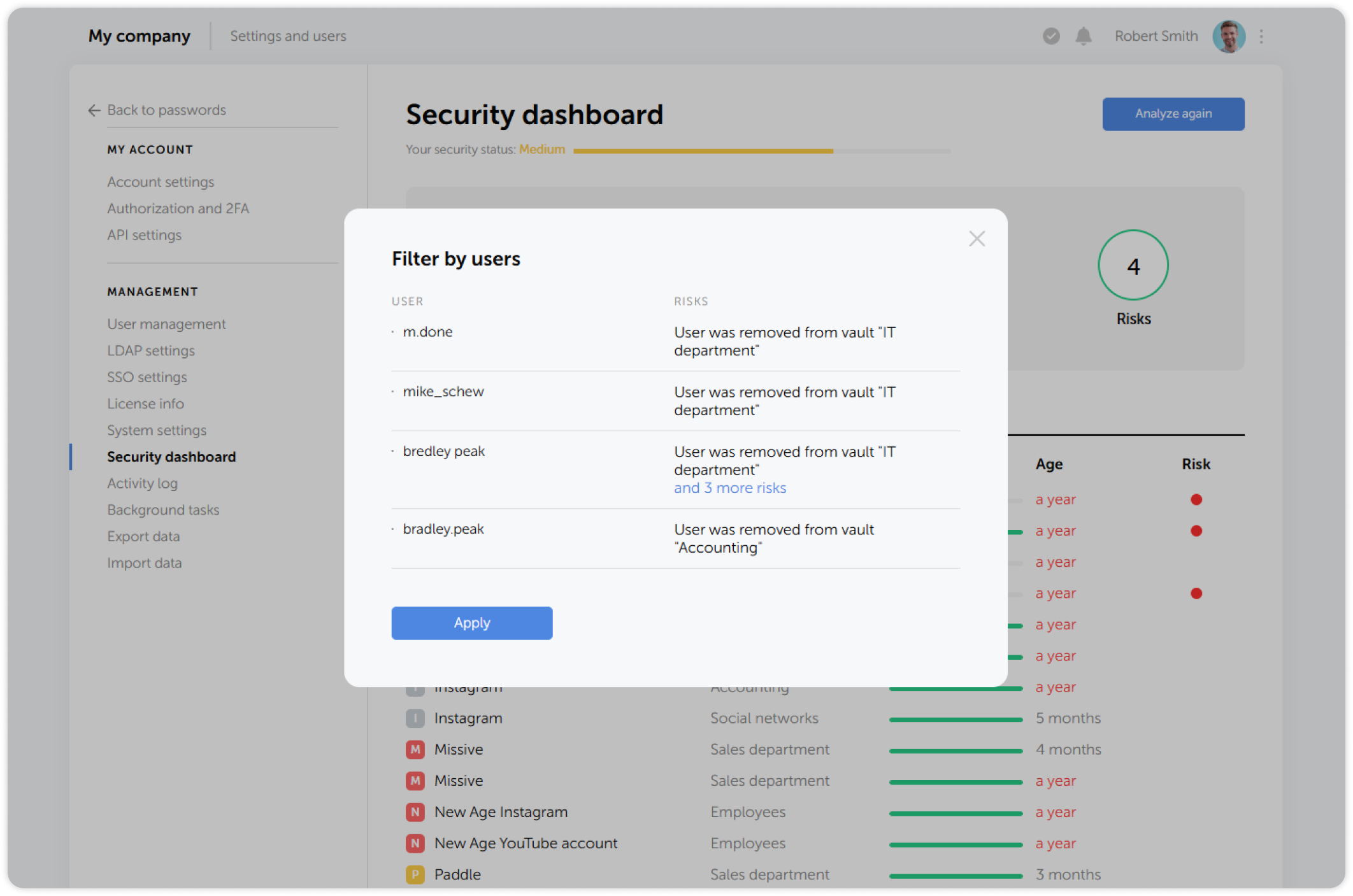
For example, if you select the Users filter, you will see a pop-up window with compromised users and associated risks:
Another way to quickly filter passwords is by clicking on a metric in the top panel: