



Default settings
System settings offer a wide range of options for managing and configuring Passwork. They are designed to provide the best possible user experience and improve security while using Passwork.
The Default tab contains settings that apply by default to all users. These settings can be overridden for individual users in the Custom tab of System settings.
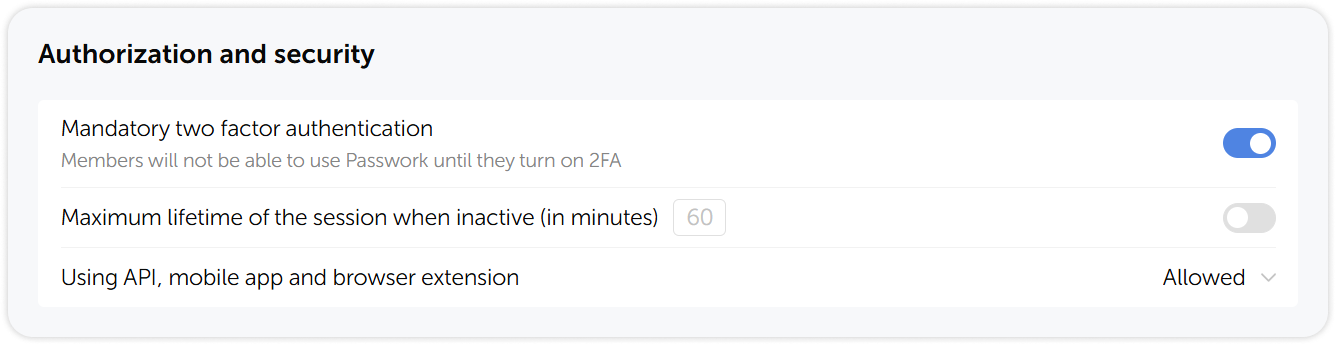
Authorization and security
In the Authorization and security administrators can make two-factor authentication mandatory, allow API and app usage, and configure the session duration during inactivity.
Interface
In the Interface section, administrators can set the default interface language and choose whether users can switch to a different interface language in their personal settings.

Vaults
In the Vaults section administrators can configure which groups of users are allowed ro create organization vaults and whether private vaults are enabled.
