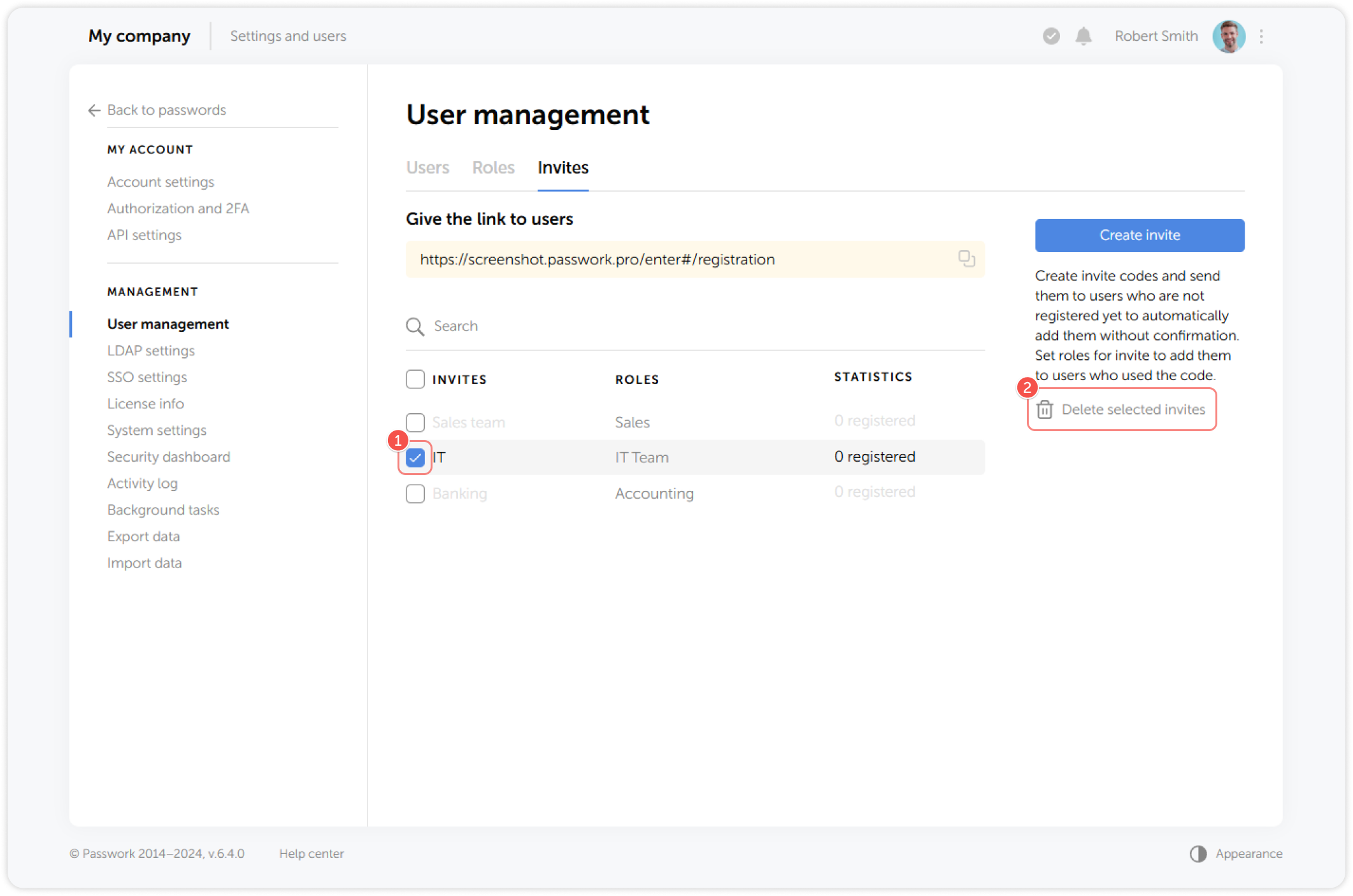
Invites
Invites are randomly generated codes that can be sent to unregistered users for their identification during the registration process. To manage invites navigate to User management and go to Invites tab.
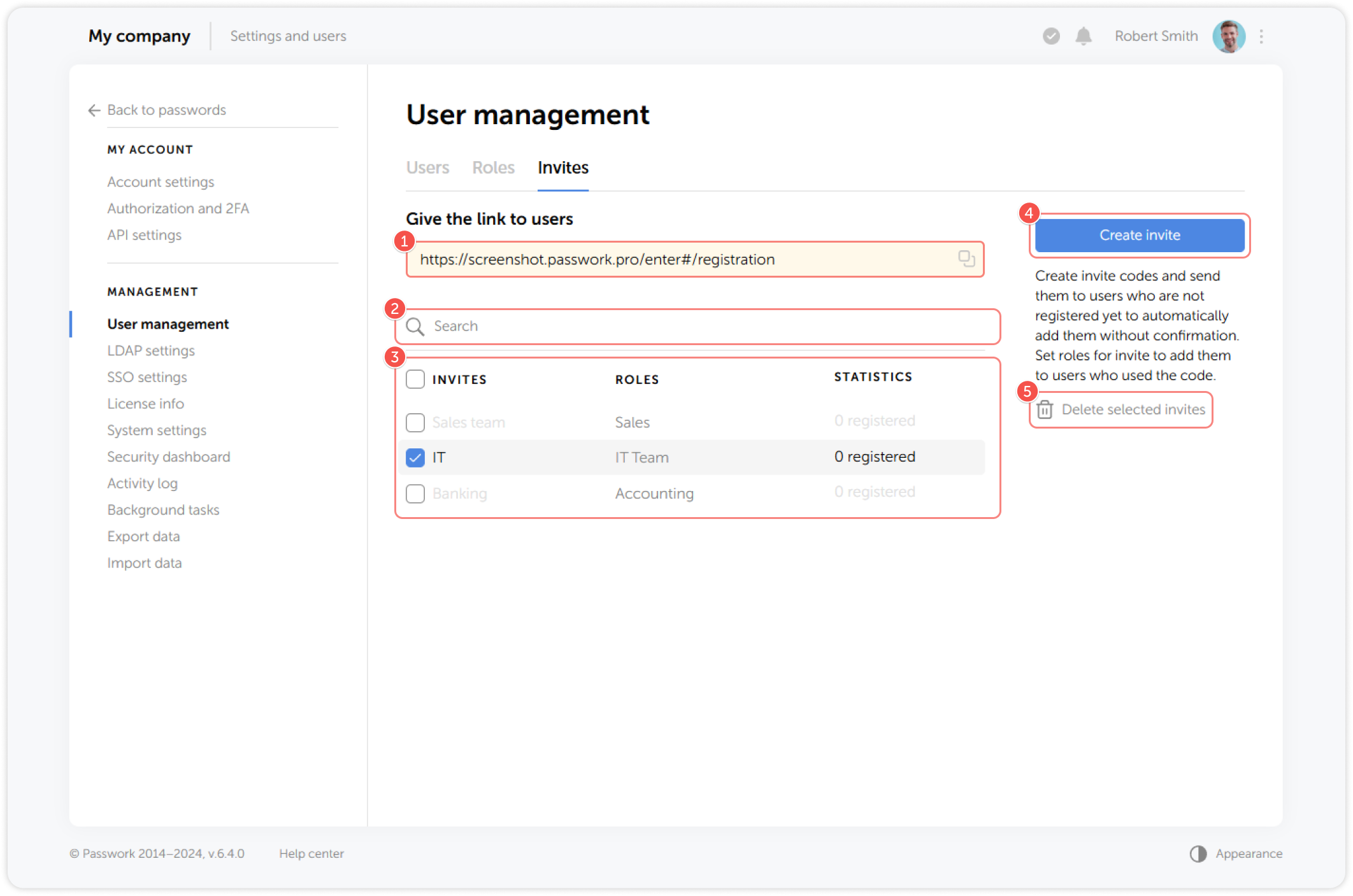
- Share the self-registration link
- Search through invites
- View the list of all invites
- Create new invites
- Delete invites
Create invite
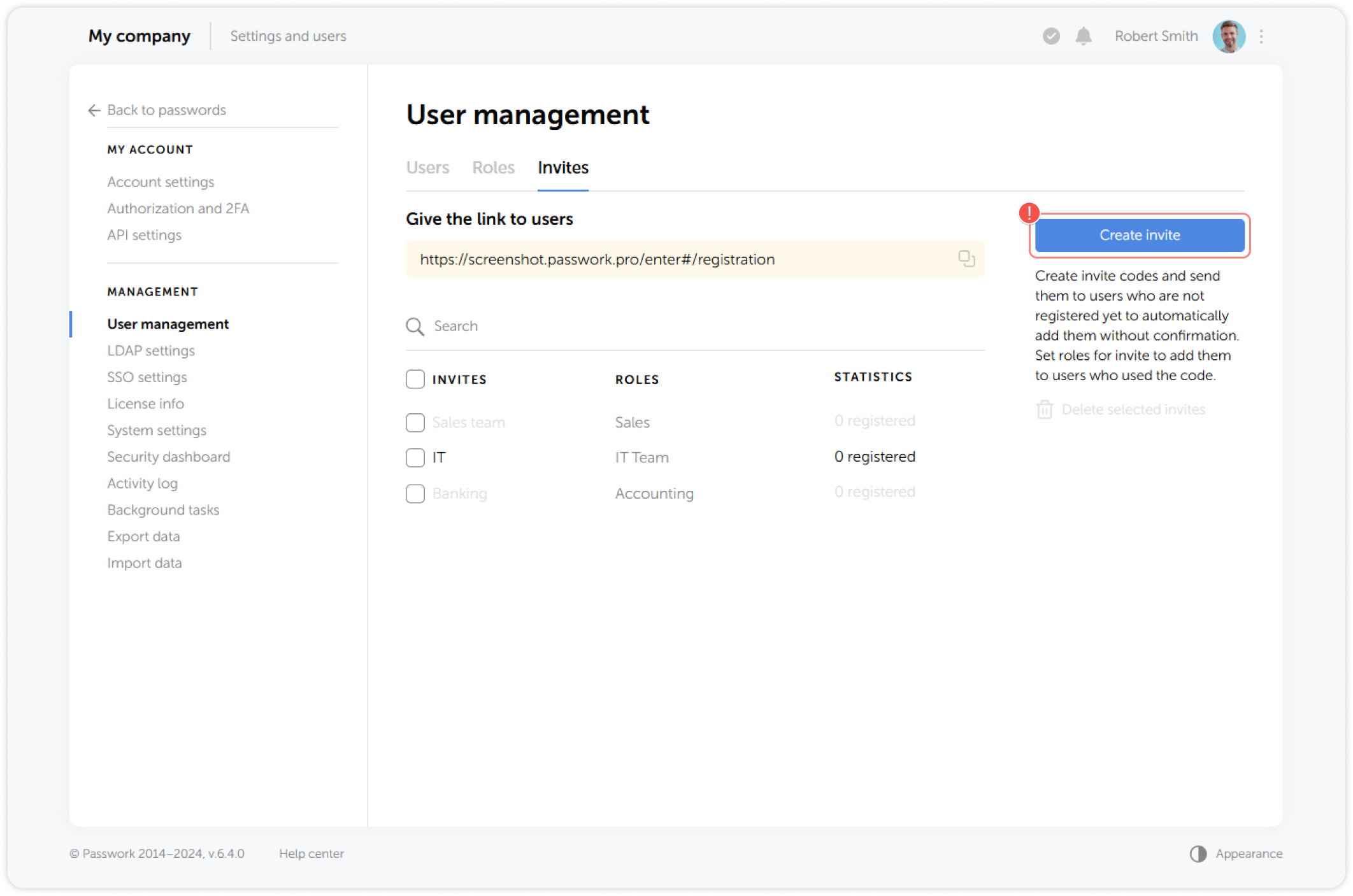
To create a new invite, click the Create invite button on the right panel:
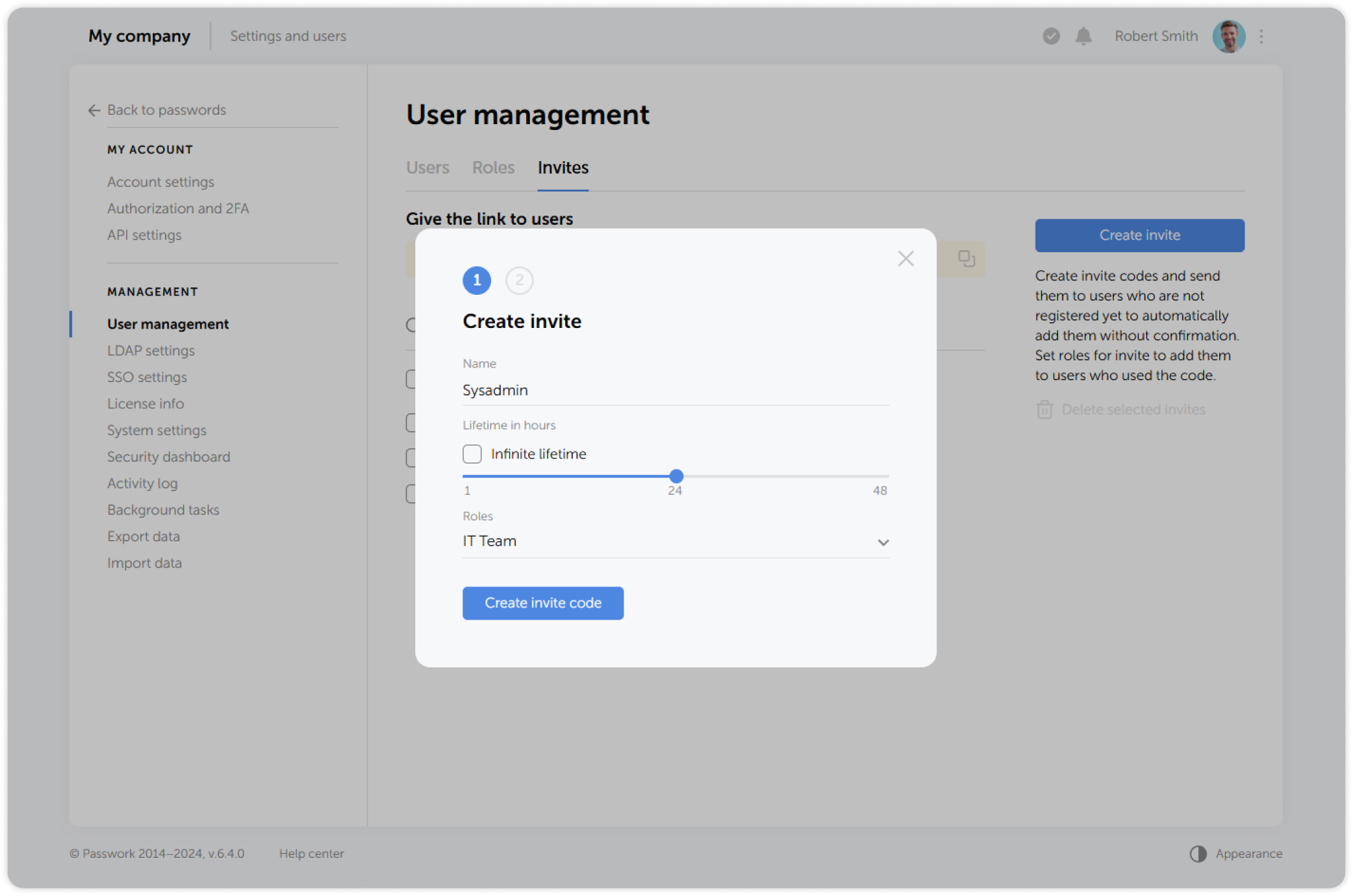
In the pop-up window, enter a name for the invite and set the expiration time, ranging from 1 to 48 hours. You can also create an invite with an unlimited validity period by selecting the Infinite lifetime checkbox. Additionally, you can pre-assign roles to the user. The specified roles will be automatically applied to users who join Passwork using such invites.
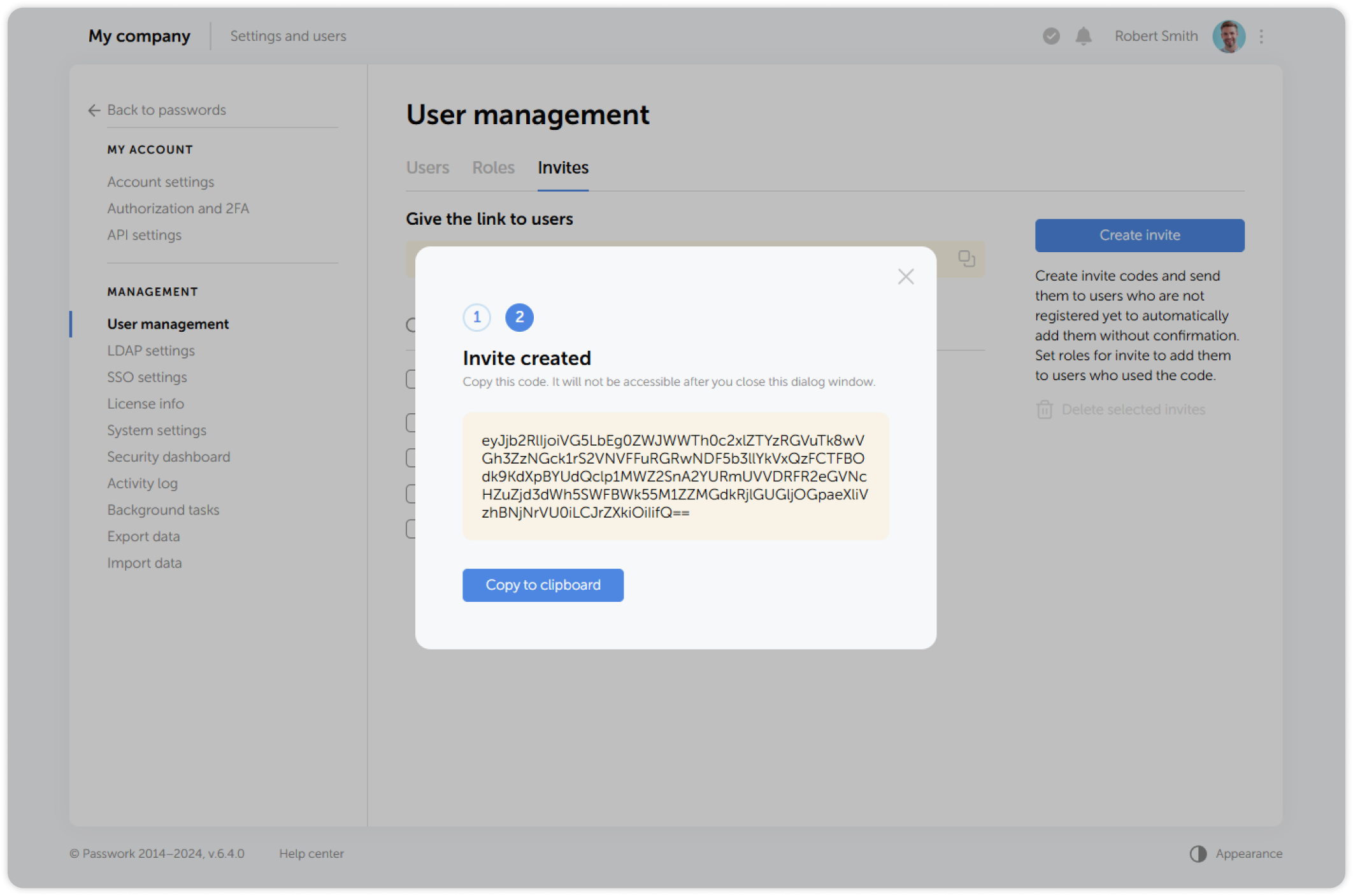
In the next window, you can view and copy the invitation code to the clipboard:
Don't forget to copy the invite code, as it will become unavailable as soon as you close the window
After that, you may send the invitation code to the new user for them to use it during registration in Passwork.
Delete invite
To delete invites, select one or multiple invites and click Delete in the dropdown menu: