Create role
info
Roles are an effective user management tool that makes it possible to configure access rights to vaults and folders for multiple users at once
Passwork administrators and users with additional administrative rights can create roles.
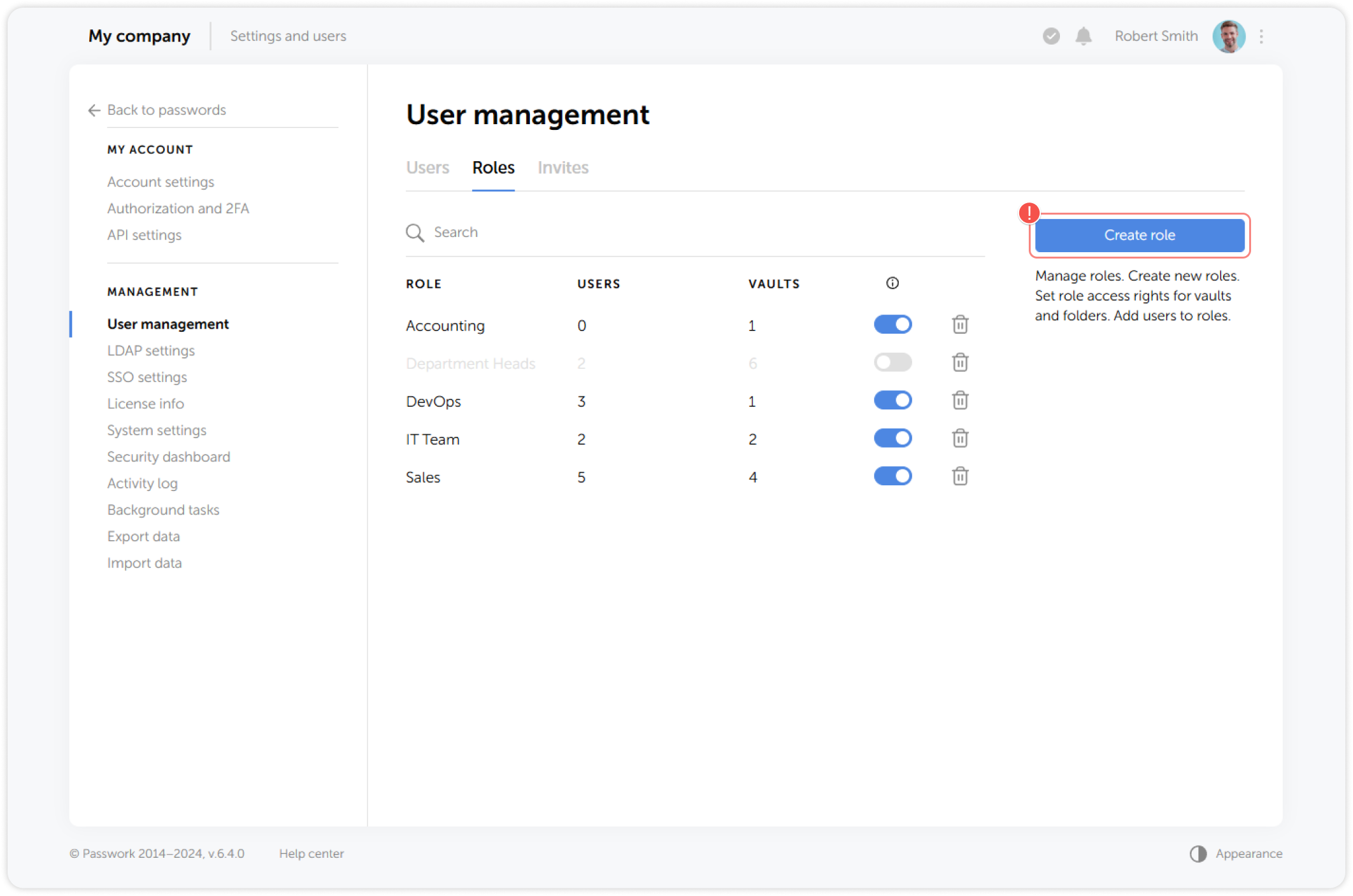
To do this, open the Roles tab in User management and click Create role:
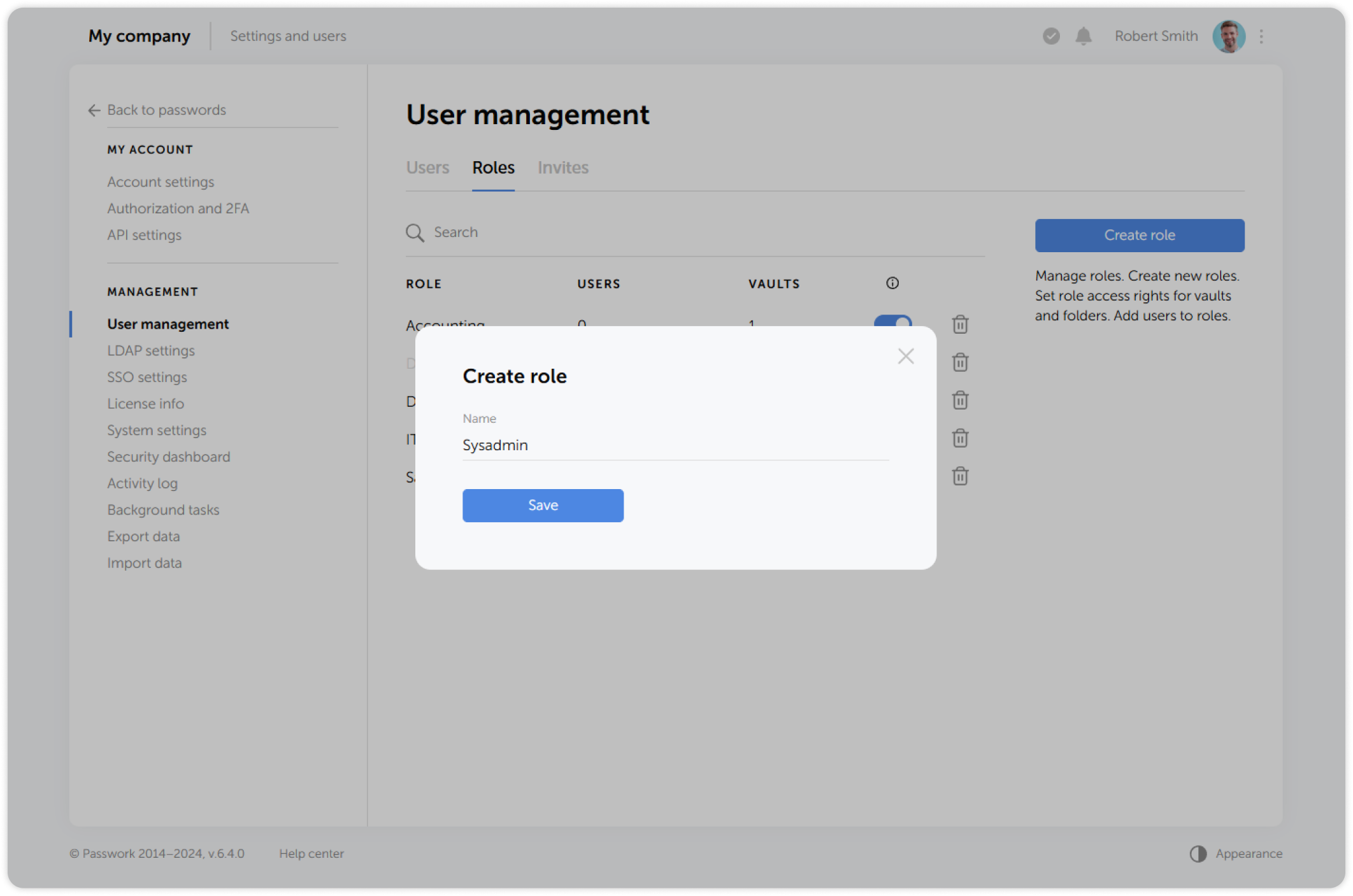
In the pop-up window, enter a name for the new role and confirm the action: