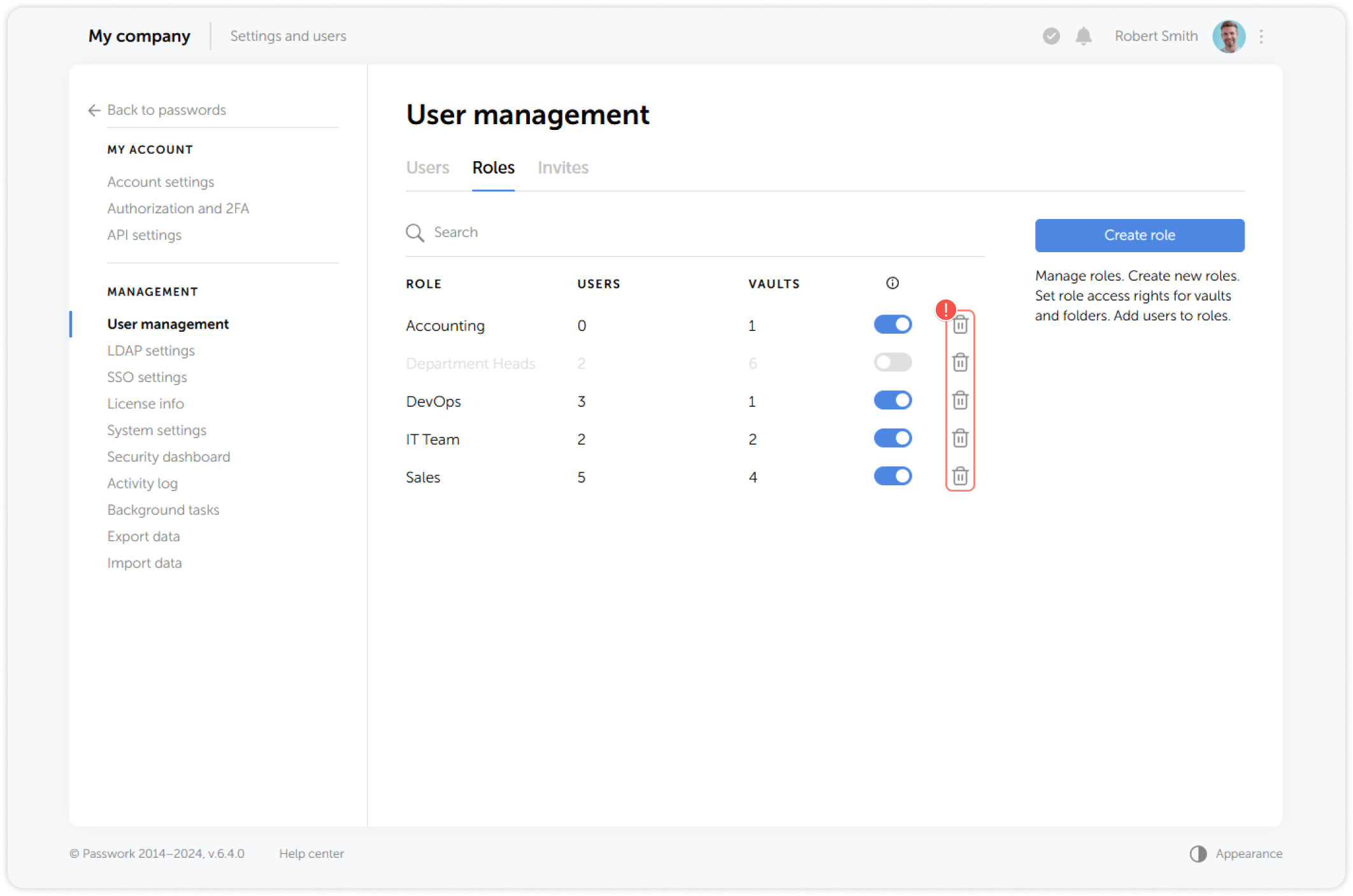
Delete role
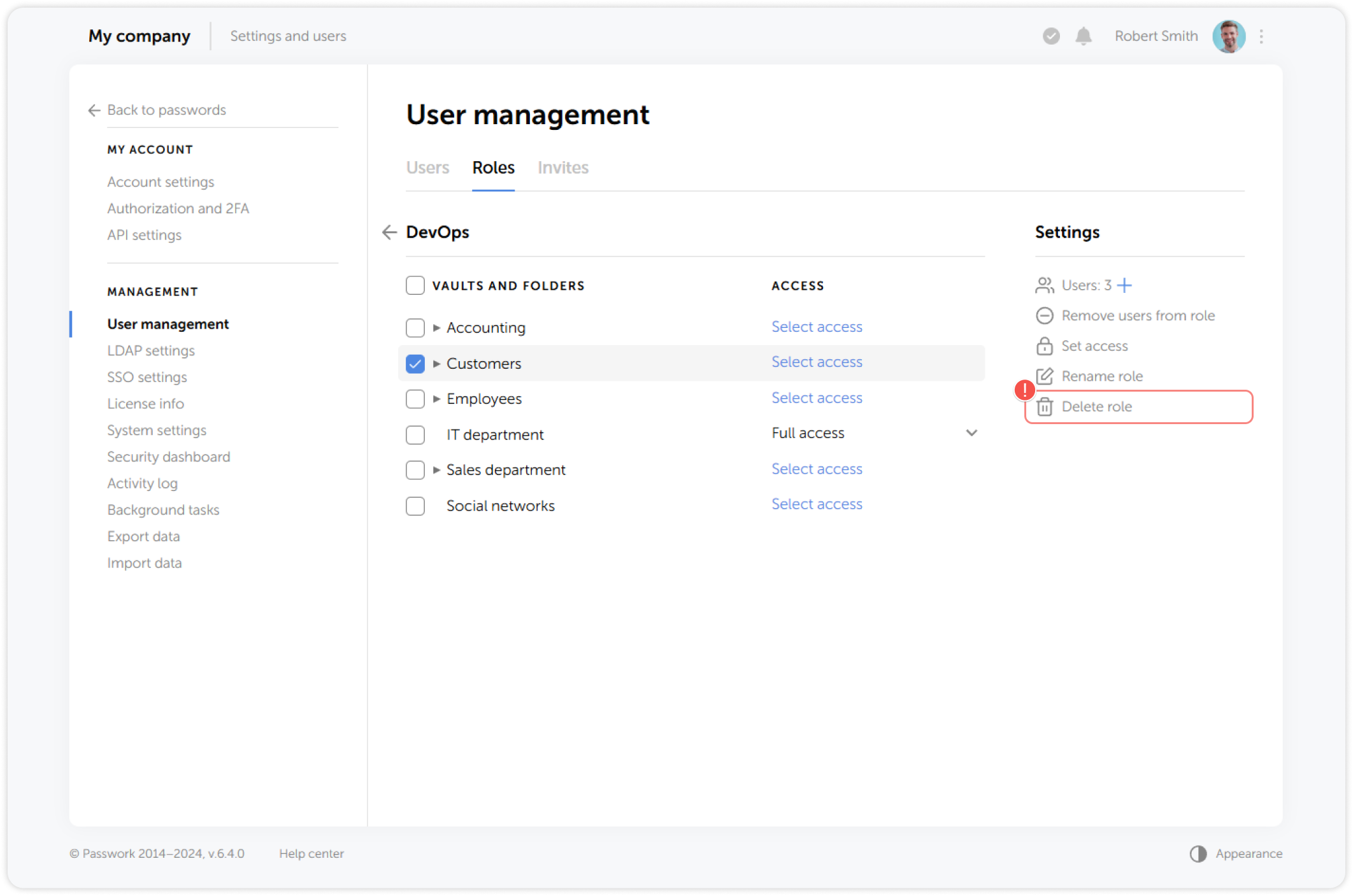
To delete a role from particular vaults or folders, choose the required locations and click Delete role on the right:
1
2
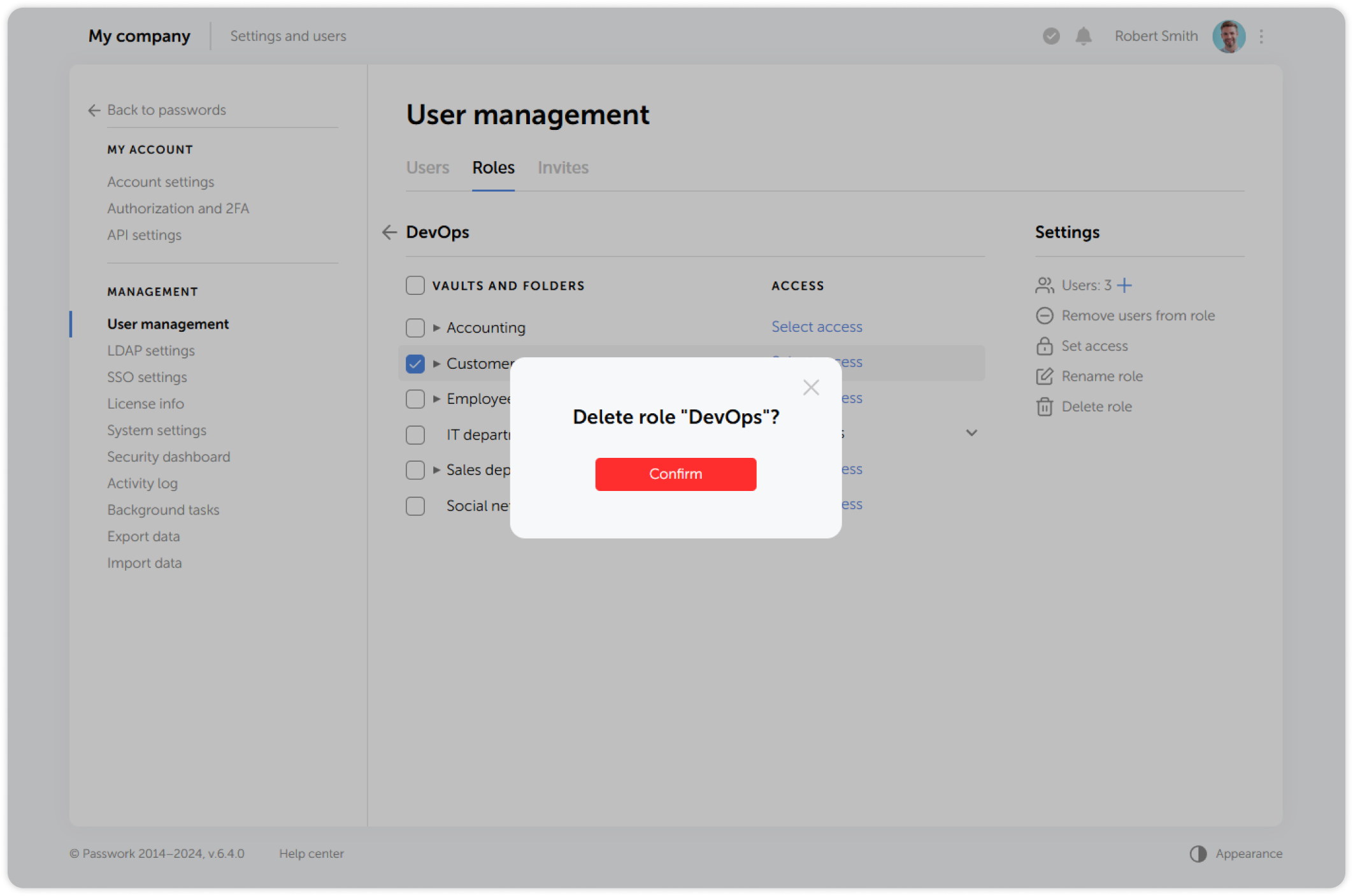
Then confirm the deletion of the selected role:
You can also delete a role by clicking on the bin icon in a role entry in the Roles tab: