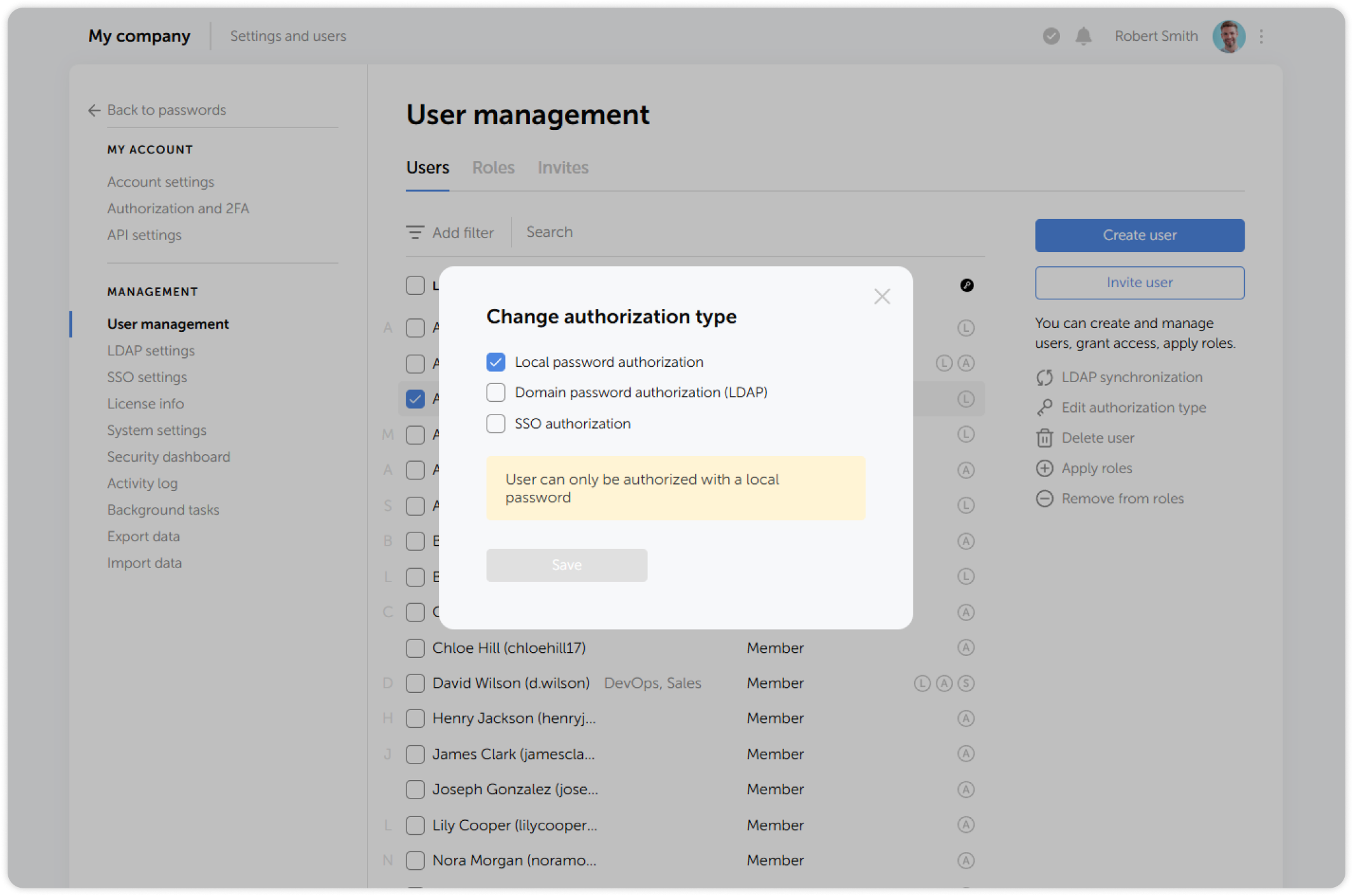
Edit authorization type
Passwork administrators and users with additional administrative rights can set different types of authorization for each user.
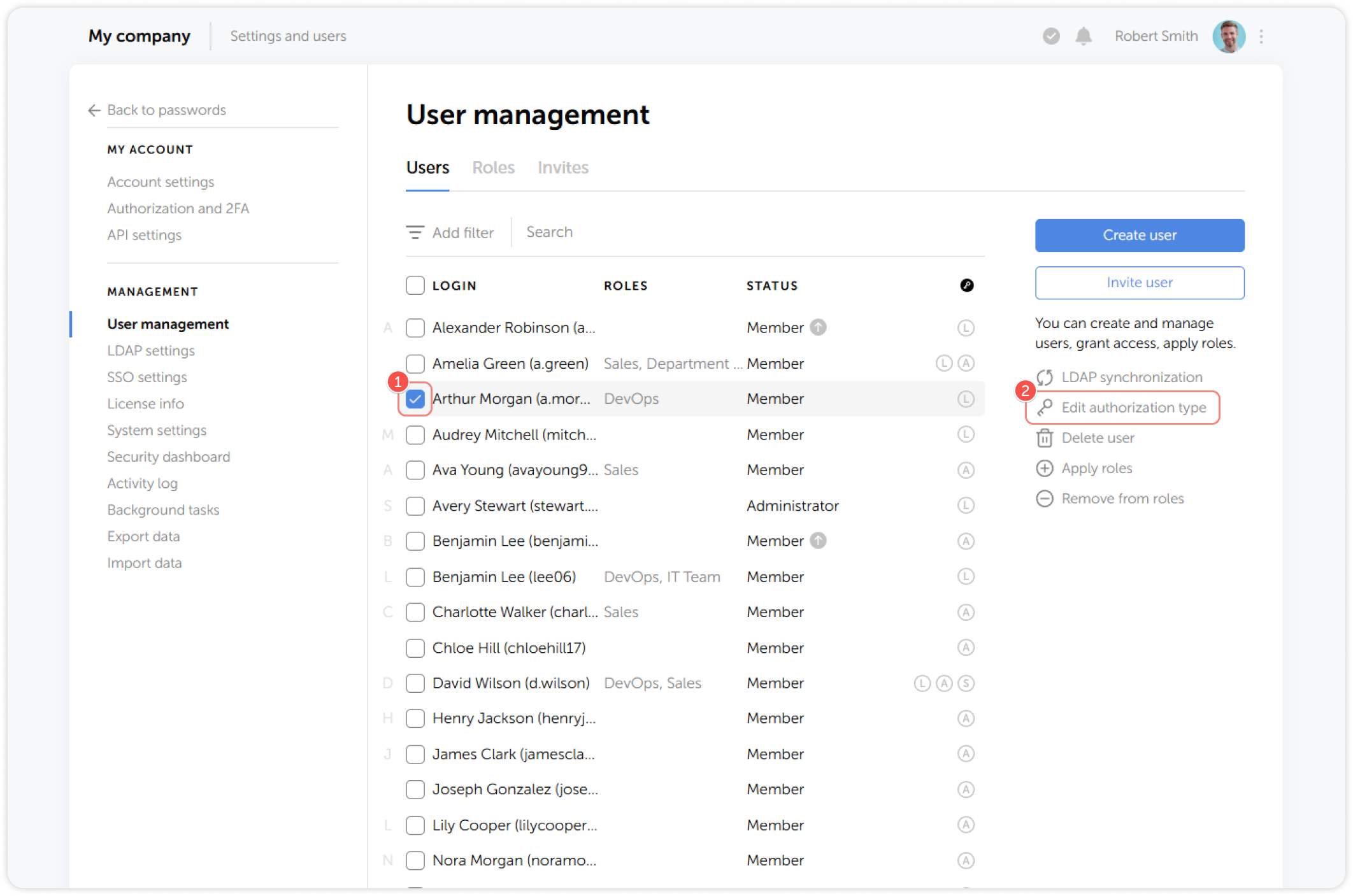
Authorization types are displayed as icons to the right of a user's name and have the following meanings: • L — Local password • A — AD/LDAP • S — SSO
1
Select one or multiple users and click Edit authorization type on the right:
2
In the pop-up window, toggle the required authorization methods and save the changes: