



Block user
When you block a user, their account gets completely disconnected from the system. They will not be able to log into Passwork and their active sessions will be terminated.
To block a user, go to the Users tab in User management, select the user and click the Block user toggle:
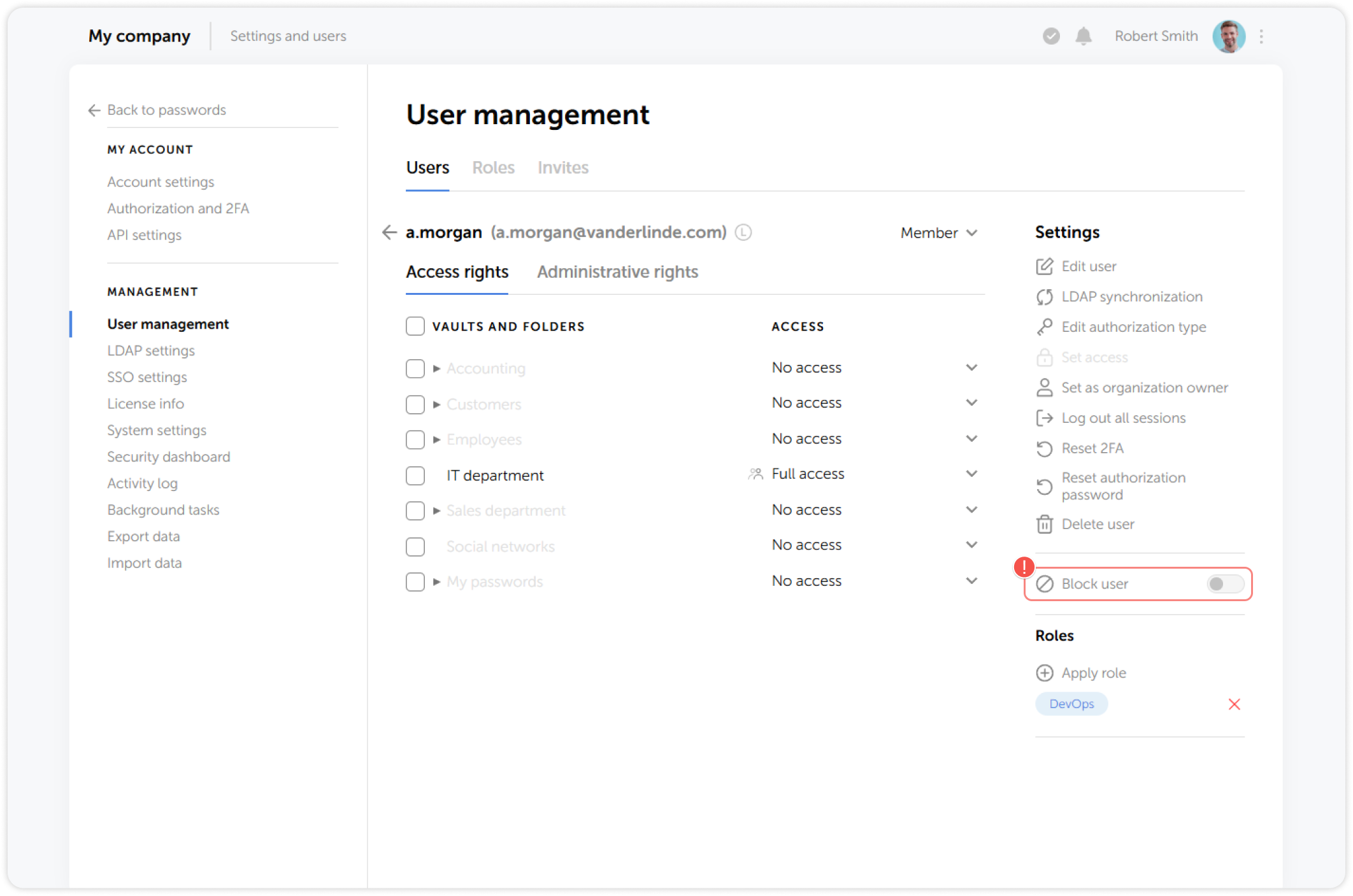
info
Unblocked users will have to log into Passwork again