Delete user
danger
Be cautious when deleting users, as this action is irreversible
Passwork administrators and users with additional administrative rights can delete other users.
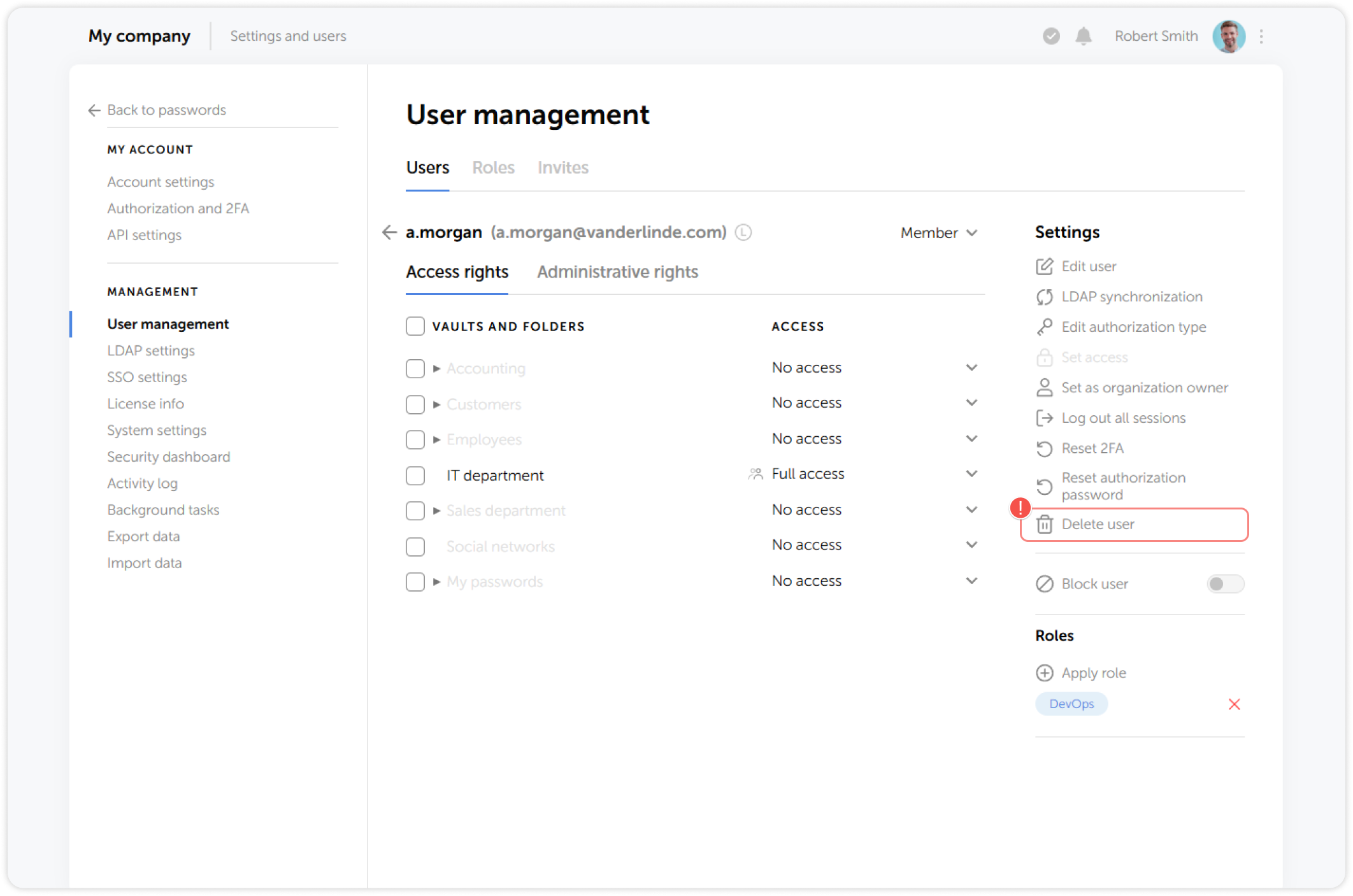
To do this, go to the Users tab in User management, select the user and click Delete user:
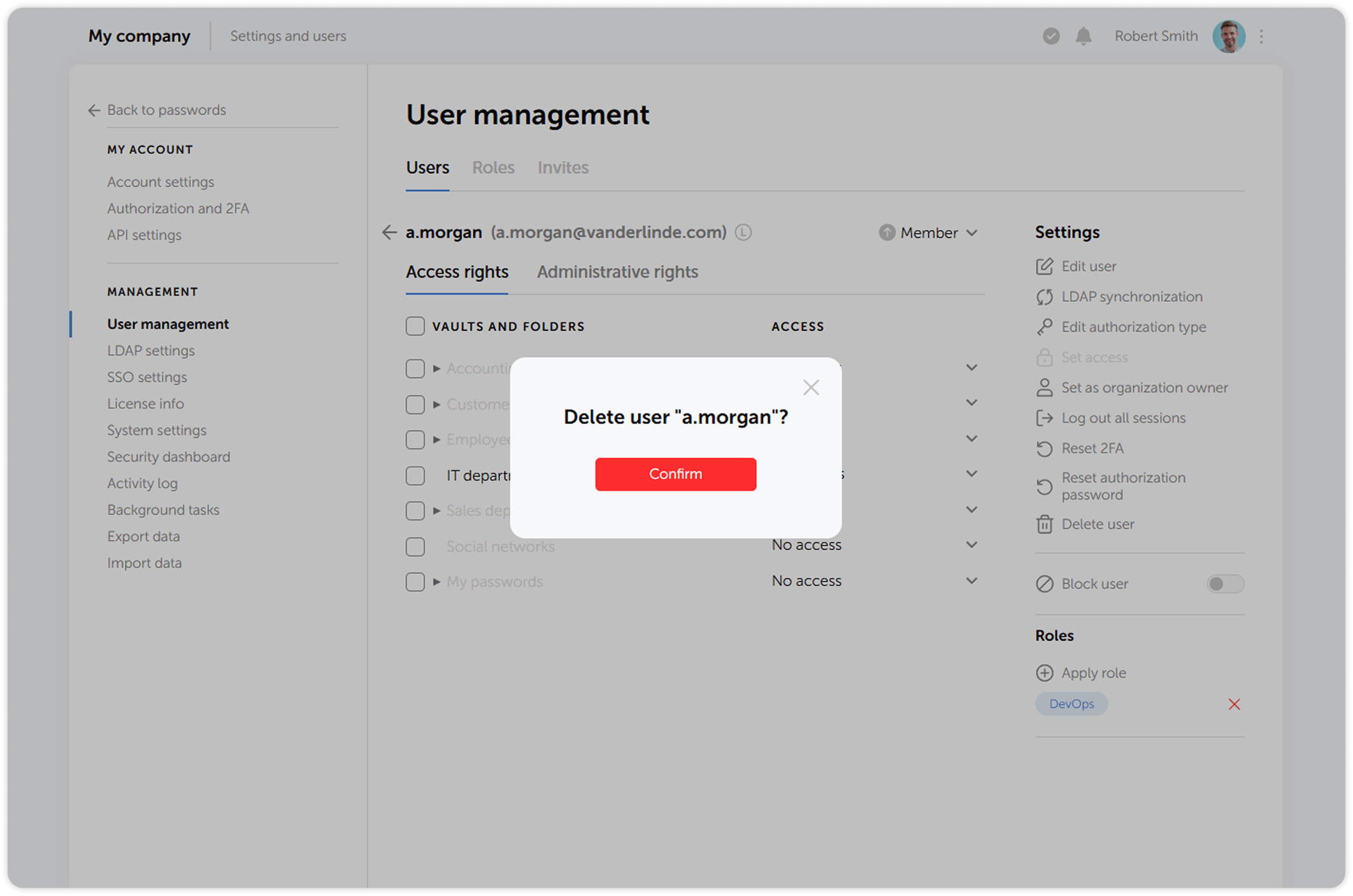
In the next window, confirm the deletion: