Edit user
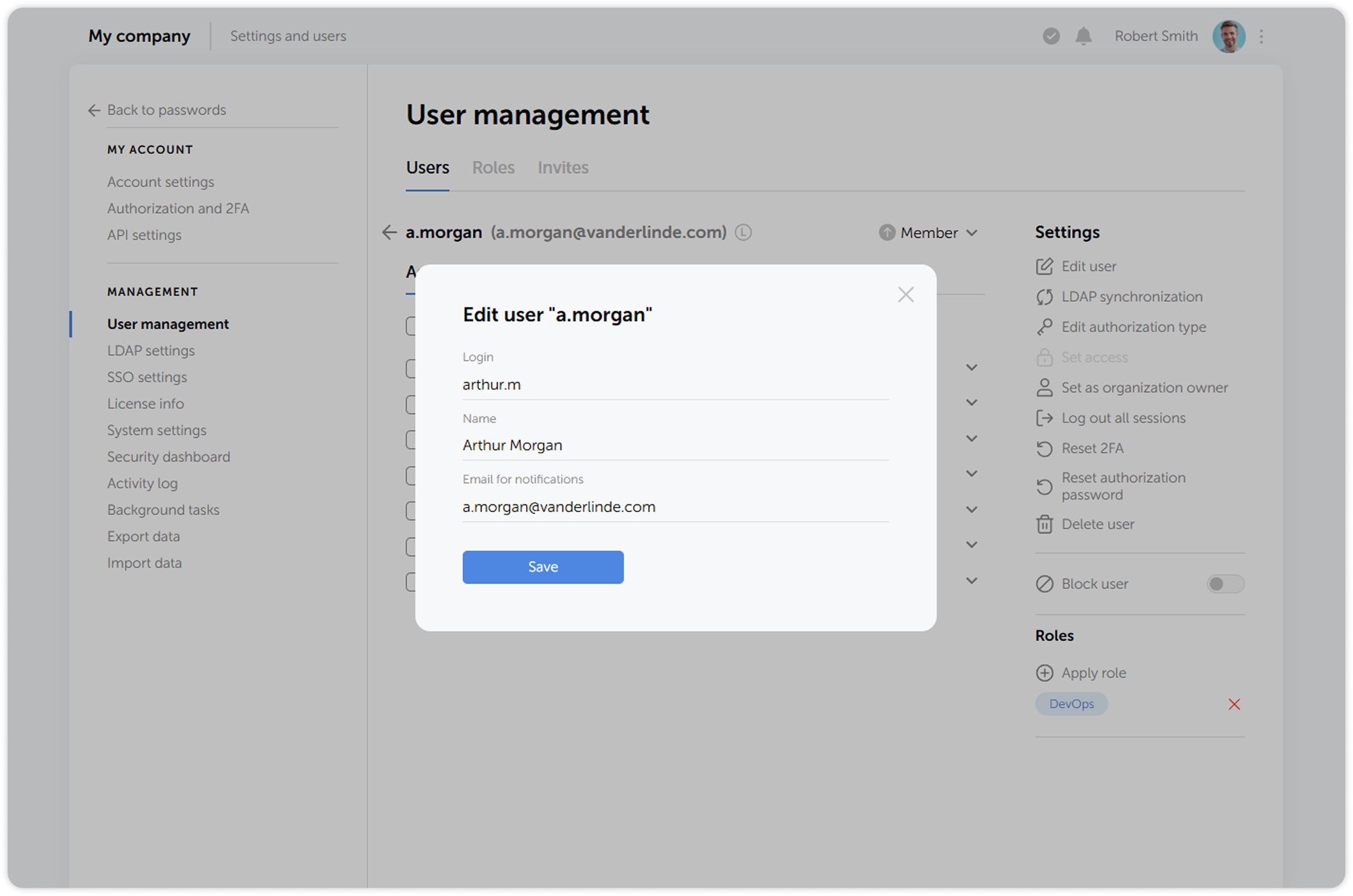
Passwork administrators and users with administrative rights can edit user information, such as login, name and email.
1
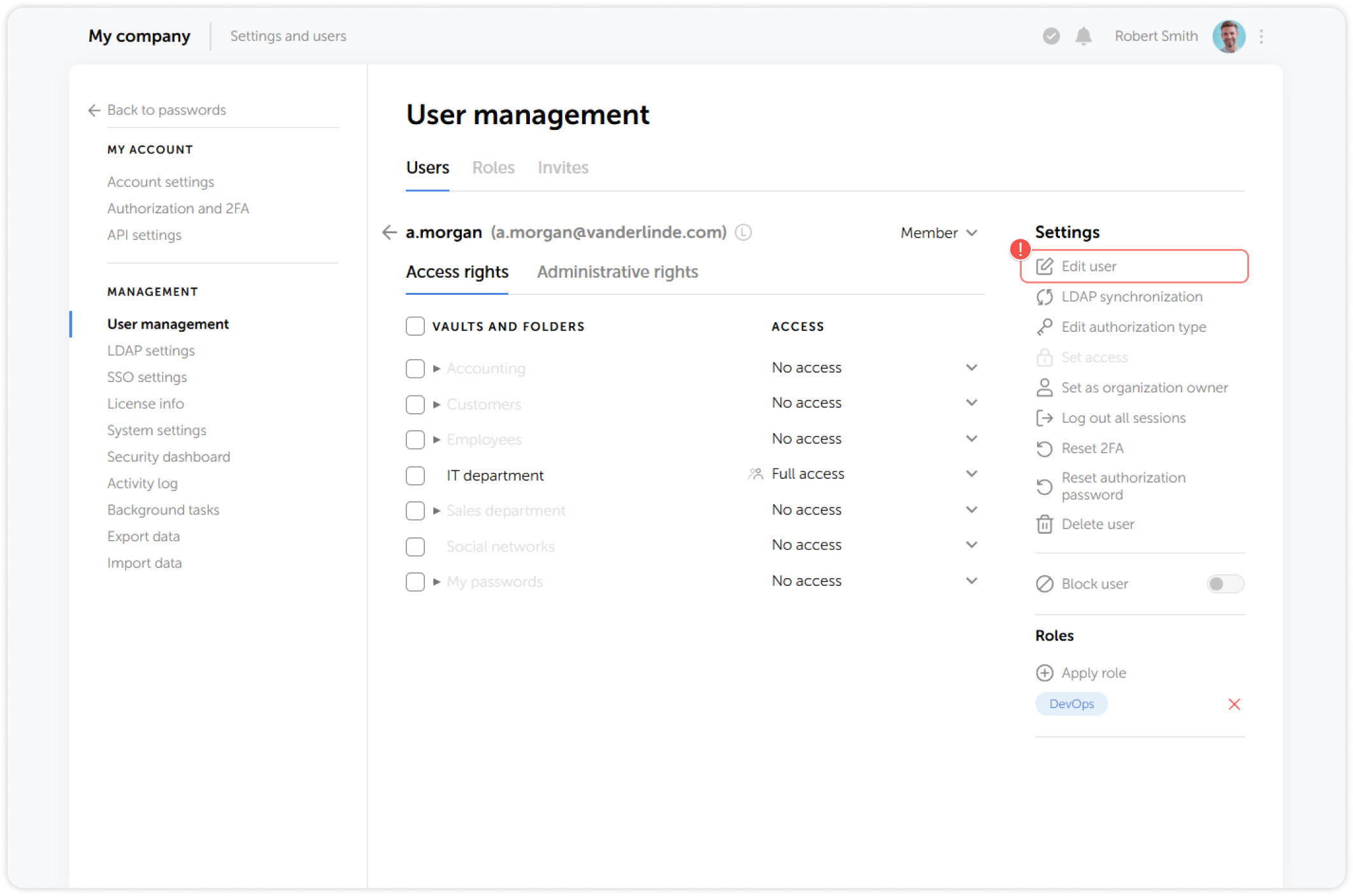
Go to the Users tab in the User management section and click on a user whose details you want to edit. Then, click Edit user to modify their information:
2
In the pop-up window, edit the user information and save the changes: