Reset authorization password
If a user loses or forgets their Passwork authorization password, it can always be reset. After the reset, a new temporary password will be generated, allowing the user to log into Passwork and change it to a new permanent password.
1
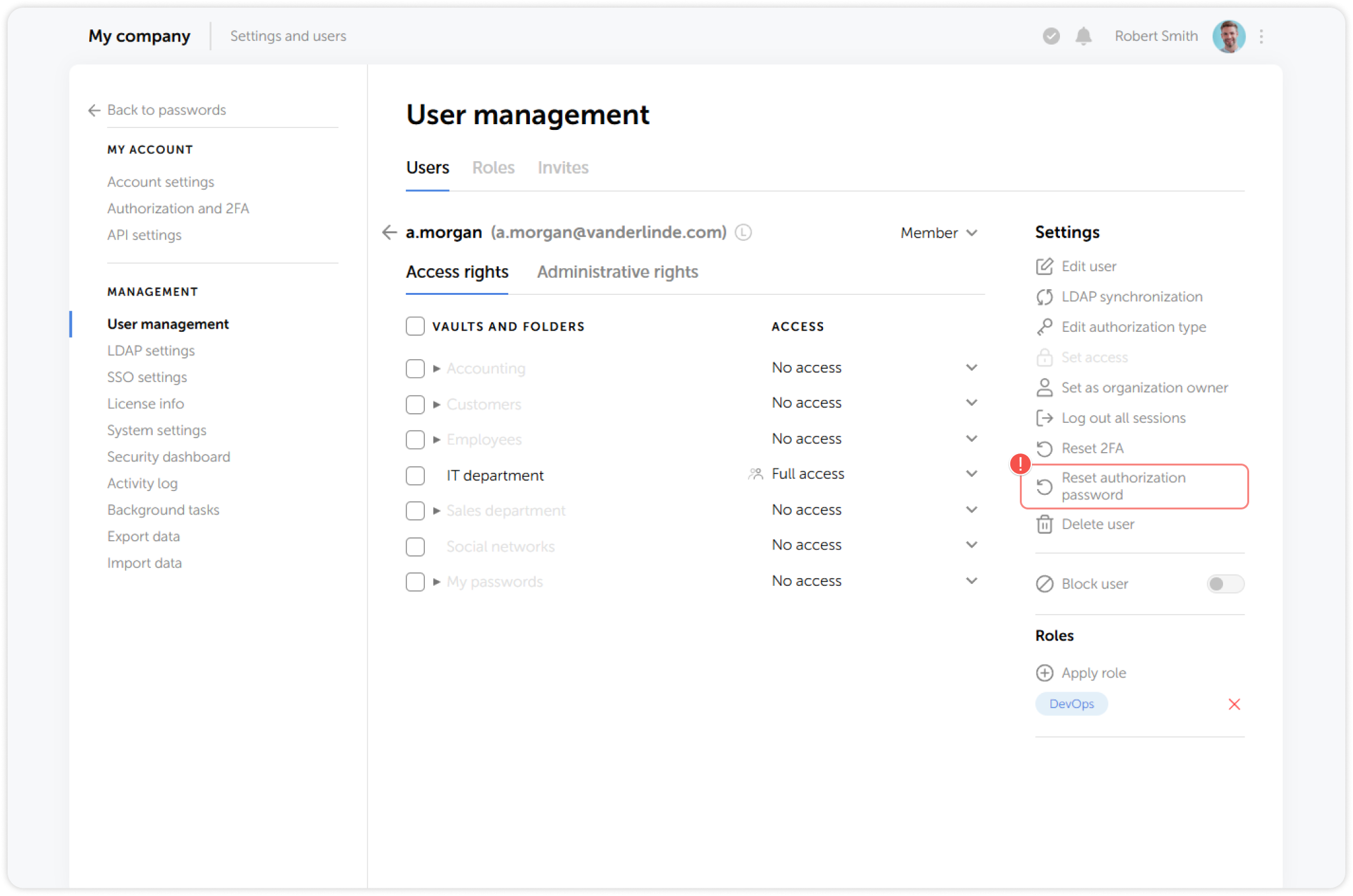
To reset the authorization password, go to the Users tab in User management and click on the user whose authorization password you want to reset:
2
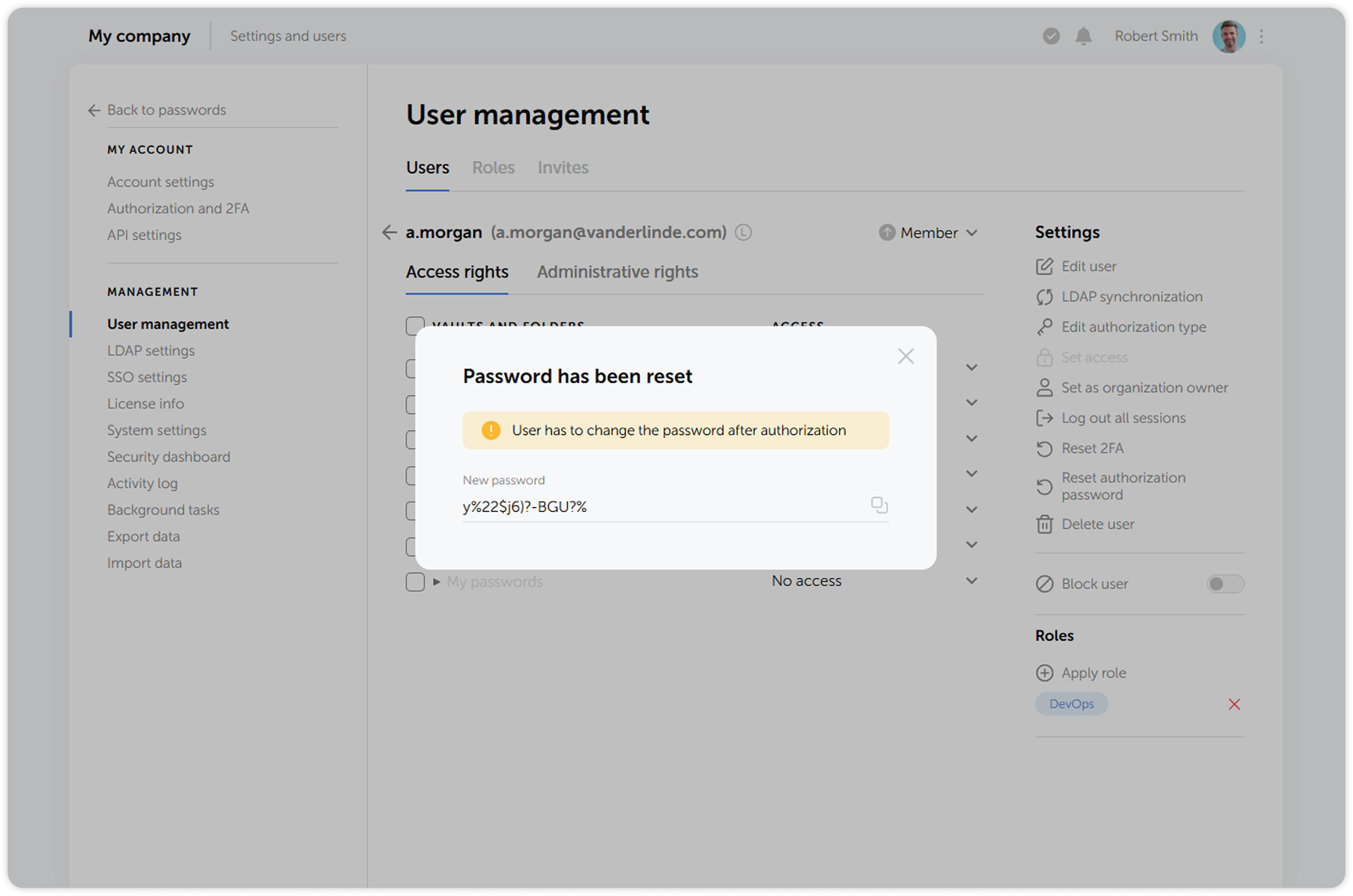
A new temporary password for the user will be shown in the pop-up window. The user must change the temporary password next time they log into Passwork: