



Add users
Adding users to a folder is similar to adding them to a vault, but users will only have access to the passwords stored in that specific folder.
1
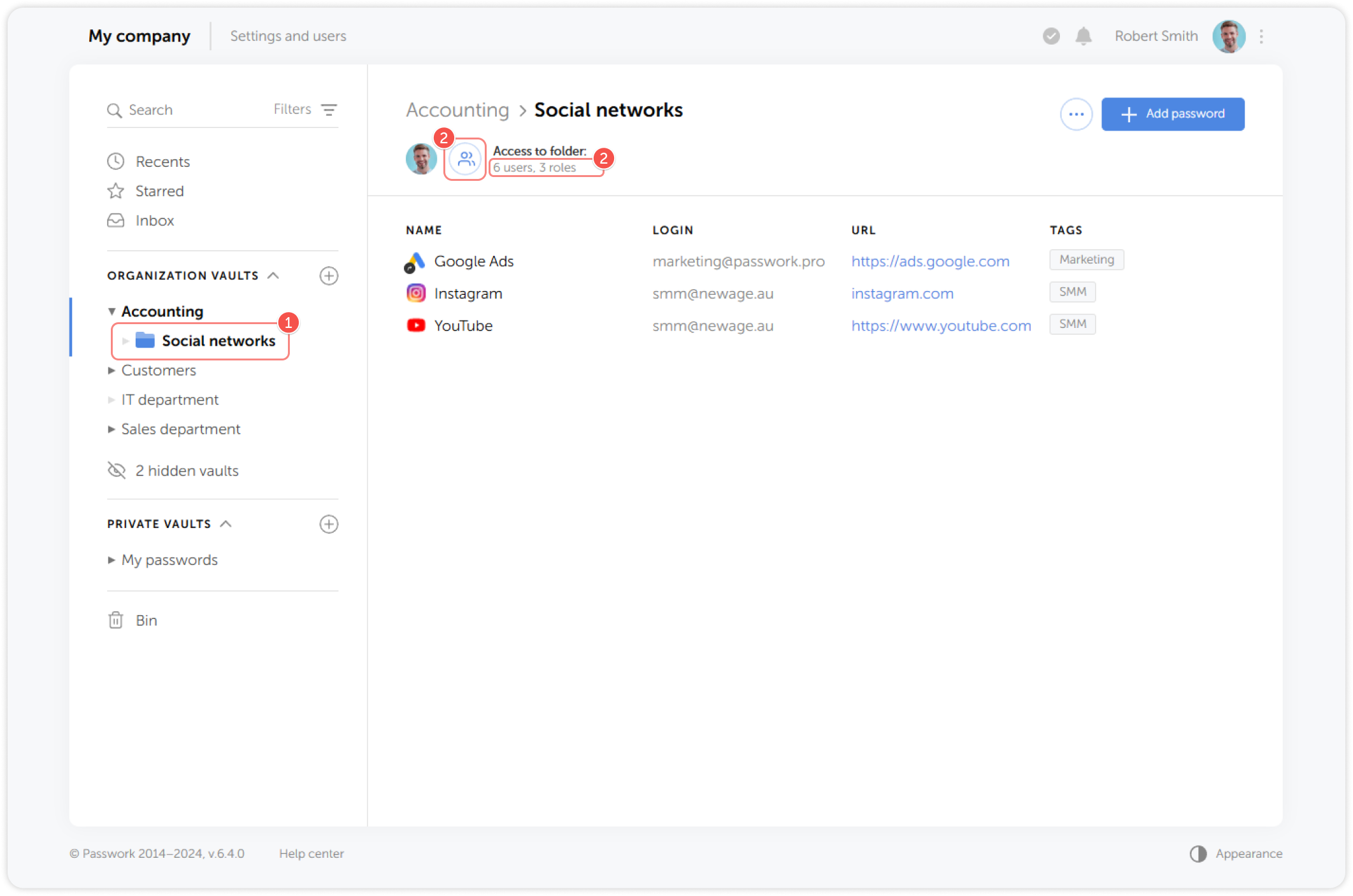
Select a folder and click the Folder access button:
2
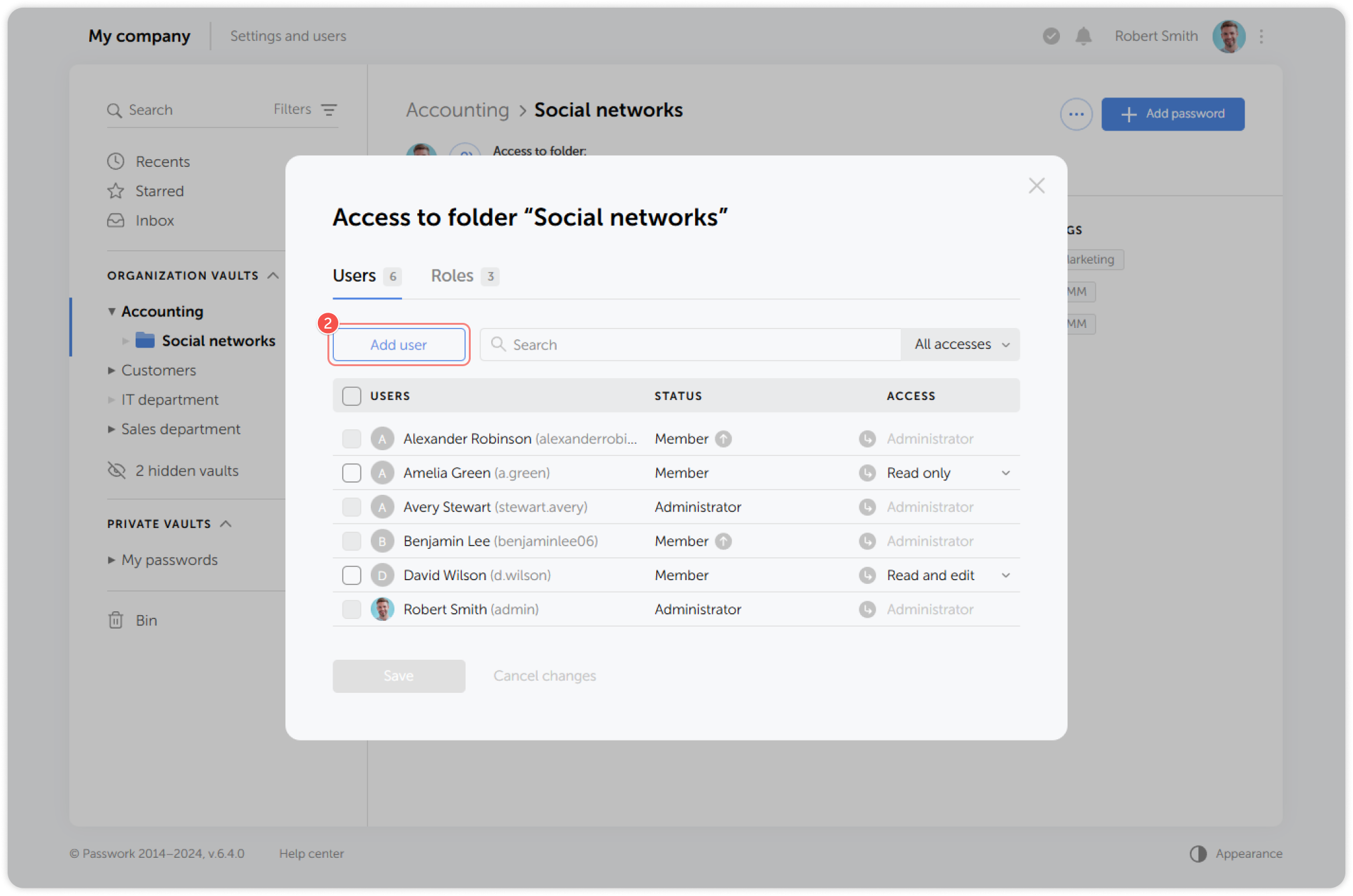
In the pop-up window click Add user or review access settings:
3
In the dropdown list, select the users you want to add and set their access level to the folder: