



Folders
Folder is a container that holds passwords. You can group passwords and accounts by projects or departments into folders to create an organized structure within a vault and streamline access and management.
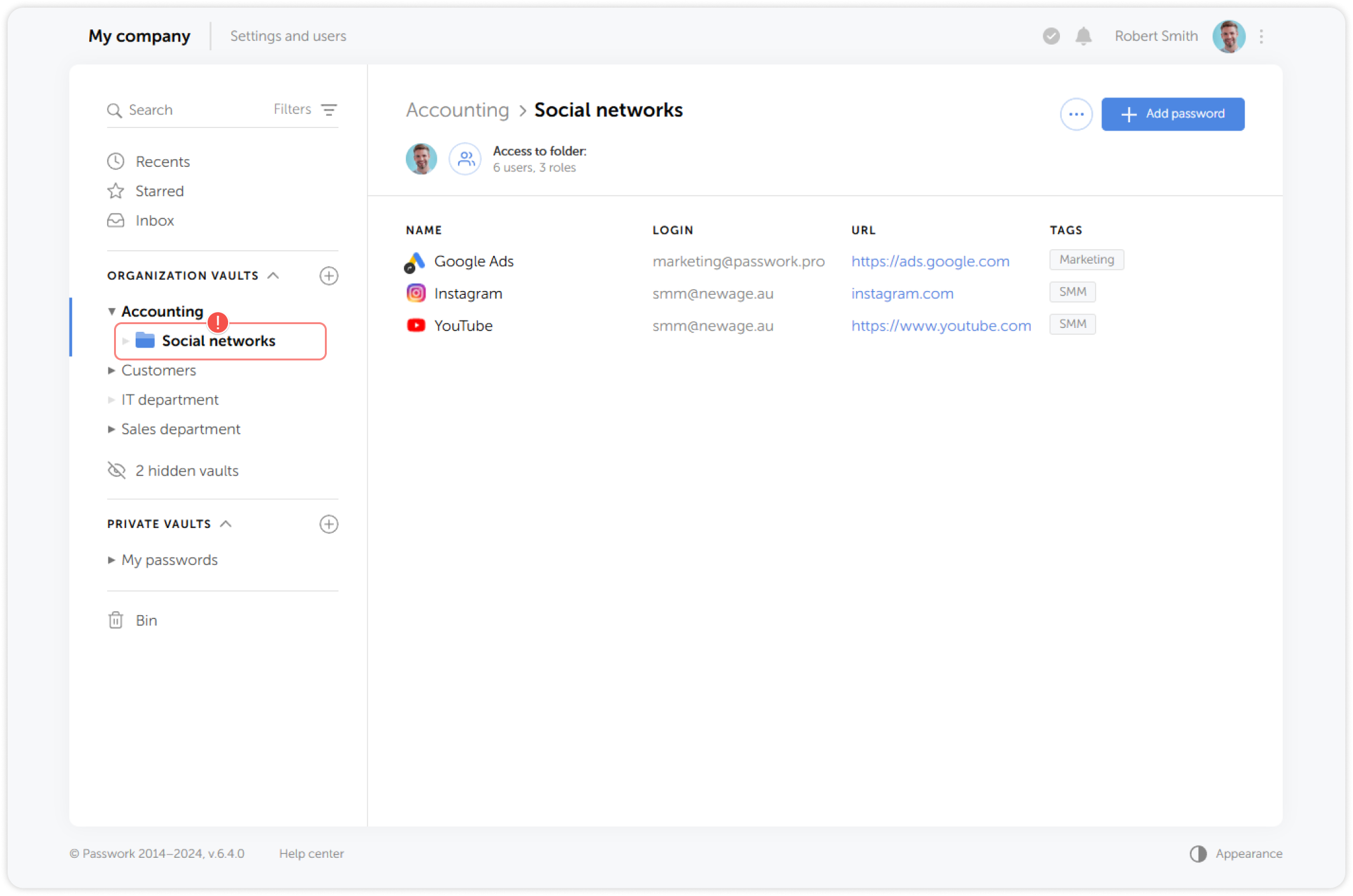
Create a folder
To create a folder, go to the **Vault settings menu **and click Create folder:
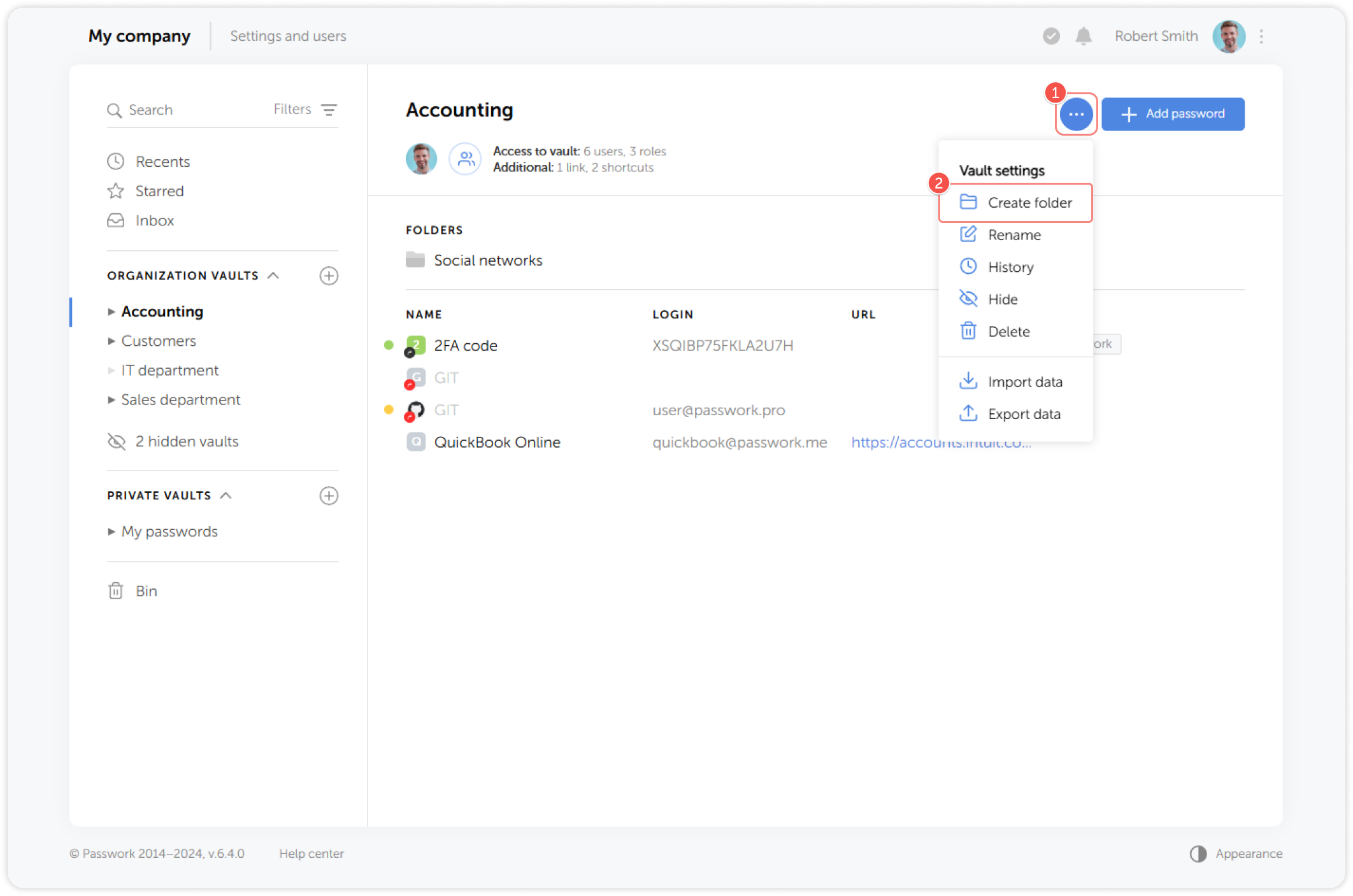
Folders can be created inside another folder, without any level restrictions
Folder control panel
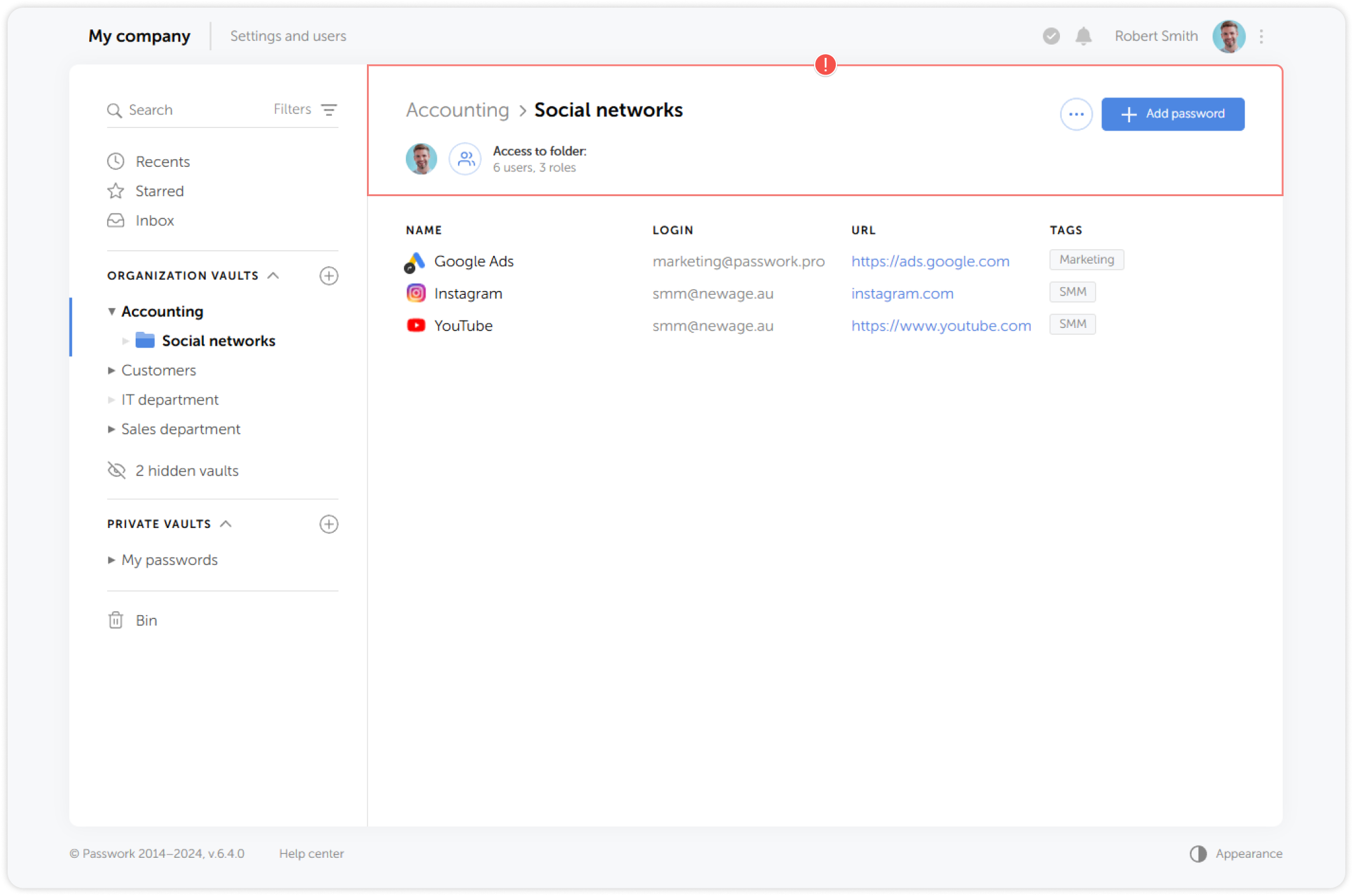
Folder control panel is displayed in the upper section of the Content pane when you select a folder. Here you can add a password, view folder access, see the folder path and open the Folder settings menu:
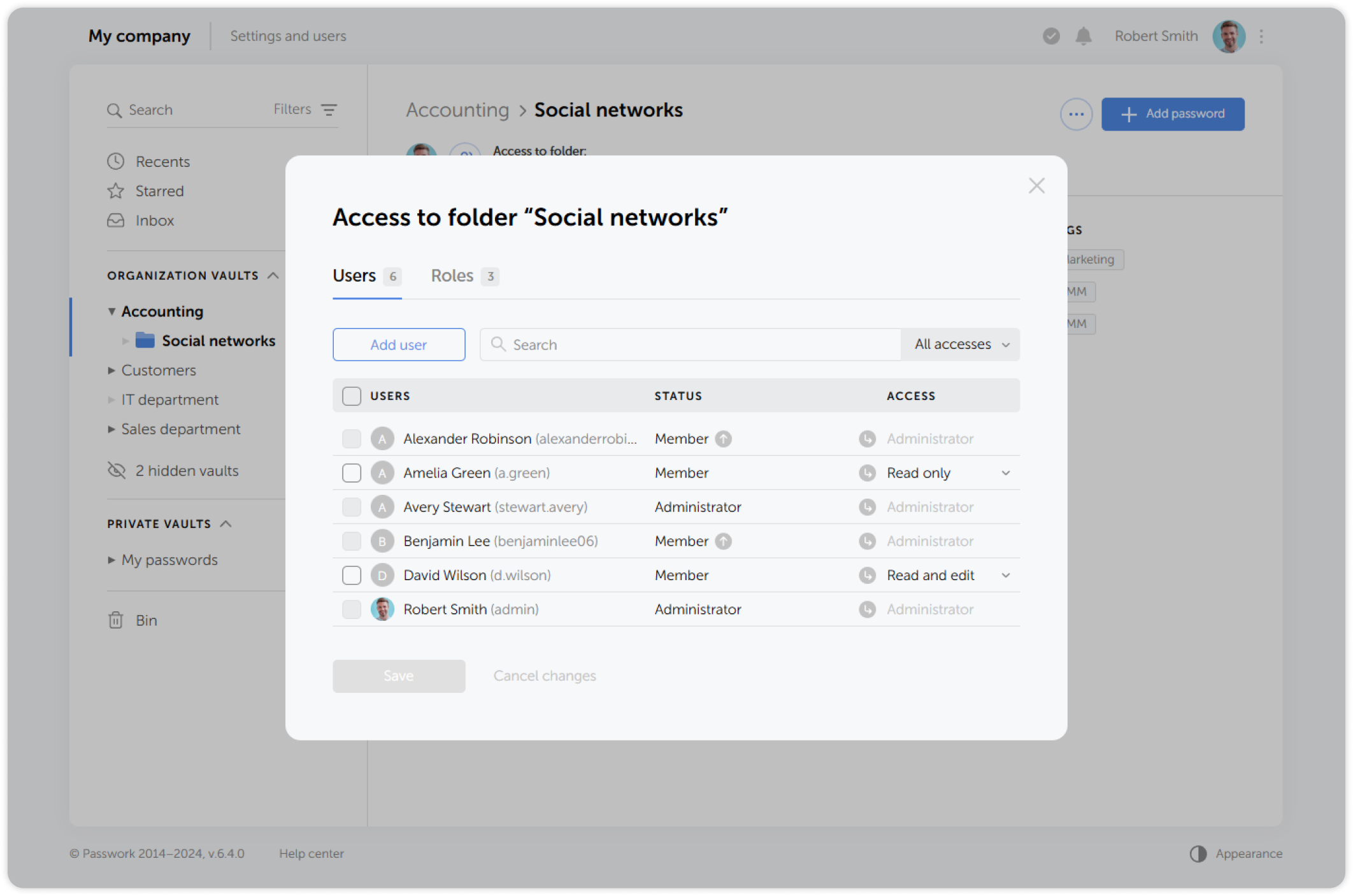
Folder access window
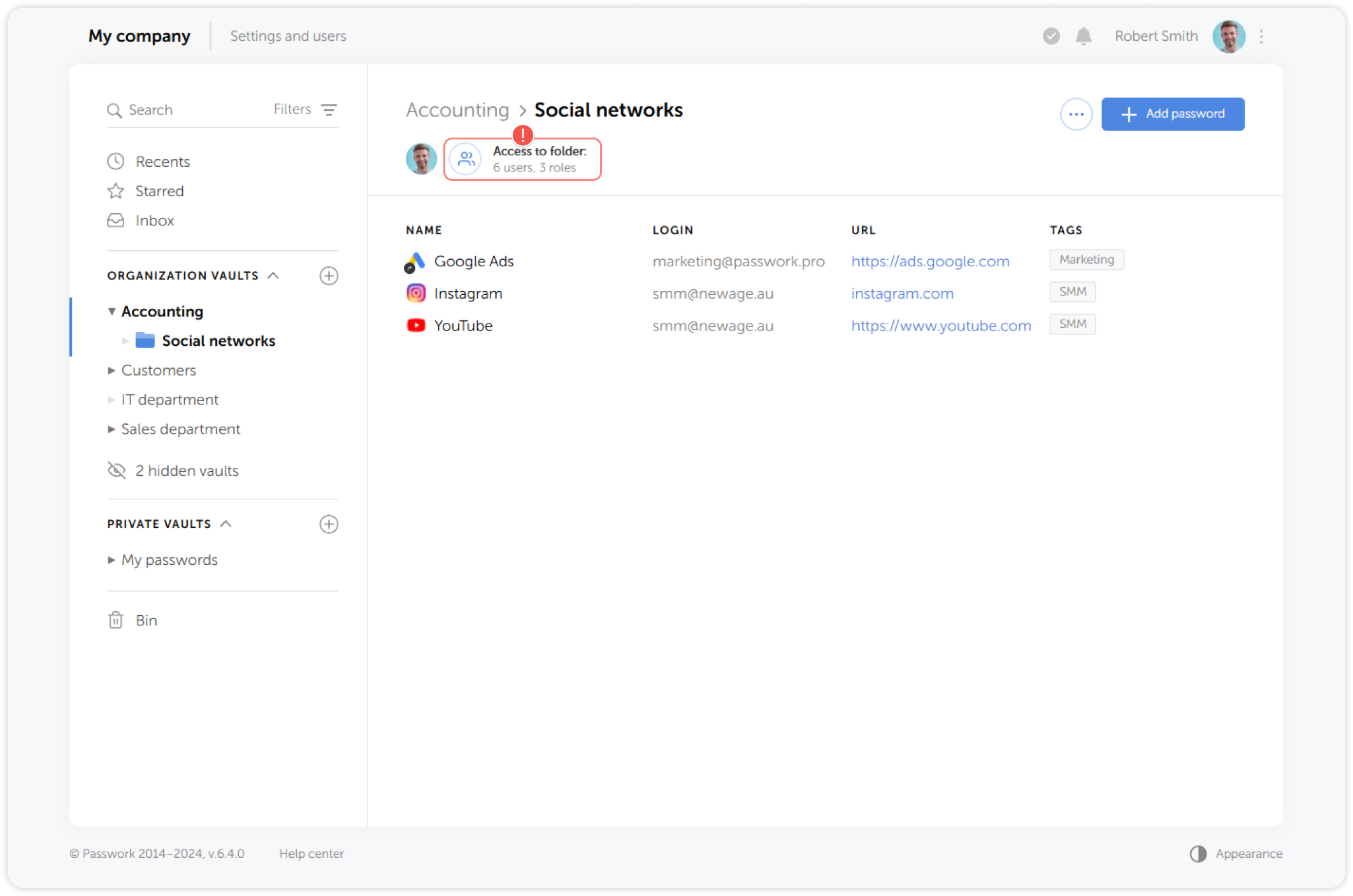
The Folder access window lists users and roles that have access to the selected folder. You can add, delete, or modify access levels for these users and roles:
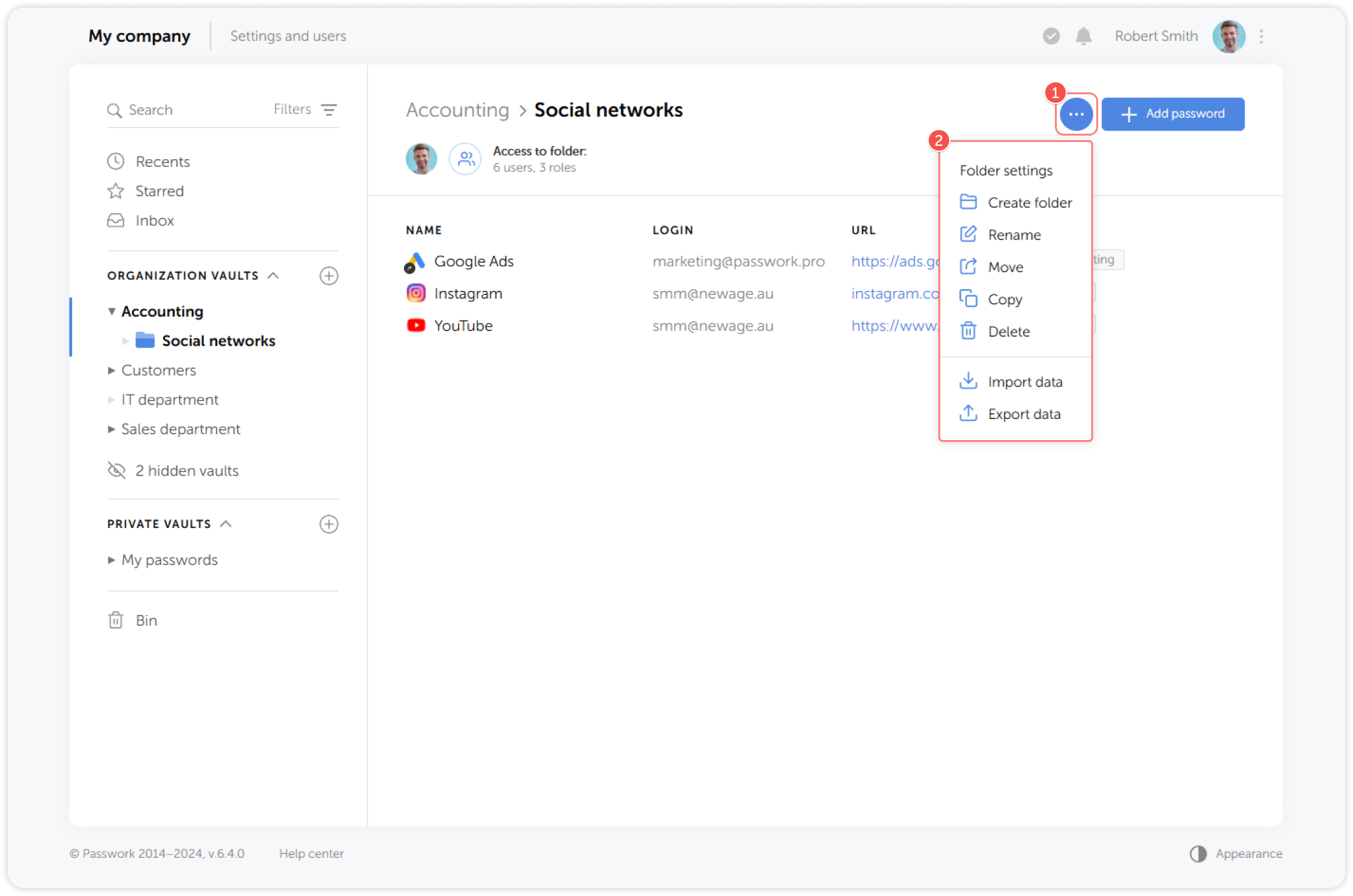
Folder settings menu
Through the Folder settings menu you can: create a folder, rename a folder, delete it, manage access to the folder and import or export data from the folder.
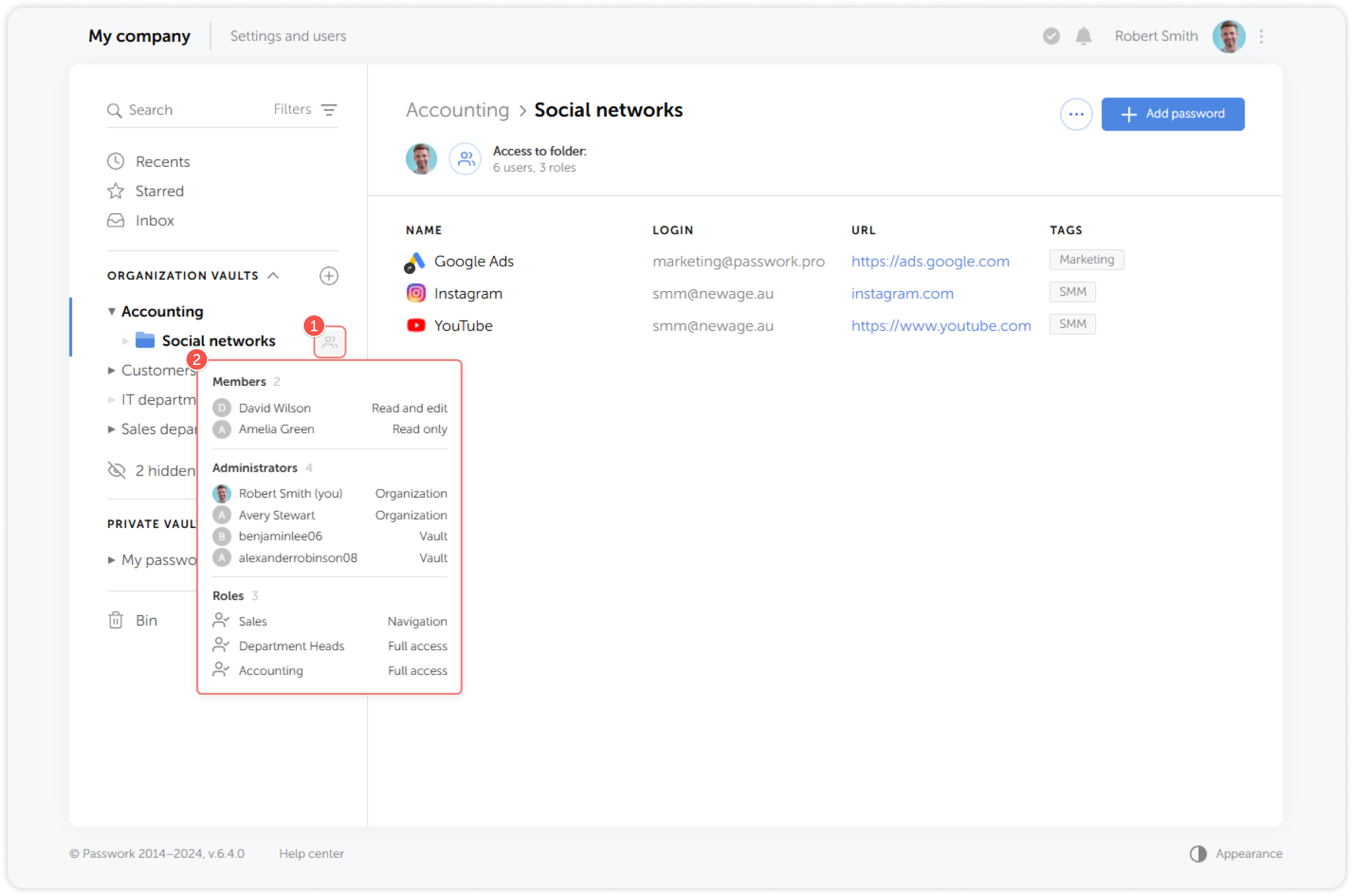
Folder access quick view
Administrators can quickly check and manage passwords created by users, monitor and manage access rights by hovering over the icon to the right of the folder name:
For more details about folder access management, see the Folder access rights page