



Add users
Administrators can invite users to a vault and grant them access to passwords stored within.
1
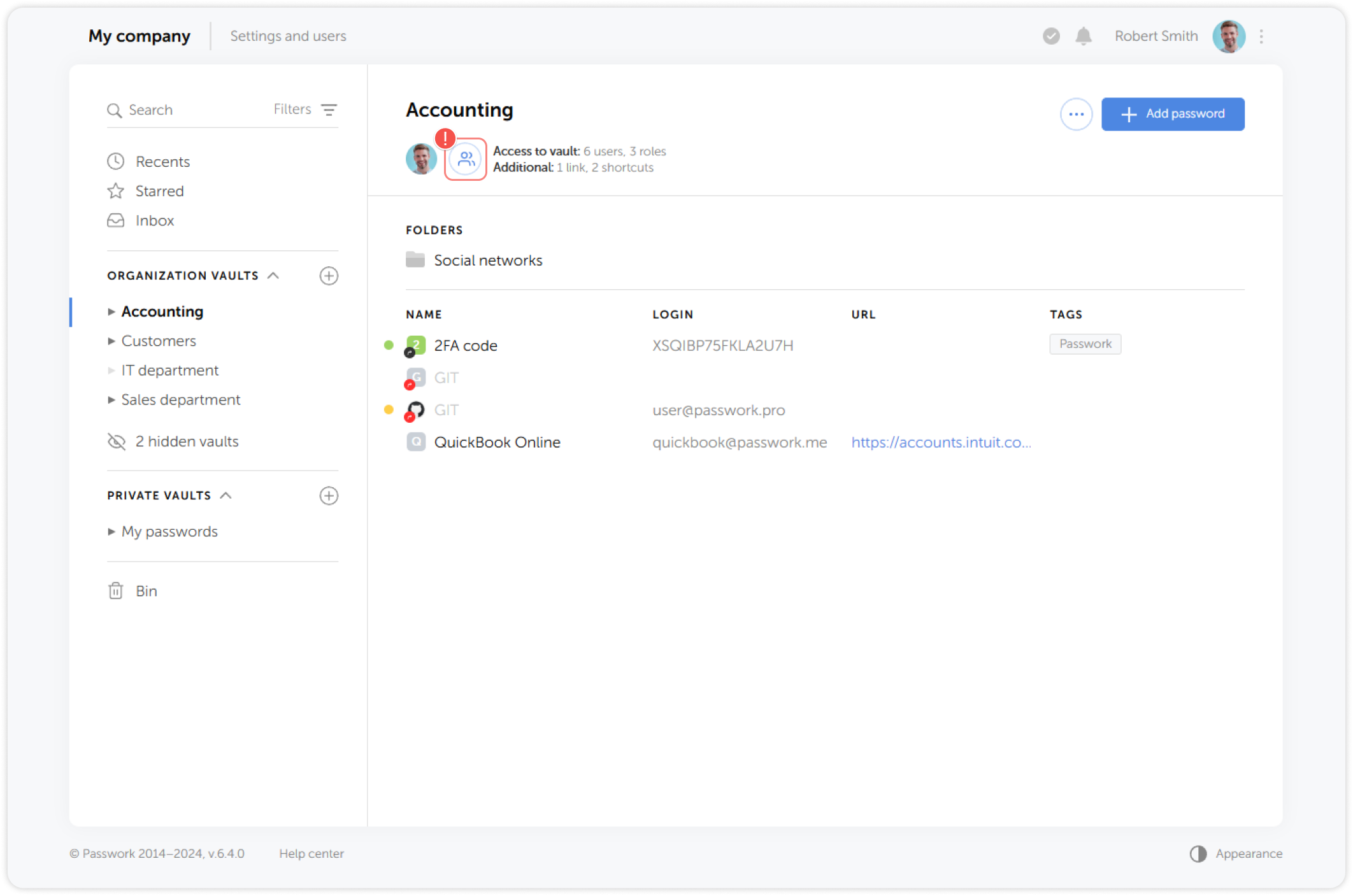
Select a vault, then click the Vault access button
2
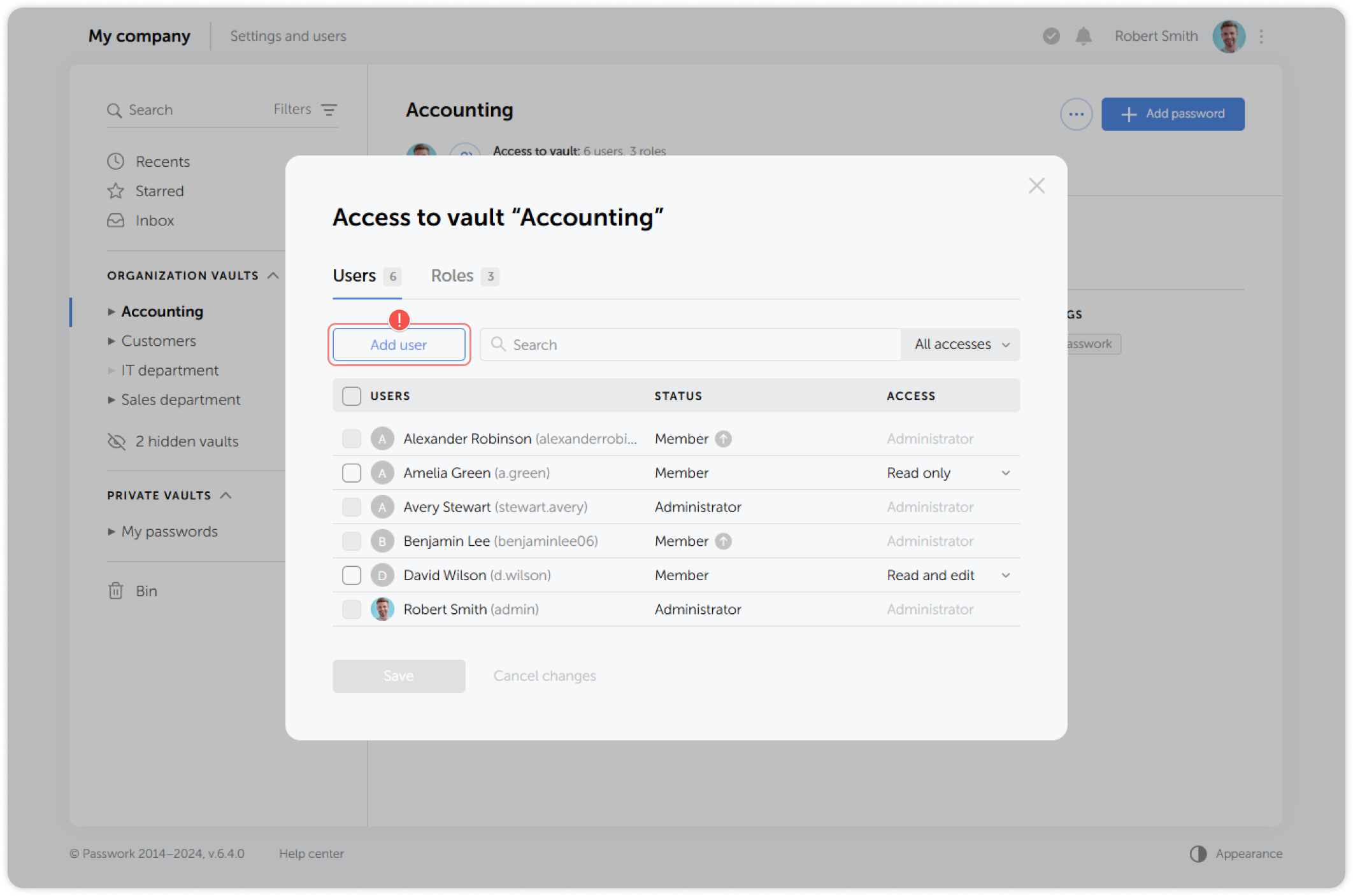
Click Add user in the pop-up window:
3
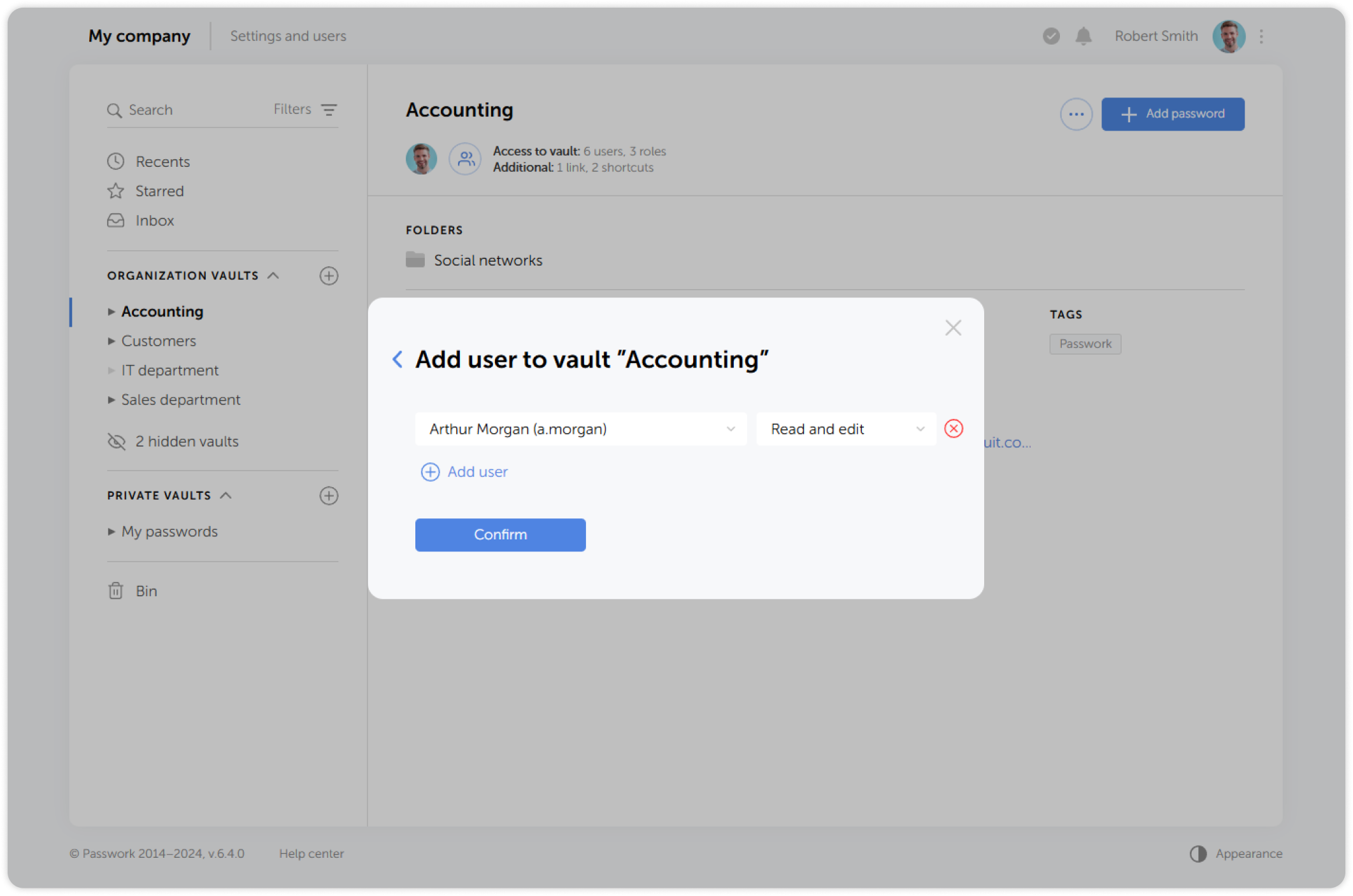
In the dropdown list, select one or more users, set their access levels and save the changes:
tip
1. In the dropdown list, select a user and set their access level 2. Add more users if needed 3. Click Confirm to save the changes