



Create folder
Use folders to establish a multi-level structure within your vaults.
1
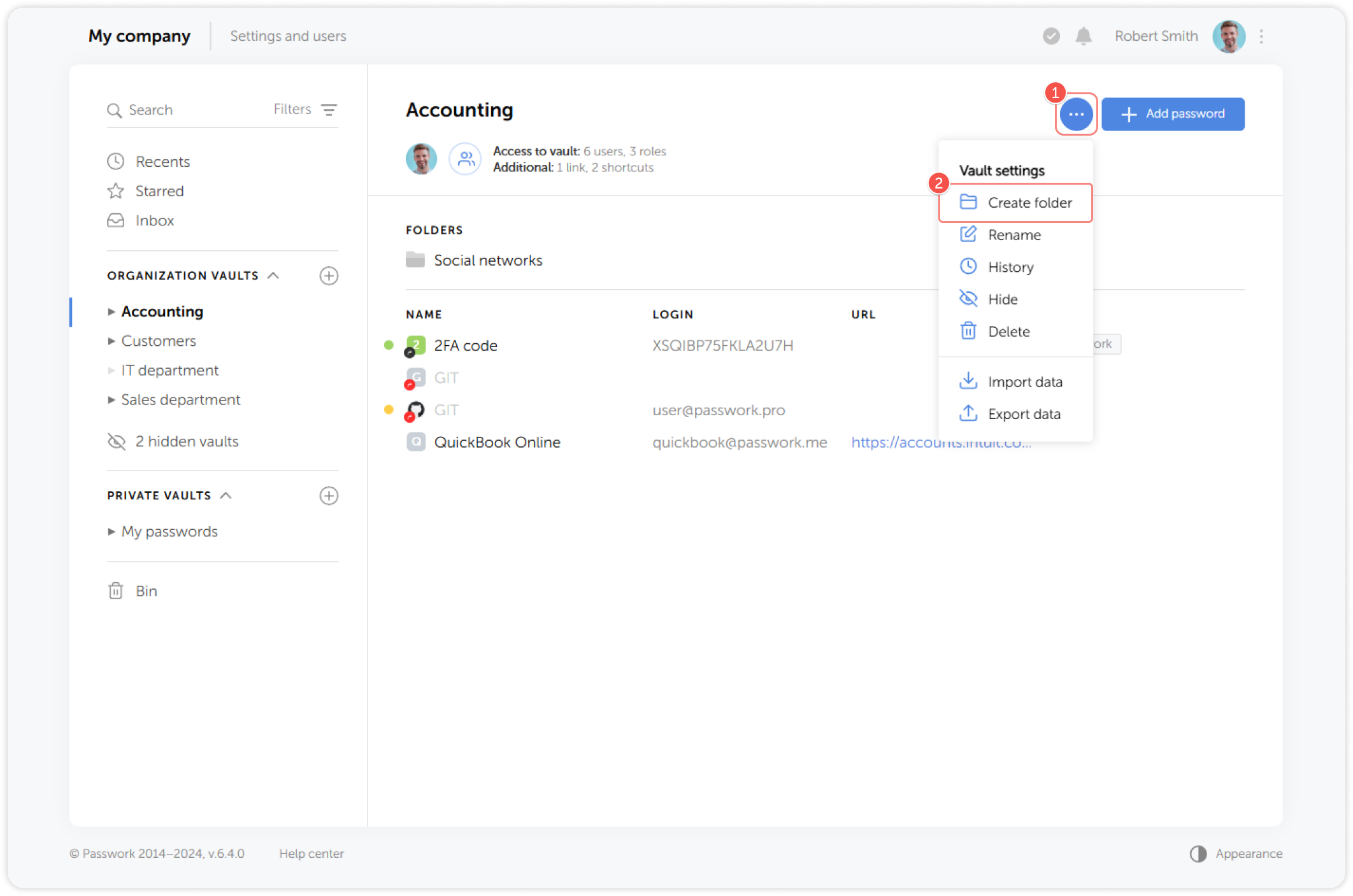
Go to the **Vault settings menu **and select Create folder:
2
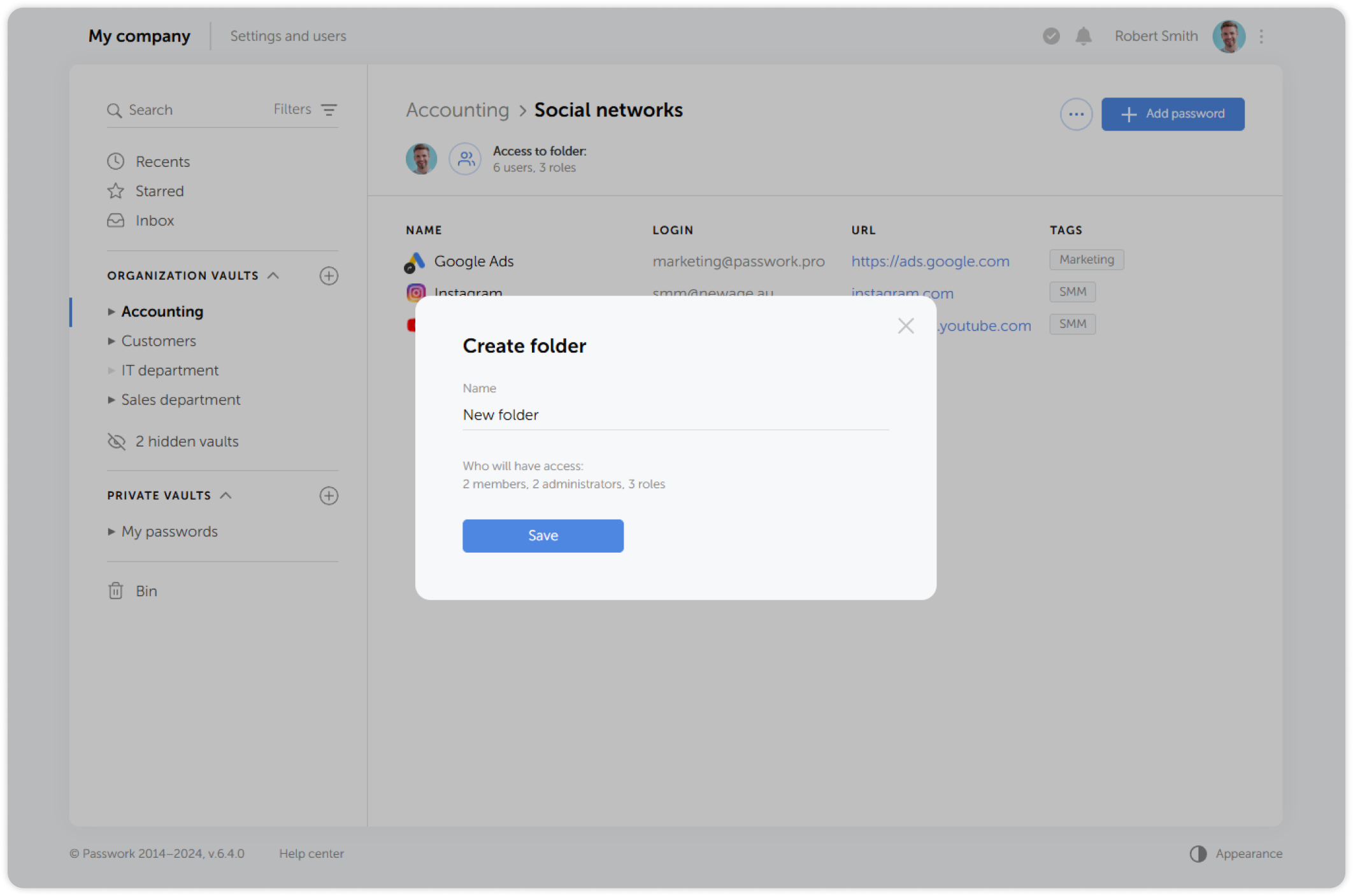
In the pop-up window, enter a name for the new folder, check the access rights and save the changes:
info
New folders inherit the access levels of the parent vault. When creating a folder, you will be able to see which users and roles will have access to it.