Hide vault
info
Your hidden vaults are still visible to other users
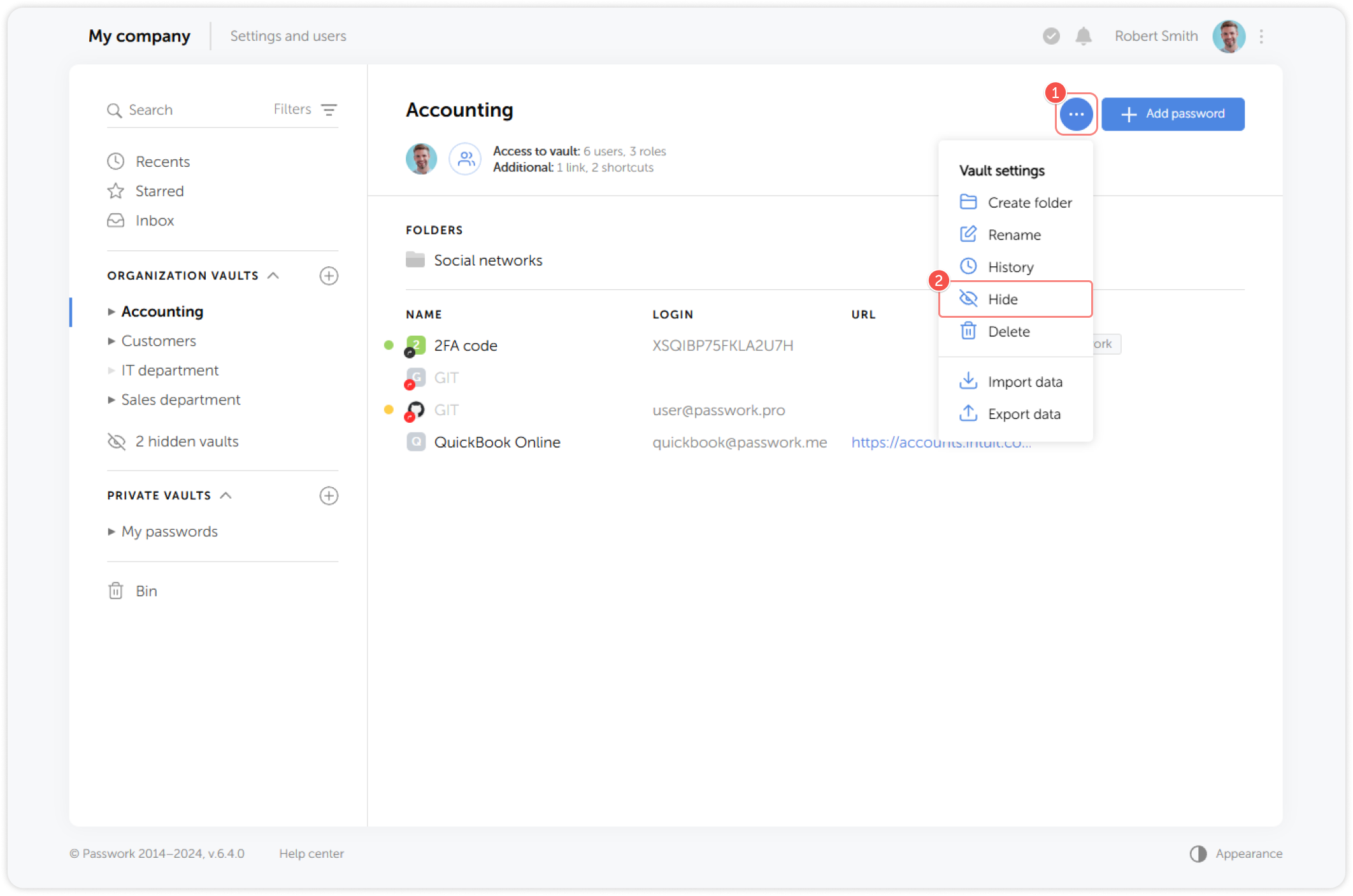
To make navigation easier, Passwork lets you hide vaults from the vault list. Open Vault settings dropdown menu, click Hide and confirm the action:
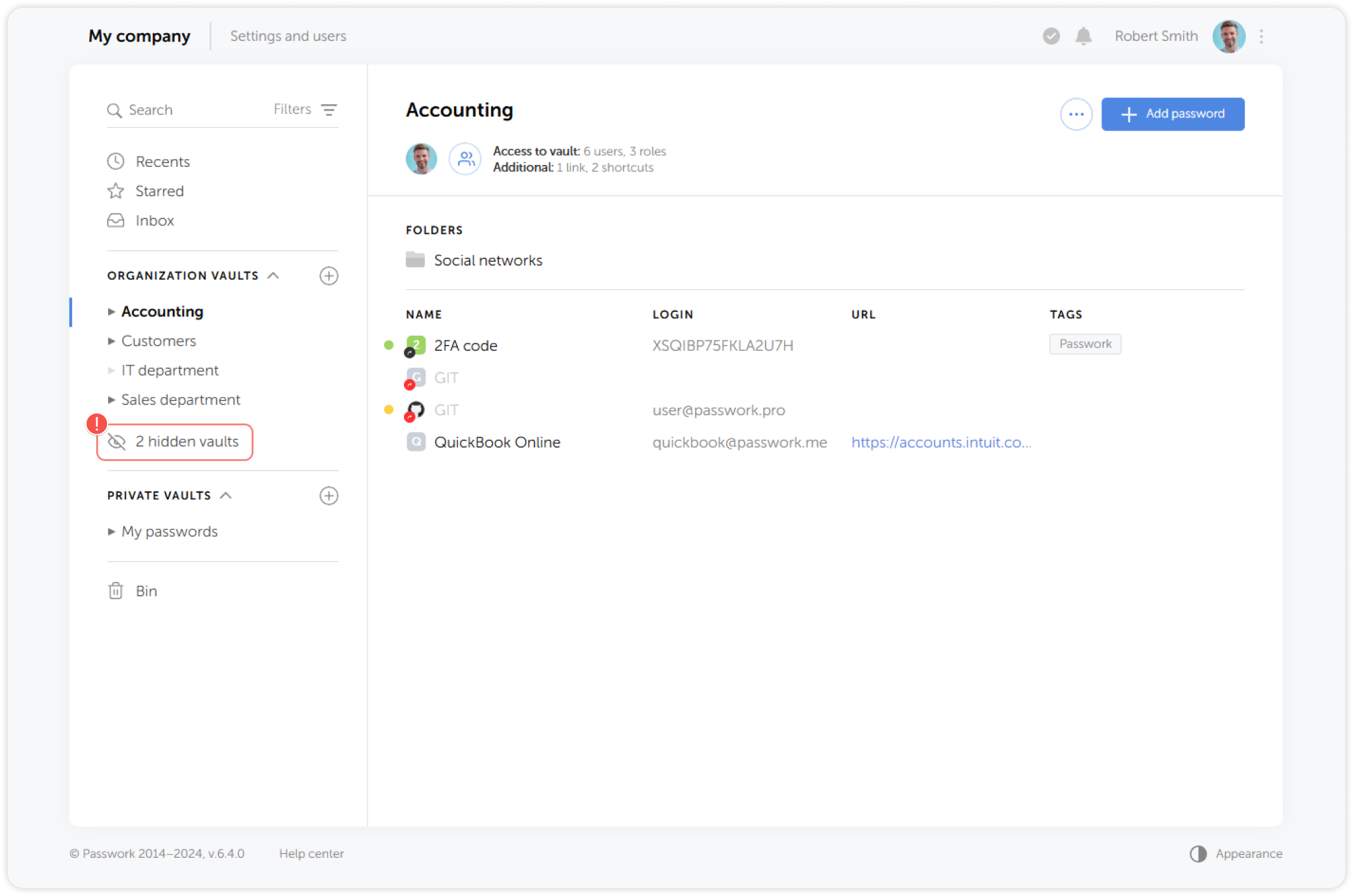
You can view and manage all hidden vaults by clicking on the Hidden vaults button in the Vault list:
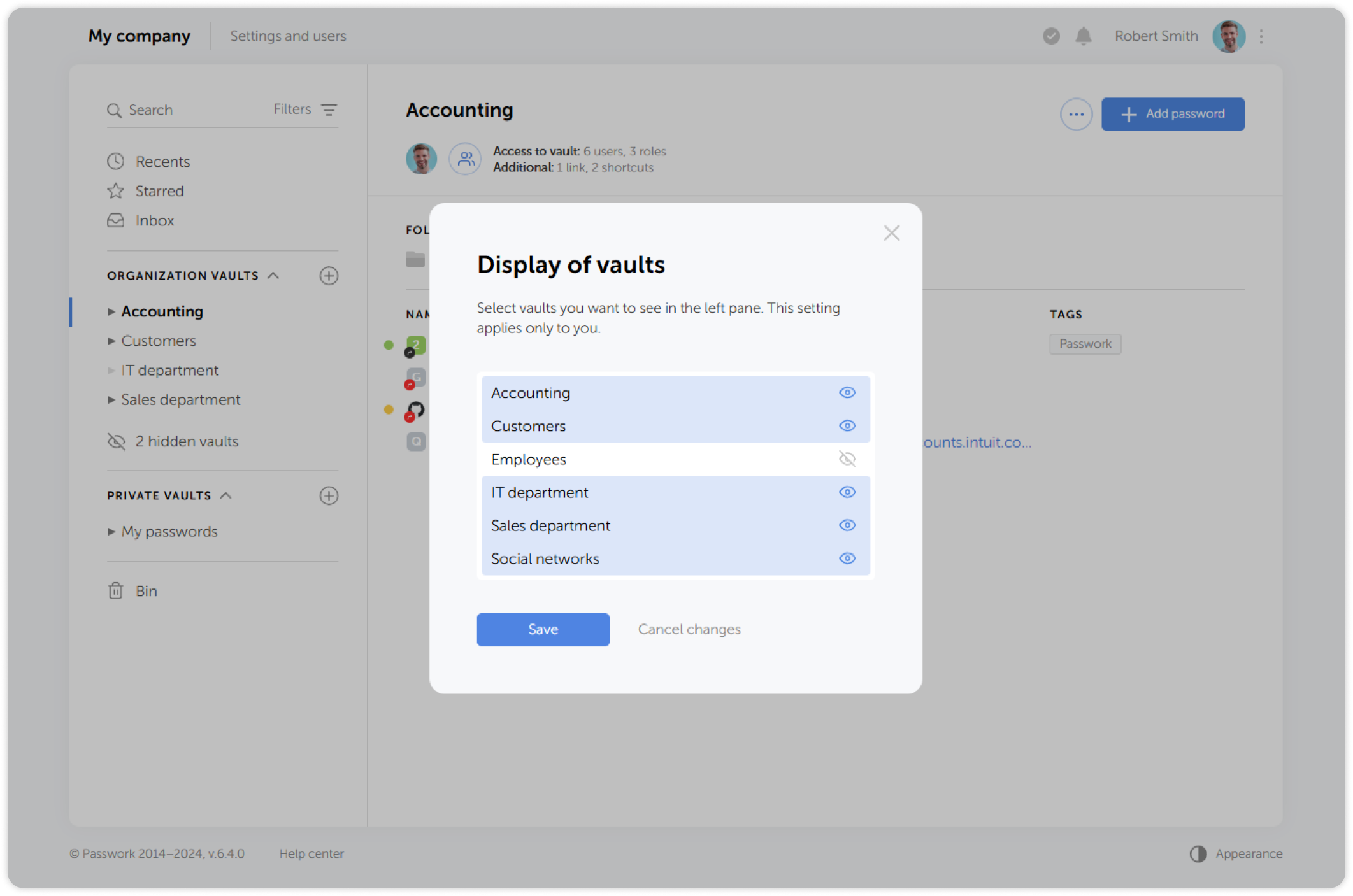
In the pop-up window you can toggle the visibility of each vault by clicking on the eye icon to the right of the vault's name: