



Registration
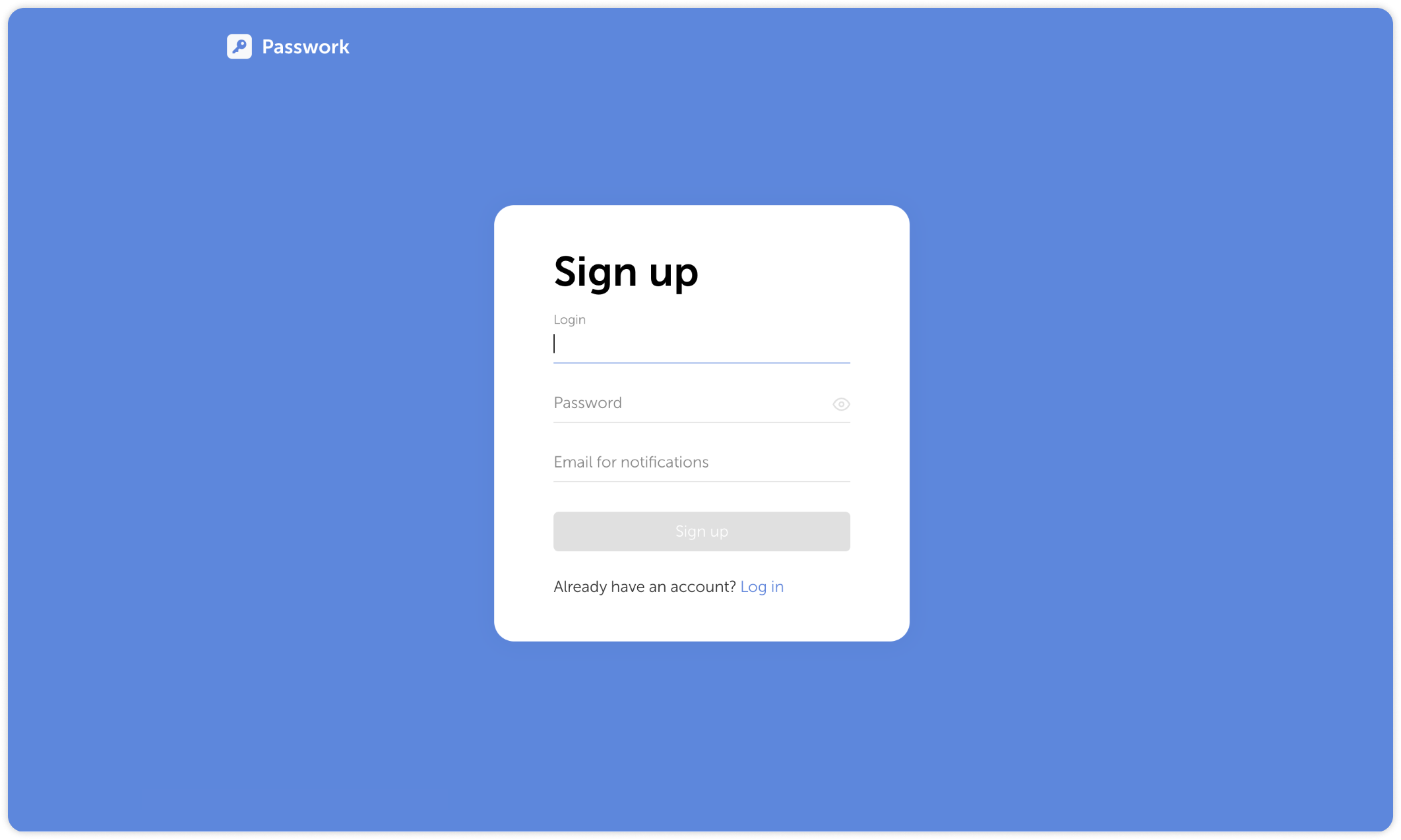
To register an account, go to the Passwork Sign up page at the address provided by your administrator. After entering login, password and email, click the Sign up button to register your account.
Depending on your Passwork settings, you might need to confirm the registration. If you have an invitation code, you will be able to enter it when you first log into Passwork.