Desktop app
Passwork desktop app is a full-fledged alternative to the web version. It includes all the same features and options, while providing you with additional flexibility in the ways you can access Passwork.
Supported operating systems
- Windows 10/11 (64-bit)
- macOS 12 (Monterey and newer)
- 64-bit Linux distributions (Ubuntu 20.04+, Fedora 34+, Debian 11+ and others)
Access to app
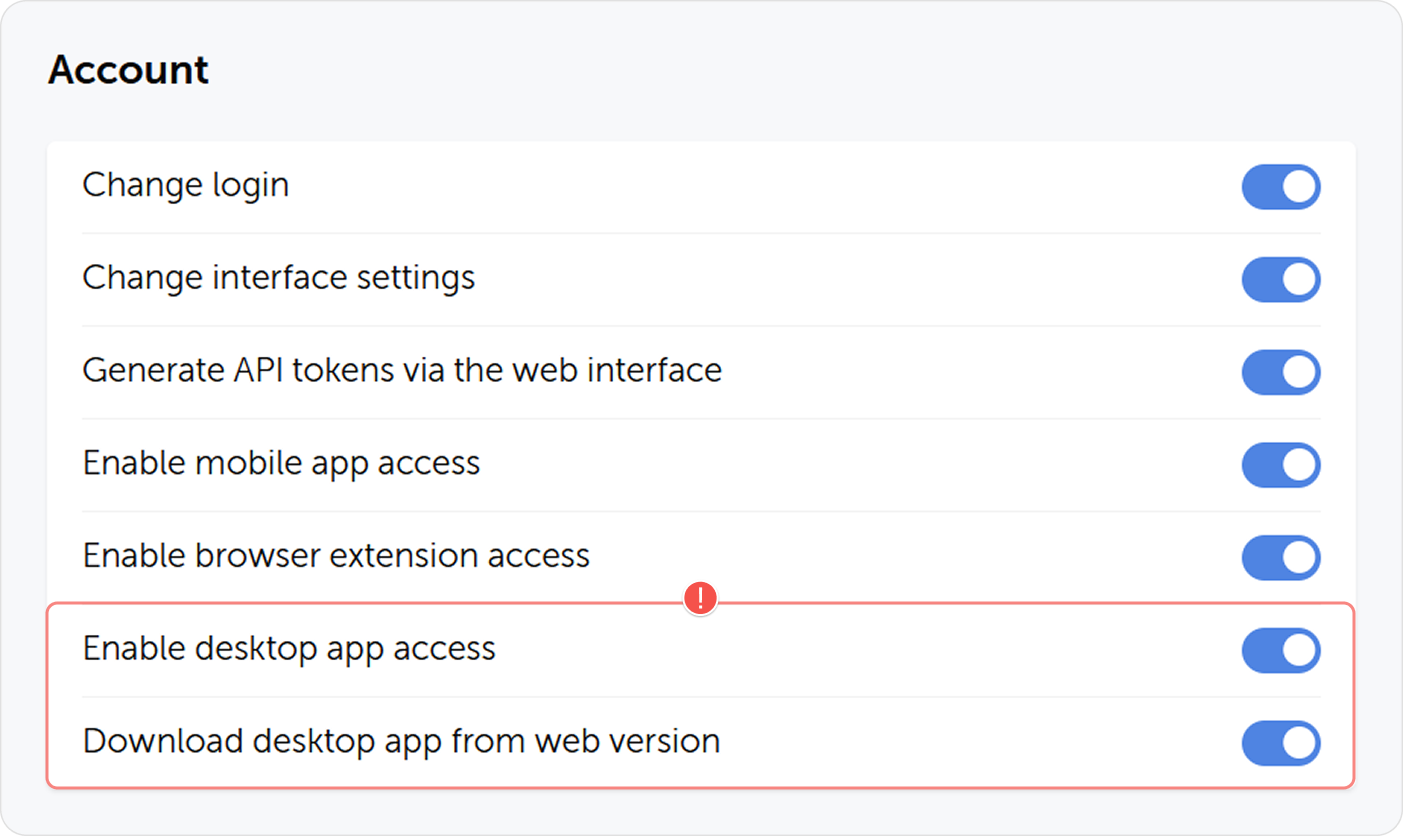
Access to the desktop app is managed by two options in the Account section of role-settings:
- Enable desktop app access option controls, whether the users belonging to this role will be able to work with Passwork through the desktop app.
- Download desktop app from web version controls, whether the desktop app will be displayed in the Settings and users dropdown menu to users belonging to this role.
Download and install
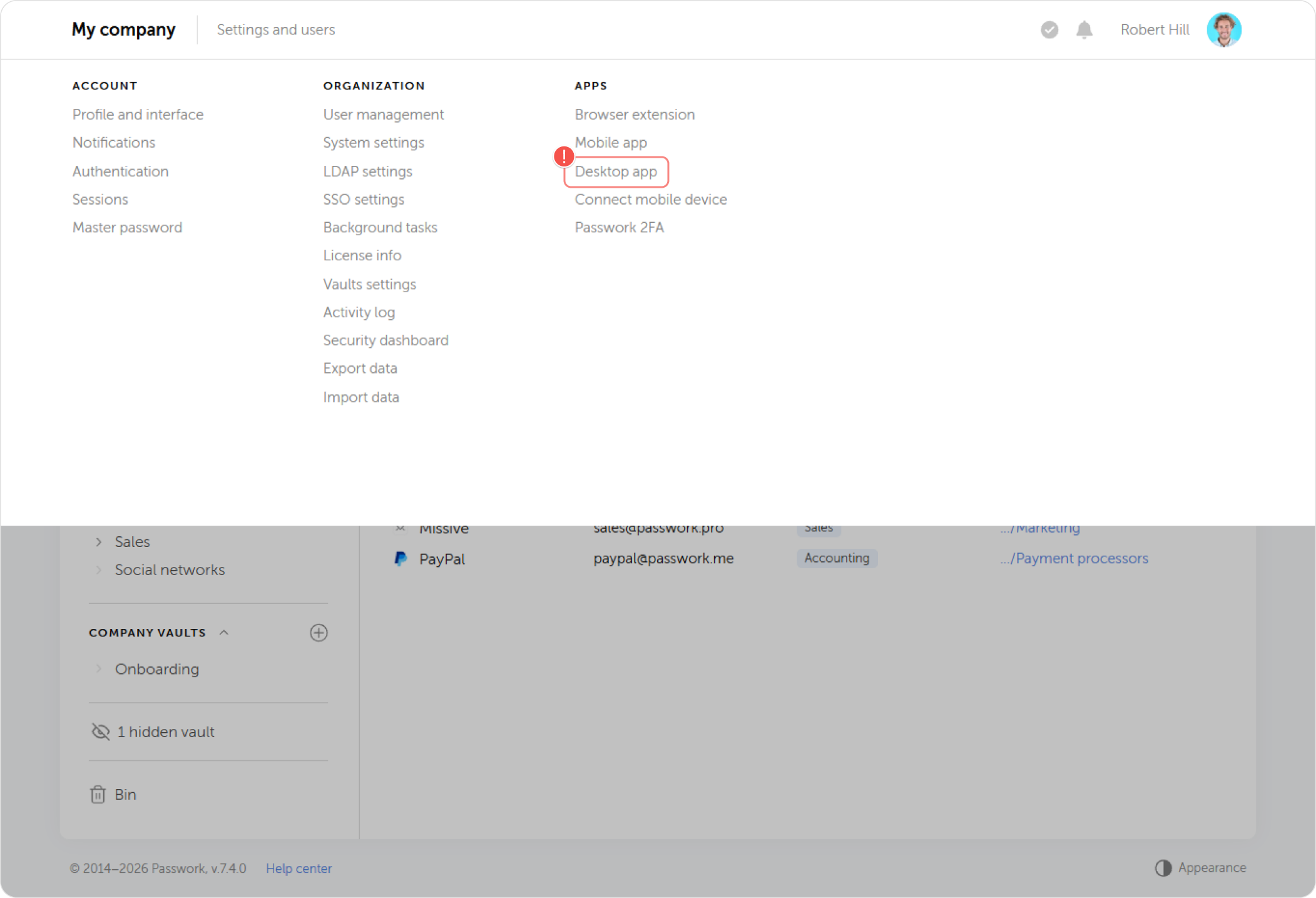
Click on the Desktop app option in the Settings and users dropdown menu to download the installer.
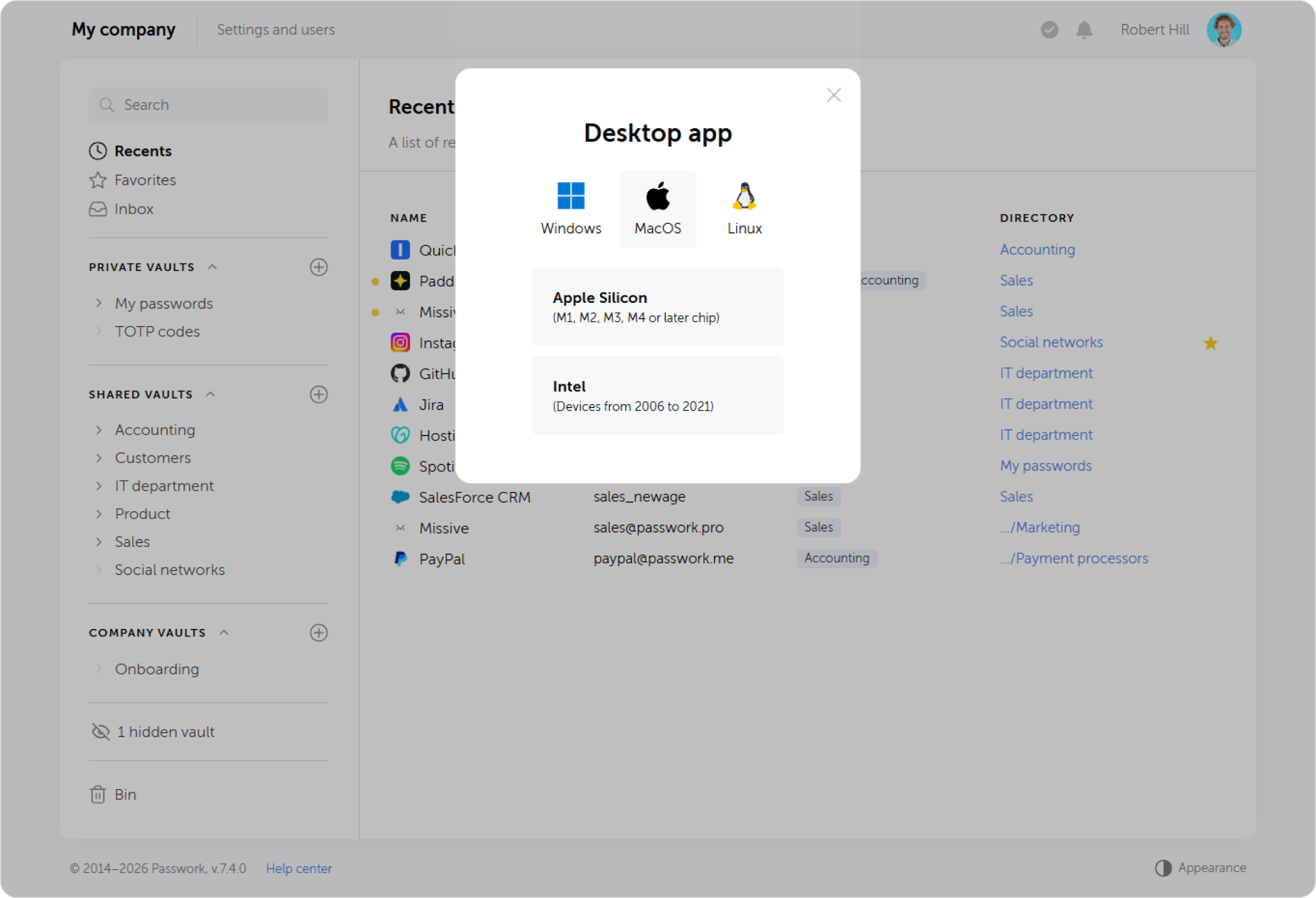
Choose the appropriate installer for your operating system.
Authentication
On macOS, the system may block the first launch because the app is still undergoing Apple's verification process. To allow it, open System Settings → Privacy & Security, find the message about Passwork being blocked, click Open Anyway, and authenticate with your administrator password.
To start using the desktop app, you will need to connect it to the web-version. Launch the installed app and follow the steps described below.
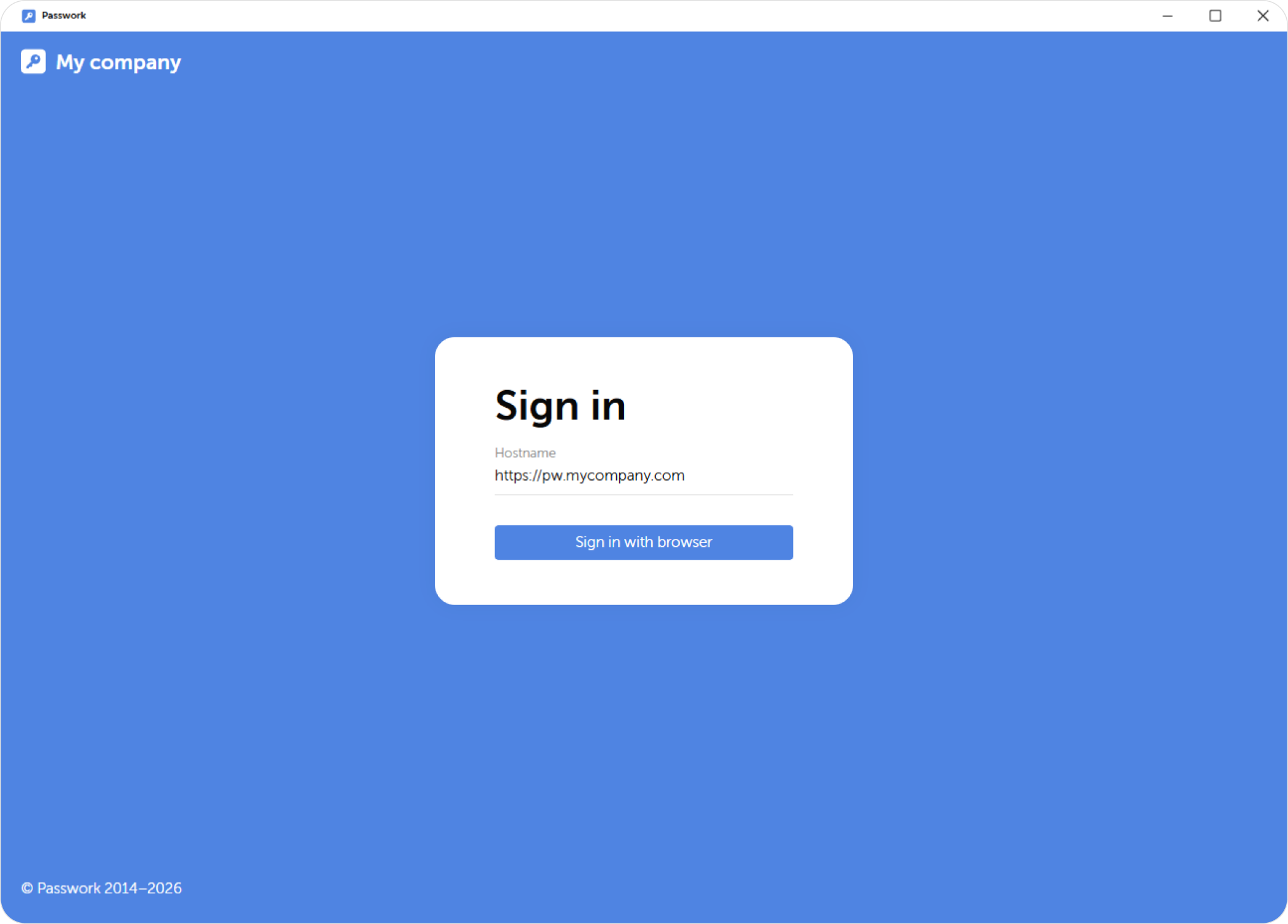
At the first step, the app will prompt you to enter the hostname of your Passwork instance. After entering in the address, click Sign in with browser.
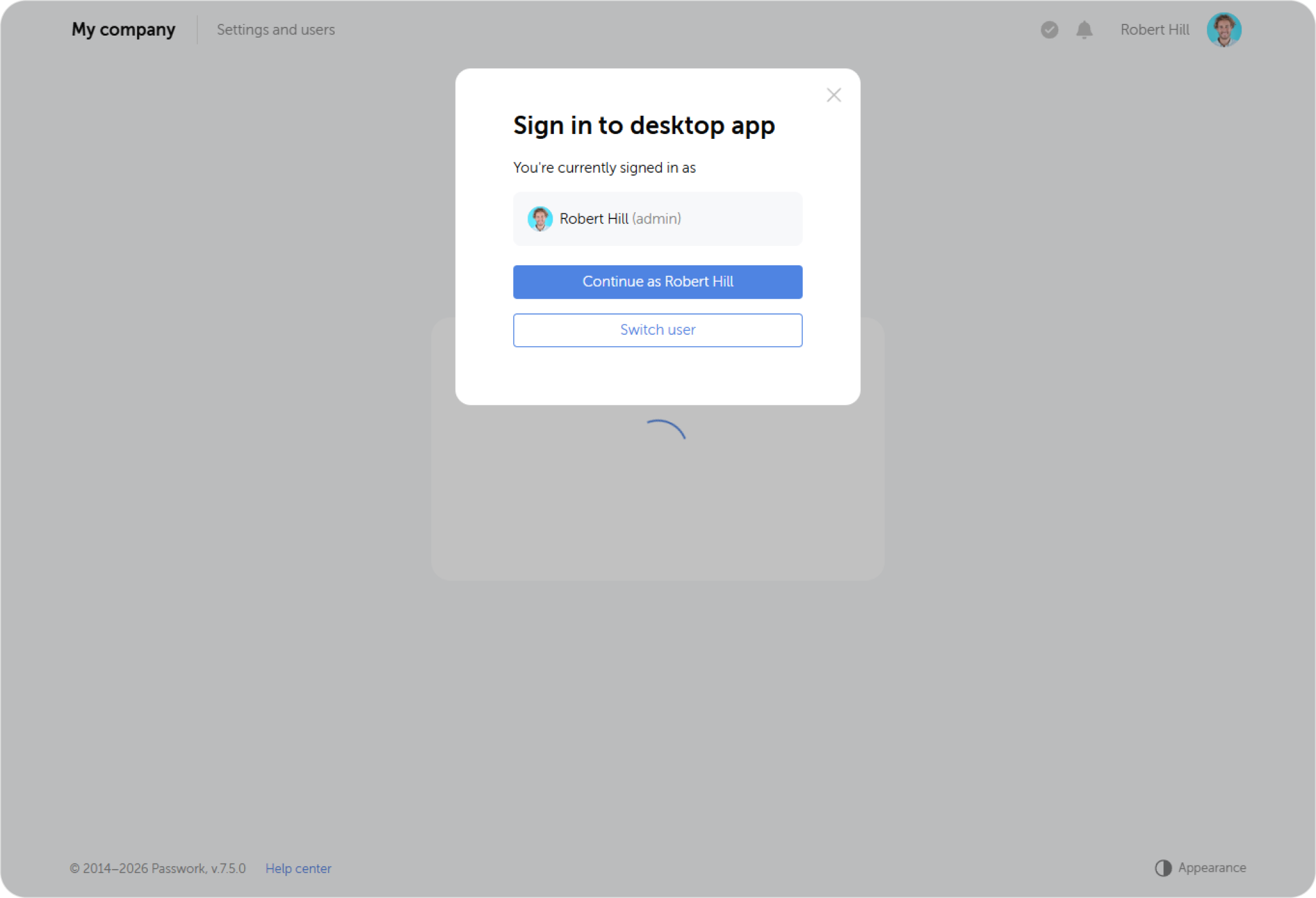
If you already have an active session in the web version of Passwork, the system will ask whether you want to proceed under the current user or switch to another account. In this case authentication process skips to step 4.
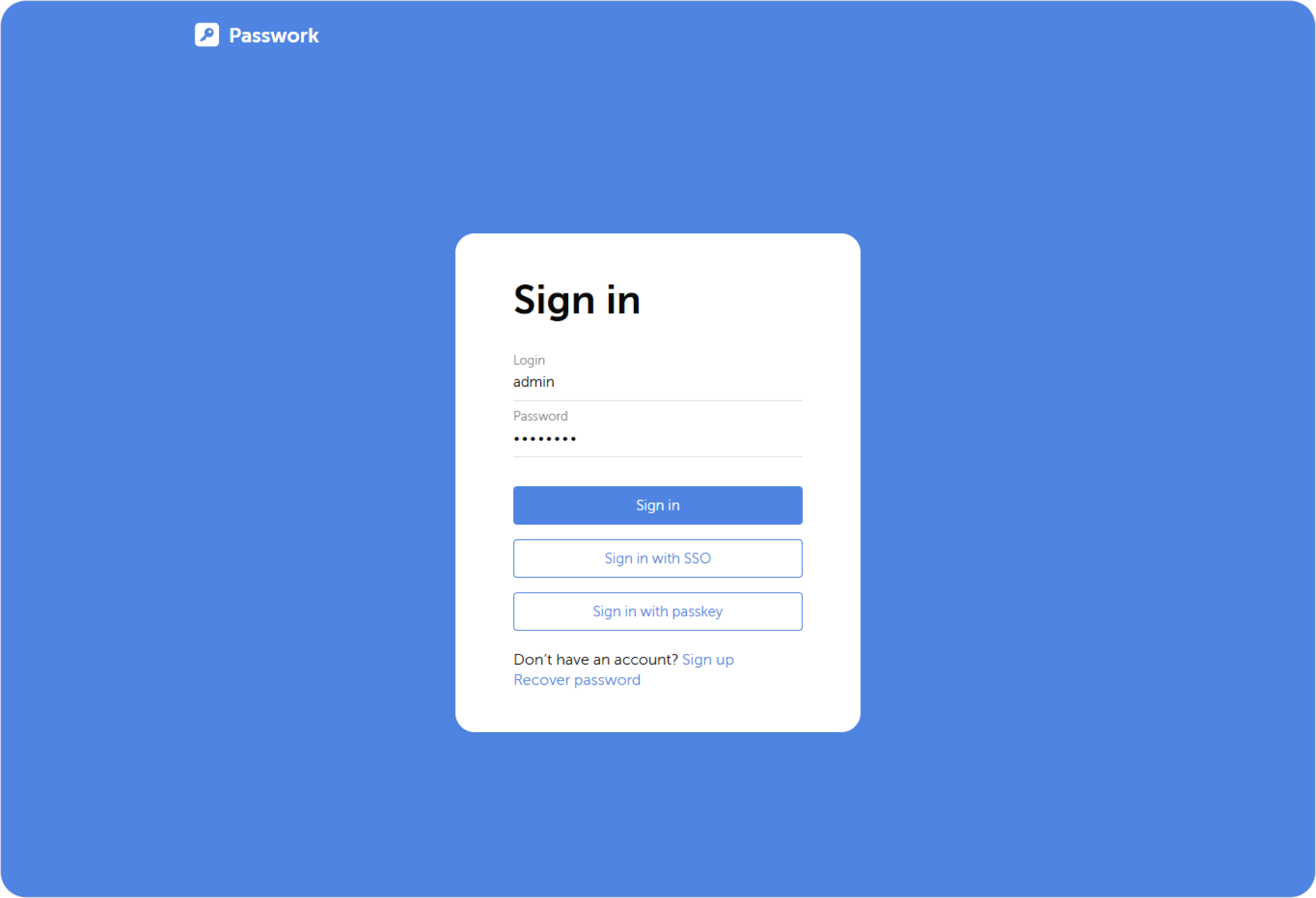
Web version of Passwork will open in your system's default browser. Enter your credentials or sign with SSO or a passkey to proceed to the next step.
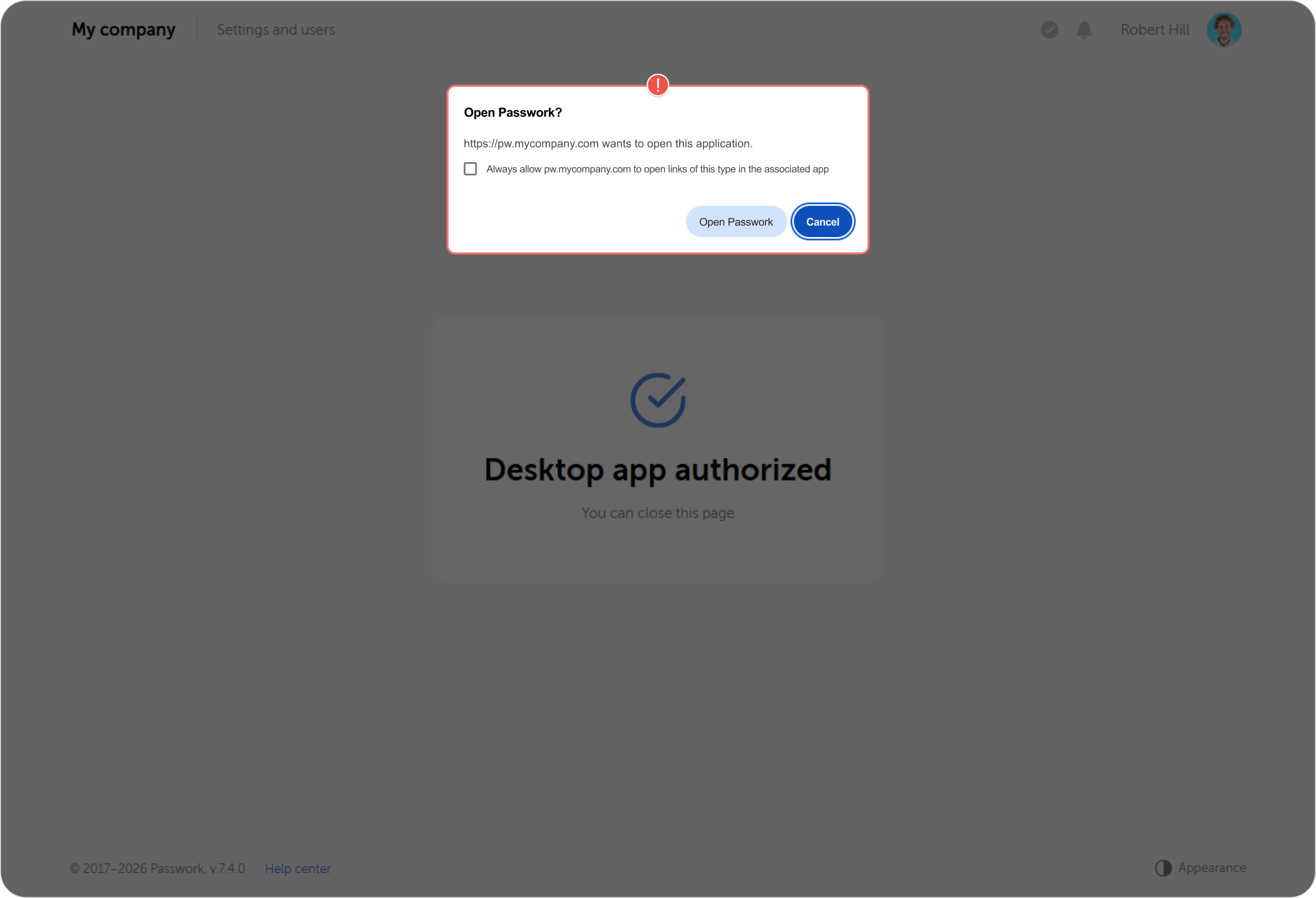
Your browser will request permission to connect the app to your session. You can enable the option to remember the choice and skip this pop-up in the future.
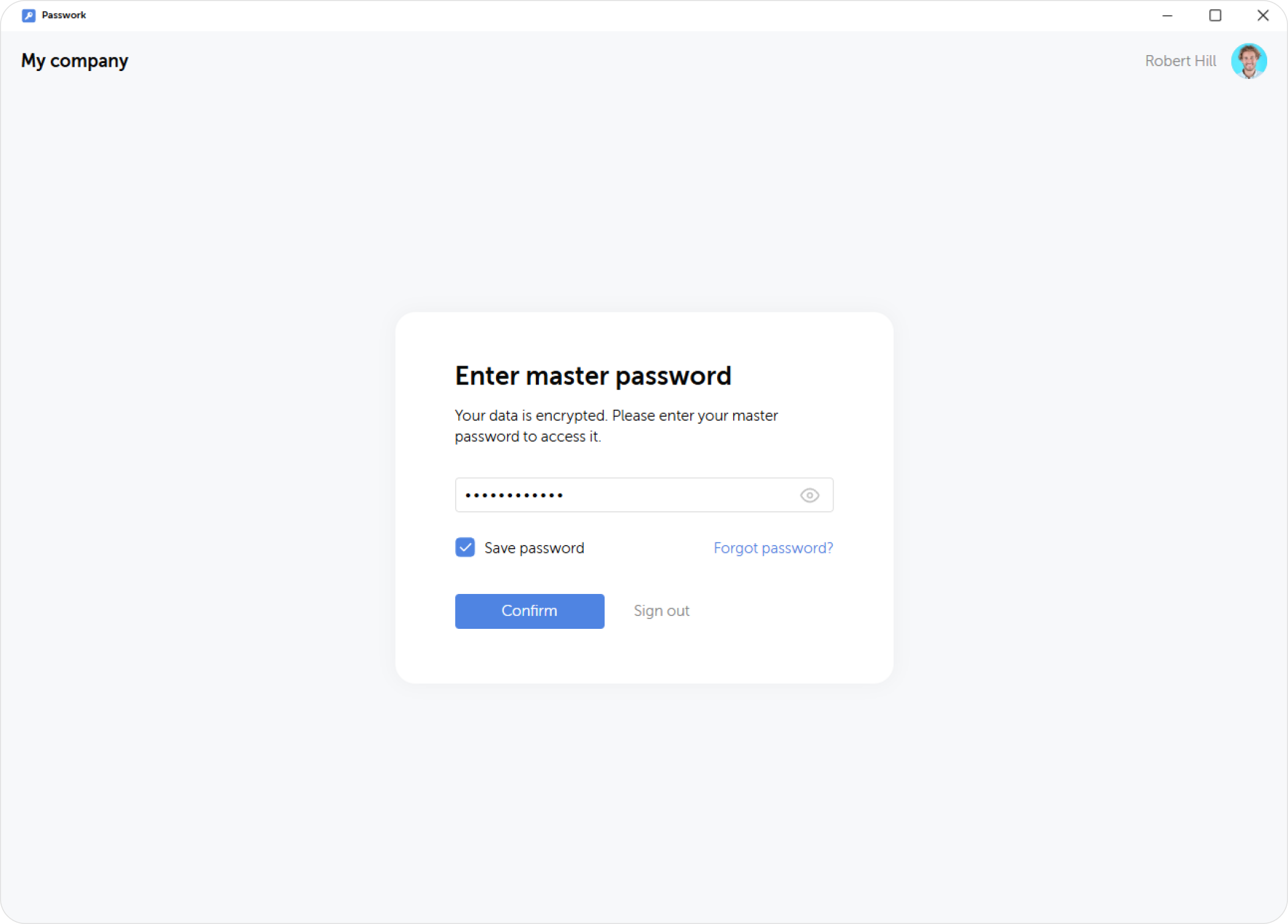
If your Passwork has client-side encryption enabled, you will need to enter your master password in the app as the last step.
Updates
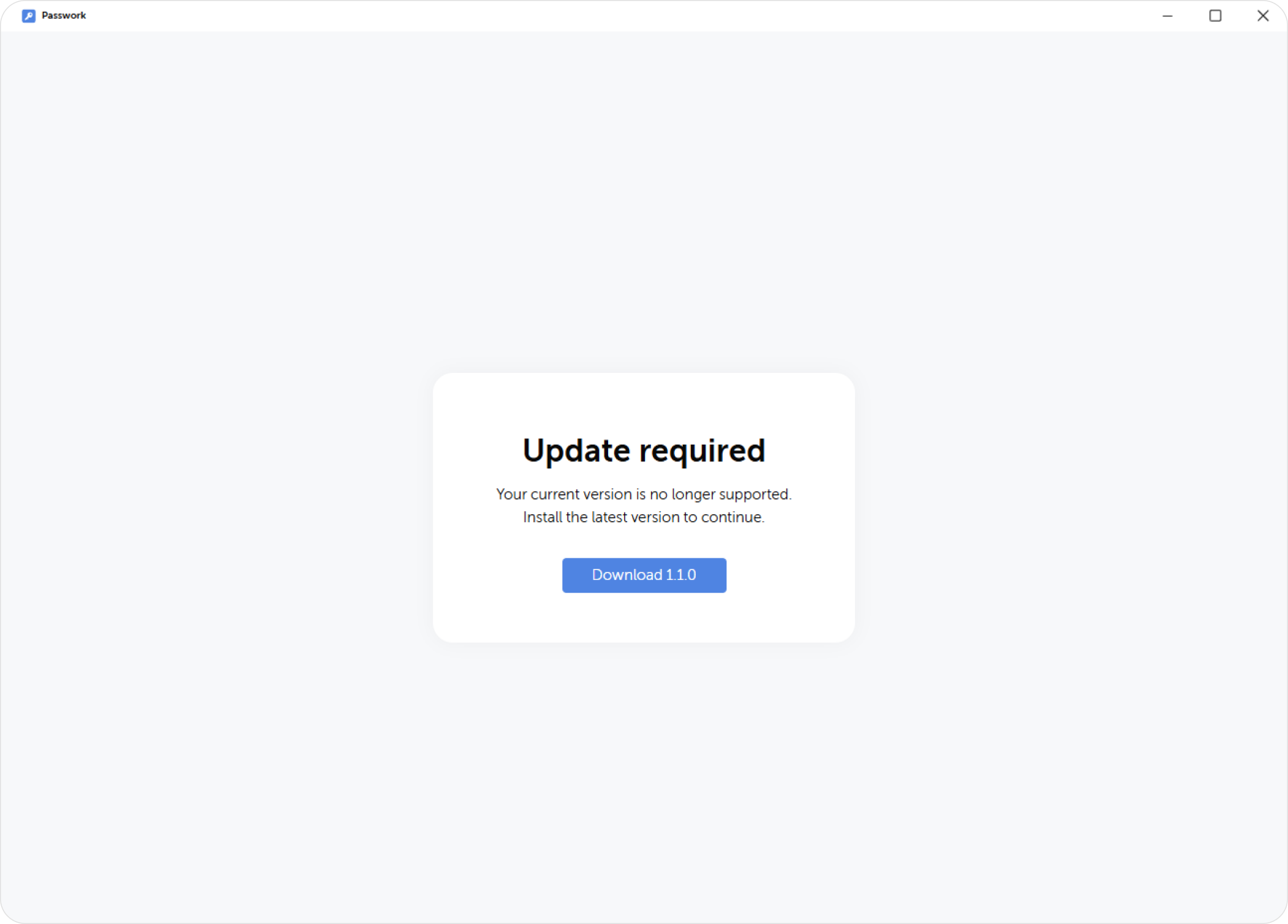
If the installed app's version doesn't match your Passwork version, it will automatically prompt you to download and install the latest update on startup. Using an outdated version is not possible until an update has been performed.