


Vaults and folders
Vaults
In the Passwork app you can create new private vaults and manage existing ones by creating new folders, renaming vaults and deleting them.
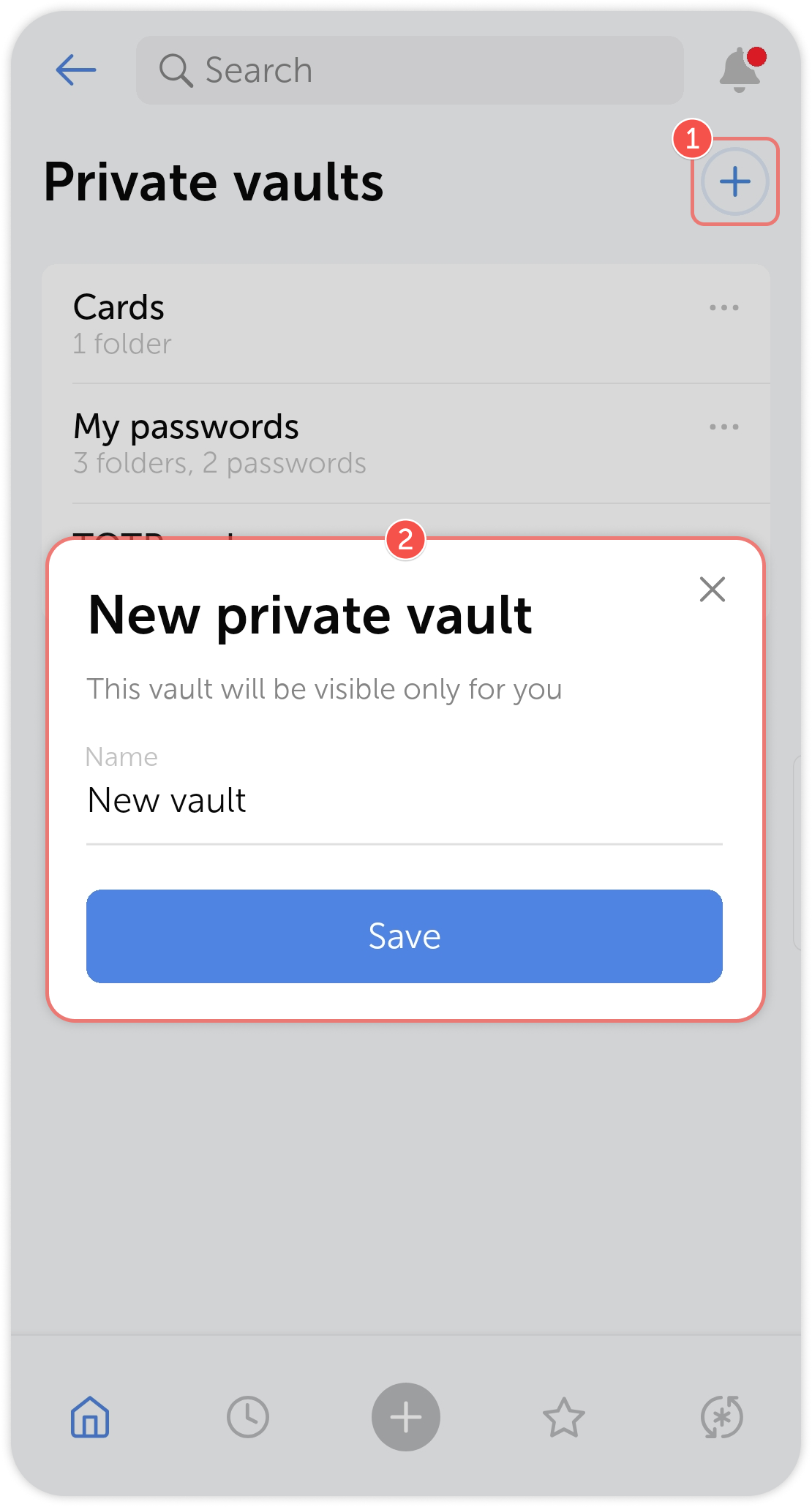
Creating a vault
To create a vault, tap the  in the top right corner of the vault list, enter a name for the new vault, then save the changes:
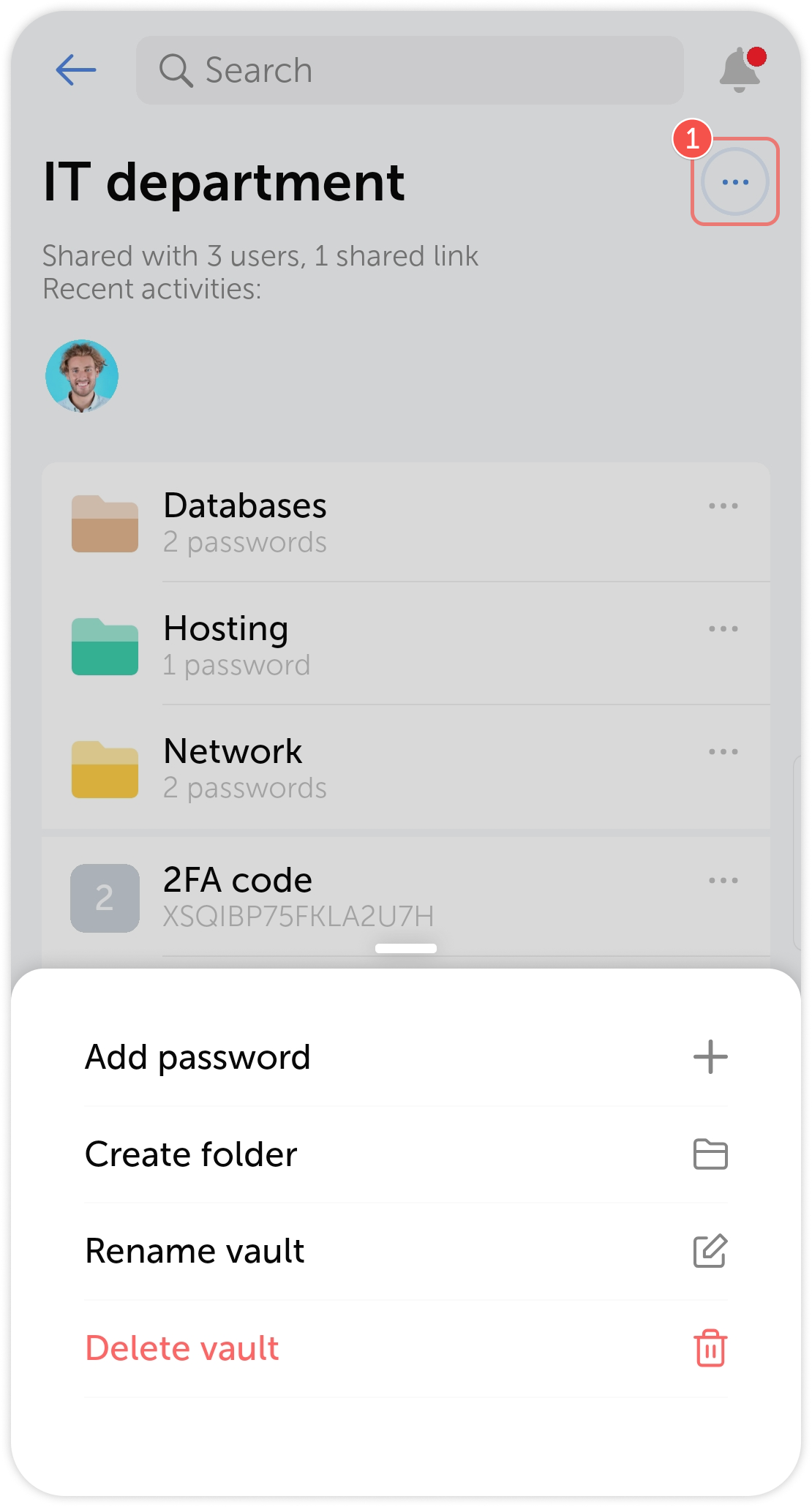
Managing a vault
Tap on  in the top right corner of the vault to see the available actions with the vault.
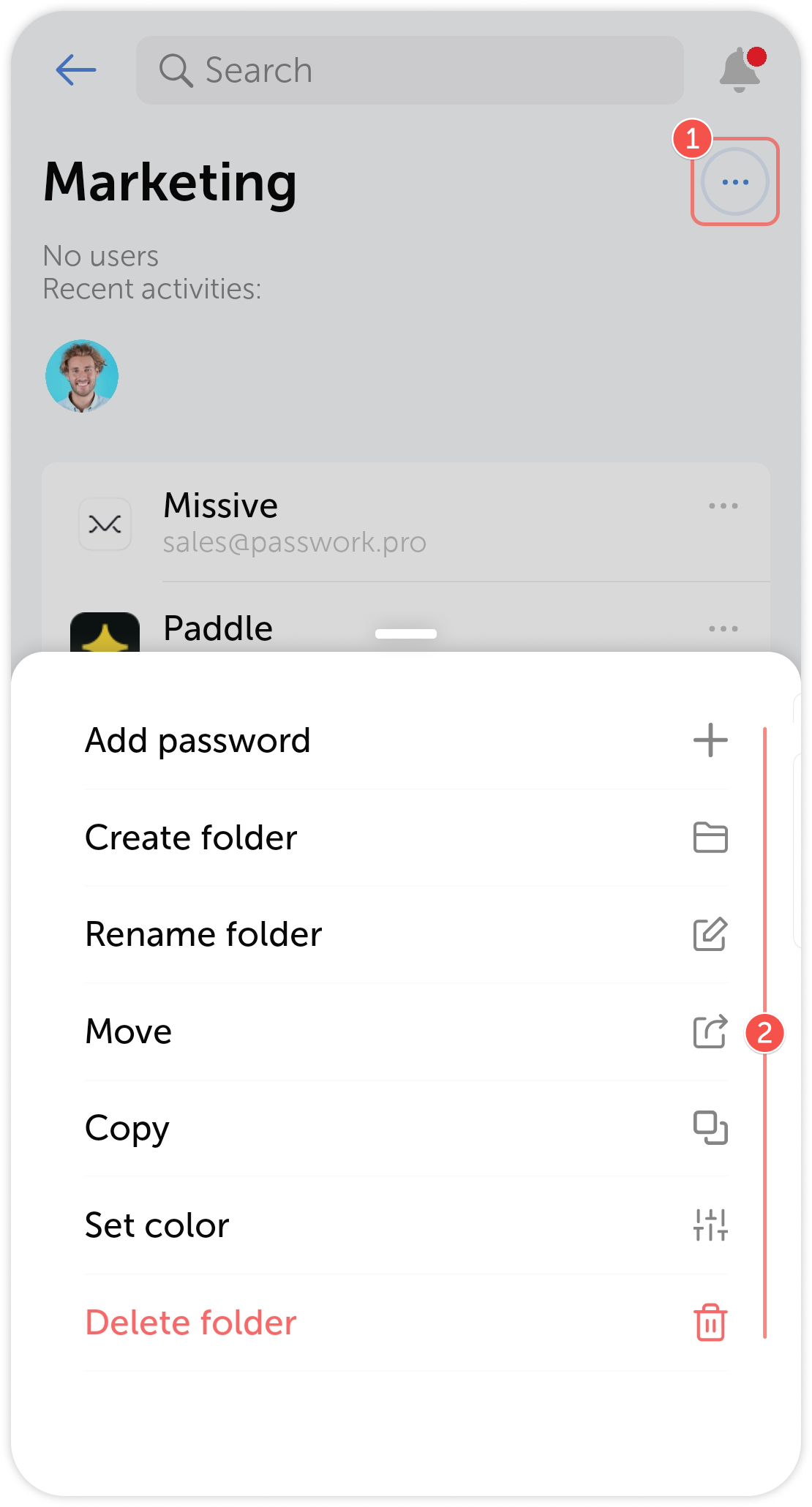
Folders
Likewise, you can create new folders and manage existing ones by renaming, moving, copying and deleting them.
Offline entries
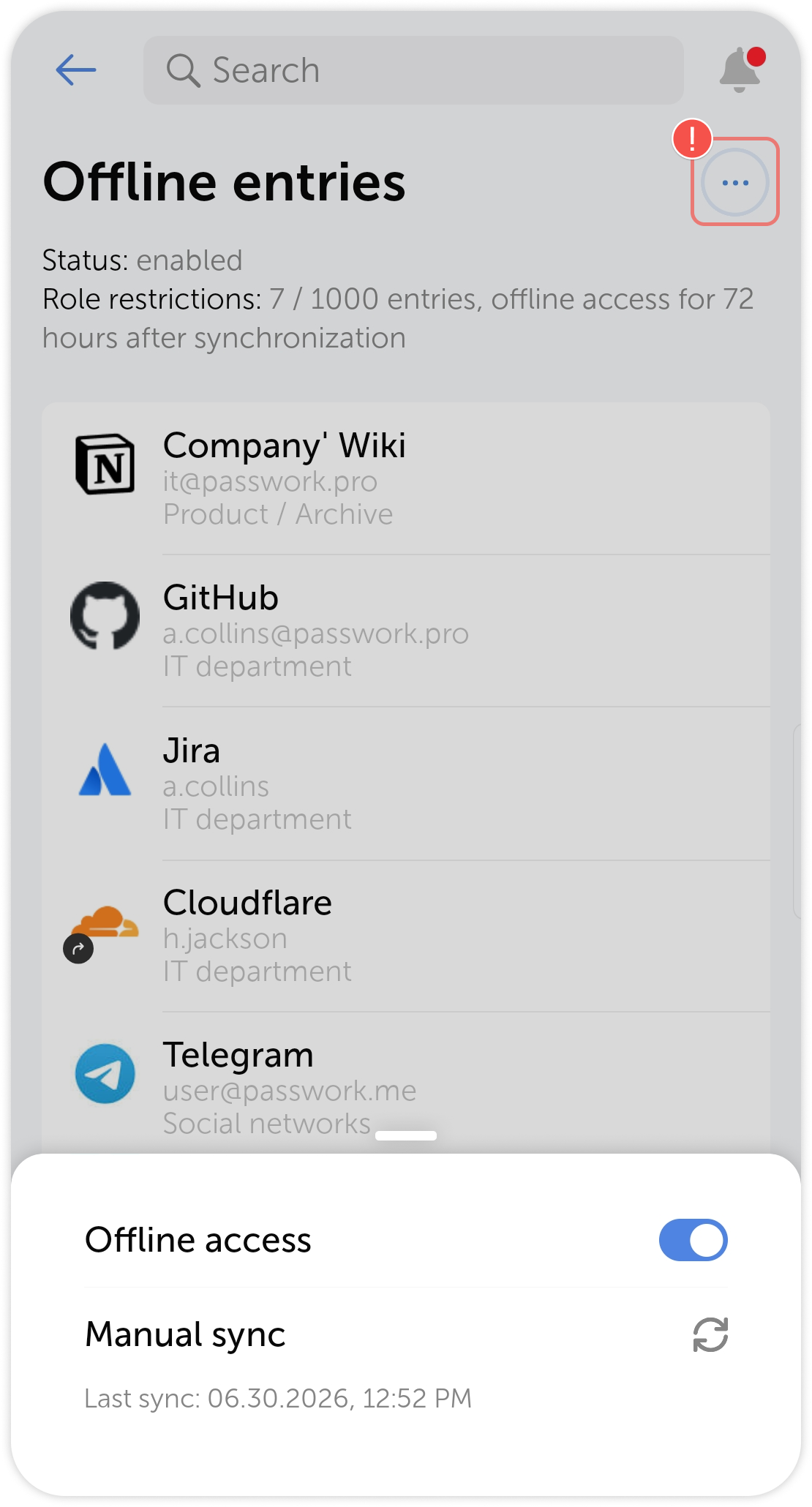
In the Offline section, located on the main page of the app, you can view all entries you've marked to be saved offline
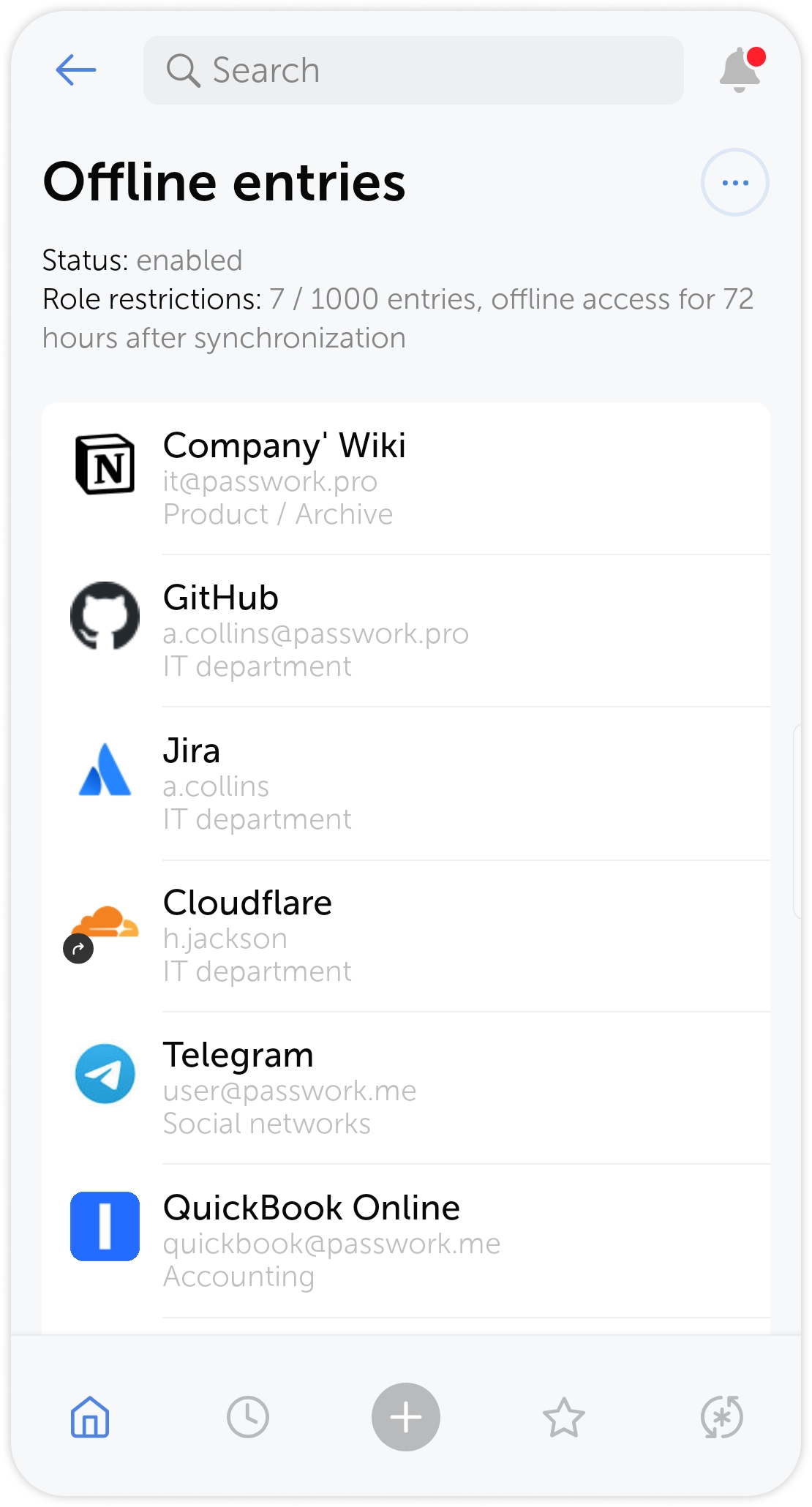
You can choose whether to download entries to a particular device as well as sync data manually using the pop-up menu.