


Offline
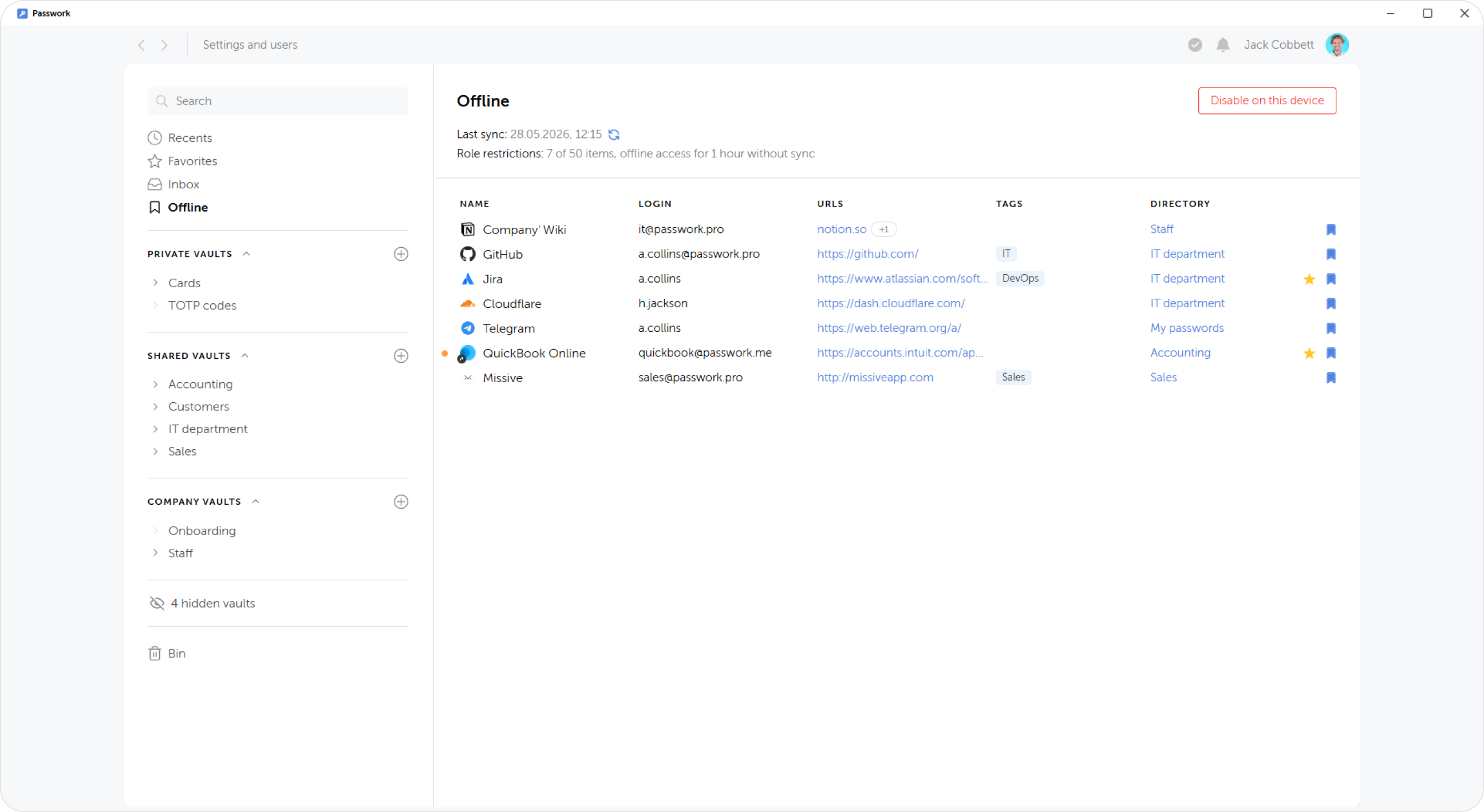
Offline tab lists entries marked for download and synchronization on your devices. This feature lets you retain access to important entries without connection to a server. Downloading the marked entries is toggled separately for each device, while the list itself and entries downloaded on other devices are not affected.
Access to entries saved offline is possible only in mobile and desktop apps. In the web version you can add and remove entries from the list and view the 'Offline passwords' tab in the Additional access menu.
Managing offline access
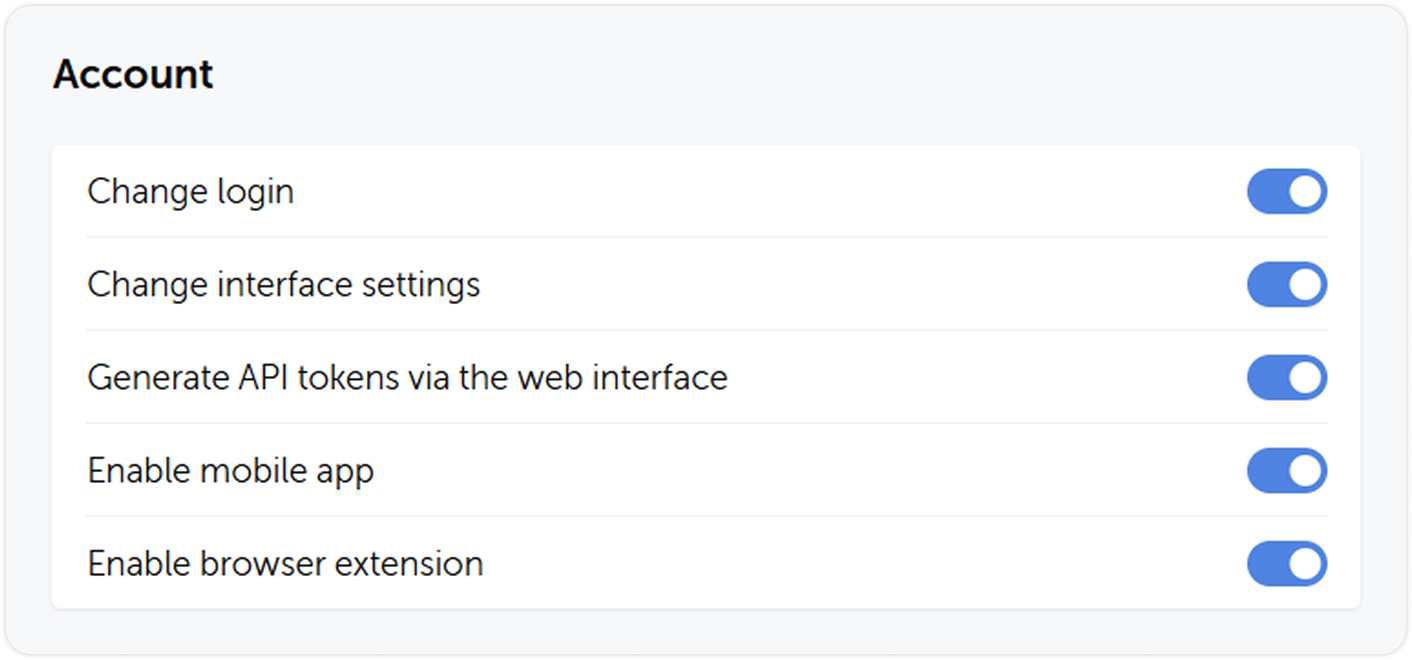
The ability to save entries offline, duration of offline access without syncing and the limit of offline entries per device are configured in the corresponding section of role settings.
-
Save entries offline determines whether the users of this role can have offline access to entries. When this option is disabled, users will still be able to open the 'Offline' tab, but not save new entries or view entries saved earlier. All saved entries will become available again once the option is turned back on.
-
Limit offline access duration without sync determines how long the entries are stored on device without connection to the server. When the allocated time runs out, all local copies of the entries are deleted from the device. As soon as connection is restored, Passwork automatically syncs the data — all previously deleted entries will become available again.
-
Limit offline entries per device determines how many entries a user can mark for offline access. If the number of currently saved entries exceeds the new limit, the user will retain access to the most recent entries in the order of their addition to the list.