


Copy entry
You can copy an entry into another vault or folder. The entry will inherit the access rights of the destination directory, meaning that other users with the corresponding access to these directories will be able to read or edit the entry.
1
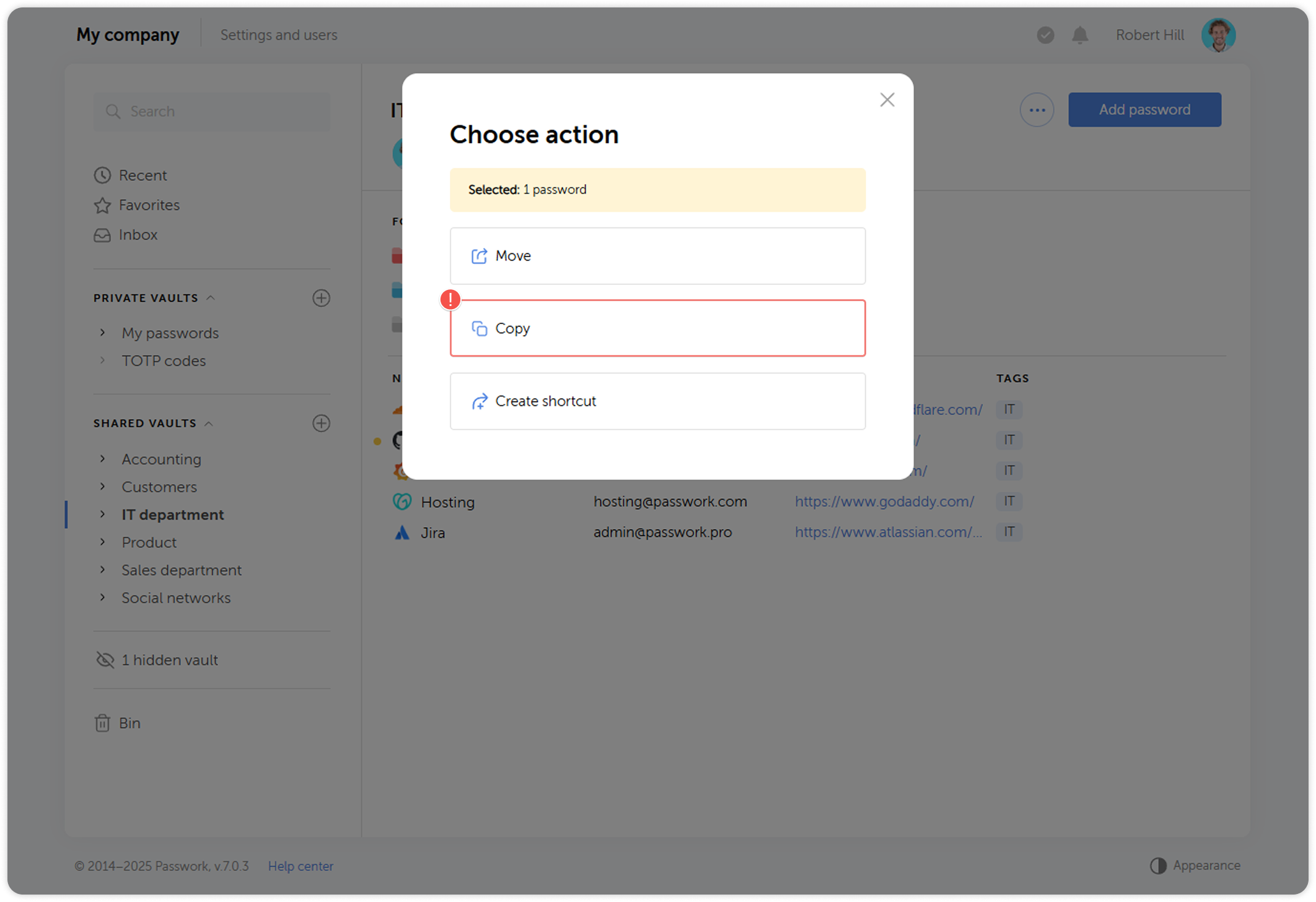
Open an entry and click Copy in the dropdown menu:

2
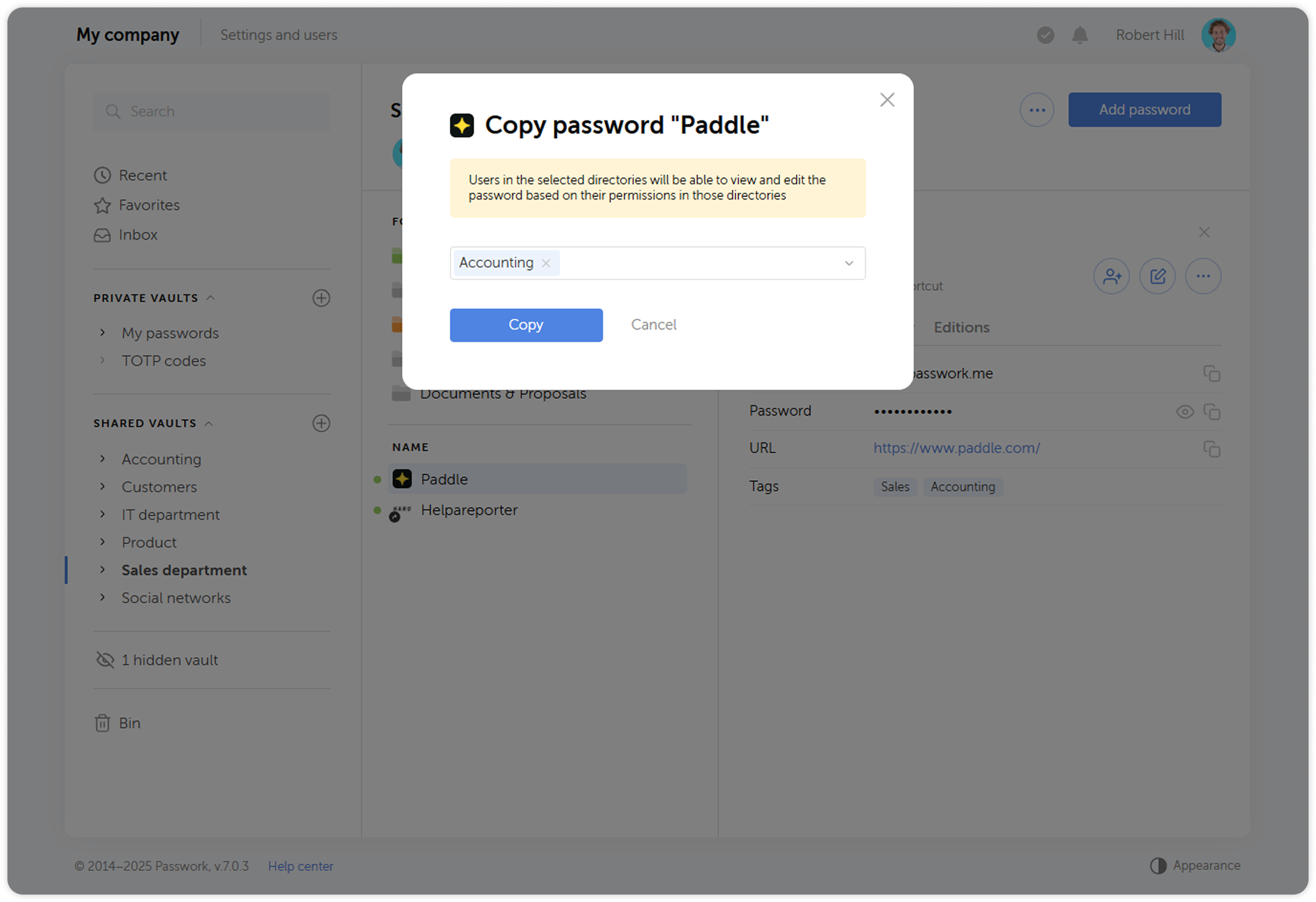
Choose the destination directory and confirm the action.
Drag and drop
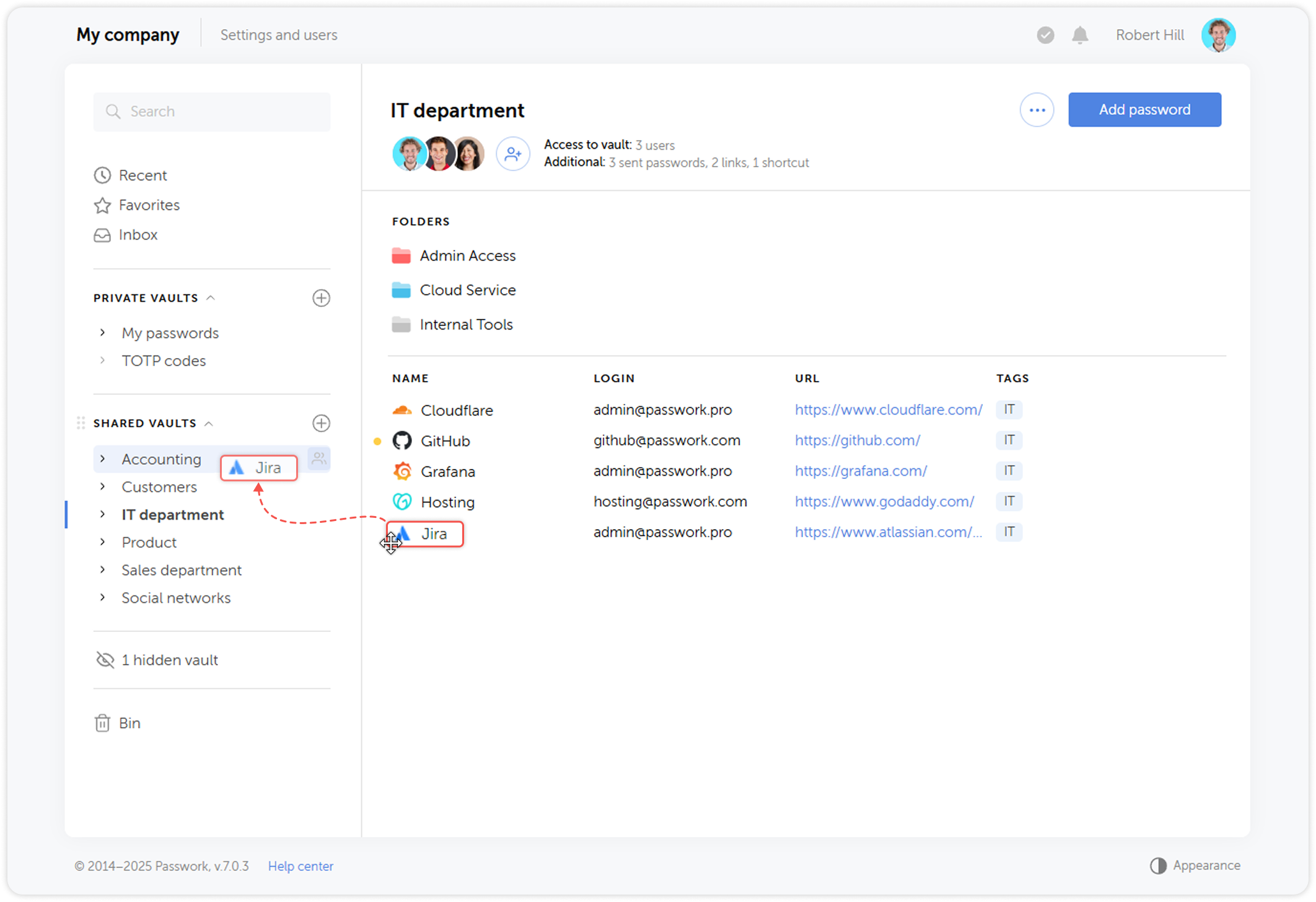
Another way to copy an entry is by hovering your mouse over its icon and dragging it to another location. You can also select multiple entries simultaneously and copy them together if needed:
1
Drag and drop the entry into a different location:
2
Choose the destination directory and confirm the action: