User management
User management provides an easy way to change settings, set authentication methods, manage roles, groups and invite users to your Passwork. To access User management, go to the Settings and users menu.
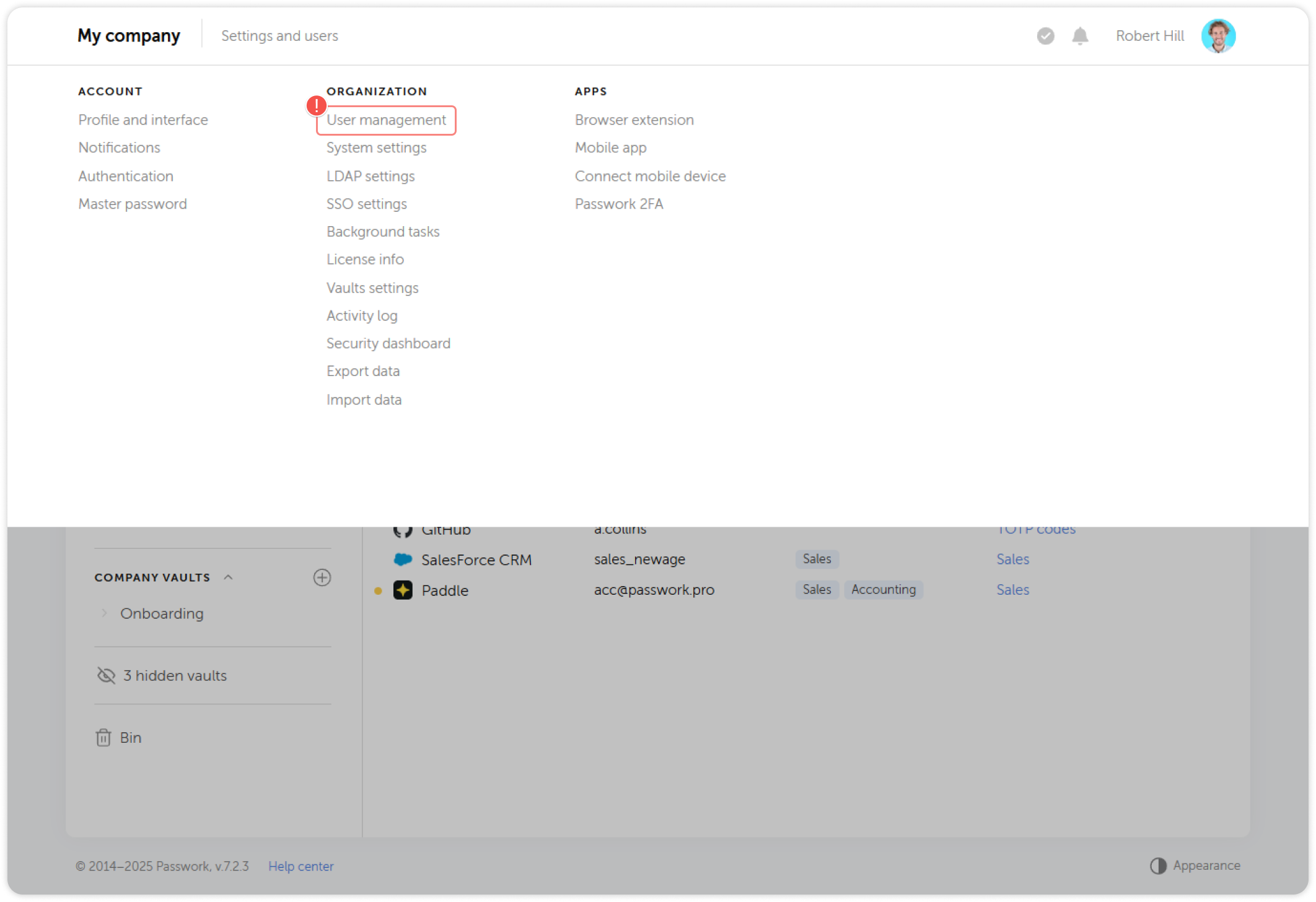
The User management page is divided into four sections: Users, Roles, Groups and Invites.
Users
This tab contains a list of all Passwork users, including their roles, groups and authentication types. Here you can add or remove user from groups or confirm their registration. When you select one or multiple users, you will also be able to change their authentication type, toggle LDAP synchronization, block or delete them.
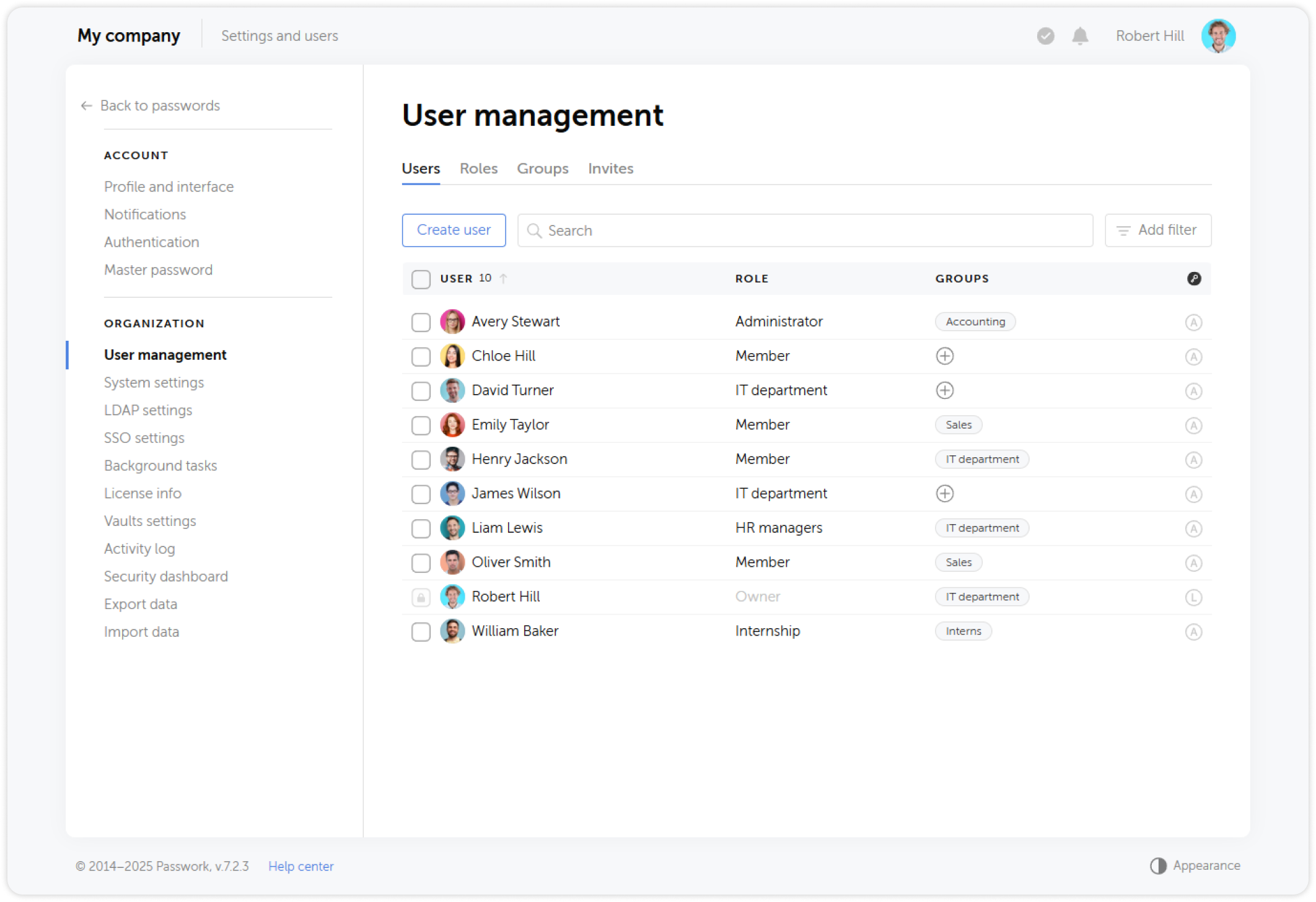
In Passwork version 6.0.2 and higher, you can prevent changes to users during LDAP synchronization using the LDAP synchronization button on the right panel
Roles
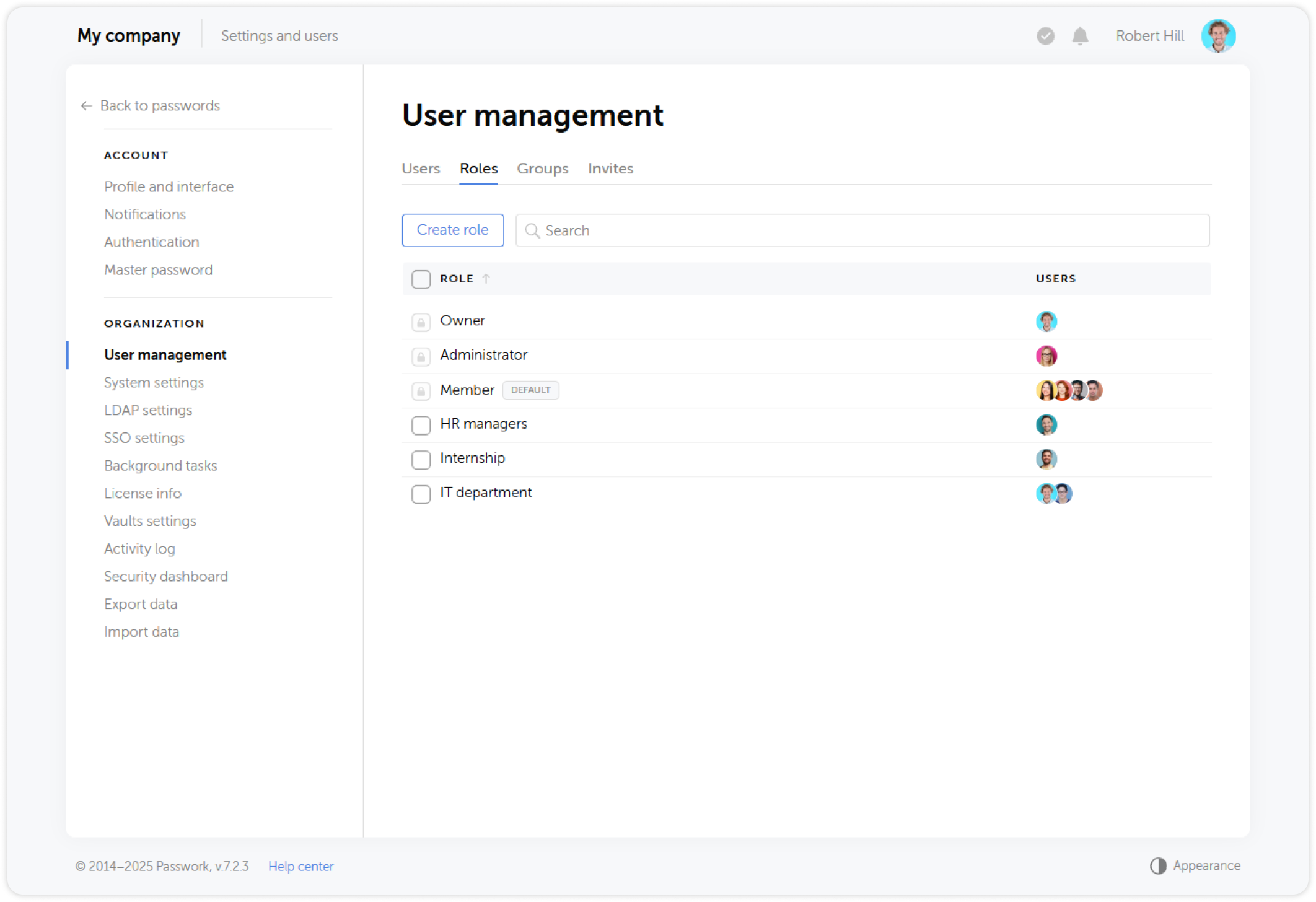
Roles combine the functions of administrative rights, statuses, and user settings from the previous versions of Passwork
Roles are used to automatically grant access to certain Passwork settings and features to multiple users at the same time.
There are three basic roles available in Passwork: Owner, Administrator, and Member. By default, Owner and Administrator have the same rights, but only one user can be an Owner, and their rights cannot be changed.
Groups
Groups are an effective user management tool that lets you configure access rights to vaults and folders. You can create an unlimited number of groups and apply them to any number of users. A user can be associated with multiple groups, which can be toggled in a single click.
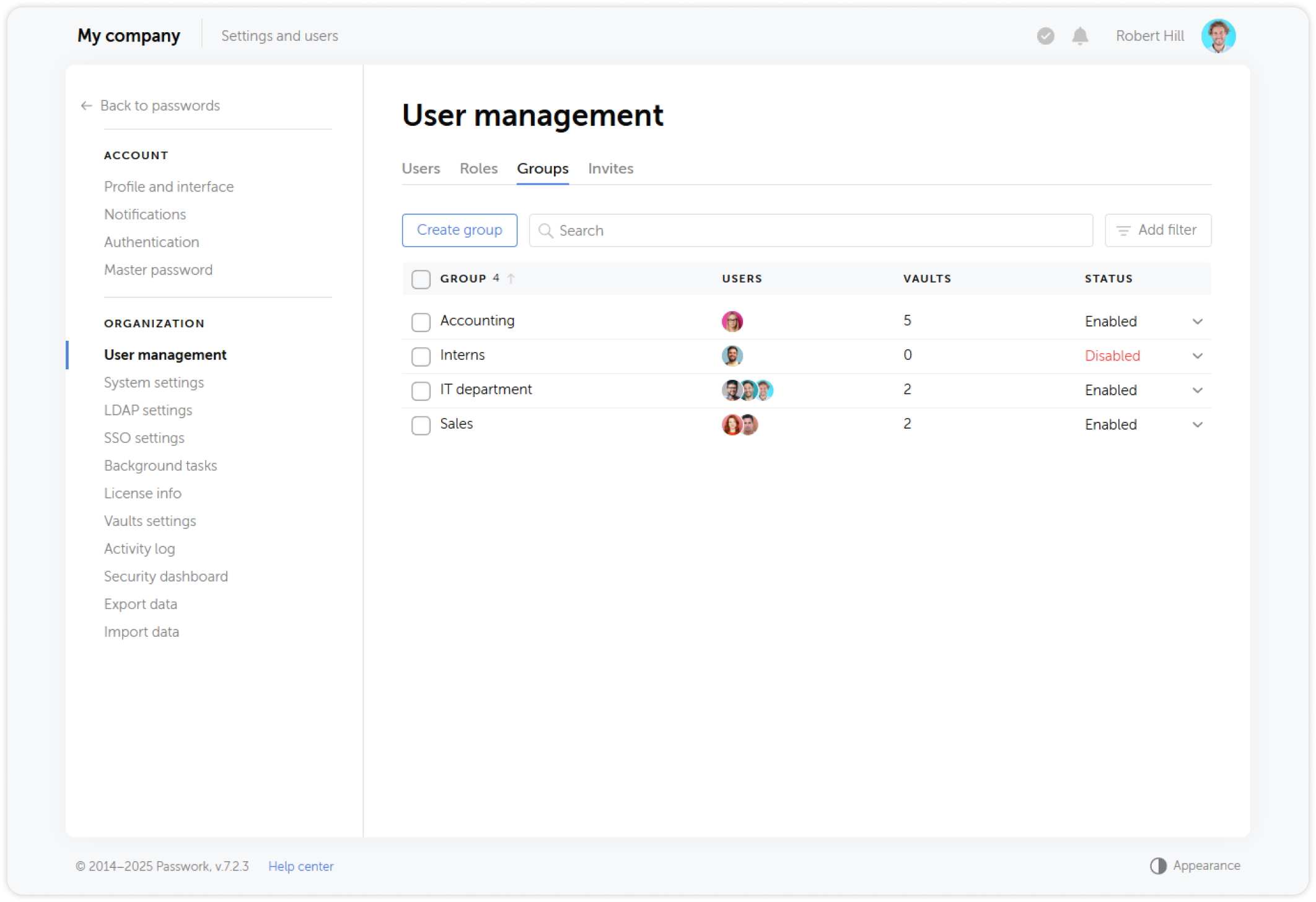
You can map Active Directory groups to Passwork groups. For each AD group, you can specify one or several local groups. This way, users from a certain group are automatically granted the specified access.
Disabling group access
A group's status toggle can be used to temporarily disable all access of a particular group.
All users in a deactivated group will automatically lose access to the vaults and folders associated with that group, unless they are members of another group that grants such access
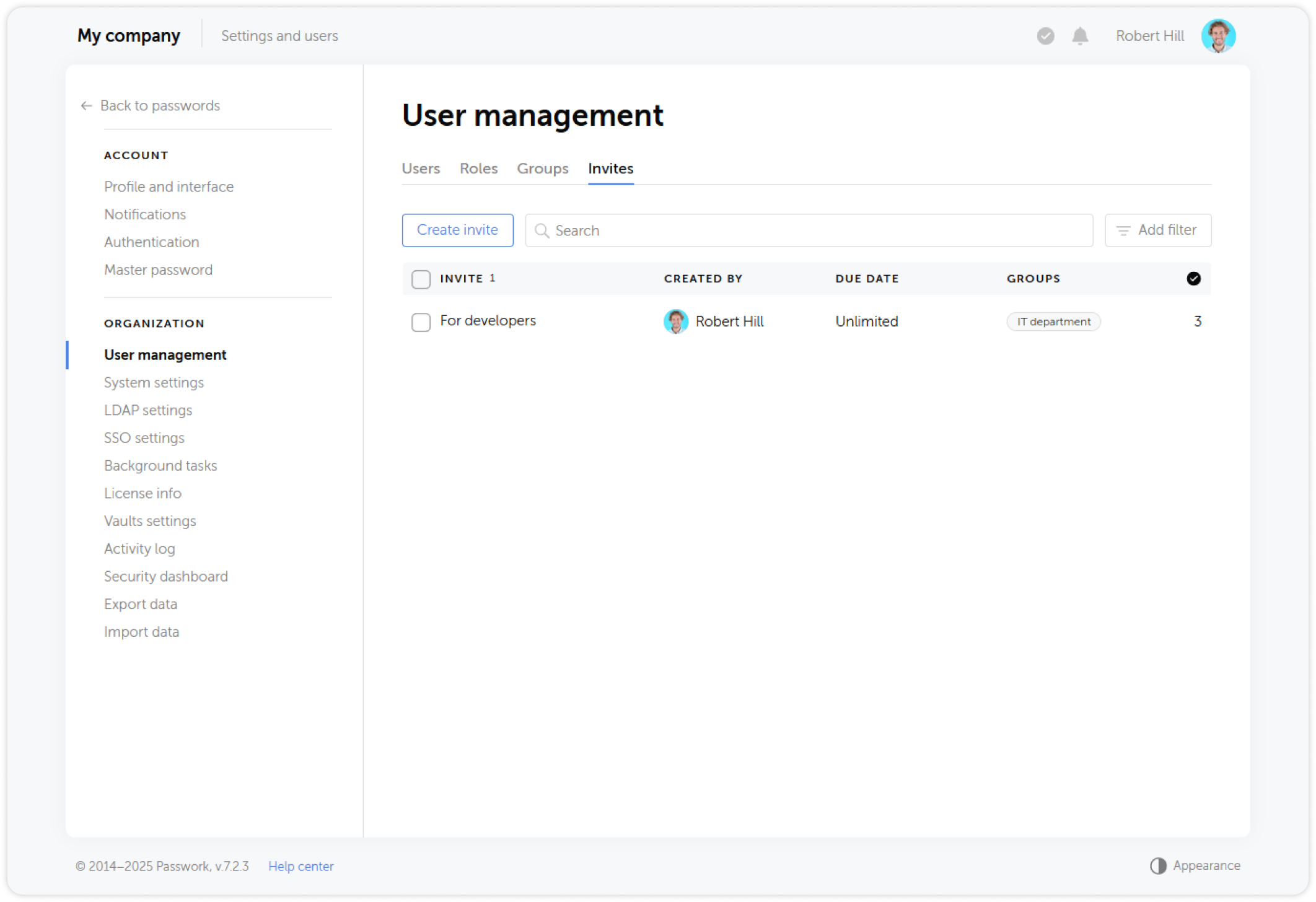
Invites
Unregistered users can automatically join your Passwork and necessary groups using Invites. There are two types of invites: a generated link or an email.
When creating an invite, you can pre-assign groups and set an expiration date. This allows users to start using Passwork immediately after registration without needing administrator approval.