Permissions and settings
Through the Permissions and settings tab you can change specific rights that a user inherits from their role. To do this, select a user and open Permissions and settings tab:

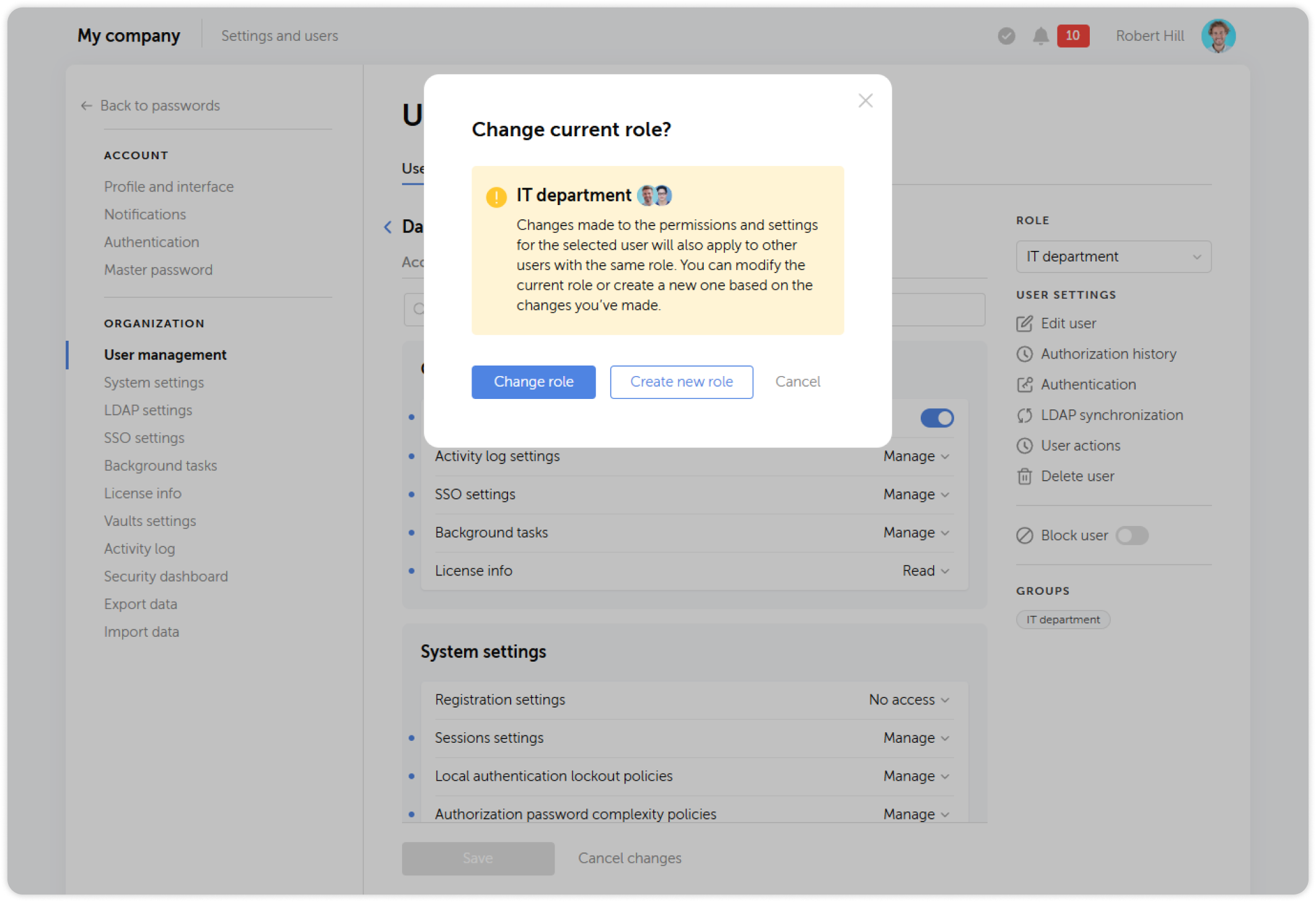
When you save the changes, you will be able to choose whether to apply them to the entire role or create a new role based on the new settings:
General
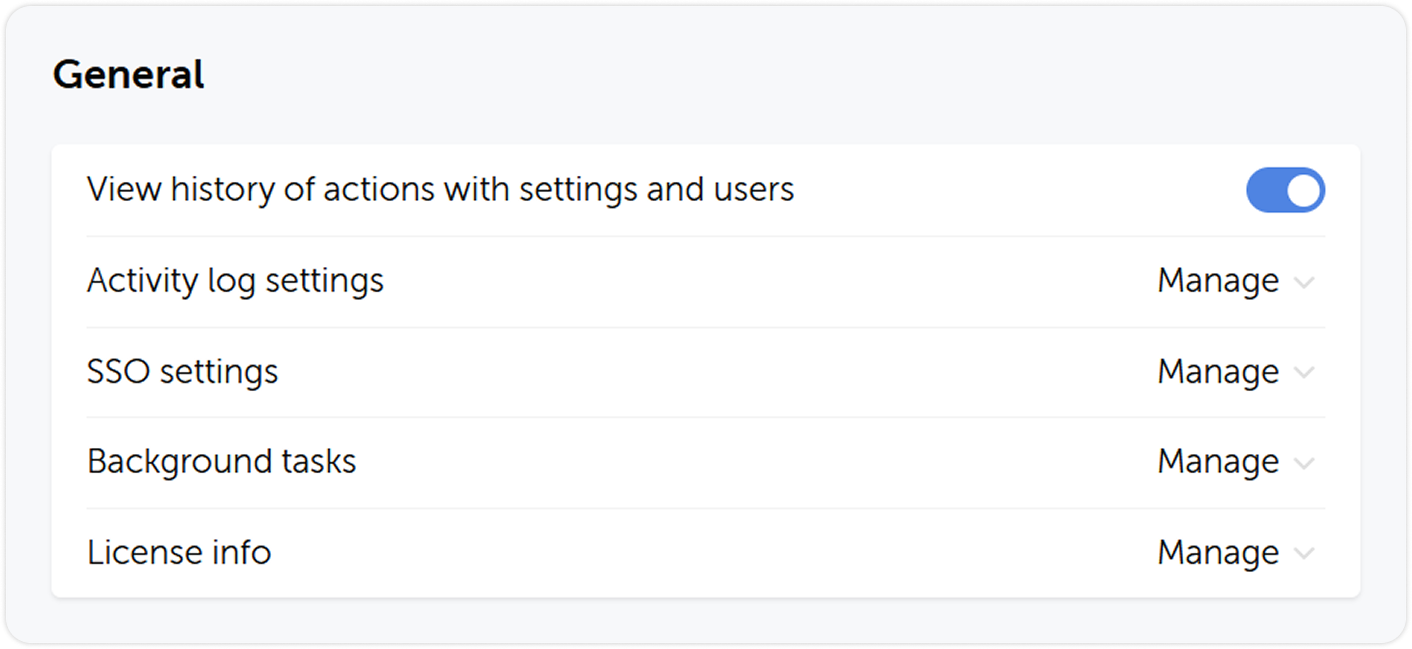
Here you can grant users access rights to view the history of actions related to settings and users, view and manage activity log, SSO and background tasks settings as well as access license info.
System settings
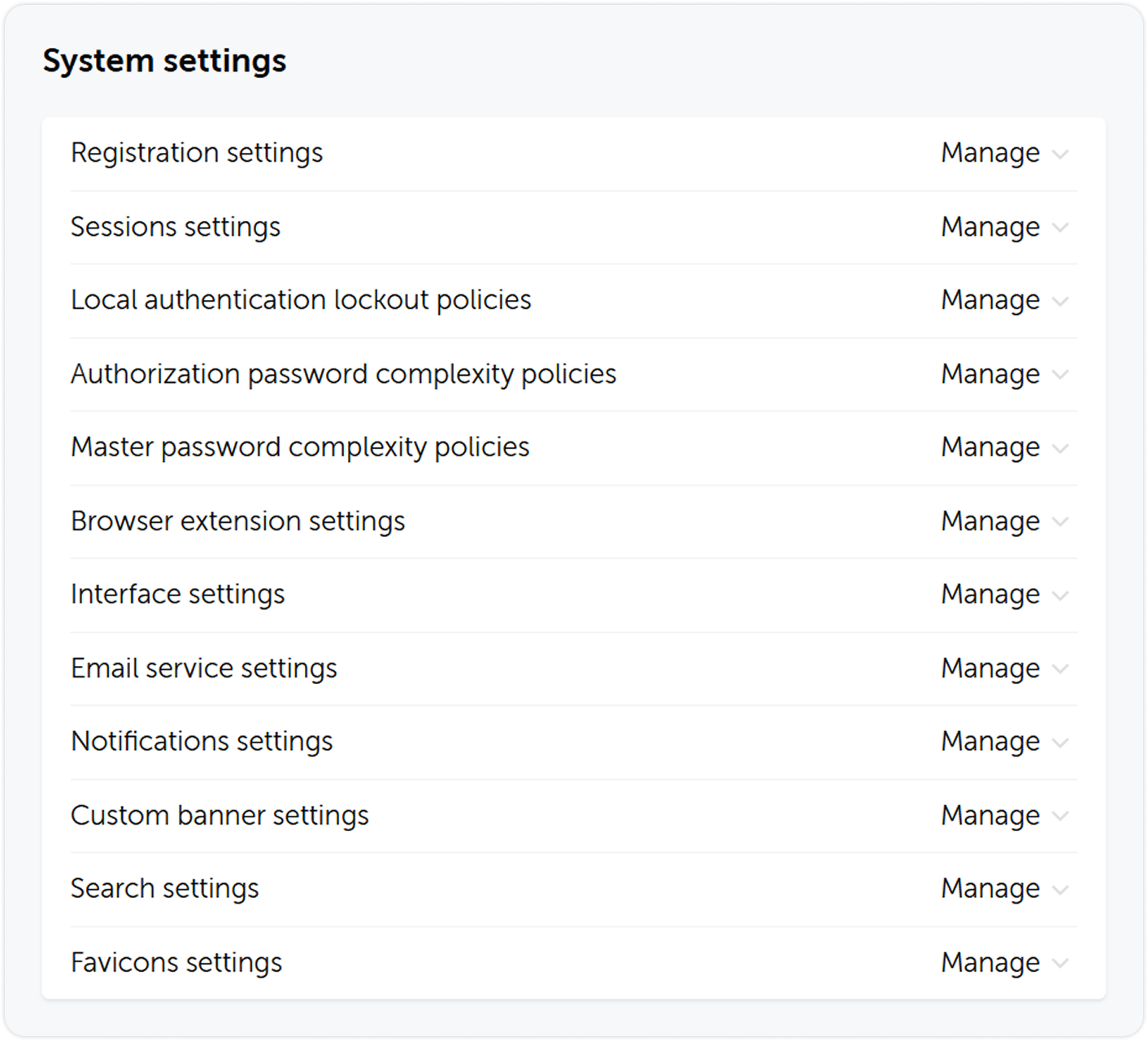
Here you can grant users the right to view and modify specific groups of system settings.
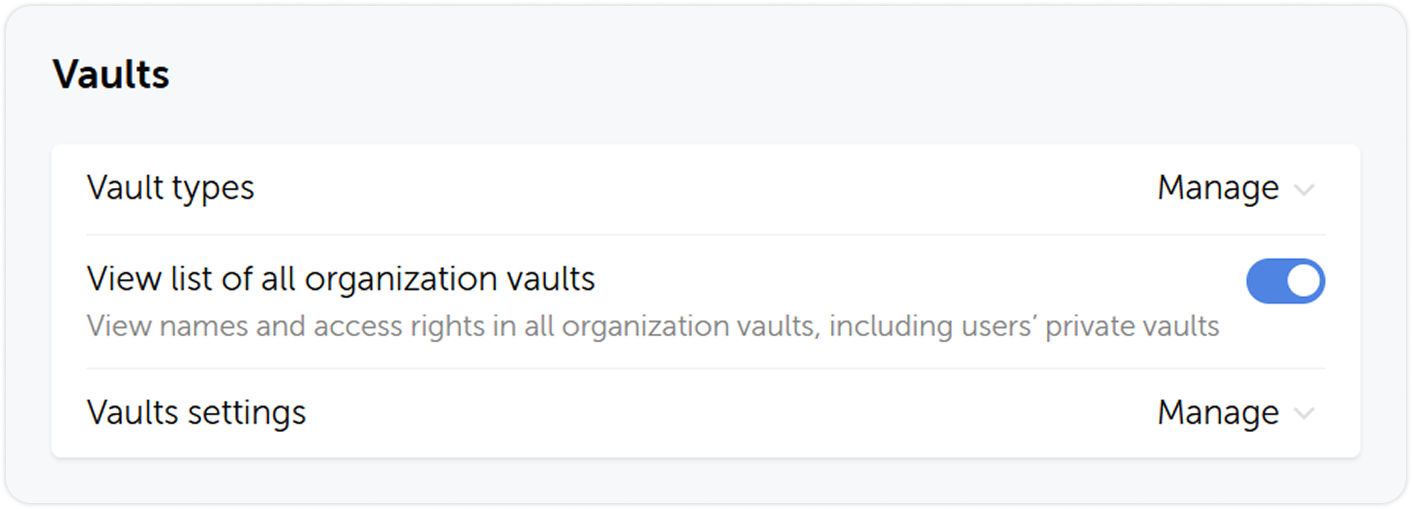
Vaults
Here you can configure user's access to specific tabs of the vault settings.
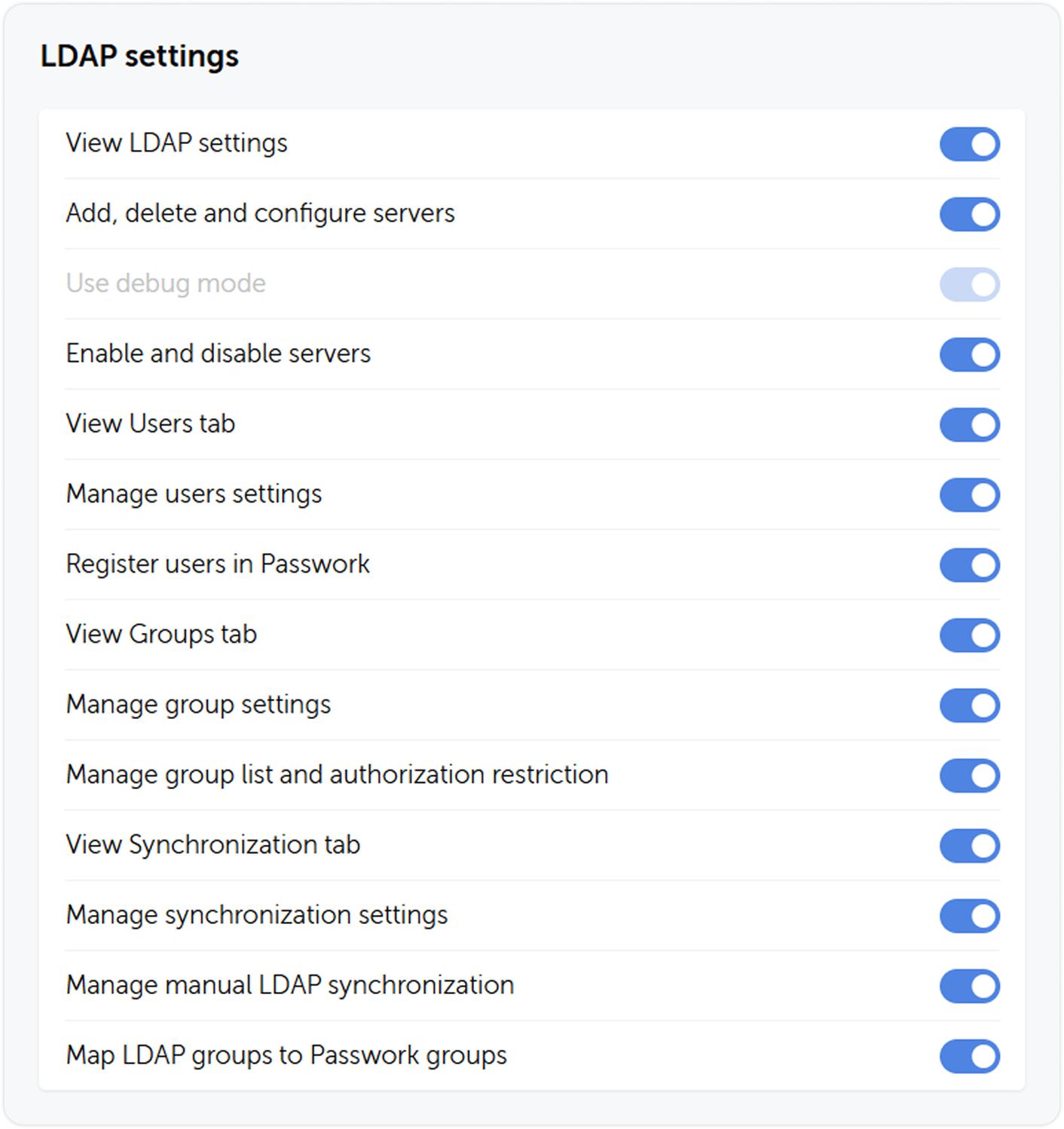
LDAP settings
Here you can grant users the right to view and modify LDAP parameters which include adding and deleting servers, registering new users, managing group lists, viewing and configuring synchronization settings.
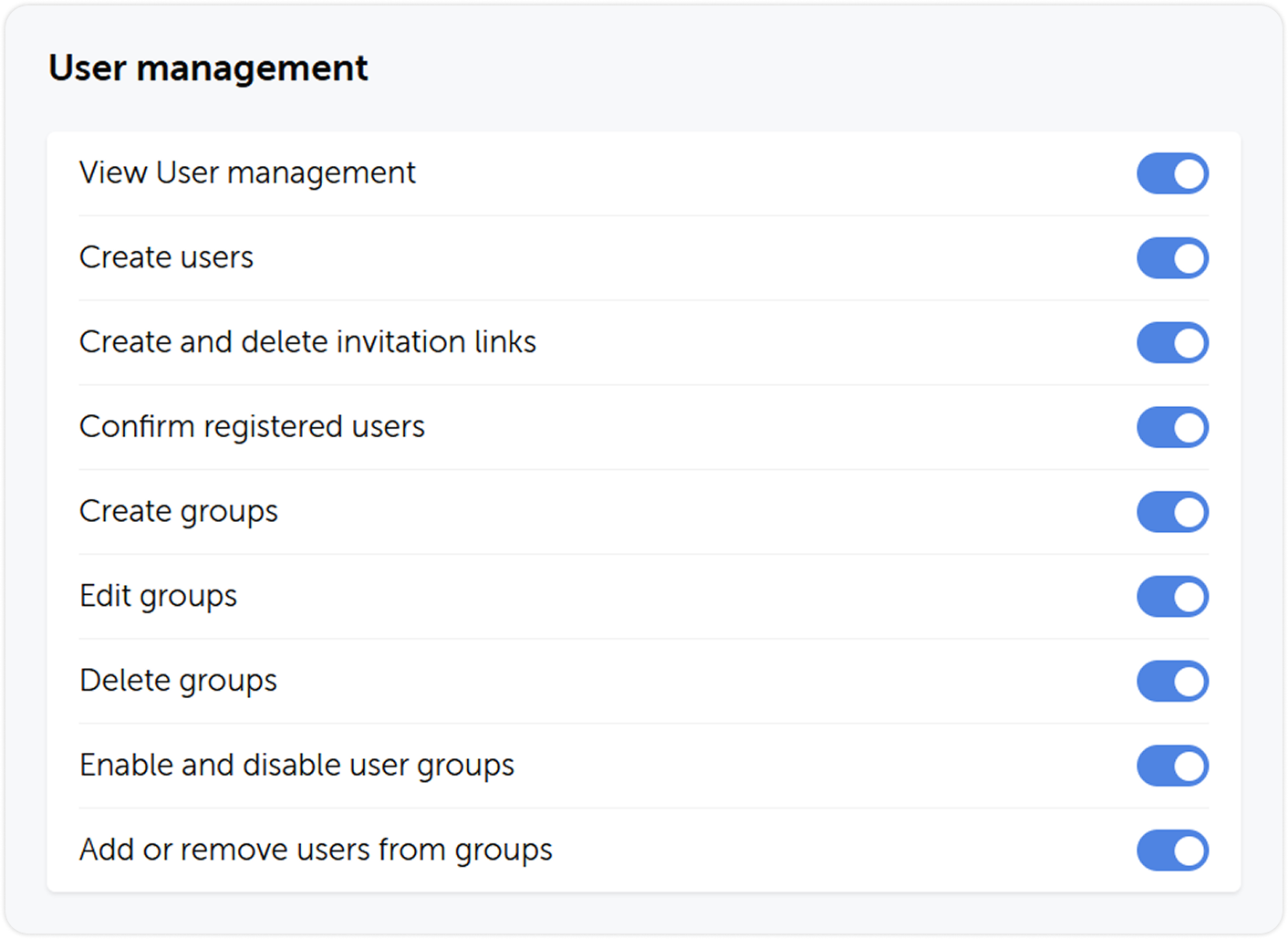
User management
Here you can grant users access rights to view and modify user management parameters. These include any necessary actions with users and groups, such as creating, deleting, and editing users or groups, and sending invites.
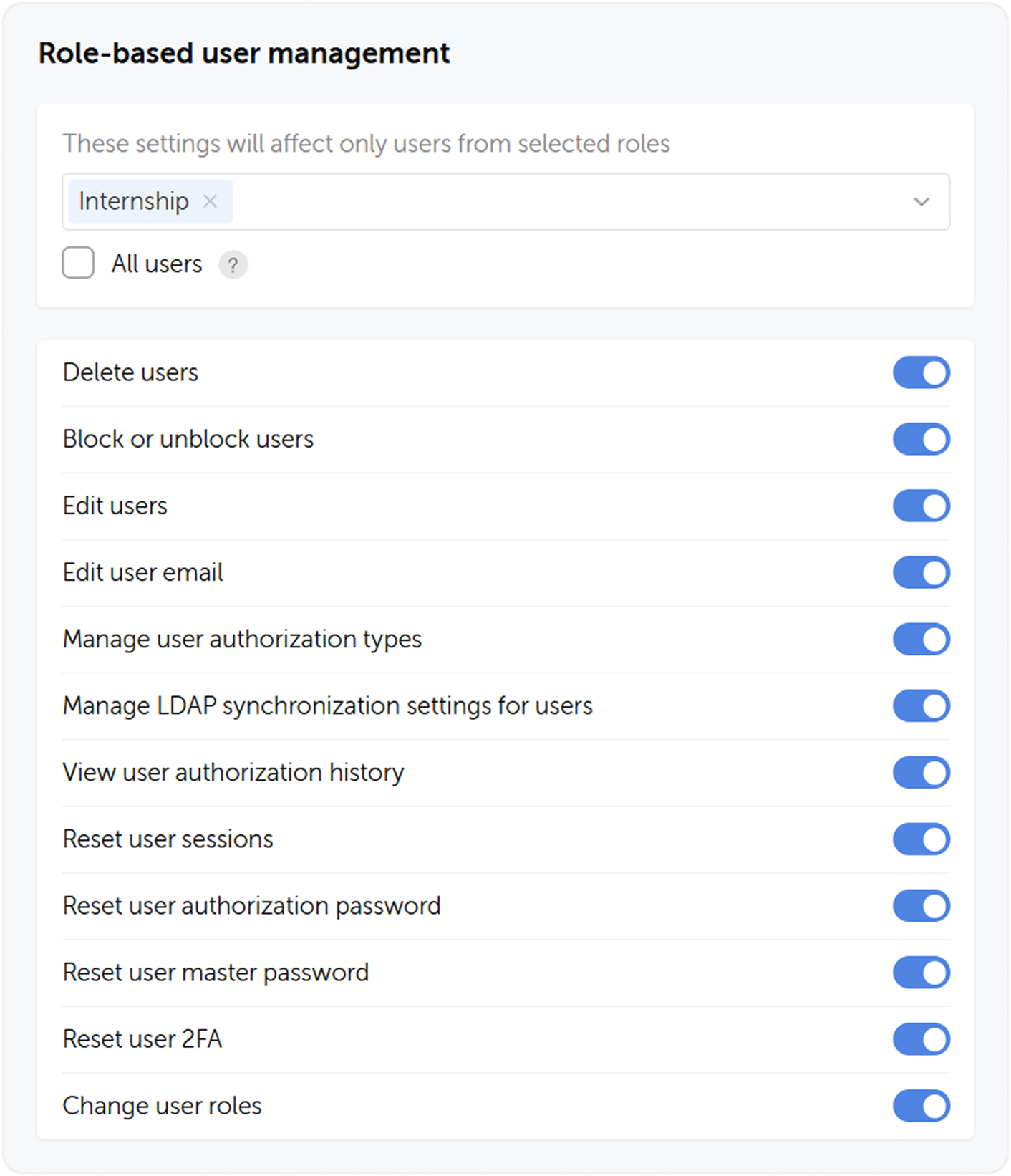
Role-based user management
Here you can grant a role the rights to manage other roles.
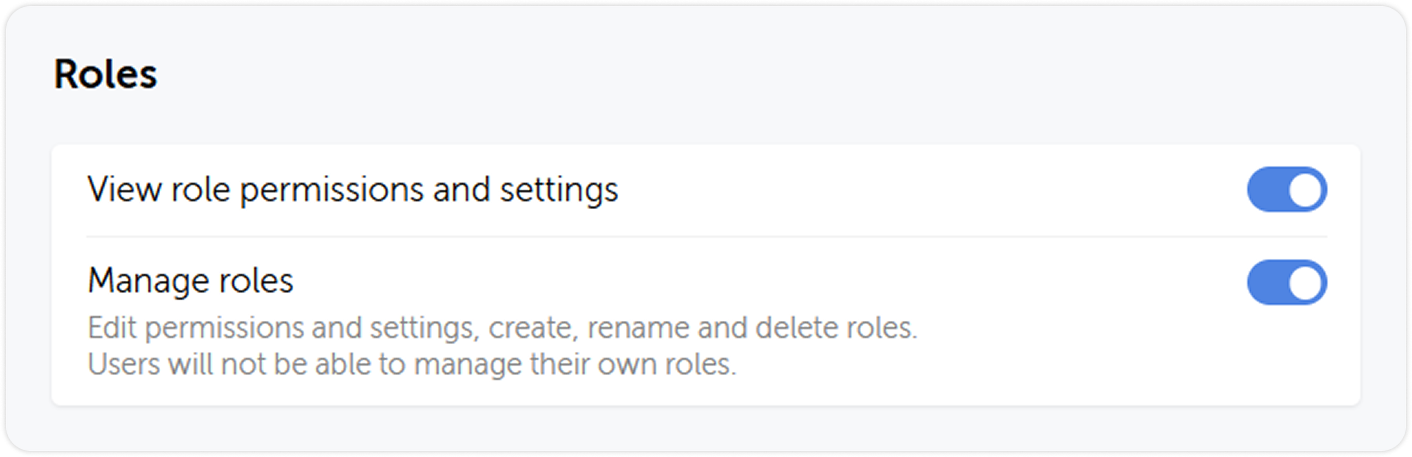
Roles
This section lets users view or manage roles and their settings.
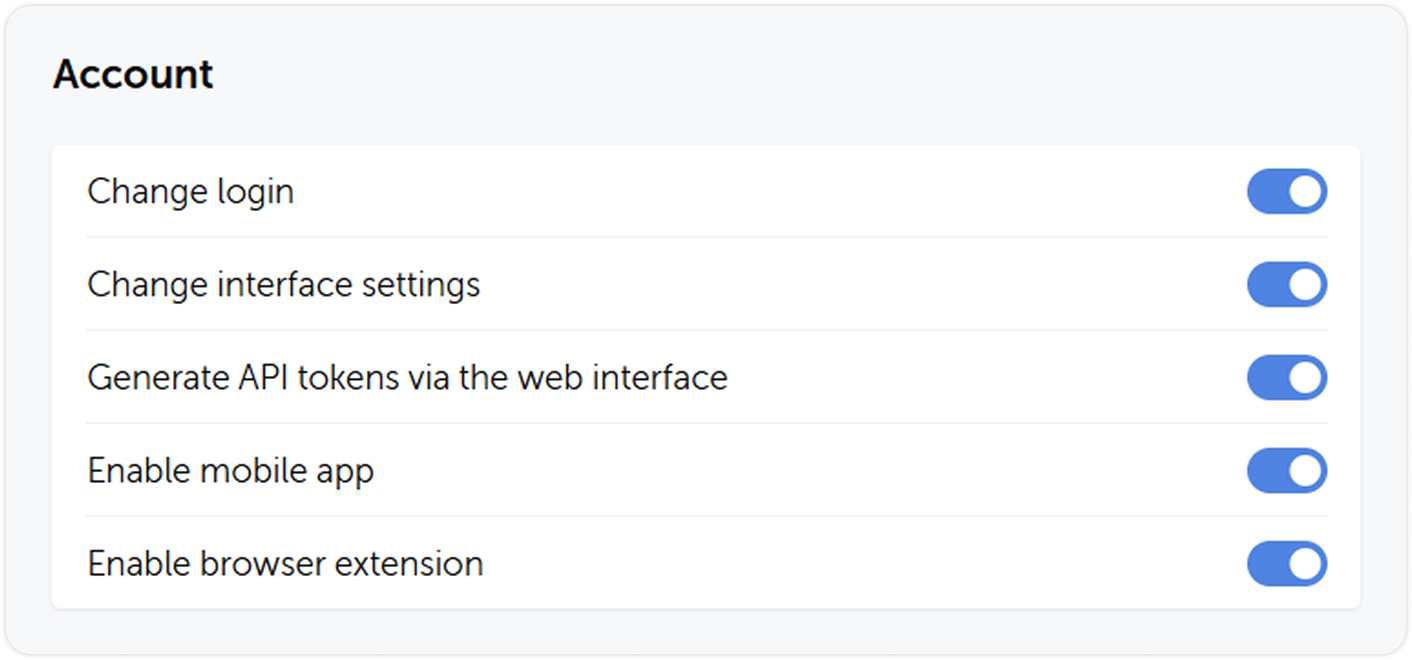
Account
Here you can grant users the ability to manage their account, change the interface, use the API, mobile and desktop apps and extension.
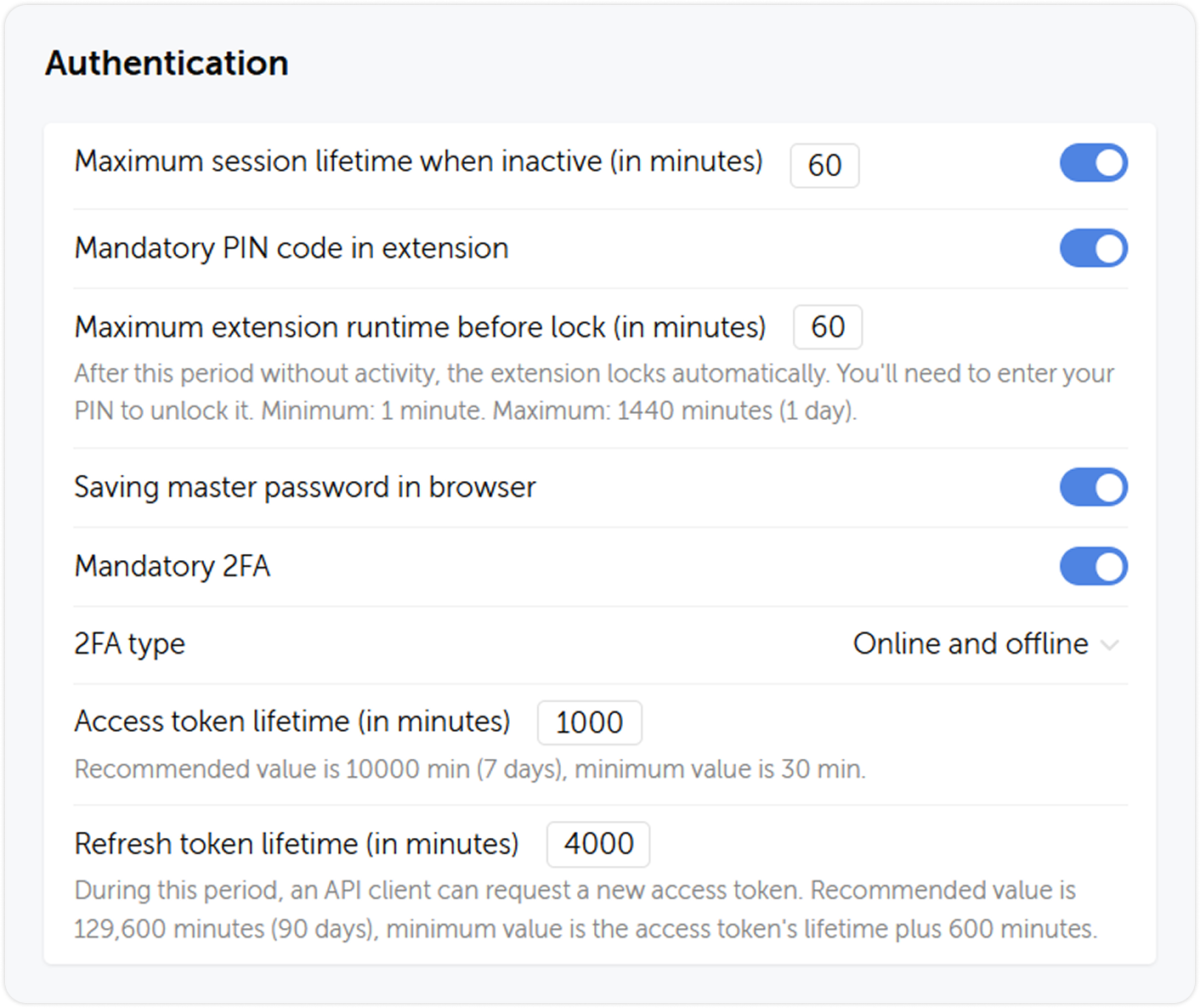
Authentication
Here you can manage the security policies that apply to a user. For example, limit the session, extension and token lifetimes, enable mandatory 2FA or allow using security keys instead of passwords.