



Profile and interface
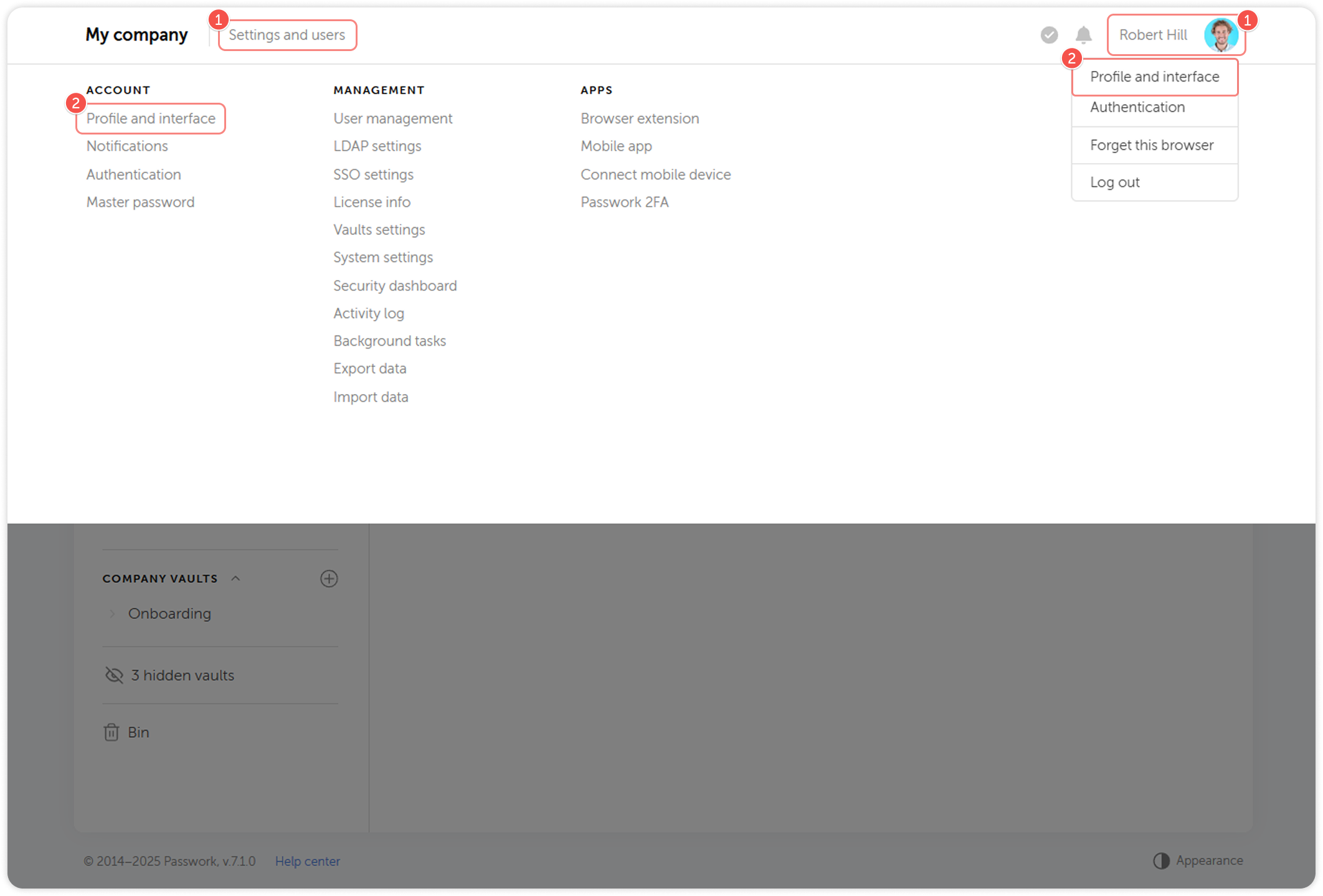
Account settings allow you to change your personal information, profile picture and select the interface language. You can access the Account settings either from the Settings and users menu or by clicking the Account settings button:
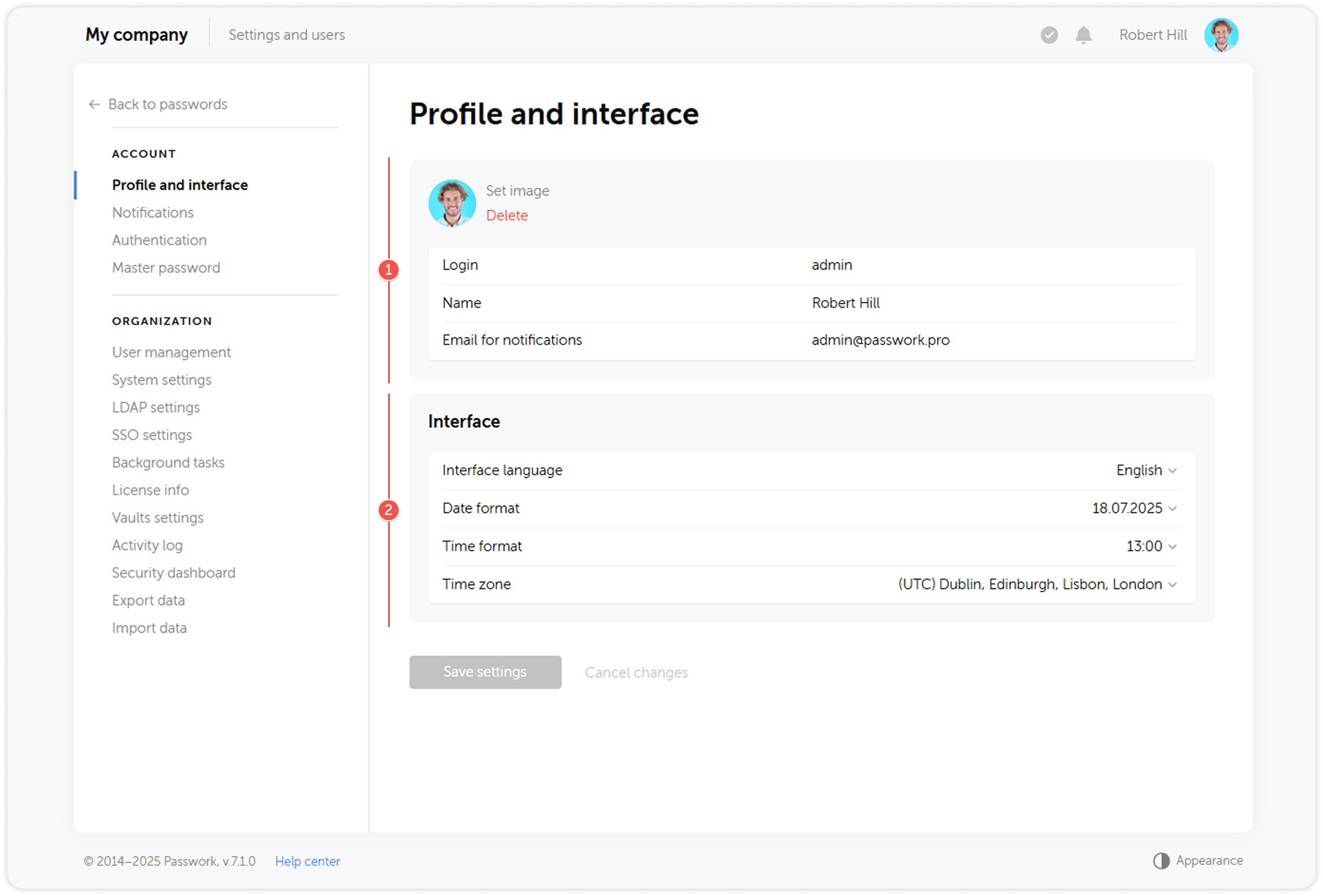
Account settings are divided into two sections:
- Credentials: Here you can change your login, profile picture, name, and email address. If LDAP authentication is enabled, the email address is retrieved from the corresponding attribute.
- Interface: Here you can select your preferred interface language, date format and time zone.
Email confirmation
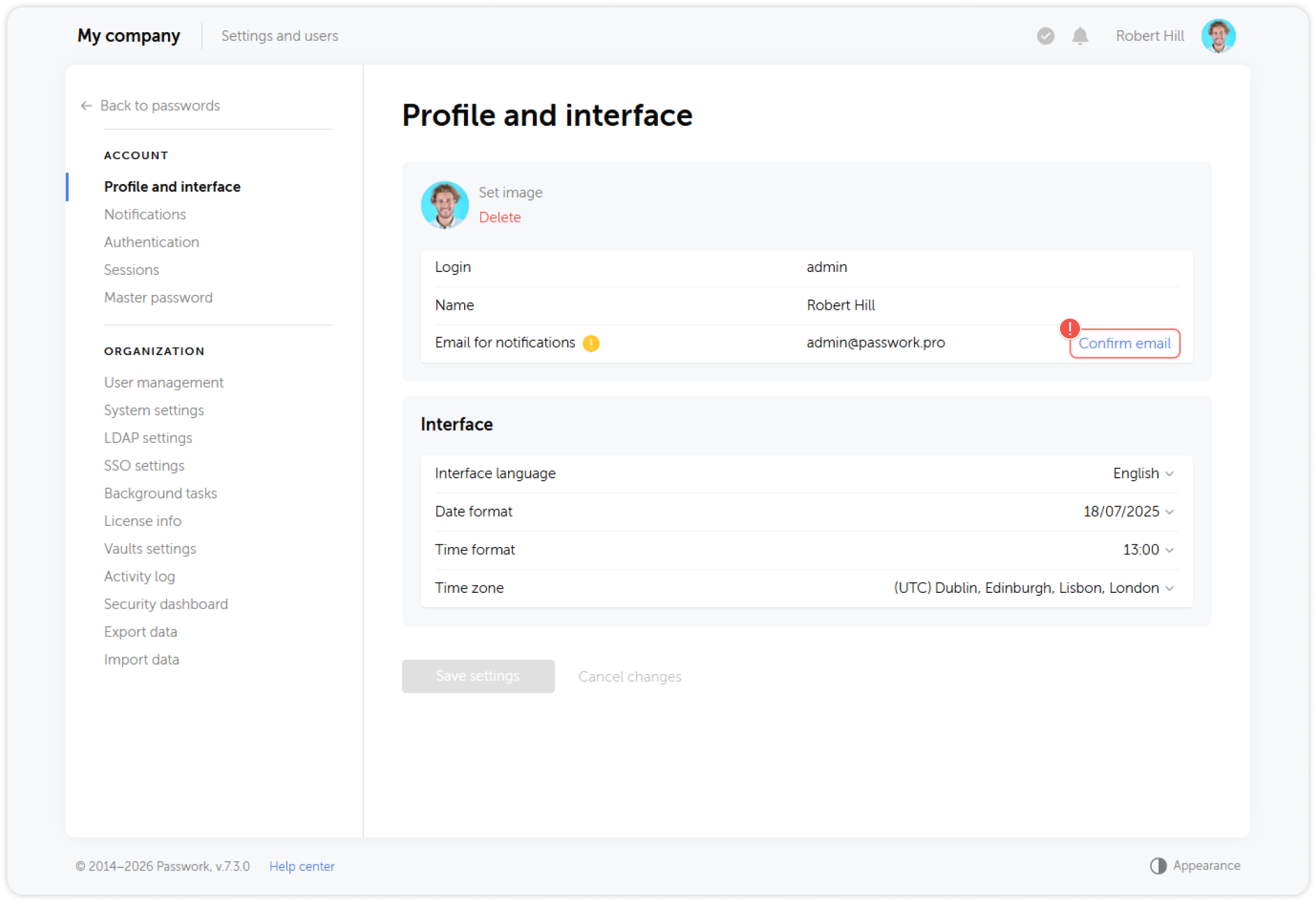
If Allow email confirmation option is enabled in system settings, Passwork will send all notifications only to the confirmed emails (with the exception of invites and registration-linked messages). If your email is not confirmed, the system will prompt you to do so via a confirmation email.
tip
Emails retrieved from LDAP and SSO will also need to be confirmed