Registration and sign-in
Registration
To register an account, go to the Passwork Sign up page at the address provided by your administrator. After entering login, password and email, click the Sign up button to register your account.
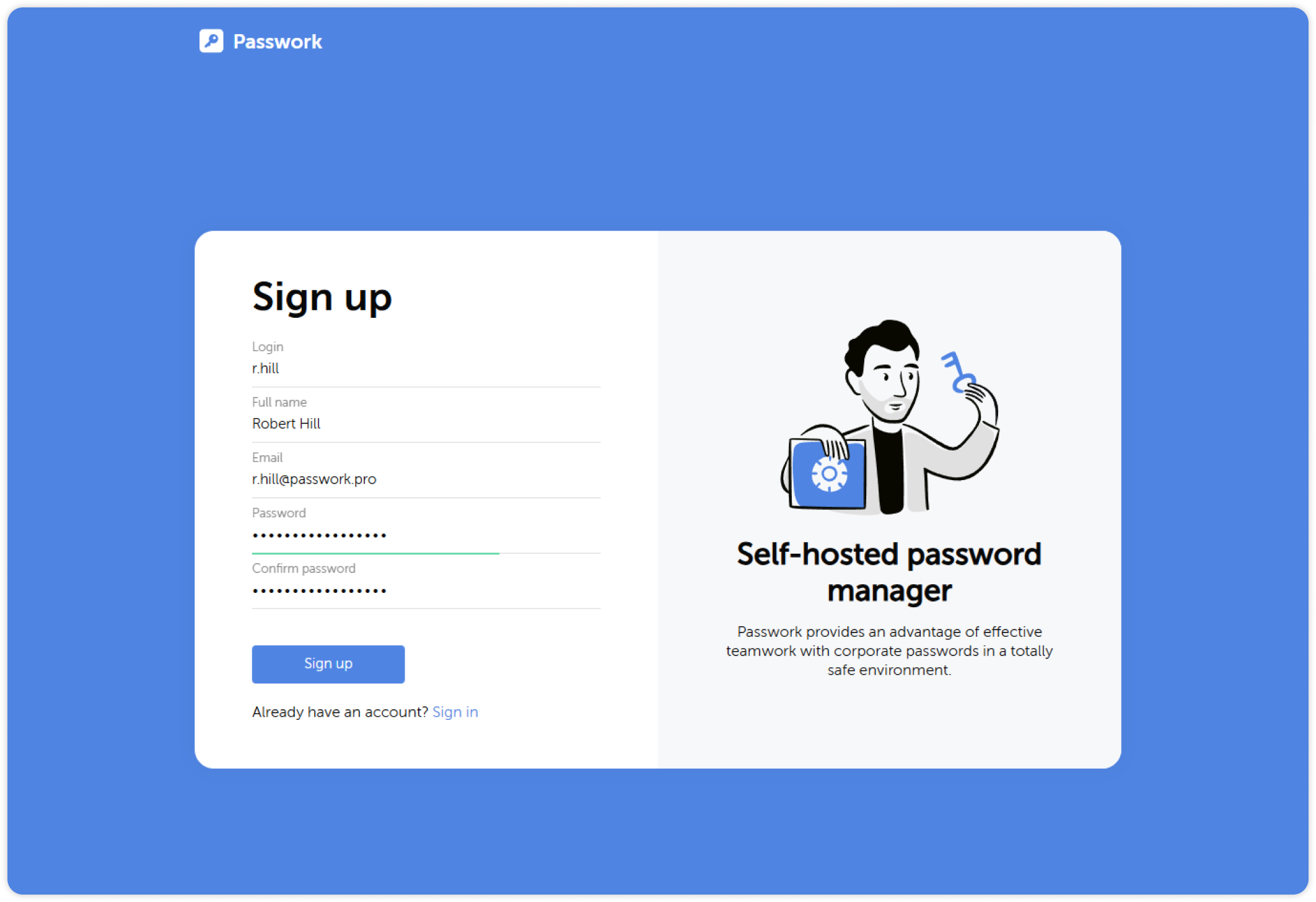
Depending on your Passwork settings, you might need to confirm the registration. If you have an invitation code, you will be able to enter it when you first log into Passwork.
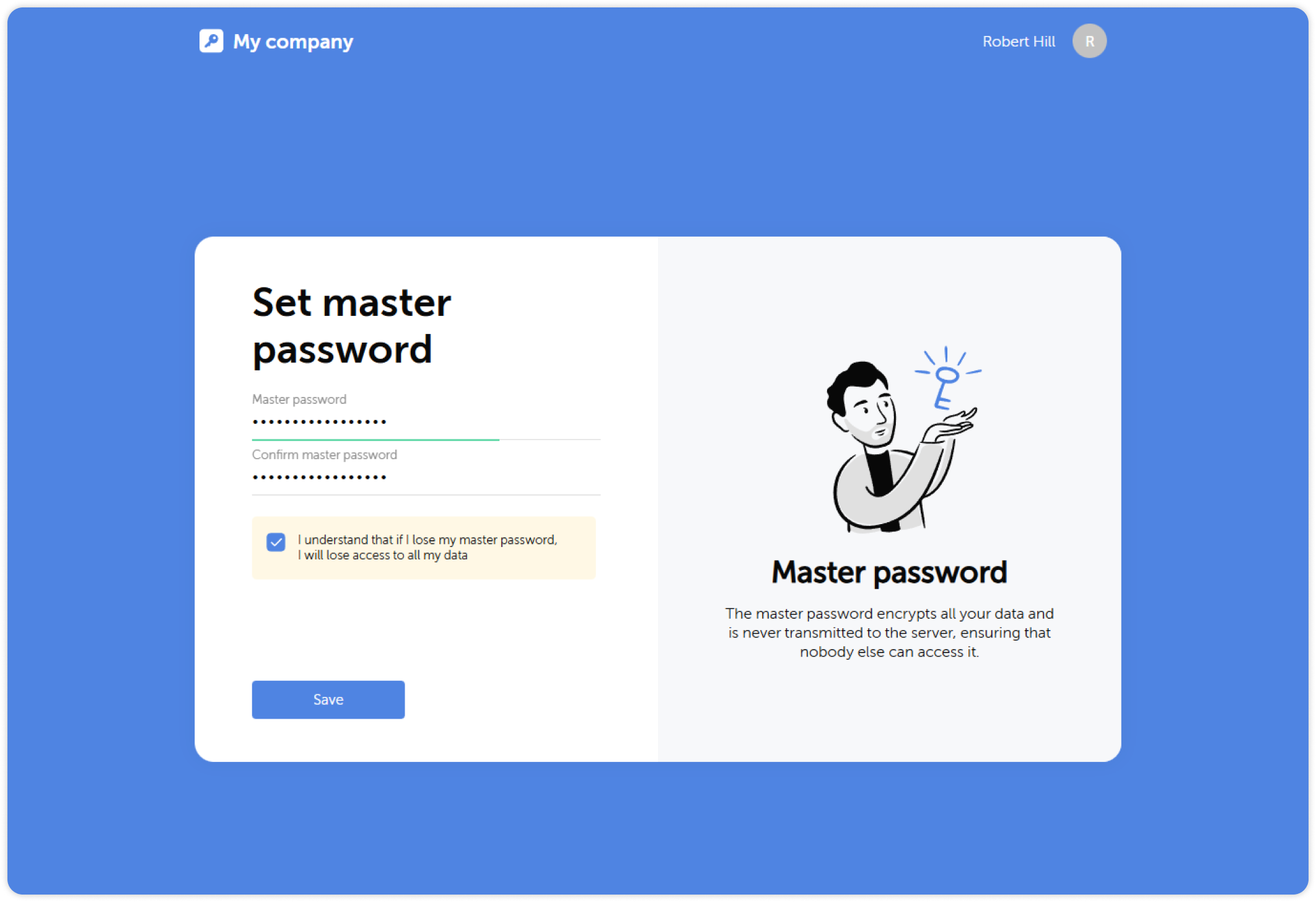
If your Passwork has client-side encryption enabled, you will need to set a master password after the initial account registration.
Sign-in
You can sign-in into Passwork both with local login and password or with corporate credentials through LDAP and SSO. In addition, Passwork allows for passwordless authentication using biometrics or physical security keys.
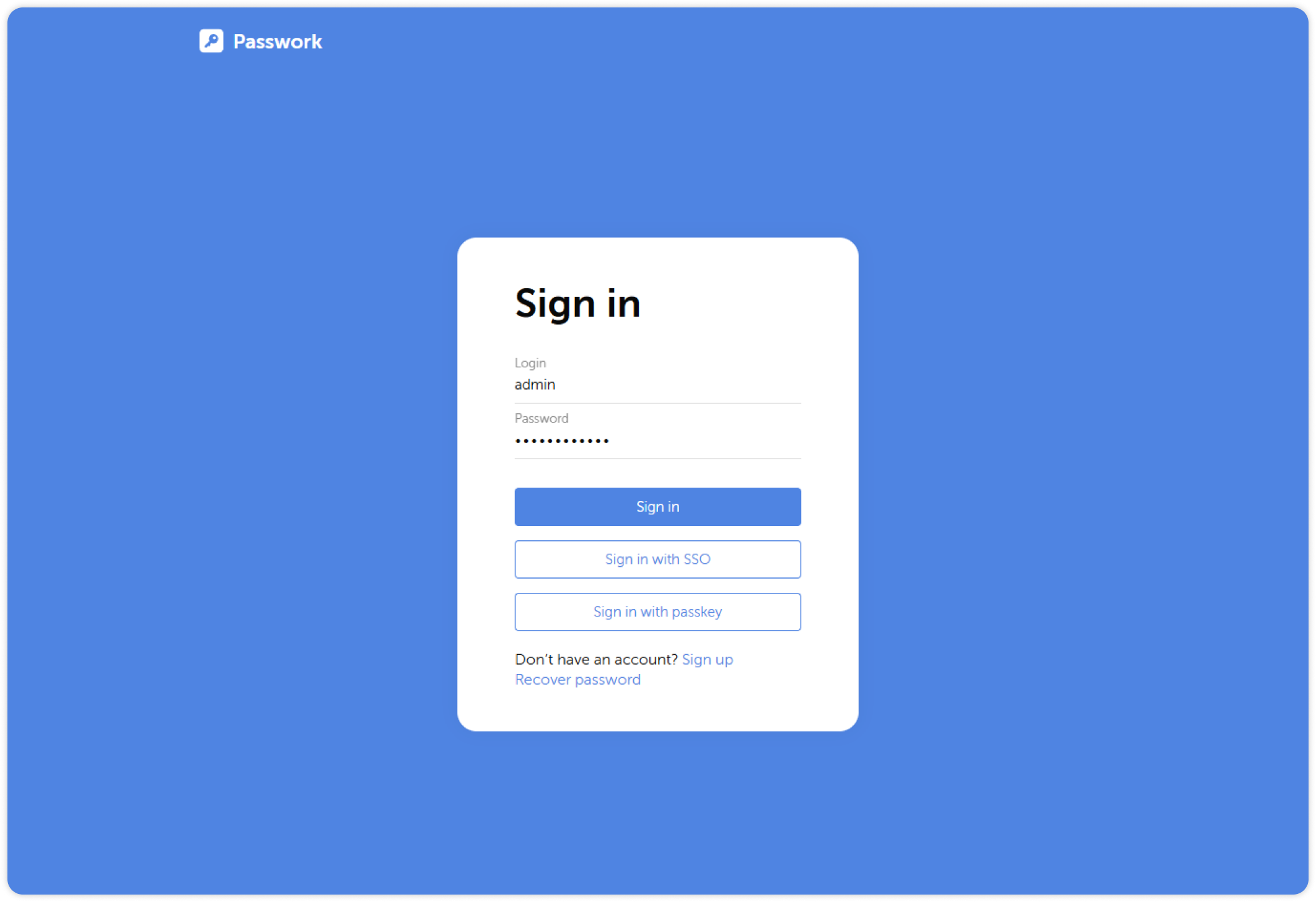
Enable Sign in with email option in system settings, to allow users sign in with their emails
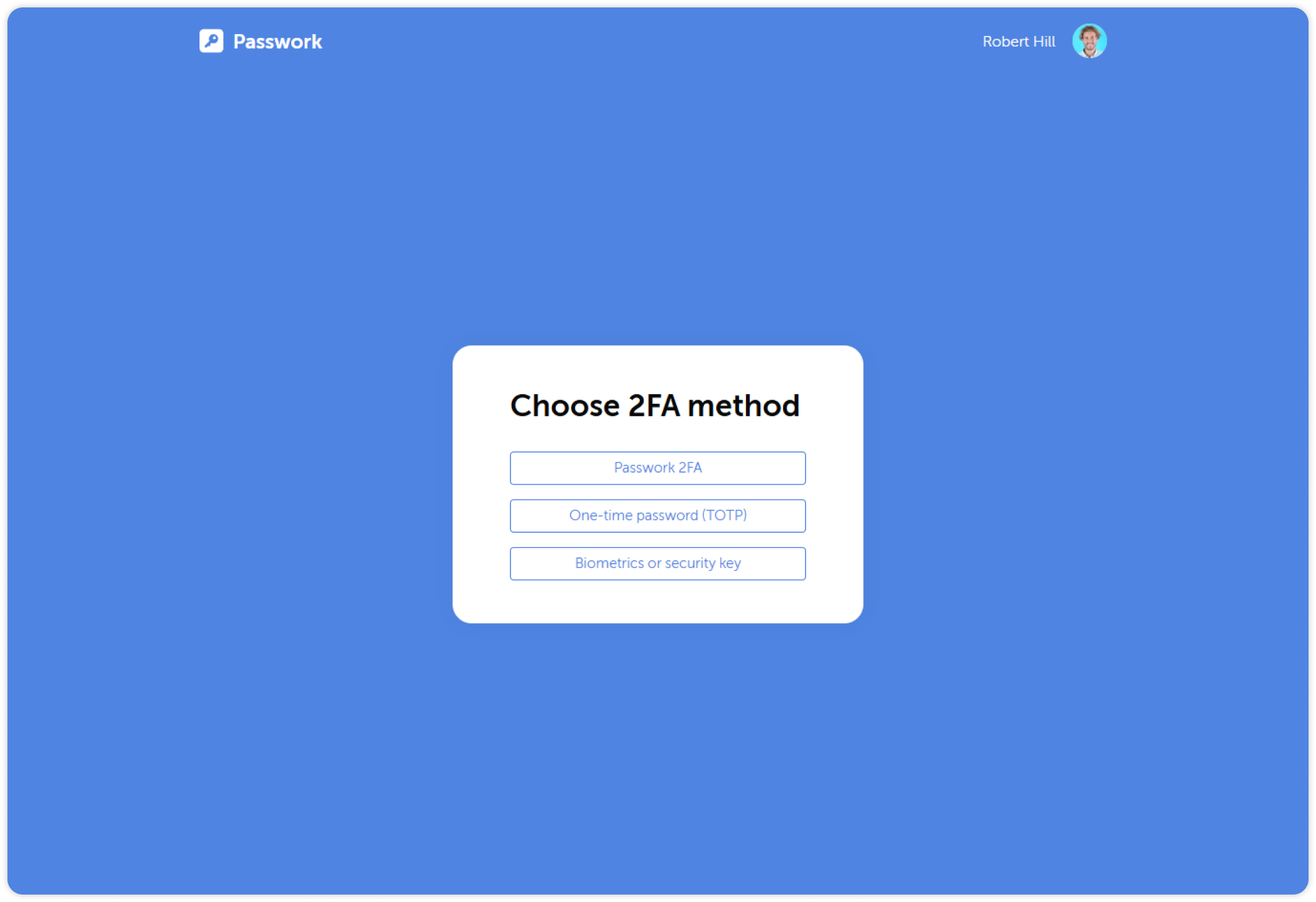
If needed, you can enable two-factor authentication through a mobile app, biometrics, or security keys. Administrators can make 2FA mandatory or allow users to choose for themselves.