Sessions
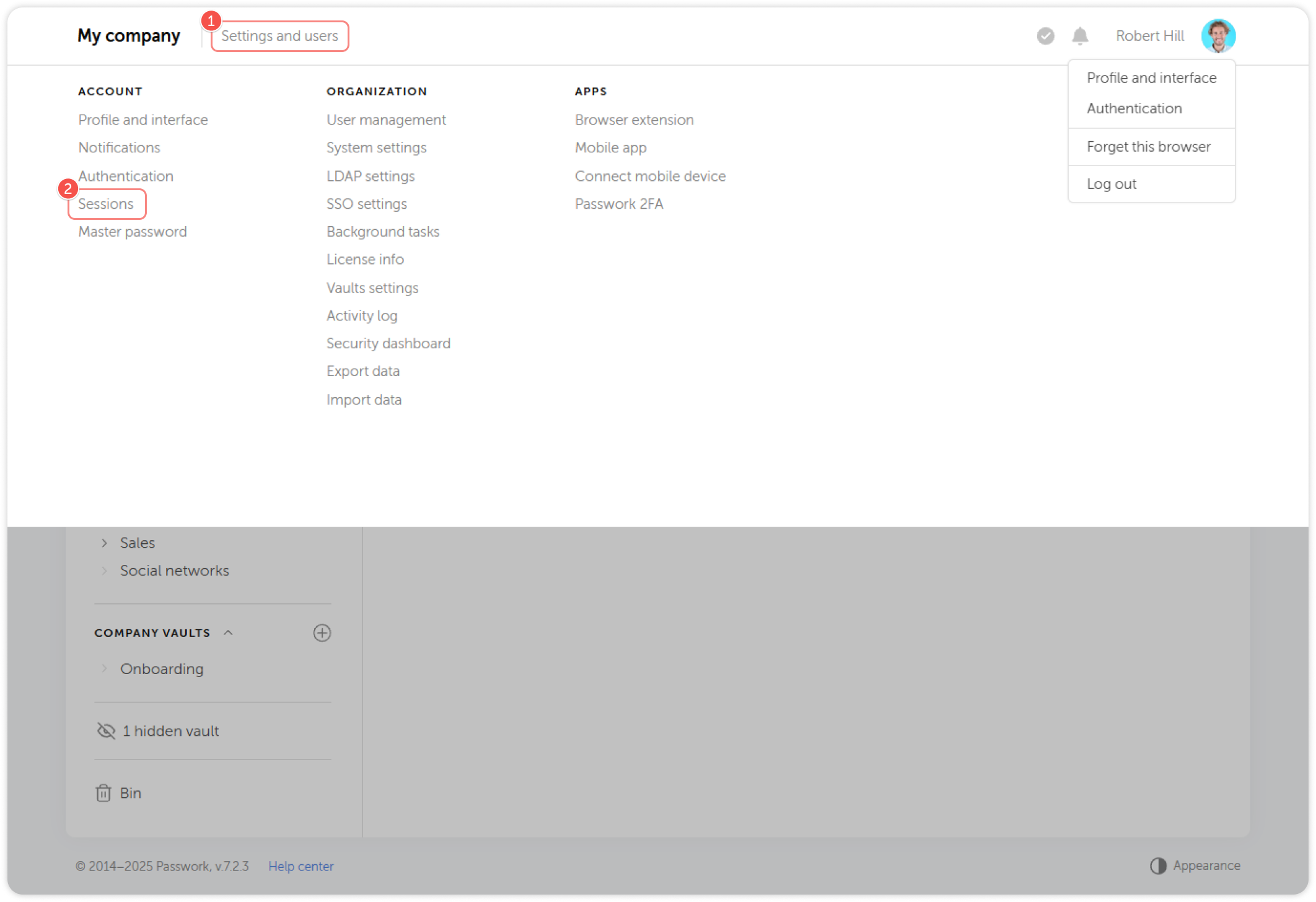
The Sessions page allows you to view your active sessions and sign-in history, manage automatic logout settings, and control access to your Passwork account across different devices and locations.
You can access the page from the Settings and users menu.
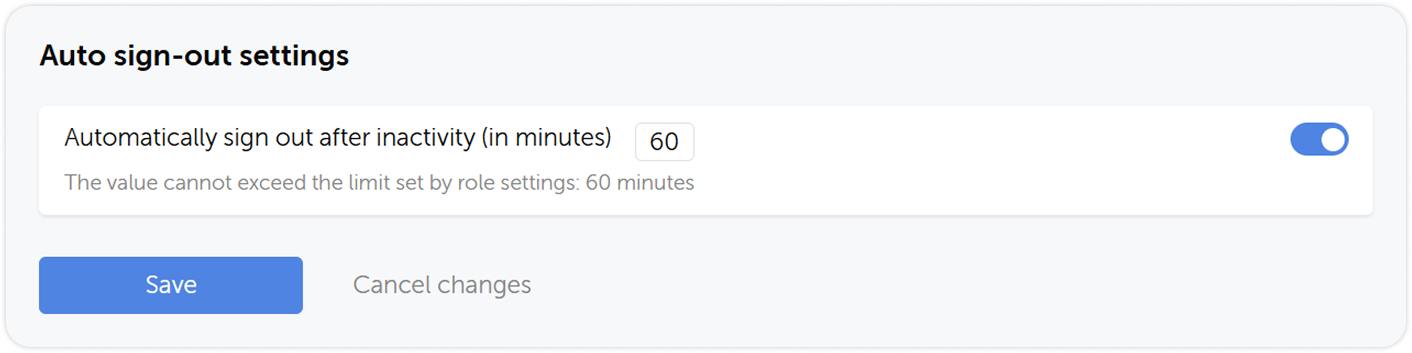
Setting automatic logout
In the Auto sign-out settings section you can enable automatic log out on inactivity and set up the appropriate time period. The maximum value is controlled by your role settings.
Sign-in history
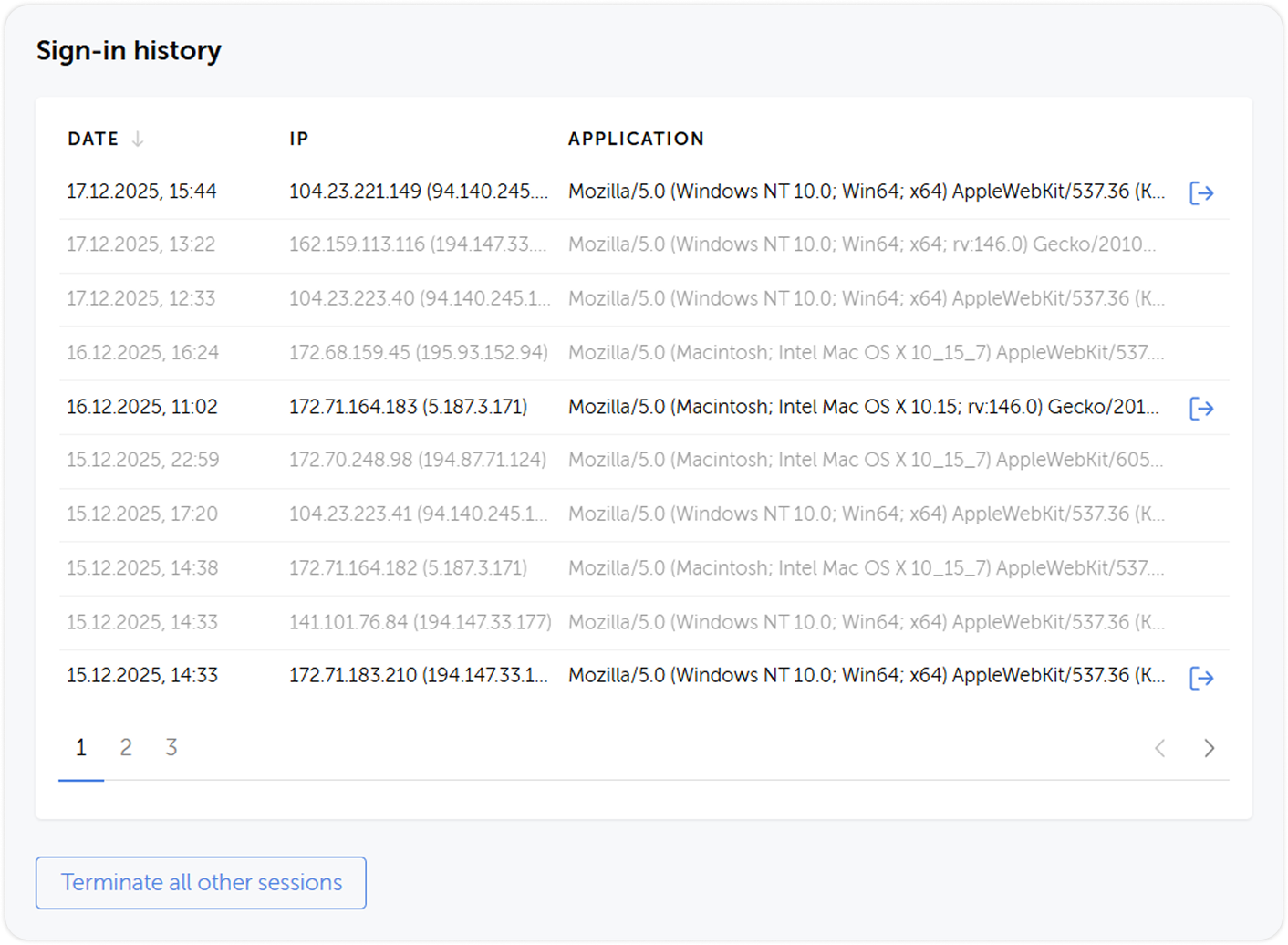
In the Sign-in history, you can view the date and time of all sign-ins and their respective IP addresses and devices used to access Passwork.
You can log out of specific sessions or all other sessions except the current one by using the Terminate all other sessions button.