

The latest release introduces additional access controls for the desktop app and adds several UI improvements and fixes.
Desktop app access control
Passwork administrators can now manage access to the desktop app. The Account section in role settings includes two new parameters that allow you to enable or disable the desktop client and restrict its download from the web version.

Apply these permissions via role settings under Settings and users → Roles → Select role → Account.
Improvements
- Added the option to copy URL directly from the Copy to clipboard context menu
- Added automatic master password migration for users upgrading from Passwork 5.3 and earlier versions
- Minor UI improvements
Bug fixes
- Fixed an issue where folder names displayed incorrectly in the import window when using the dark theme
- Fixed browser back and forward navigation between passwords in Recents, Favorites, and Inbox
- Fixed an issue where account settings for the Owner role failed to save after a page refresh
- Fixed the display of some system notifications
- Fixed an avatar upload failure
Desktop app 1.2.0
- Fixed an issue where the macOS app required manual confirmation in Privacy & Security settings on first launch
- Fixed an issue causing incorrect session termination
- Fixed an issue in Vault settings where the Save and Cancel buttons in the All vaults tab could overlap other elements during scrolling
- Fixed the incorrect app icon displayed in the Windows taskbar preview
Desktop app 1.2.0 includes all improvements and fixes from Passwork 7.5.2
You can find all information about Passwork updates in our release notes
Introducing Passwork Desktop app
Passwork is now available as a full-featured desktop app for Windows, macOS, and Linux. The desktop app delivers complete password management functionality: manage credentials, access vaults, collaborate with your team, all with the native performance and convenience of a desktop environment.
 Eirik Salmi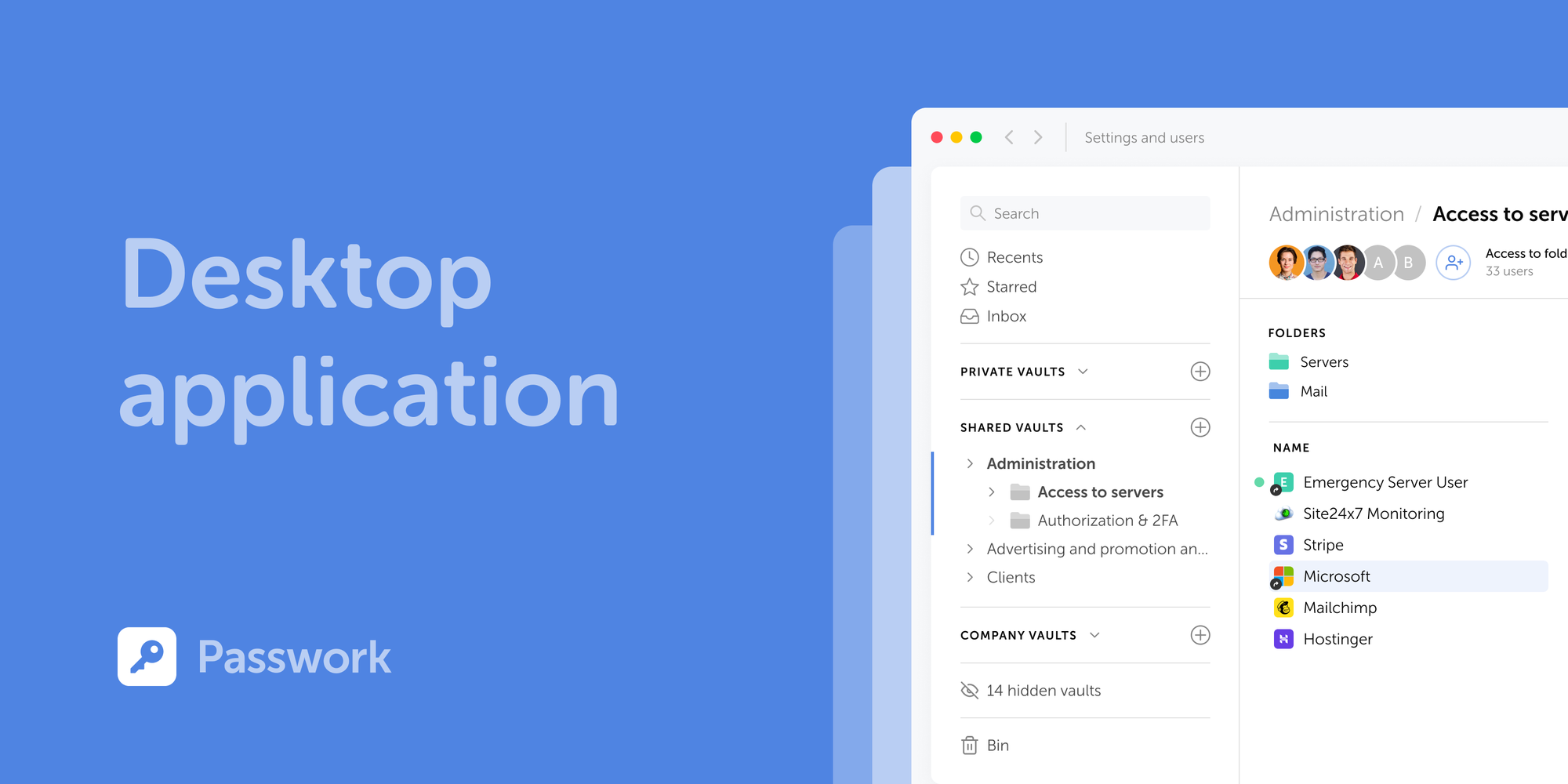
Enterprise password security: Best practices for 2026
Cybercrime increasingly targets human behavior. Technical controls alone cannot close this gap. Across the organization, strong password habits reduce risk more than any single tool.
 Mike Shikun
How to use a password manager: complete security guide
A password manager replaces guesswork with structure, a direct upgrade to your organization’s digital protection.
 Mike Shikun
Table of contents
Table of contents

A self-hosted password manager for your business
Passwork provides an advantage of effective teamwork with corporate passwords in a totally safe environment
Learn more