
Last updated: Nov 5, 2026. Northflank's incident page was rechecked on Nov 5; its latest posted update remained Nov 2, 2026.
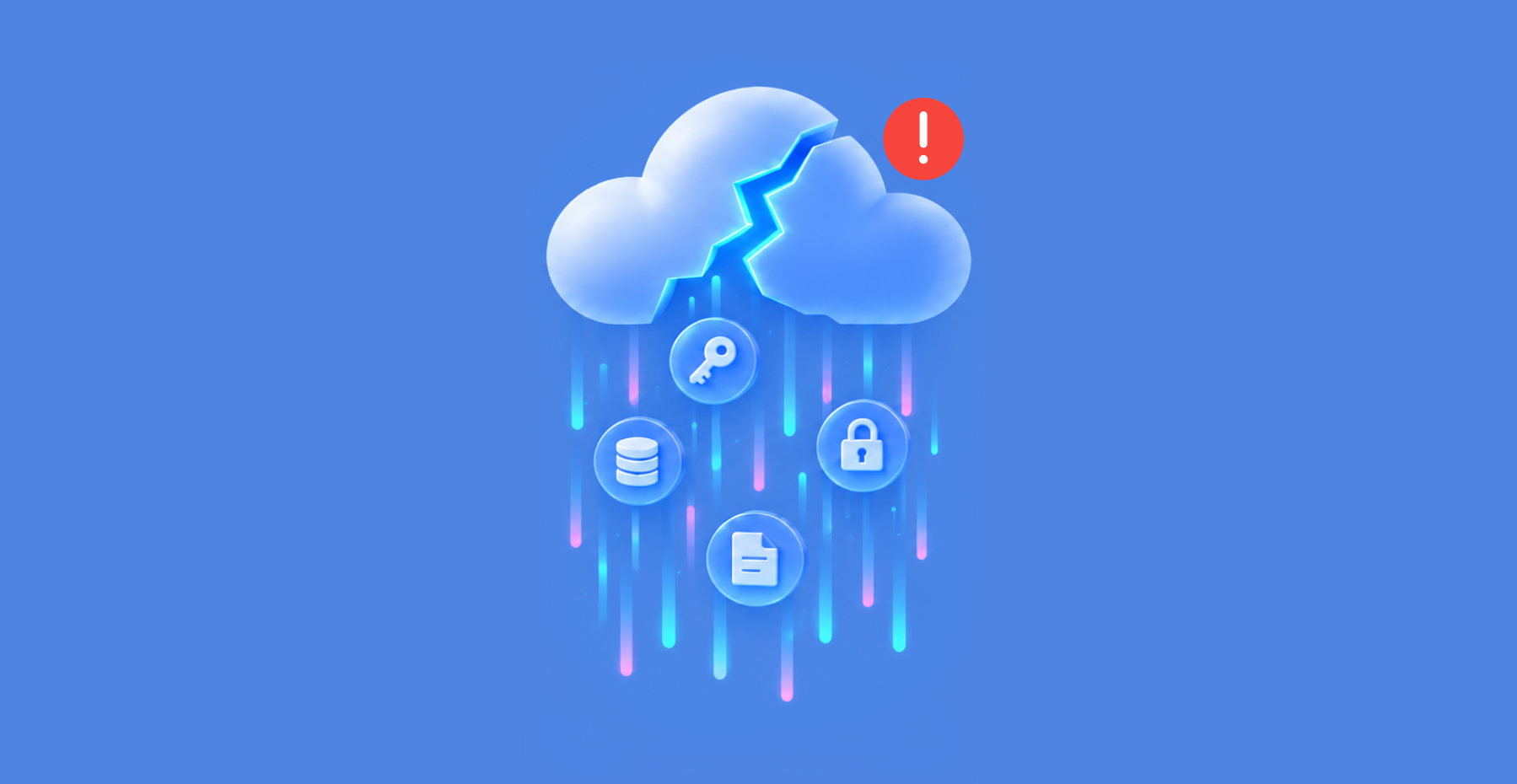
In the Northflank breach, which the company calls a security incident and disclosed on Oct 30, 2026, the platform told customers, as a precaution, to assume every environment variable had been decrypted, meaning unlocked so attackers could read it.
Environment variables are stored settings that apps read when they run. They often hold API keys, the secret codes that let software use a service. Users also reported unauthorized use of their AI API keys. The status page does not show that every stored variable was stolen.
Below: what Northflank, Railway and Huntress have reported, and the checks to run now.
- Northflank: told customers on Oct 30, 2026 to assume all environment variables were decrypted and to rotate every secret (Northflank).
- Black October: Wiz, a cloud security company, counted at least nine AI developer platforms (services for building and running AI apps) that disclosed incidents from Oct 6 to Oct 30. Their public explanations differed, several were preliminary, and some root causes were unknown (Wiz).
- Railway: said on Oct 21, 2026 that an unauthorized third party may have accessed encrypted customer environment variables and, for some of them, obtained the decrypted contents (Railway).
- Token spraying: Huntress tracked stolen Microsoft 365 (M365) session tokens, which keep a user signed in, being reused at 79 organizations between July 14 and September 22, 2026 (Huntress).
Northflank breach: Customers told to assume every environment variable was decrypted
What happened: Northflank is a cloud platform where teams run apps and databases. On Oct 30, 2026 it opened a security incident on its status page. The key moments, in UTC:
- 11:43: a threat alert arrived from Wiz.
- 13:40: Northflank told customers to rotate their environment variables immediately. To rotate a secret means to replace it with a new one and cancel the old one.
- 13:58: as a precaution, it told customers to assume all environment variables were decrypted, and to disable and rotate all keys.
- Later on Oct 30: it added that users had reported unauthorized use of AI API keys supplied to the platform.
- 01:04 on Oct 31: it enabled audit logs for all customers, including free users. Audit logs are records of who did what in an account.
- Oct 30 and 31: it turned on secret rotation for database and other add-ons, in stages.
The page gives no count of affected customers.
In a Nov 2 update, Northflank said:
- It believed the attack vector was contained within an hour of the first alert.
- It saw no sign, at that time, that workloads or workload data had been accessed.
- Evidence suggested the attack focused on secrets held in its control plane, the part of the platform that manages customers' projects.
- Independent forensic auditors were still reviewing the attack.
- Customers should keep rotating all secrets, and a root cause analysis would follow once findings were confirmed.
It still gave no count of affected customers.
Why it matters: Wiz counted at least nine AI developer platforms that disclosed incidents from Oct 6 to Oct 30: Fireworks AI, Andromeda, Zeabur, Lightning AI, OpenCode, Railway, Warp, CommandCode and Northflank. Wiz later updated its post on Nov 2 and Nov 3 to add reported incidents at Brev, Trigger.dev and Chainstack.
Wiz said the public reports consistently pointed to targeted attempts to get stored environment variables, especially keys that give access to AI services. It found no single vulnerability or shared dependency linking the incidents. That pattern does not prove a common attacker or one campaign.
Wiz also summarized the early explanations:
- Credential access at Fireworks, Zeabur and Lightning.
- Possible privilege escalation in Railway's build systems.
- A vendor issue at Warp.
- Access through an old system at OpenCode.
Several of these were preliminary, and some root causes were still unknown.
Wiz also described what a stolen key can be worth. It saw the first unauthorized activity on each of two enterprise keys within 30 minutes of the reported vendor-side credential access. In one case, the actor made about 800,000 calls to Amazon Bedrock, Amazon's service for running AI models, over 30 hours, and about 90% succeeded.
Wiz estimated that the two cases together likely ran up more than $100,000 in usage at list prices, meaning the public price list. That is an estimate, not a confirmed bill.
The defensive takeaway: Northflank's guidance has three parts:
- Revoke, meaning cancel, existing credentials with the company that issued them. Create replacements, and update the affected secrets and workloads in Northflank.
- Review your AI provider's usage and billing logs for activity you don't recognize.
- Turn off public access to add-ons, the extra services such as databases, where it's enabled.
Our advice: where your provider supports it, give each platform its own key, limited to the permissions that platform needs. Set usage alerts and, if offered, a hard limit, which is a cap that stops requests at a set spend.
Separate keys make cancelling easier. Spending controls differ by provider and may not stop every overage, so check how yours behaves.
Sources: Northflank status page; Wiz
Railway security incident: Roll every environment variable, registry credentials included
What happened: Railway is another platform for running apps. On Oct 21, 2026 it said it had spotted unusual activity involving the systems that store customers' environment variables. An unauthorized third party may have accessed the encrypted variables and, for some of them, obtained the decrypted contents.
Railway first said the impact might be limited to a subset of users. Its preliminary report on Oct 22 added:
- At most 1.85% of workspaces, about 100,000, had some environment variables potentially compromised.
- Railway could not tell which specific variables were decrypted.
- Existing deployments, the app versions already running, stayed online. New builds and deployments were paused.
Railway said it believed the incident was part of "a series of attacks recently targeting platform companies" aimed at compromising AI inference providers, which are companies that run AI models for customers. It said it had notified those upstream providers to revoke keys in advance.
Why it matters: The Cloud Security Alliance, an industry research group, said on Oct 23 that no company had publicly linked the incidents to a single attacker. It also said the campaign framing came from Railway alone. In that assessment, a single campaign was unproven.
Wiz separately found no shared vulnerability or dependency across the incidents. The risk is the same either way: your secrets sit on a platform you depend on, and someone else may have read them.
The defensive takeaway: Railway recommends rolling all environment variables, meaning replacing each one, including API keys and private registry credentials stored in Railway. A private registry credential is the login an app uses to pull its container images from a private store. Railway also recommends checking logs for those services for unusual activity.
Our advice: keep a list of which provider keys live in which platform, so rotation is a checklist, not a search.
Sources: Railway disclosure; Railway preliminary report; Cloud Security Alliance
Microsoft 365 token theft: Huntress tracked replayed tokens at 79 organizations
What happened: Huntress, a security company, reported on Oct 22, 2026 a campaign that ran from July 14 to September 22, 2026. It said it responded to related incidents at 79 organizations. It counted 497 successful Microsoft 365 sign-ins and more than 200,000 failed login attempts.
Three terms help here:
- Session token: data issued after you sign in that lets your device stay signed in or get access without repeating every sign-in step. How long it works depends on the token, the app, expiry, revocation and policy controls.
- Token spraying: Huntress's name for reusing stolen session tokens at many accounts, the way password spraying tries guessed passwords across many accounts.
- MFA: short for multi-factor authentication, a sign-in that checks at least two different kinds of proof, such as a password plus a code or approval from an authenticator app.
Two findings stand out:
- In 19 organizations, the victim's existing MFA methods were wiped and a new method registered within three hours of the first sign-in from a campaign address.
- In one detailed case, a new authenticator labeled "iPhone 13" was activated about 38 minutes after the session was hijacked, going by the timestamps in Huntress's timeline.
Why it matters: Huntress described tokens coming from three sources:
- An adversary-in-the-middle relay, a fake sign-in page that passes the victim's real sign-in through to Microsoft.
- Device-code phishing, which tricks a user into approving a sign-in the attacker started.
- Social engineering during a real sign-in.
In the relay cases, the attackers kept a token issued after the victim finished MFA and replayed it without another MFA prompt.
A replayed token can reuse a signed-in session, but how long access lasts depends on the token, the app, expiry or revocation, and policy or risk controls. A stolen token eventually expires or is revoked. An MFA method the attacker added stays on the account until someone removes it.
Help Net Security's headline said the accounts were compromised with no passwords needed. That describes the attacker using the stolen session, not every step of how it was obtained.
The defensive takeaway: For a suspected compromise, Huntress recommends three steps:
- Revoke the user's sessions.
- Reset the password.
- Remove any devices and MFA methods the attacker added. A password reset alone leaves those in place.
Microsoft also recommends disabling or blocking the account where you can, and checking for other ways attackers stay in: app passwords, consent grants, roles and mail forwarding rules. Session revocation may not end every application session at once, because access tokens already issued can keep working until they expire.
For prevention, Huntress recommends Conditional Access policies, which are Microsoft's rules for who can sign in and under what conditions. They should require MFA or block access for all users, cloud apps and client app types. Apply that with care:
- Exclude emergency "break-glass" accounts, the admin accounts kept for lockouts, from policies that block or restrict sign-in. Microsoft's guidance says to protect and monitor them separately.
- Synchronization accounts may need an explicit exclusion from the user policy. Service principals, meaning app and automation identities, are not covered by user-scoped Conditional Access, so govern them with separate workload-identity controls.
- Block legacy authentication, the old sign-in methods that can't do MFA, with the dedicated legacy-client condition.
- Test the impact in report-only mode before you enforce.
Sources: Huntress; Help Net Security; Infosecurity Magazine; Microsoft: revoke user access; Microsoft: compromised email account; Microsoft: emergency access accounts; Microsoft: MFA for all users; Microsoft: block legacy authentication
What to rotate after the Northflank breach
In these incidents, stolen credentials and tokens can be accepted as valid, so unauthorized requests can look like normal signed-in activity. That doesn't make them invisible: usage logs, sign-in records and risk controls may show unusual activity.
Checks to run now:
- Make a list of the secrets your platforms hold. Write down every API key, database password and token stored as an environment variable on a hosting or CI platform, and the company that issued each one. CI is the automated tooling that builds and deploys your code.
- Revoke at the source first, then update the platform. Follow Northflank's stated order: revoke the existing credential with its issuing provider, create a replacement, then update the affected secret and workloads in Northflank.
- Limit what a stolen key can do and spend. Where supported, use a separate key or project for each platform, limited to the permissions it needs, with usage alerts and a hard limit. Alerts may not stop requests, and enforcement can lag. Look through usage logs for calls you can't explain.
- End sessions, then check sign-in methods. On any Microsoft 365 account you suspect, revoke sessions and reset the password, then remove devices and authenticators you don't recognize. Also check app passwords, consent grants, roles and forwarding rules.
- Review your Conditional Access coverage. Require MFA for ordinary user sign-ins across all users and resources. Block legacy authentication after report-only testing. Document emergency-account and any synchronization-account exclusions, and protect and monitor them. Use separate workload-identity Conditional Access for service principals, rather than treating an exclusion as coverage.
- Turn on the logs you would need. Enable the audit logs your platforms offer, and confirm what they cover and how long they keep data. Northflank turned audit logs on for all customers, including free users, only on Oct 31, after the incident.
 Alex Muntyan
 Alex Muntyan
 Passwork Team
Table of contents
Table of contents

Self-hosted password manager for business
Passwork provides an advantage of effective teamwork with corporate passwords in a totally safe environment. Double encryption and zero-knowledge architecture ensure your passwords never leave your infrastructure.
Learn more