
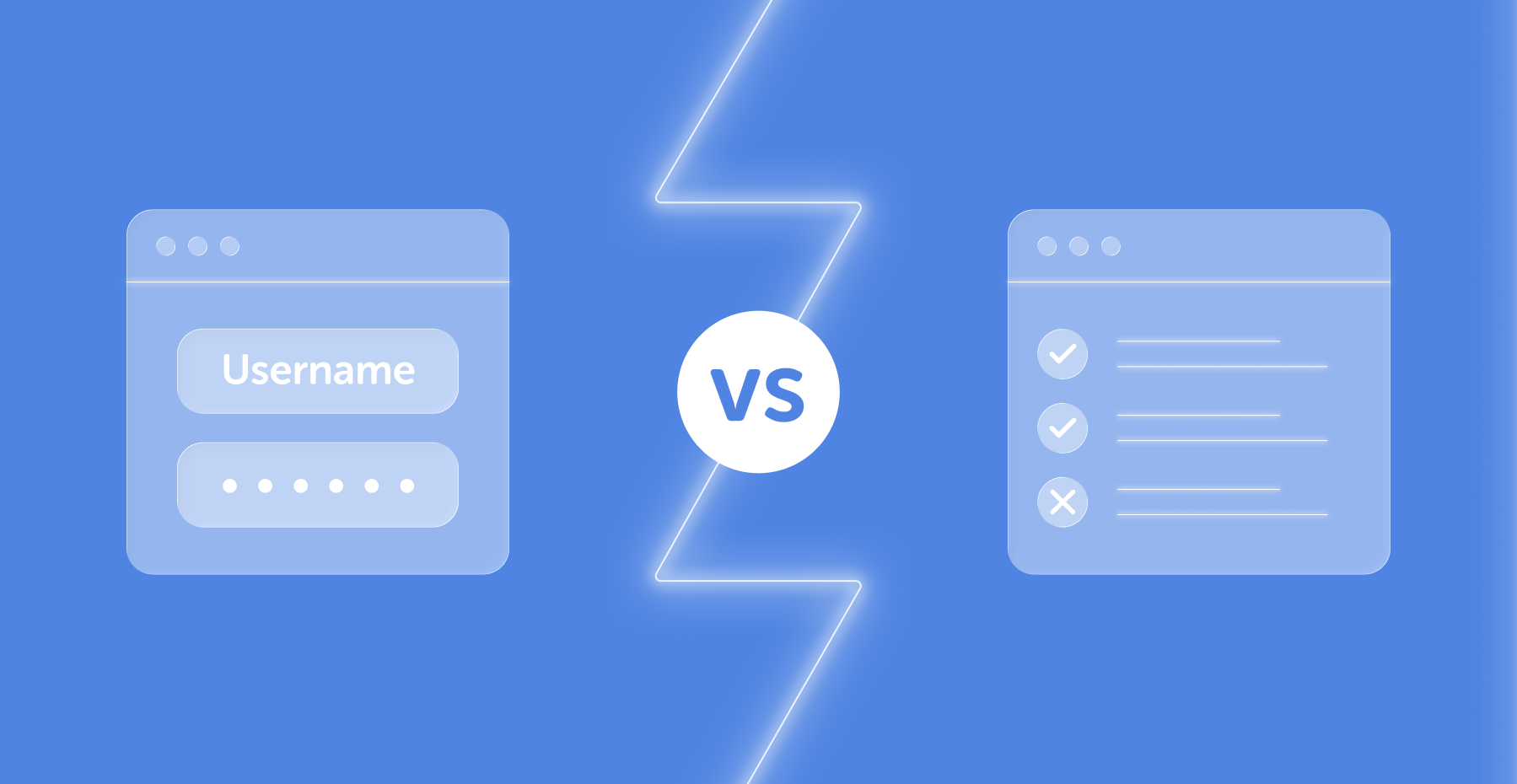
Authentication vs. authorization is the difference between proving who you are and being allowed to do something. A system first identifies the account you claim, then authenticates its owner, then authorizes each action. Each step can refuse on its own, so a successful login does not guarantee access.
Picture a Support employee who signs in without trouble, follows a link to a Finance folder, and gets "access denied". Nothing is broken: the account was found, its owner was confirmed, and the request was refused. This guide walks one login through the three checks, clears up the terms people confuse, and lists 12 access mix-ups with fixes. A section near the end shows how each stage looks in an admin console.
Key takeaways
- Authentication proves who is signing in, and authorization decides what that account may open or change.
- A username only claims an account and proves nothing, so authentication has to confirm the person behind it.
- The order is identify, authenticate, authorize, and authorization runs again on every request, so a valid login can still end in "access denied".
- SSO and multi-factor authentication (MFA) are authentication only, and the rights an account has inside each application are set separately.
- OWASP's Top 10:2025 ranks Broken Access Control, the category for failed authorization, first.
- The 12 access mix-ups below run from shared logins and SMS-only admin codes to never-revoked tokens and unlogged access decisions.
- Sign-in buttons labeled "Authorize" and the HTTP 401 "Unauthorized" error both concern authentication, which is why the terms blur.
What is the difference between identification, authentication, and authorization?
Identification is claiming an identity, for example by typing a username or email. Authentication is proving that identity with a password, a code, a key, or a biometric. Authorization is the system deciding what the proven account may open or change.
The table lays out the three-question model.
| Check | Identification | Authentication | Authorization |
|---|---|---|---|
| System asks | Who are you? | Prove it. | What may you do? |
| User presents | An identifier: username, email, employee ID | A secret or key: password, code, passkey | Nothing; the system decides |
| Typical mechanism | Directory lookup | Factors, SSO assertions | Roles, groups, permissions, policies |
| Example | Typing a username on the sign-in page | Password plus an authenticator code | Seeing only the folders shared with your group |
| Failure looks like | Shared logins, accounts nobody owns | Account takeover | Excess rights, access to another user's data |
| Log should show | Which account | Which factors passed | Which rights applied and what was requested |
Strength at one stage leaves the others exposed: a shared login survives strong authentication, and a precise role model cannot prove who signed in.
Authentication vs. authorization in one login: A worked example
One corporate login runs three checks and leaves a record. The system finds the account the employee names, confirms the employee owns it, decides what the account may open, and logs each step. We call this the access chain: identify, authenticate, authorize, log.
- Identification. The employee types a username from the company directory. The system finds that account.
- Authentication. The employee enters a password (something they know) and a code from an authenticator app (something they have). Both must pass.
- Authorization. The system reads the account's group, Support, and shows only the folders that group may open.
- Logging. Each step is recorded: which account, which factors passed, what was opened or requested. In the AAA model of network security, this step is called accounting.
Now the Support employee follows a link to a folder that belongs to Finance. The first two checks already passed, so the system does not ask who they are again. It looks at the group, finds no rights to that folder, and refuses. The login succeeded and the refusal is authorization doing its job, and the log records both facts.
What is identification?
Identification is the step where a user names an account by presenting an identifier, such as a username or an email address. The system looks the account up and learns nothing about the person. A corporate username is rarely secret, so identification protects nothing alone. Every later check depends on an accurate account record.
Identifiers come in three kinds:
- Login name or email, which is what people type. It can change when someone is renamed or moves.
- Internal ID, such as an employee number or UID. Many systems keep one because it never changes.
- Non-human identity: a certificate, an API client ID, or a service account.
Identification happens at two points:
- At account creation. NIST calls this identity proofing and enrollment (SP 800-63A-4): someone checks, for example against HR records or ID documents, that the account will belong to a real person.
- At every sign-in. The user presents the identifier again.
Identification mostly fails through bookkeeping:
- Shared logins.
- Accounts nobody owns.
- Accounts that outlive the person, the problem behind revoking access at offboarding.
Mix-ups 1 to 3 below cover all three.
What is authentication?
Authentication is the process of proving that the person presenting an identifier owns the account. The system checks what it receives, such as a password, a one-time code, or a cryptographic signature, against what it has stored. If they match, it opens a session. Stronger setups add a second factor from a different category.
Factors fall into three categories:
- Knowledge: a password, a PIN, an answer to a security question.
- Possession: an authenticator app, a hardware key, a phone that receives a code.
- Inherence: a fingerprint or a face scan.
Two items from the same category count as one factor, so a password plus a security question is still single-factor. Two-factor authentication is the most common form of multi-factor authentication, which combines factors from two or more categories.
Credentials remain a common first step. Verizon's 2026 Data Breach Investigations Report counts credential abuse as the initial access vector in 13% of breaches overall and 25% in EMEA. Methods differ in strength, and NIST's SP 800-63B-4 shows how:
- Weaker: SMS and email codes. NIST restricts SMS and voice delivery of codes and does not allow email delivery.
- Stronger: an authenticator app (TOTP). NIST does not restrict it, but notes that one-time codes are not phishing-resistant, because a person types the code and a fake site can relay it.
- Strongest common option: a passkey or hardware key (FIDO2/WebAuthn). The sign-in is bound to the site that requested it, which makes it phishing-resistant, and NIST requires phishing-resistant authentication at its highest assurance level.
What is authorization?
Authorization decides which resources an authenticated account may reach and which actions it may take on them: read, edit, share, delete. The decision follows an access policy, usually based on roles or attributes, and repeats on every request to a protected object. Two employees with equally successful logins can see entirely different data.
Two models decide which rights an account has:
- Role-based access control (RBAC): permissions go to roles and groups, and people inherit them by membership. Moving someone to another team changes one group membership instead of every record. Role design is covered in designing an enterprise RBAC policy.
- Attribute-based access control (ABAC): a rule checks attributes of the user, the resource, the action, and the environment, such as the network and the time of day.
Both follow least privilege: each account holds the minimum rights its job needs. Privileged access management applies the same principle to administrator accounts.
OWASP's Top 10:2025 ranks Broken Access Control, the category for failed authorization, first. On average, 3.73% of the applications tested had at least one of its 40 weakness types.
Authentication vs. authorization: Six naming mix-ups
Most confusion between authentication and authorization comes from naming. Sign-in buttons say "Authorize", servers answer "Unauthorized" to a missing login, and "sign in with" flows use a delegation protocol. Each of the six mix-ups below points people to the wrong control.
| Common belief | What is true |
|---|---|
| "The Authorize button on the sign-in page grants me access" | The button starts identification and authentication. Authorization comes afterwards, when the system decides what to show |
| "401 Unauthorized means I lack permission" | 401 means the request has no valid credentials, an authentication problem. 403 means the server understood the request and refuses it, an authorization outcome (RFC 9110) |
| "OAuth 2.0 is how users log in" | OAuth 2.0 lets a third-party application obtain limited access to an HTTP service (RFC 6749). OpenID Connect adds the sign-in layer on top of it |
| "SSO gives access to everything" | SSO authenticates once, for example over SAML 2.0. Each application still decides which rights the account has |
| "A logged-in user is an allowed user" | Login proves the owner. Rights are checked per object, and skipping that check is the pattern behind Broken Access Control |
| "Signing in unlocks the data" | In zero-knowledge tools, signing in and decrypting are separate steps, because the keys come from a secret such as a master password |
The order behind all six is identification, then authentication, then authorization, which is checked again on each request to a protected object.
The 12 access mix-ups and how to fix them
The 12 access mix-ups are four common failures at each stage of the access chain: identification, authentication, and authorization. Each row names the failure, why it matters, and the fix. The identification rows come first because the later stages depend on knowing whose account is acting.
Identification
| Mix-up | Why it matters | Fix |
|---|---|---|
| 1. Shared logins such as admin or support | The log names an account, not a person | Give each person one account and keep service accounts separate |
| 2. Test and temporary accounts with no owner or end date | Nobody is accountable for them | Assign an owner and an expiry date |
| 3. Accounts of leavers and contractors left active | Access outlives the job | Revoke on the departure event and reconcile the account list each quarter |
| 4. No rule for who creates accounts and on what evidence | Anyone can create an identity | Write the rule down, including who approves |
Authentication
| Mix-up | Why it matters | Fix |
|---|---|---|
| 5. Credentials kept in spreadsheets, chats, or plain text | Anyone who reaches the file or thread has the credential | Move them into a password manager |
| 6. Unlimited login attempts | Attackers can guess passwords without limit | Set lockout thresholds and watch failed logins |
| 7. SMS as the only second factor for administrators | The most powerful accounts rely on one of the weaker common methods | Move administrators to an authenticator app, a hardware key, or a passkey |
| 8. MFA on web apps but not on VPN or remote access | Attackers can use the unguarded entry point | Cover every external entry point |
Authorization
| Mix-up | Why it matters | Fix |
|---|---|---|
| 9. The application checks that the user is logged in, not that they may open this object | Changing an ID in a request can open another user's data | Check rights on the server for every object on every request |
| 10. Permissions enforced only in the interface | A hidden button does not stop a direct request | Enforce on the server and let the interface only display the result |
| 11. Rights granted "just in case", and admin and developer roles on one account | One compromised account opens everything | Grant the minimum, separate the accounts, and log every expansion |
| 12. Tokens that live long and are never revoked, and no log of access decisions | Stale access and no evidence | Use short lifetimes, revoke on group or role change, and log decisions |
Organizations in scope of the EU's NIS2 Directive must take cybersecurity risk-management measures. Article 21(2) lists access control policies (point i) and multi-factor or continuous authentication where appropriate (point j) among them. Your legal team decides how that applies to your organization.
How Passwork handles identification, authentication, and authorization
Passwork, a self-hosted password and secrets manager, covers the three stages with separate controls. Directory import handles identification, sign-in methods and second factors handle authentication, and group-based rights on vaults and folders handle authorization. One Activity Log shows who signed in and what they opened.
Its access management maps to the access chain like this:
| Stage | What Passwork provides |
|---|---|
| Identification | LDAP/AD import of users and groups; disabling an AD account revokes Passwork access; service accounts with scoped API tokens for automation |
| Authentication | Local passwords with a complexity policy; TOTP, the Passwork 2FA app, and passkeys (two-factor authentication guide); SAML 2.0 SSO with any SAML 2.0 identity provider; failed-login lockout |
| Authorization | Owner, Administrator, Member, and custom roles; groups with AD group mapping; Full, Read-only, and Forbidden rights per vault and folder (vault access rights), where Forbidden overrides inherited Full |
| Logging | Activity Log of user, admin, and system actions, exportable to Syslog, Windows Event Viewer, or a SIEM; a security dashboard that flags passwords a former user could still see |
What this makes possible:
- Directory changes become access changes. Mapping an AD group to a Passwork group gives synced users that group's access automatically.
- Governance before the first vault. Vault types let administrators define who may create vaults and who the permanent administrators are, and a compliance admin can get cross-vault oversight for audit.
- Controlled sharing outside the company. Contractors and vendors receive credentials through time-limited links, and the recipient needs no account or software install.
Where to start
Four fixes from the tables follow the access chain: one account per person, strong sign-in for administrators and external entry points, server-side rights checks, and a log of access decisions. Authentication vs. authorization stays clear in practice when each stage has its own control and its own log entry.
Next step: pick the stage where most of the 12 rows describe your environment, and fix that stage first.
Frequently Asked Questions
What is the difference between authentication and authorization?
Authentication verifies who is signing in, using a password, a code, a key, or a biometric. Authorization decides what that verified account may view or change. A successful login does not grant access to everything, because authorization can still refuse a request after the login succeeded.
What is the difference between identification and authentication?
Identification is the claim: a username or email tells the system which account is requested. Authentication is the proof that the person presenting that identifier owns the account. A corporate username is rarely secret, so identification alone proves nothing, and the system needs authentication before it can trust the claim.
Which comes first, authentication or authorization?
Identification comes first, authentication second, and authorization third. The system must find the account and verify its owner before it can decide what the account may do. Authorization is then checked again on each request to a protected object, so it keeps running after login.
Can authorization happen without authentication?
Yes, for public resources. A web server lets anyone read a public page without verifying who they are, which is authorization without authentication. For private data the system must authenticate first, because authorization depends on a verified identity and cannot grant rights to an unknown account.
What do HTTP 401 and 403 mean?
Status 401 means the request carries no valid credentials, so the server does not know who is asking. Status 403 means the server understood the request and refuses it, often because the account lacks permission. The names mislead: 401 is called Unauthorized but signals an authentication problem.
 Alex Muntyan
 Alex Muntyan

 Alex Muntyan

Table of contents
- Key takeaways
- What is the difference between identification, authentication, and authorization?
- Authentication vs. authorization in one login: A worked example
- What is identification?
- What is authentication?
- What is authorization?
- Authentication vs. authorization: Six naming mix-ups
- The 12 access mix-ups and how to fix them
- How Passwork handles identification, authentication, and authorization
- Where to start
- Frequently Asked Questions

Self-hosted password manager for business
Passwork provides an advantage of effective teamwork with corporate passwords in a totally safe environment. Double encryption and zero-knowledge architecture ensure your passwords never leave your infrastructure.
Learn more