The latest Passwork release adds service accounts with multi-token API support, saved filters, mobile web UI, and...
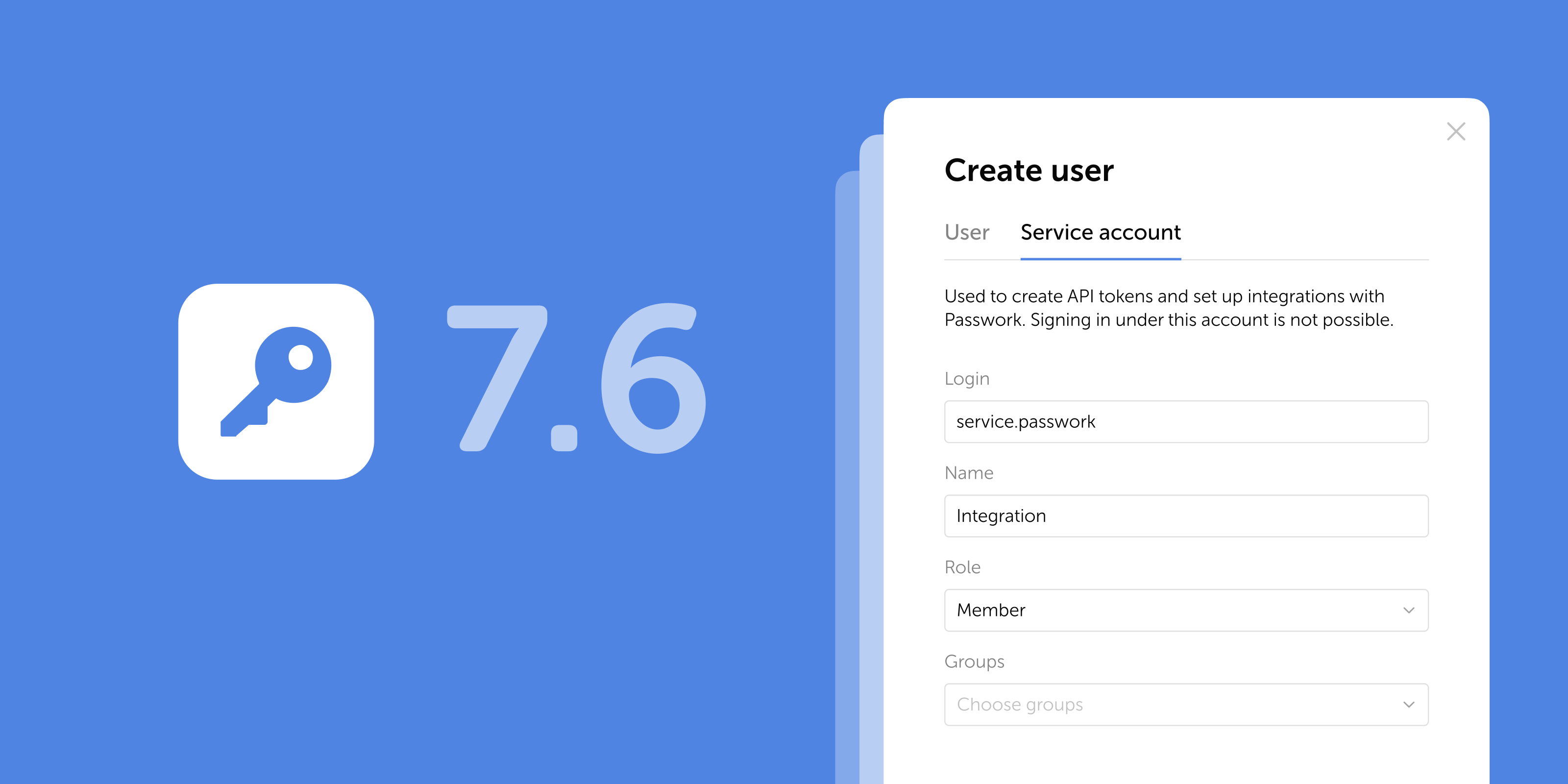
Passwork 7.6: Service accounts
The latest Passwork release adds service accounts with multi-token API support, saved filters, mobile web UI, and automatic Bin cleanup. See what changed.
The latest release introduces additional access controls for the desktop app and adds several UI improvements and...
Passwork 7.5.2 release
The latest release introduces additional access controls for the desktop app and adds several UI improvements and fixes.
In the new version, we’ve improved TOTP autofill and added error logging to the browser extension. You can now export...
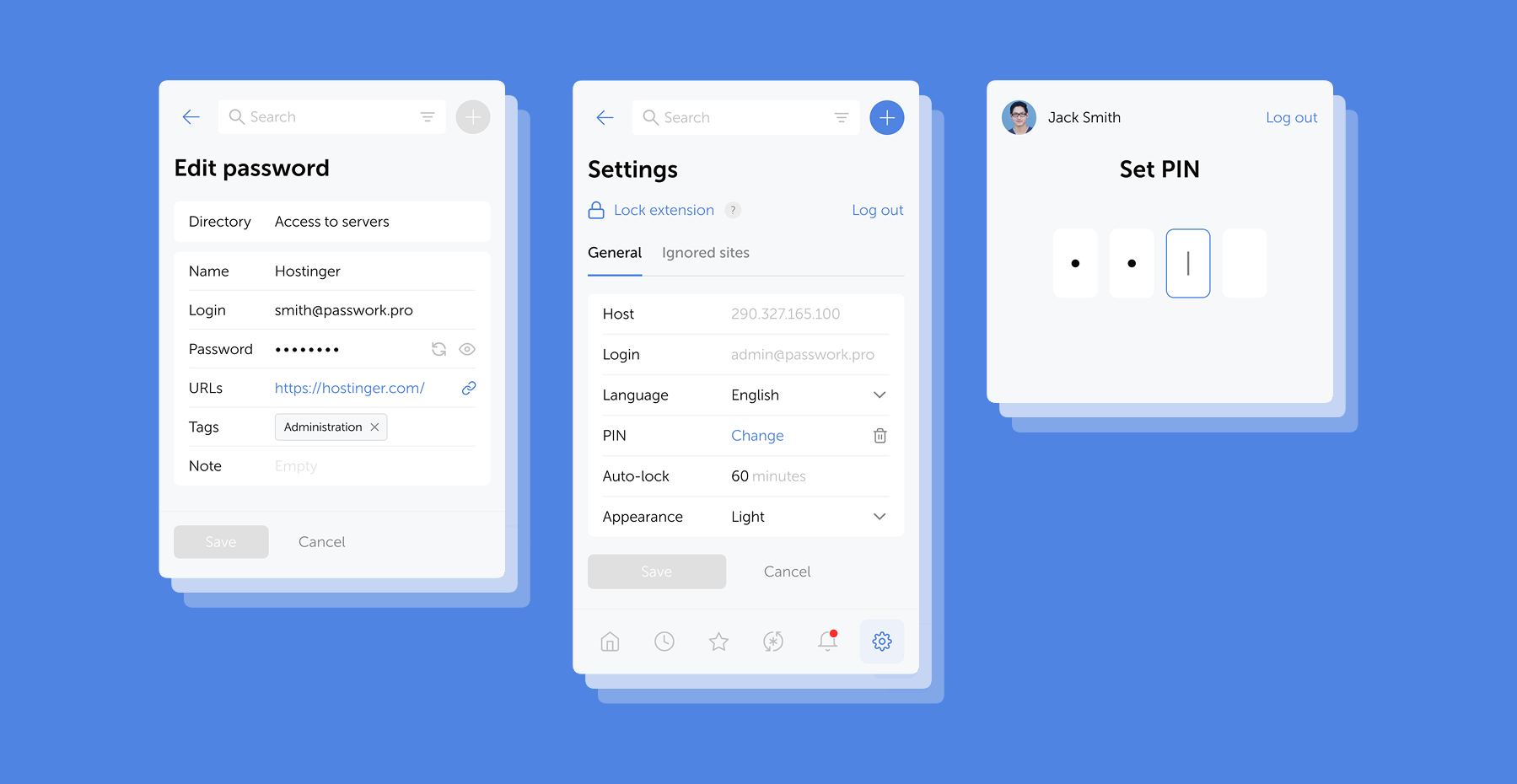
Browser extension 2.0.34 release
In the new version, we’ve improved TOTP autofill and added error logging to the browser extension. You can now export logs directly from the service worker console and share them with our team — significantly speeding up troubleshooting.
Passwork is now available as a full-featured desktop app for Windows, macOS, and Linux. The desktop app delivers...
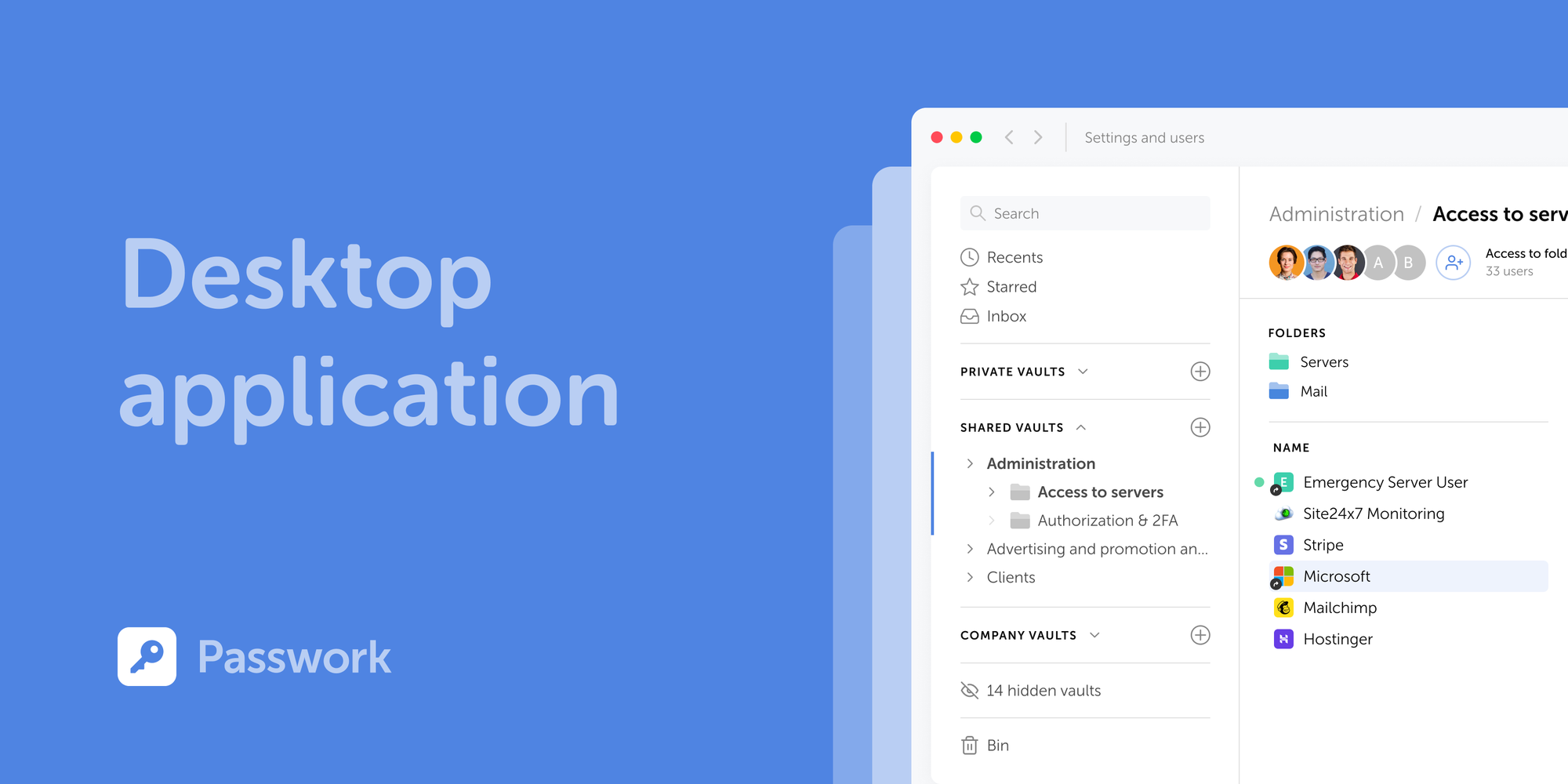
Introducing Passwork Desktop app
Passwork is now available as a full-featured desktop app for Windows, macOS, and Linux. The desktop app delivers complete password management functionality: manage credentials, access vaults, collaborate with your team, all with the native performance and convenience of a desktop environment.
The new releases introduce the Passwork desktop app support and add several improvements and bug fixes to the...
Passwork 7.5 and 7.5.1 releases
The new releases introduce the Passwork desktop app support and add several improvements and bug fixes to the Authentication settings.
The new version introduces restrictive settings for User vaults, including the option which blocks adding new users and...
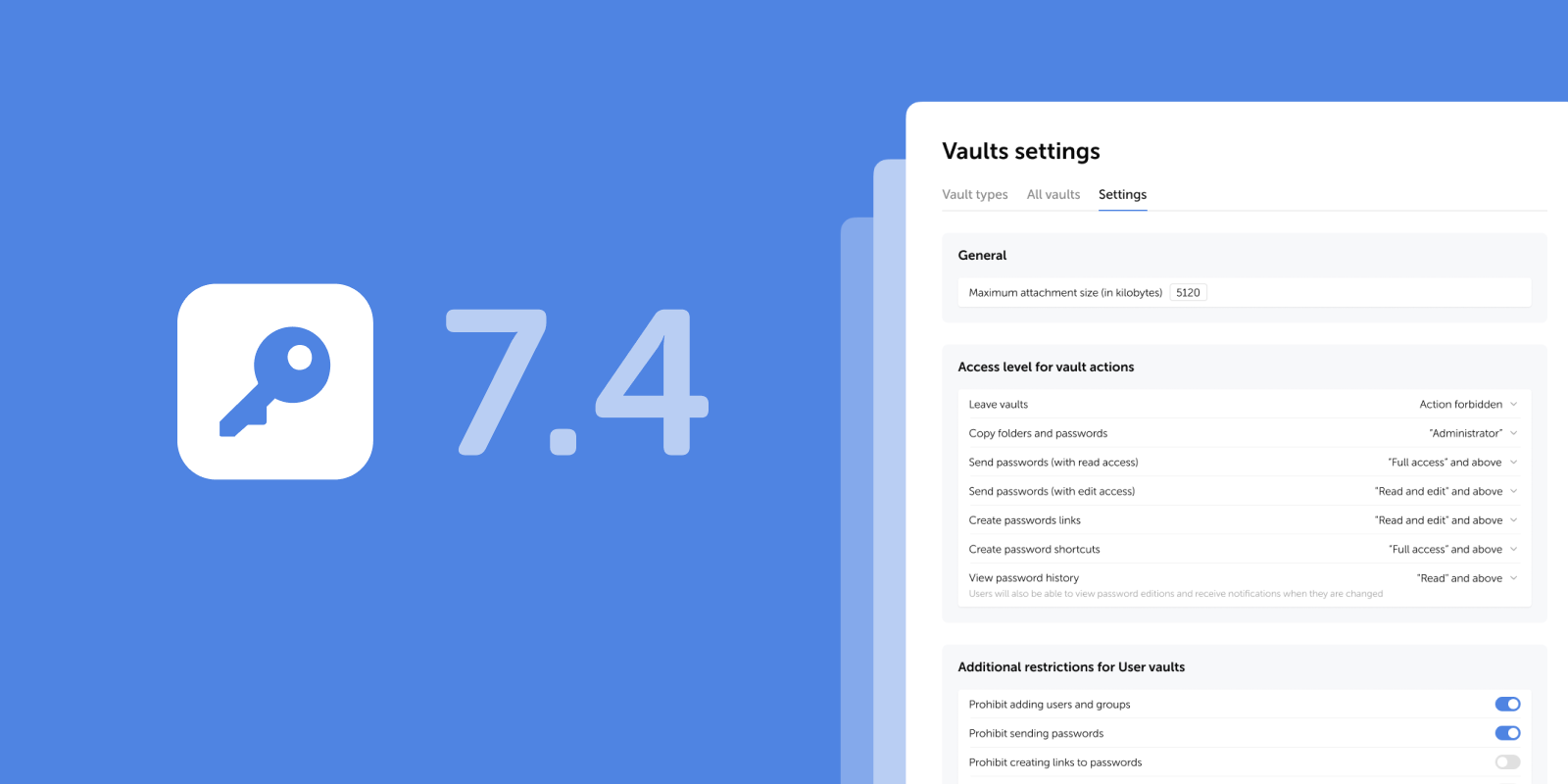
Passwork 7.4 and 7.4.1 releases
The new version introduces restrictive settings for User vaults, including the option which blocks adding new users and groups, adds smooth appearance switching, and other improvements and fixes.
The new version adds a resizable note field, enhanced event descriptions in Action log, and several other improvements...
Passwork 7.3.2 release
The new version adds a resizable note field, enhanced event descriptions in Action log, and several other improvements and bug fixes.
In the new version, we've added search filtering by current directory and made minor improvements to the import...
Passwork 7.3.1 release
In the new version, we've added search filtering by current directory and made minor improvements to the import process, localization, and UI. The update is available in the Customer portal.
In the new version, we've added support for passkeys and biometrics, an email address verification mechanism for users,...
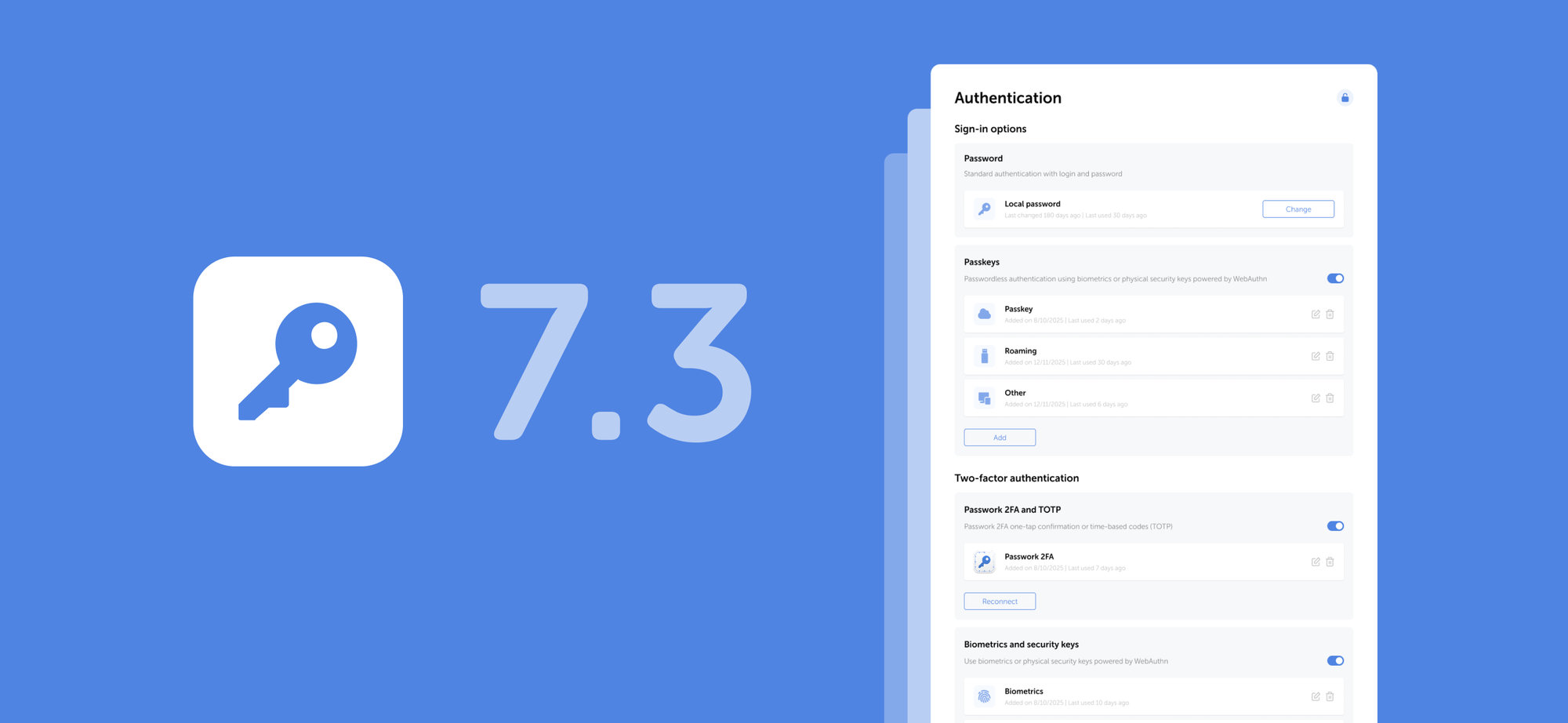
Passwork 7.3 release
In the new version, we've added support for passkeys and biometrics, an email address verification mechanism for users, the option to specify multiple URLs for a single password, independent shortcut color customization, as well as numerous improvements and fixes.
The browser extension is available for Google Chrome, Microsoft Edge, Mozilla Firefox, and Safari.
Browser extension 2.0.30 release
The browser extension is available for Google Chrome, Microsoft Edge, Mozilla Firefox, and Safari.